
AI Photo White Background Editor Free Online

Turn a kitchen-table shot into a plain white background photo in one pass. Senzia's white background editor isolates the subject, fills the field with even studio white and keeps a soft contact shadow so the item still sits on a surface. Free to start online, no desktop suite, full-resolution export.
What is Senzia's White Background Photo?

Senzia's white background photo is a browser photo tool that replaces whatever sits behind your subject with a pure white background that is actually white - not a muddy grey corner or a washed-out paper texture. The model separates the person or product first, cleans colour spill along the edge, then builds a full white background field with optional contact shadow so the subject still feels grounded. Designers and sellers use it when a marketplace, CV portal, or brand guideline asks for a white background for pictures that look shot in a studio. Upload once, preview the edge at full zoom, and download at the size you started with. It stays free to start and runs entirely online.
How Does Senzia's White Background Work?
Step 1: Upload Your Photo
Add a JPG, PNG, or WEBP from your computer or phone gallery. Clear subject edges help the white background online tool lock the cutout, though everyday product and portrait shots work fine.
Step 2: Generate the Studio White Field
The editor isolates the subject and fills the scene with an even plain white background. Toggle a soft contact shadow if you want the item planted on a surface, or turn it off for a strict full white background.
Step 3: Check Edges and Download
Zoom into hairlines, labels, and corners for leftover grey. Export when the white background image looks clean - free to start, no watermark, original resolution kept.
What You Can Do with Senzia's White Background?

Meet Listing Rules With a Product White Background
Marketplaces reject shots that look grey, stained, or uneven. This pass builds a studio white backdrop that stays consistent into the corners, cleans stray reflections, and keeps product labels readable. Run a whole catalog through the same treatment so every SKU shares one listing white background instead of three different kitchen walls.

Create Plain White Portrait and ID-Style Photos
Application portals and team pages often want a plain white background photo without a busy room behind the face. Isolate the person, drop in even white, and keep natural skin tone at the edge so the result does not look cut out with scissors. Faster than booking a booth, cleaner than stretching a wrinkled white paper texture background behind the chair.

Keep Contact Shadows So Products Stay Grounded
A subject floating in empty white looks fake. Leave a soft contact shadow under bottles, shoes, and boxes so the item still sits on a surface while the field remains pure white background. Prefer a strict no-shadow look for a specific portal? Switch the shadow off before export and the rest of the white field stays untouched.

Standardize a Whole Catalog in One Browser Tab
Adding white background to photo sets shot across weeks usually means reshooting or living with mismatch. Process each still with the same white background picture editor settings so colour, edge quality, and shadow style line up. Marketers and sellers get a cohesive grid for site carousels without renting studio time for every SKU.
Who is Senzia's White Background for?
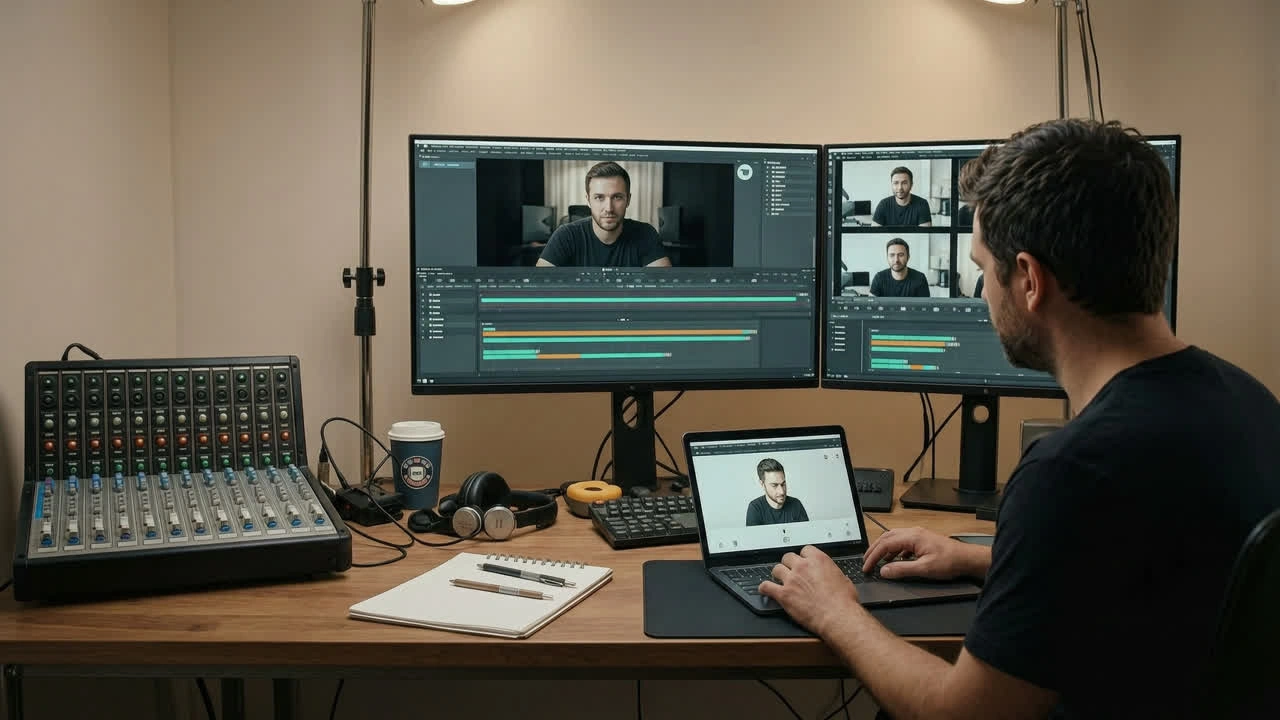
Ecommerce Sellers and Catalog Teams
Listing photos need one look even when they were shot in three rooms. Sellers use this free white background editor to standardise product stills for shop grids and marketplace uploads without a full studio day.
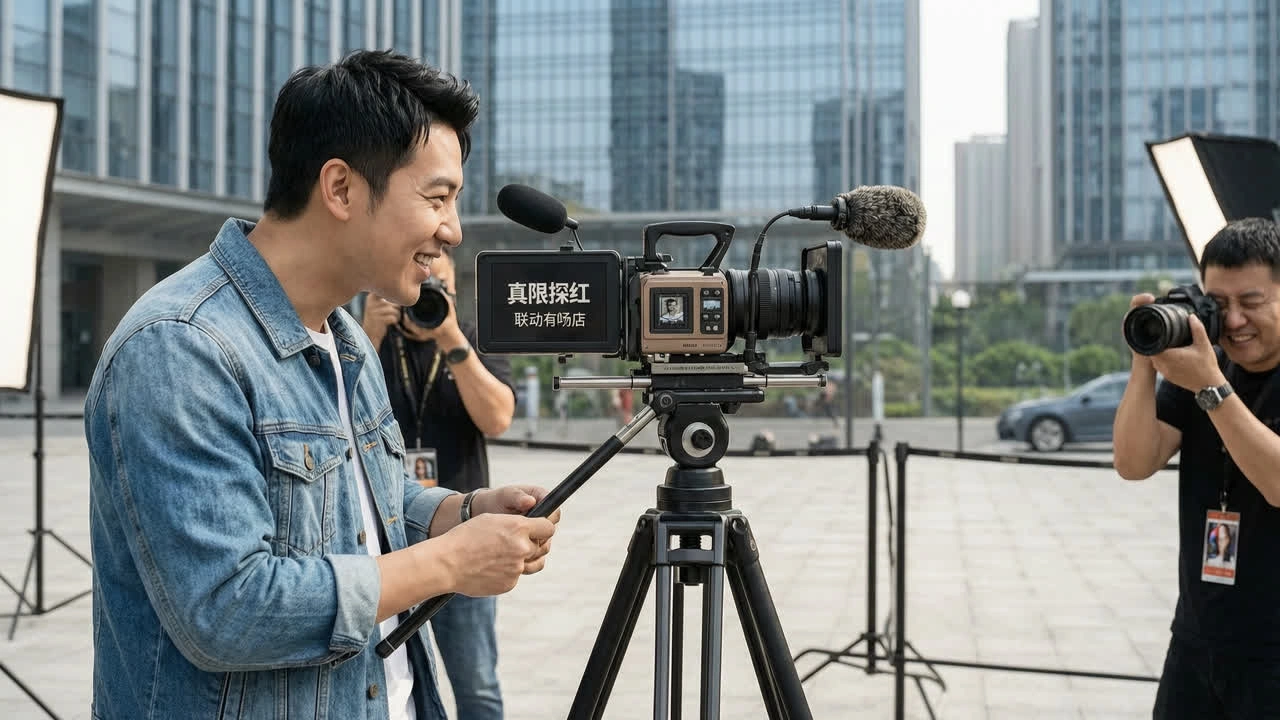
HR, Schools, and Professional Profiles
Team pages and application forms often ask for a clean white background for pictures. Staff and students finish a usable portrait from an existing photo instead of waiting on a photographer with a paper roll.

Designers Preparing Assets for Layouts
A product on uneven grey makes brand layouts harder to balance. Designers drop items onto a studio white backdrop first so cards, ads, and mockups share the same clean field.
Why Choose Senzia's White Background?
Actually White, Not Off-Grey Corners
Many auto tools leave a dirty edge or a gradient that still looks like a wall. Senzia rebuilds an even field so changing background to white means pure white into the corners, with colour spill cleaned along labels and hairlines. That is what keeps a white background image looking studio-made under zoom.
Shadow Control for Realism or Strict Rules
Some platforms accept a soft contact shadow; others want nothing but white. Toggle the shadow instead of re-editing the whole shot. Either way the subject edges stay sharp and the background white photo editor result stays consistent across a batch.
Online, Full Resolution, Yours to Use
No installer and no forced downscale - processing runs in the browser with server-side speed. Exports keep your upload resolution, stay unwatermarked, and remain private. You own every plain white background photo you download for listings or client work.