
Free AI Image Editor - Edit Any Photo Online in Seconds
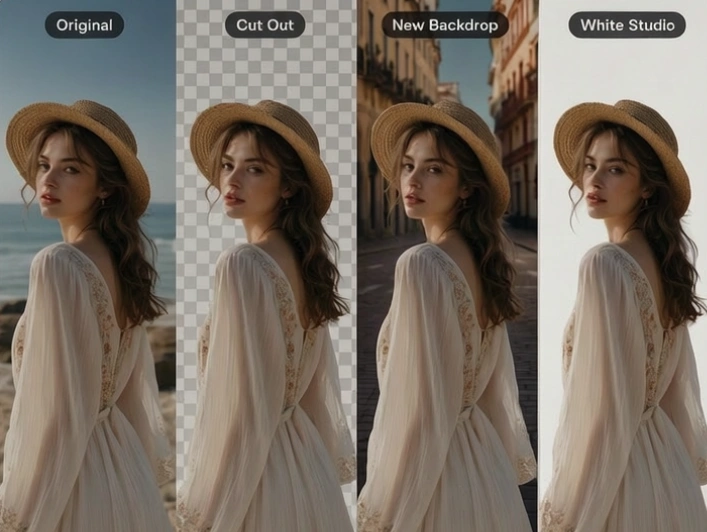
Upload a picture and let Senzia's AI photo editor handle the work that used to need layers and masks. Cut out a subject, swap the backdrop, soften depth or drop in a clean white studio look without opening desktop software. Free to start online and every result downloads at the resolution you uploaded.
What is Senzia's AI Photo Editor?
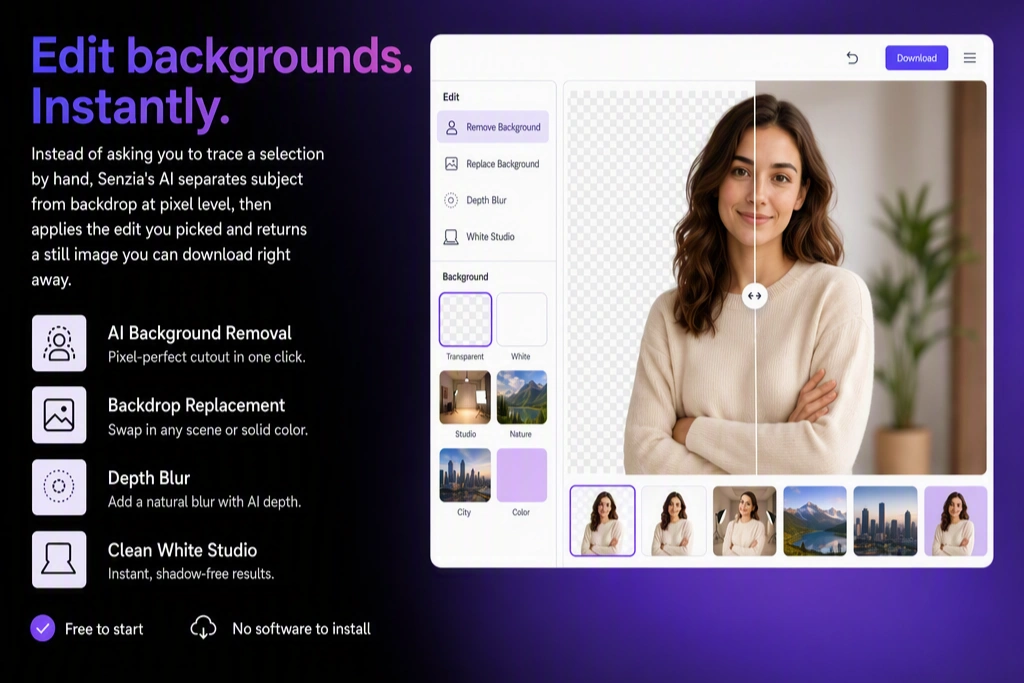
Senzia's AI photo editor is a browser-based image workspace that reads what is actually in your photo before it changes anything. Instead of asking you to trace a selection by hand, the model separates subject from backdrop at pixel level, then applies the edit you picked and returns a still image you can download right away. The same workspace covers background removal, backdrop replacement, depth blur, and clean white studio output, so one upload can move through several looks without reopening a desktop app. Photographers, sellers, and everyday users rely on this AI photo editing flow when a shot is good but the background is not, and it stays free to start with no software to install.
How Does Senzia's AI Photo Editor Work?
Step 1: Upload Your Photo
Drop a JPG, PNG, or WEBP file into the upload panel. A well-lit shot with a clear subject gives the online AI photo editor the cleanest edge to work from, though phone photos and older scans work too.
Step 2: Choose the Edit You Need
Pick background removal, a new backdrop, depth blur, or a white studio finish. Each tool runs on the same subject mask, so you can compare looks and adjust strength before committing to one version.
Step 3: Preview and Download
Check the edges at full zoom, then export. The free AI photo editor keeps your original resolution and offers transparent PNG when you need the cutout to sit on another layer later.
What You Can Do with Senzia's AI Photo Editor?
Remove Backgrounds Without Tracing a Single Edge
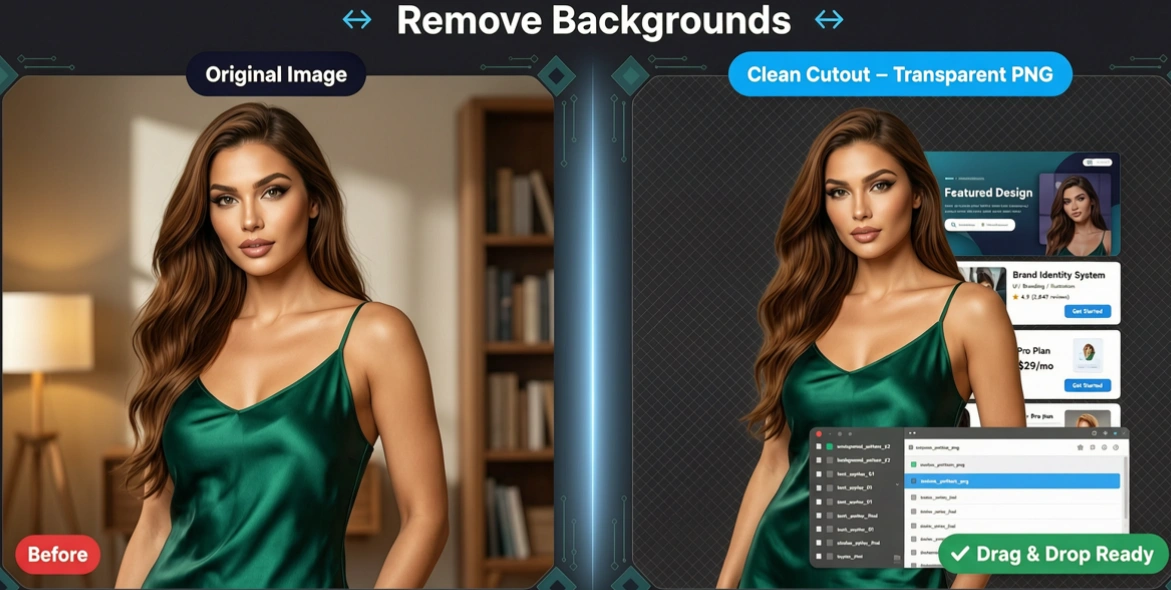
Manual cutouts fall apart on hair, fur, and semi-transparent fabric. Senzia's background remover builds an alpha mask that follows individual strands and soft edges instead of snapping to a hard outline, so the subject lifts cleanly off the backdrop. Export as transparent PNG and the cutout drops straight into a deck, a listing, or a layered design file.
Change the Backdrop So It Looks Shot That Way
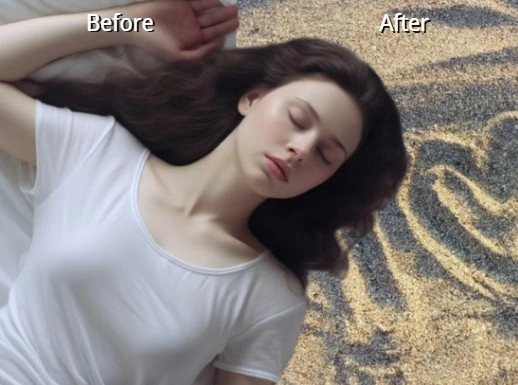
A pasted-in scene gives itself away when the light comes from the wrong side. The background changer samples lighting direction and color temperature from your subject, then grades the new backdrop to match before compositing. Swap a cluttered room for a studio wall or an outdoor scene, and the edit reads as one photograph rather than two images stacked together.
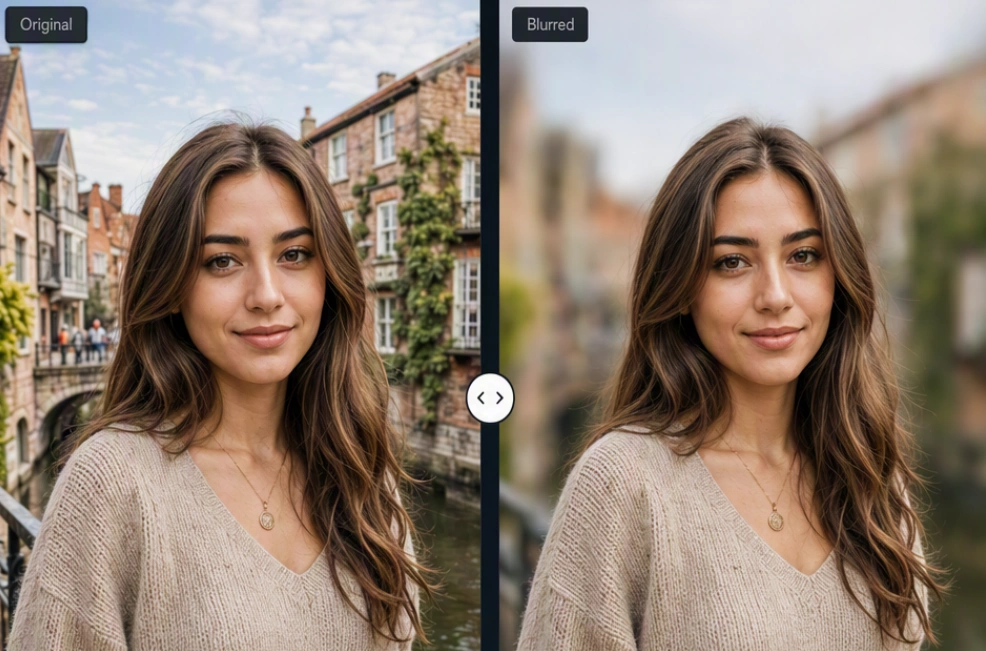
Blur Background for Real Portrait Depth
Phone cameras often flatten a scene so the subject competes with everything behind it. Depth-aware blur separates foreground from background and falls off gradually with distance, the way a fast lens would, while keeping eyelashes and shoulder lines crisp. Dial the strength up for a dramatic portrait or keep it subtle when the setting still matters to the story.
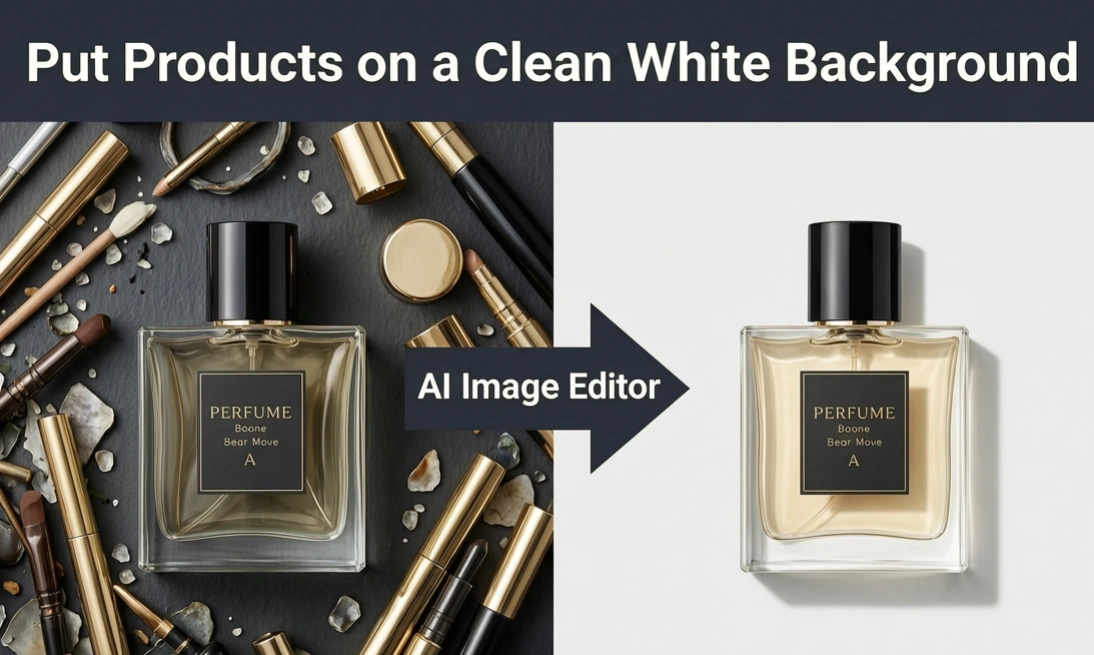
Put Products on a Clean White Background
Marketplace listings get rejected when the white is not actually white or a grey shadow creeps into the corner. This white background tool replaces the scene with an even studio field, cleans stray reflections, and keeps a soft contact shadow so the product still sits on a surface. Run a whole catalog through it and every shot lines up with the same look.
Who is Senzia's AI Photo Editor for?

Online Sellers and Product Teams
Listing photos need to look consistent even when they were shot on different days. Sellers use this AI photo editing tool to standardize backdrops across a catalog without booking studio time, and the white background output clears the plain-background rules most marketplaces enforce.

Content Creators and Social Marketers
Thumbnails and campaign posts live or die on how clean the subject looks. Creators pull a cutout in one pass, drop it on a branded backdrop, then post without waiting on a designer. The best AI photo editor workflow here is speed with edges that hold up at full zoom.
Everyday Users Fixing Personal Photos
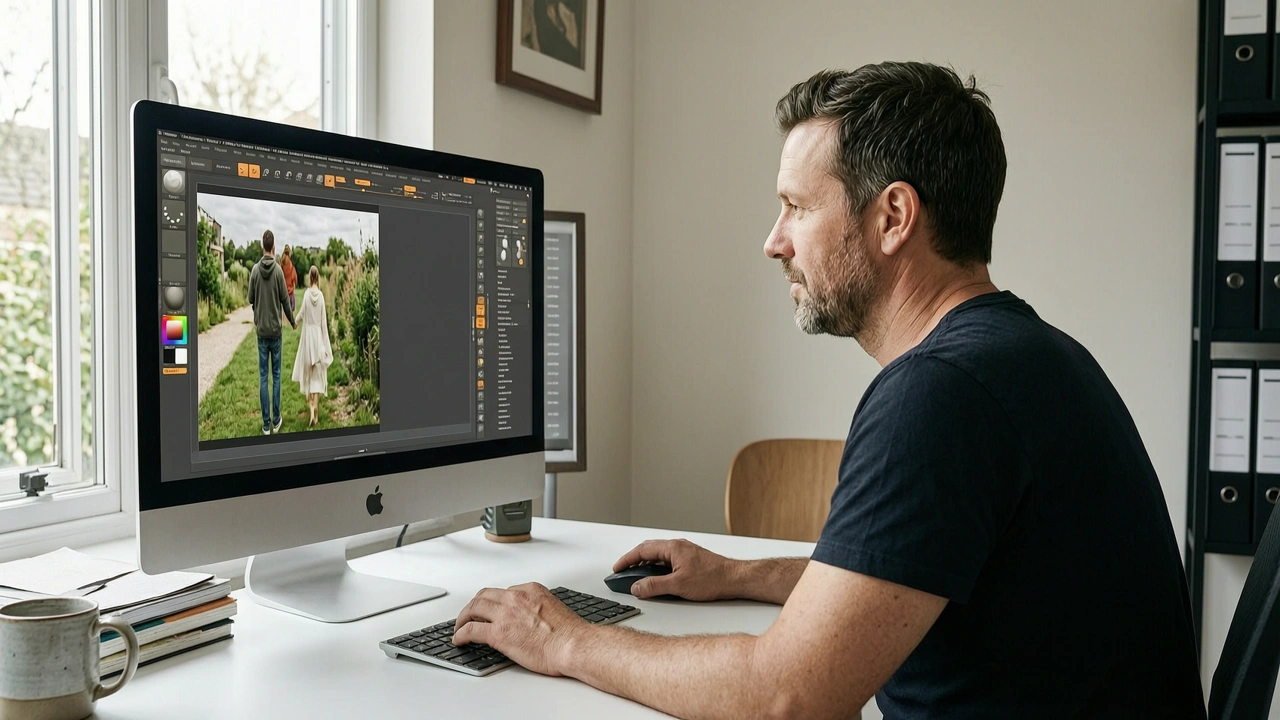
You should not need layer masks to save a good shot with a messy room behind it. Casual users treat Senzia as an AI photo fixer for profile pictures, family snaps, and resumes, editing in the browser and keeping every file private on their own device after download.
Why Choose Senzia's AI Photo Editor?
Edge Quality That Survives Full Zoom
Most cutout tools look fine as a thumbnail and fall apart at 100 percent, leaving a halo of old background around the hairline. Senzia generates a soft alpha mask rather than a binary selection, which is why strands, glasses frames, and sheer fabric keep their transparency. That precision is what separates a usable AI image editor result from one you have to repair by hand.
Four Background Tools in One Browser Tab
Removing, replacing, blurring, and whitening a backdrop usually means three apps and a subscription each. Here they share one subject mask, so you can try a white studio version and a blurred version of the same upload without redoing the selection. Nothing to install and nothing to download first, which also means the AI photo editor runs the same on a laptop or a phone browser.
Full-Resolution Output You Actually Own
Free tools often hand back a downsized, watermarked preview and save the real file for a paid tier. Senzia returns your edit at the resolution you uploaded, with transparent PNG available whenever the cutout needs to sit on another layer. Uploads process privately, are not published to a public gallery, and you keep ownership of every image you export.