
Directly replace the original background with the new one
AI Image Background Changer - Swap Any Photo Backdrop Online
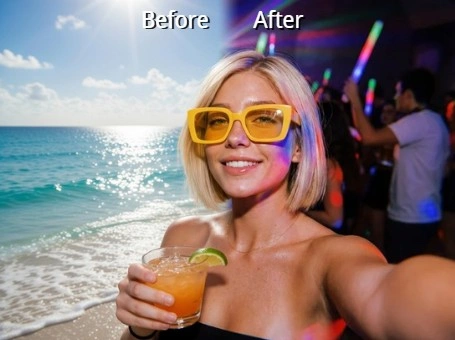
Keep the subject you shot and give it a setting that actually works. Senzia's image background changer isolates the person or product, then rebuilds the scene behind them with light that falls in the same direction as the original frame. Free to start online, no editing experience needed, and the export keeps every pixel of your uploaded resolution.
What is Senzia's Image Background Changer?
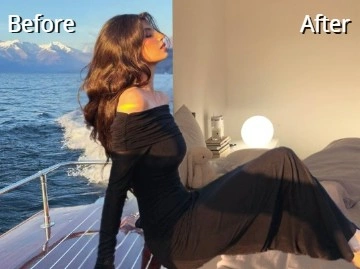
Senzia's image background changer is a browser tool that replaces the scene behind your subject and then does the work that stops the result from looking pasted together. Swapping two layers is the easy part. What gives a composite away is light arriving from the wrong side, a shadow that points nowhere, or a backdrop shot from a different camera height than the subject. The model reads those cues from your original photo first, grades the incoming scene to match, and wraps a touch of its colour around the subject edge the way real light behaves. You can change photo background settings as often as you like from a single upload, comparing a studio wall against an outdoor scene without redoing anything. It stays free to start and runs entirely online.
How Does Senzia's Image Background Changer Work?
Step 1: Upload the Photo You Want to Keep
Add a JPG, PNG, or WEBP file from your computer or phone gallery. Nothing installs and no account stands in the way, so you can edit background of photo files in the tab you already have open.
Step 2: Pick or Upload the New Scene
Choose a studio wall, an outdoor setting, or a flat brand colour from the library, or bring your own backdrop image. The changer then aligns the new scene with your subject rather than dropping it in untouched.
Step 3: Adjust the Match and Export
Fine-tune shadow direction and warmth if the scene needs it, then download. This free online photo editor change background flow keeps your original resolution and adds no watermark to the result.
What You Can Do with Senzia's Image Background Changer?
Replace a Distracting Scene Without the Sticker Look
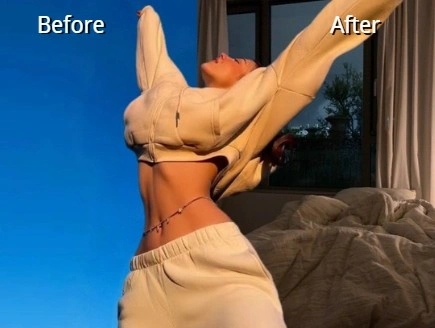
A composite falls apart when the subject is lit from the left and the new backdrop is lit from the right. Senzia samples the direction, warmth, and softness of the light in your original frame, then regrades the incoming scene to agree with it before merging the layers. A faint contact shadow keeps the subject planted on the ground rather than floating, which is usually the difference between a believable AI photo background change and an obvious cut-and-paste.
Keep Perspective and Scale Believable
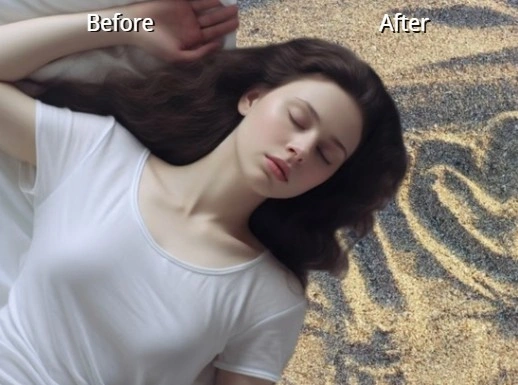
Even a perfectly lit swap looks wrong when the horizon sits at the subject's knees in one layer and their shoulders in the other. The tool estimates camera height and eye level from your photo, then positions and crops the new scene so both agree. Products stay the right size on the surface they sit on, and a standing portrait does not suddenly tower over the room behind it when you change background from image files.
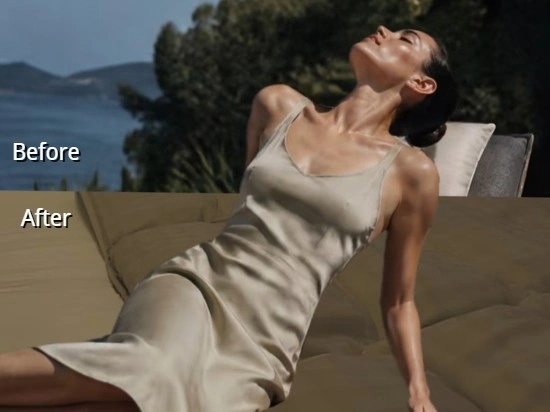
Bring Your Own Backdrop or Pick From the Library
Some jobs need a neutral grey studio sweep, others need the exact hex code from a brand guideline, and plenty need a specific location you already photographed. All three work here: pull from the built-in scenes, drop in a flat colour, or upload your own image as the new backdrop. Because the subject mask stays live, this photo editor to change background lets you audition several options against the same shot before committing.
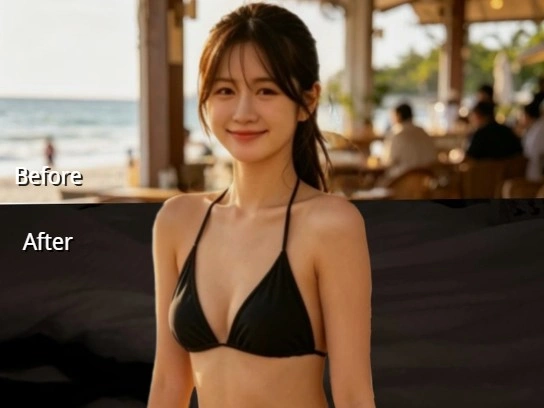
Build Seasonal and Campaign Variants From One Shot
Reshooting a product for every promotion is expensive, and most of the time only the setting needs to change. Generate a summer scene, a holiday scene, and a plain listing version from a single photograph, then run the same treatment across the rest of the range so the set stays consistent. Marketers use this online background changer to test which setting performs before spending anything on a studio day.
Who is Senzia's Image Background Changer for?
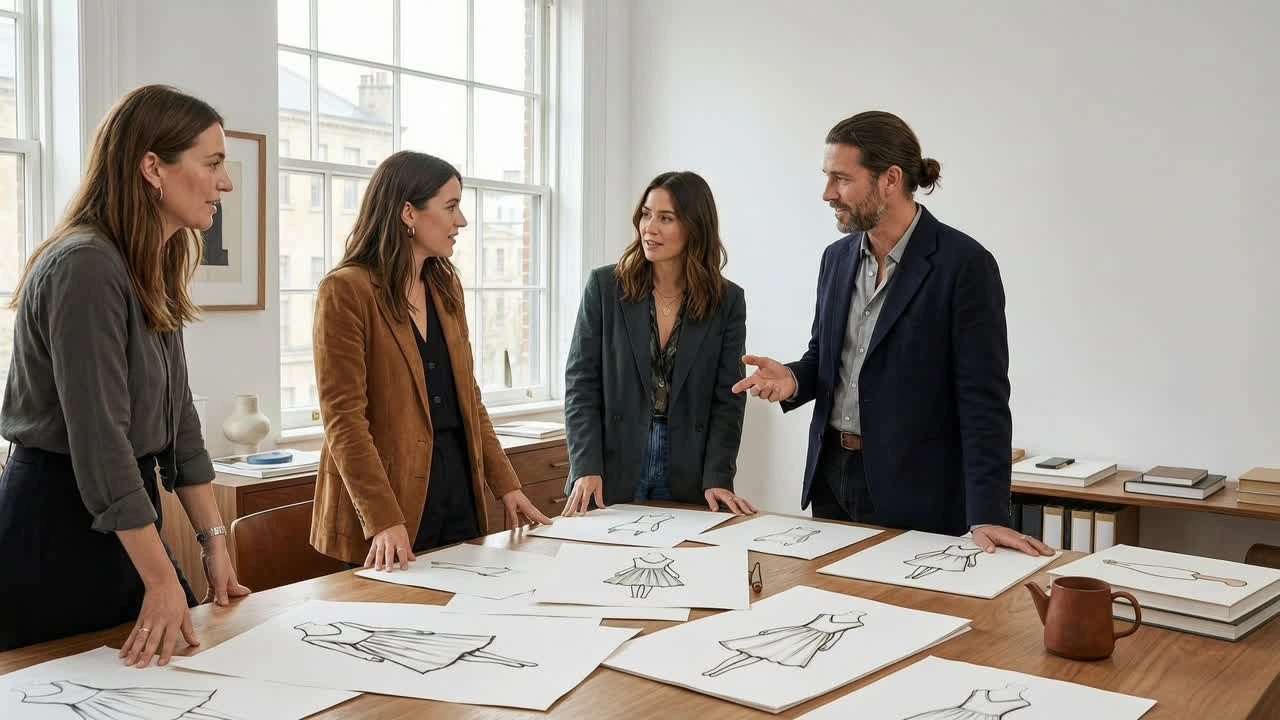
Headshot and Portrait Photographers
Ten team members photographed across two afternoons rarely share the same wall or the same light. Photographers standardise the setting afterwards so a company page reads as one sitting, and the matched lighting means nobody notices which shots were taken by the window and which were taken in the hallway.
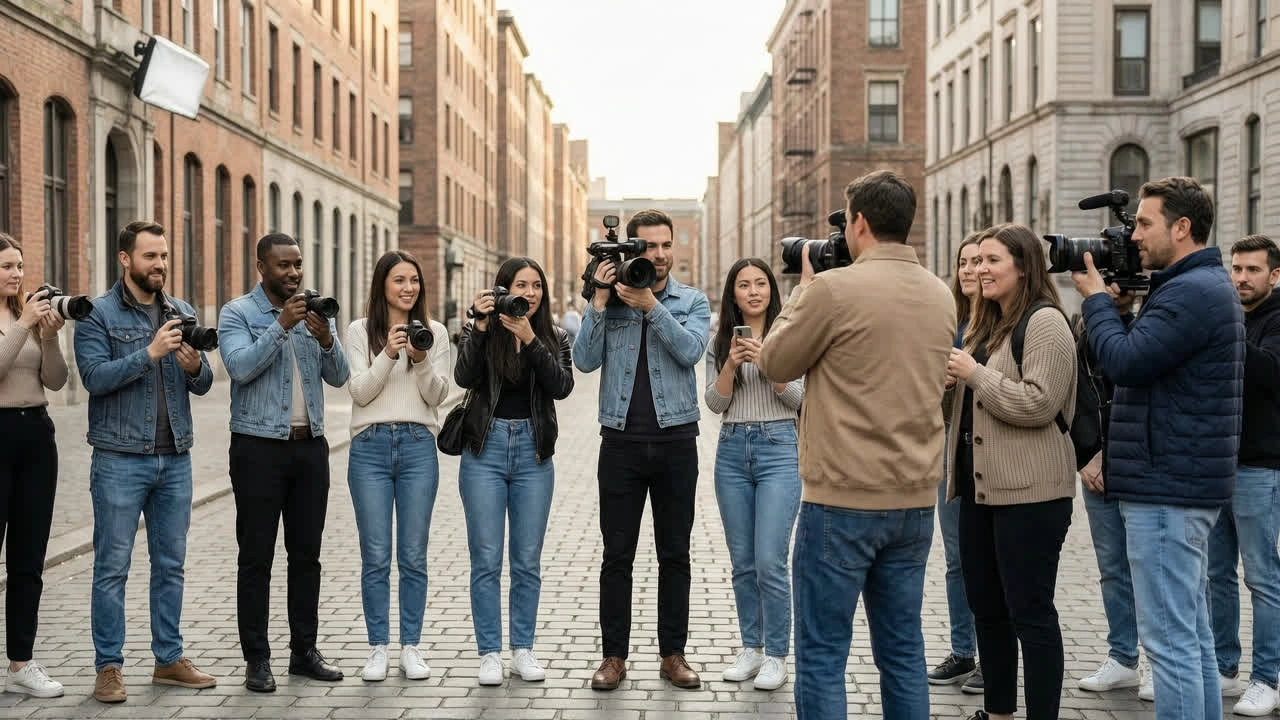
Ecommerce and Campaign Marketers
A product that sells all year still needs a new look each season. Marketers change background of photo assets to build seasonal variants from existing shots, keeping the hero image identical so the range stays recognisable while the setting carries the promotion.
Remote Professionals and Job Seekers
A good expression photographed in a badly lit bedroom is worth saving. People use this free photo background changer to put a clean, neutral setting behind an existing profile picture, finishing in a minute without booking a photographer or learning masking tools.
Why Choose Senzia's Image Background Changer?
Composites That Hold Up Under Scrutiny
Most tools stop at layering one image over another, which is why the result reads as a sticker on a photograph. Senzia works through the details that give a swap away: the angle light travels, how warm or cool it is, the softness of the shadow it casts, and the faint bleed of scene colour that wraps around a real subject's edge. Getting those four right is what turns a rough edit into a perfect photo background changer result.
Audition Scenes Without Re-Editing
The subject mask is generated once and stays available, so trying a fifth backdrop costs you a click rather than another round of cutting out. That makes it practical to compare a neutral studio version against something with more atmosphere before you decide, and to hand a client two or three finished options instead of describing them. Every scene you try can be exported separately from the same upload.
Runs Online, Exports at Full Size
There is no installer, no licence key, and no minimum hardware, because the processing happens on our servers rather than your laptop. You can edit background photo online from a phone in a queue and get the same output you would from a desktop. Files come back at the resolution you uploaded, unwatermarked, and yours to use in commercial work.