
AI Image Background Remover Free Online

Drop in a picture and Senzia's image background remover lifts the subject away from whatever is behind it, down to the last strand of hair. No lasso tool, no layer masks, no desktop software. Free to start online, and your cutout downloads as a transparent PNG at the size you uploaded.
What is Senzia's Image Background Remover?

Senzia's image background remover is a browser tool that calculates how transparent every single pixel should be, rather than drawing one hard line around your subject. That distinction matters: a hard selection turns hair into a solid blob and leaves a rim of the old scene stuck to the edge, while per-pixel opacity lets strands, lace, and blurred motion keep the softness they had in the original shot. Upload a photo, wait a second, and the image background remover hands back a clean cutout on a transparent canvas. From there you can save a PNG for design work, fill the space with white for a listing, or send the subject into a new scene. It stays free to start, runs online with nothing to install, and never shrinks your file to a preview.
How Does Senzia's Image Background Remover Work?
Step 1: Upload the Picture
Drag in a JPG, PNG, or WEBP file, or pick one from your phone gallery. Nothing to sign up for and nothing to install, so you can remove background online in the same tab you were already browsing in.
Step 2: Let the AI Find the Subject
The model separates foreground from backdrop on its own and builds a soft alpha edge around it. Zoom into the hairline or a shoulder seam to check the result, and refine the edge manually if a tricky area needs a nudge.
Step 3: Download or Fill the Space
Save a transparent PNG when the cutout is heading into a design file, or drop a solid colour behind the subject first. Either way the free background remover exports at your original resolution with no watermark across it.
What You Can Do with Senzia's Image Background Remover?
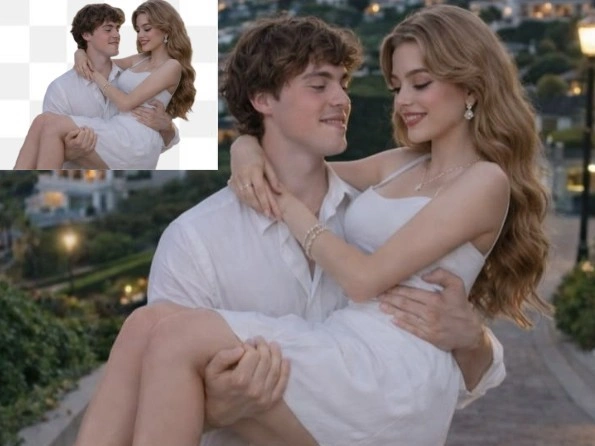
Cut Out Edges That Break Other Tools
Flyaway hair is only the beginning. Wine glasses, tulle, chain-link fences, and motion-blurred limbs all need partial transparency rather than a yes-or-no selection, which is exactly what per-pixel matting produces. When your subject and the wall behind it are almost the same shade, the model leans on depth and texture cues instead of colour alone, so the cutout still holds where a magic-wand selection would bleed straight through.
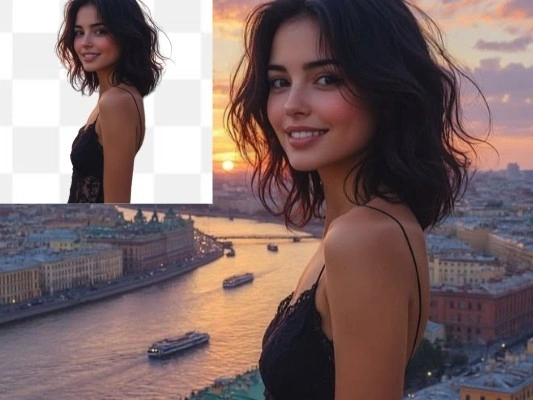
Make an Image Background Transparent for Design Work
A cutout is only useful if it carries a real alpha channel. Senzia writes true transparency into the PNG, so the subject sits on any colour, pattern, or photo you place underneath without a white rectangle giving it away. Designers use this transparent background maker for logo lockups, sticker sheets, mockup overlays, and slide graphics that have to survive being resized inside someone else's deck.
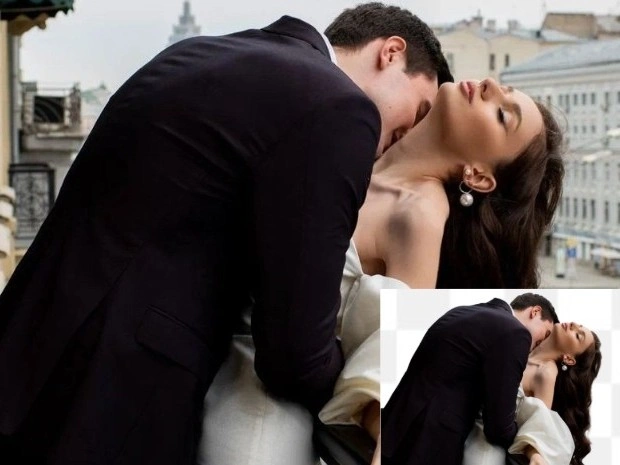
Erase and Delete Backgrounds Straight from the Browser
Desktop editors want an install, a licence, and twenty minutes of your afternoon. Here you erase background online in the time it takes to upload the file, on a laptop or a phone, with the processing handled on our side rather than by your hardware. That makes the background eraser practical mid-task, whether you are clearing one profile picture or working through a folder of shots one after another.

Turn One Cutout into Custom Backdrops
Removing the backdrop is usually step one, not the finish line. Once the subject is isolated you can drop a flat brand colour behind it, build custom backdrops for a campaign, or reuse the same cutout across a dozen layouts without re-editing the source photo. Sellers and marketers treat this photo background editor as the starting point that every later crop and composition depends on.
Who is Senzia's Background Remover for?
Designers and Brand Teams
Layered files fall apart when an asset arrives with a baked-in white box. Designers pull clean transparent PNGs here so a product or portrait can sit on any brand colour, and the alpha edge holds up when the graphic gets scaled down into a banner or up onto a print sheet.
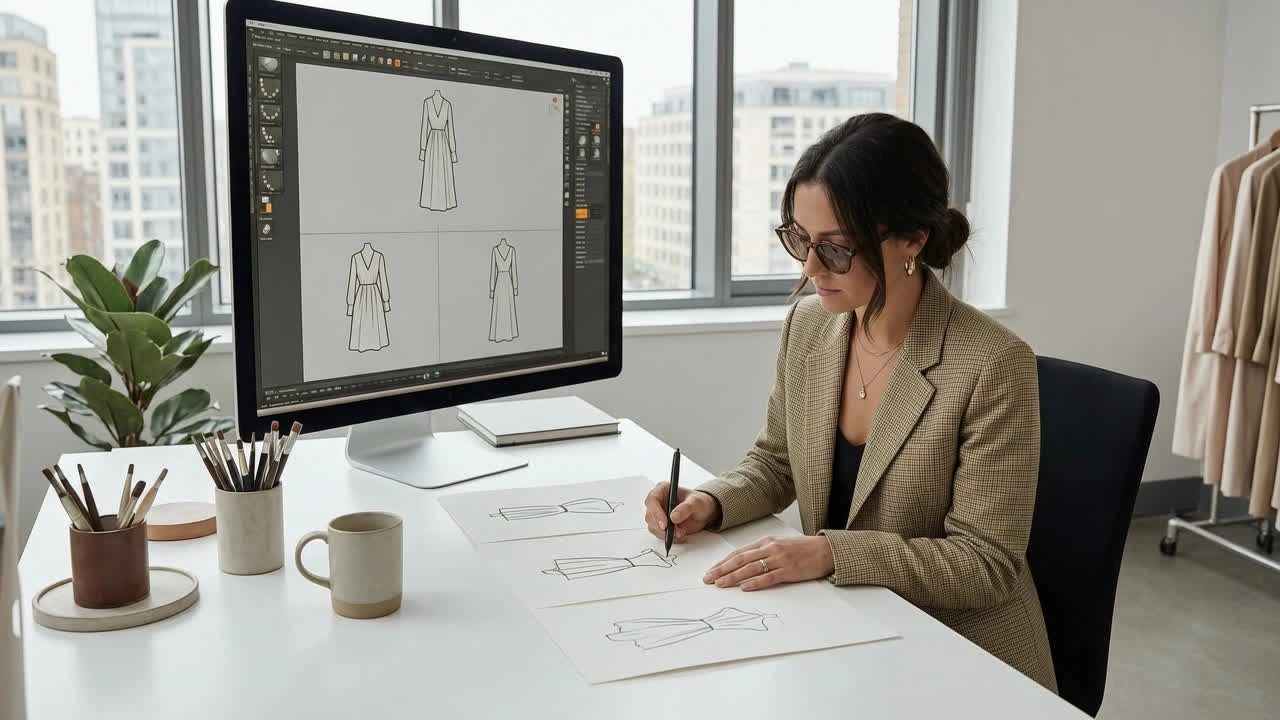
Marketplace Sellers Preparing Listings
Product shots taken on a kitchen table rarely pass a plain-background rule. Sellers use the free picture background remover to strip the room out first, then fill the space with the flat colour their platform expects, turning inconsistent snapshots into a catalogue that finally looks like it came from one shoot.
Students, Job Seekers and Everyday Editors
An application photo with a cluttered dorm room behind it undercuts an otherwise good shot. People with no editing background come here to delete background from picture files for CVs, ID uploads, and class projects, finish in under a minute, and keep the file on their own device afterwards.
Why Choose Senzia's Image Background Remover?
Per-Pixel Transparency Instead of a Hard Outline
Older cutout tools answer one question per pixel: keep it or drop it. That binary decision is why hair turns into a helmet and why a fringe of the old scene clings to every edge. Senzia's AI background remover assigns each pixel its own opacity value, so a strand can be sixty percent visible and a lace hem can stay see-through. The result is a cutout you can hand to a client rather than one you have to repair first.
No Install, No Licence, No Waiting on Your Laptop
Removing a background should not require freeing up disk space or renewing a subscription. Everything here runs online in a normal browser tab, and the heavy processing happens on our servers, which means an older laptop or a mid-range phone gets the same result at the same speed. It is free to start, so you can test a real photo before deciding whether it belongs in your workflow.
One Cutout, Several Ways to Finish It
Some jobs need a transparent PNG, others need a flat white field, and plenty need the subject dropped onto something new. Rather than forcing one output, this photo background remover keeps the mask live so you can switch between finishes without uploading the picture again. Every version exports at the resolution you started with, unwatermarked, and yours to use commercially.