How No-Restriction AI Video Generator Creates Scenes Standard AI Tools May Reject
When you already know the shot—the costume, the body language, the mood—a filtered model can still refuse the prompt or return a cleaned-up version. Creators look for AI with no restrictions because they need a moving reference that matches the idea, not a safer substitute. An unfiltered AI video generator helps you test motion, camera, and atmosphere before a shoot. This guide covers why ordinary tools rewrite scenes, who needs more freedom, how Senzia keeps the original look, and how to prompt so the intent survives.
Why Traditional AI Video Tools Restrict Certain Creative Scenes
Most video generation models aimed at ordinary consumers use relatively conservative content standards by default, so their restrictions are not limited to illegal content. Even if your idea itself is not illegal or against regulations, if the visuals contain some bold or unconventional expressions, the model may weaken, modify, or even reject them. Therefore, AI video generators with no restrictions are becoming increasingly important for creators who want more freedom to express their ideas.
How Prompt Limits Rewrite Your Original Intent
Your original requirement was for a character wearing a structured corset with a damp, textured fabric to slowly walk towards a handheld camera. However, due to content limitations, the tool might not fully execute this description. Instead, it might retain the character's slow walk towards the camera but weaken or replace details like the corset and damp fabric, and change the close-up handheld shot to a brighter, wider-angle shot. In other words, limitations don't necessarily cause the entire video to fail; they might only modify sensitive visual elements in the Prompt, thus altering the desired clothing, composition, and overall atmosphere.
Visual Ideas That Can Get Blocked
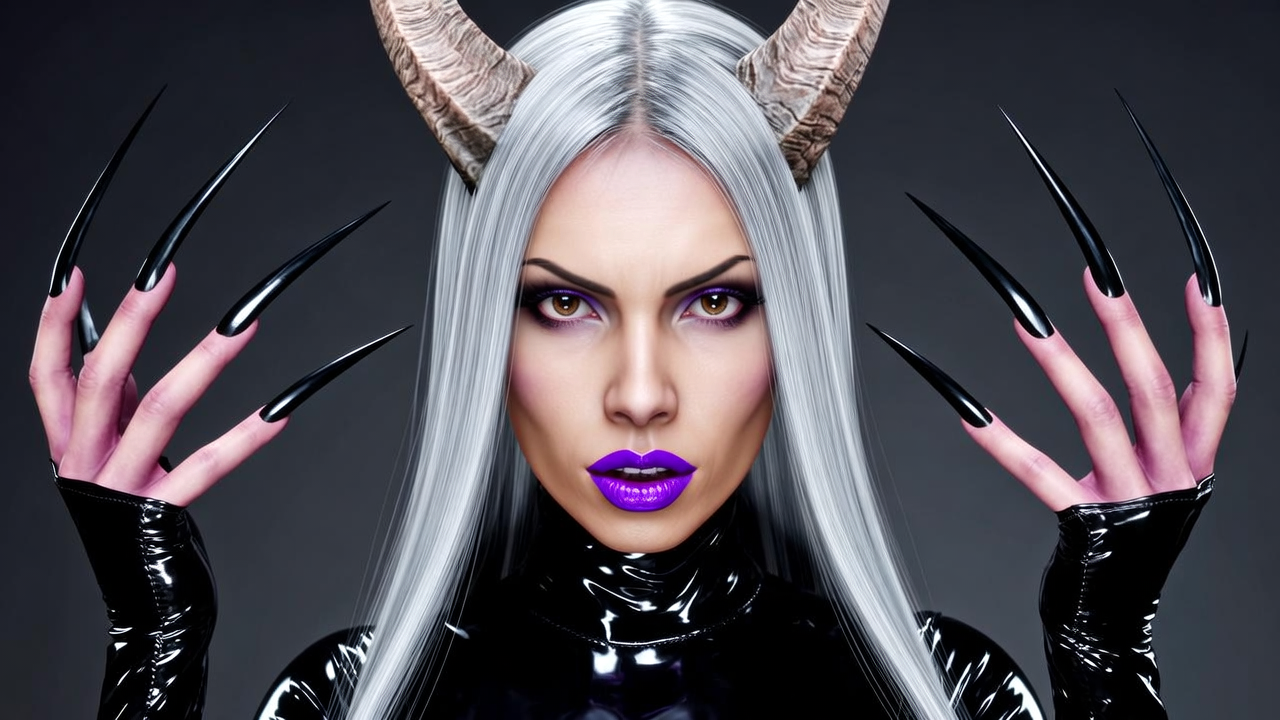
Even simple creative ideas can trigger content filtering mechanisms in some video generation tools. For example, the horns of a fantasy character, exceptionally long nails, latex-style clothing, prolonged kisses, ritualistic makeup, or dances deemed too adult by the system may all lead to prompt restrictions. In such cases, creators often have no choice but to continuously delete or modify the original description until it can be generated normally.
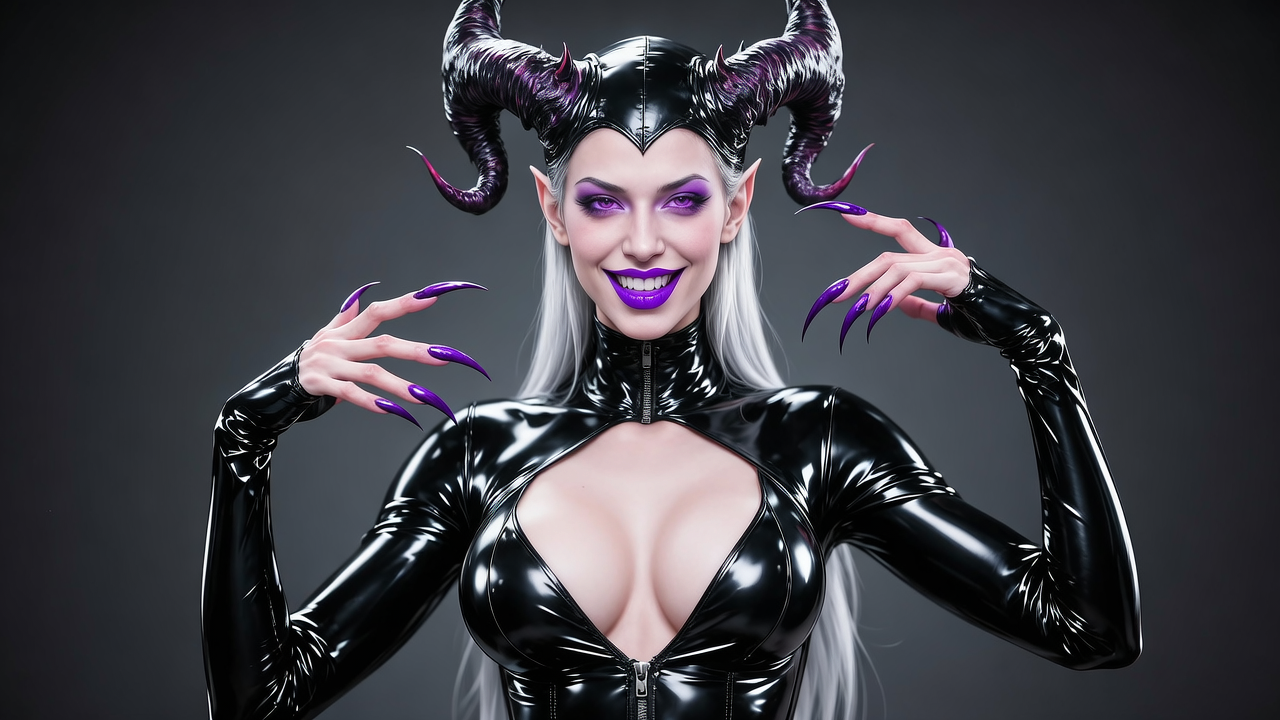
Which creators need No-Restriction AI the most?
When visual creativity is an integral part of the work, and ordinary AI tools might modify the original design due to content limitations, No-Restriction AI video generator is more suitable for these creators.
Independent creators exploring unconventional characters, actions, and experimental visuals
Independent filmmakers, music video directors, fashion creators, etc., often start with a static image, such as a clothing test image, makeup reference, or scene photograph. They want to turn these images into dynamic videos while preserving as much of the original characters, clothing, actions, and visual style as possible. However, for non-human characters, special makeup, exaggerated styling, or experimental actions, some more restrictive models might automatically adjust these elements, making the final result more generic. No-Restriction image-to-video AI can provide creators with greater room for experimentation, allowing them to test different visual ideas before deciding whether to proceed with actual filming.
Creators Working With Adult Content or Elements
For creations containing adult content or adult visual elements, character design, clothing, movements, camera angles, and lighting are often integral to the creative concept. Restricted AI tools may weaken these elements or even directly alter the original visual design, resulting in a final product that differs from the creator's expectations. No-Restriction AI video generator allows creators more freedom to test and retain adult-oriented character movements, clothing, camera effects, and overall atmosphere before creating the final content, thus determining the feasibility of the original visual approach.
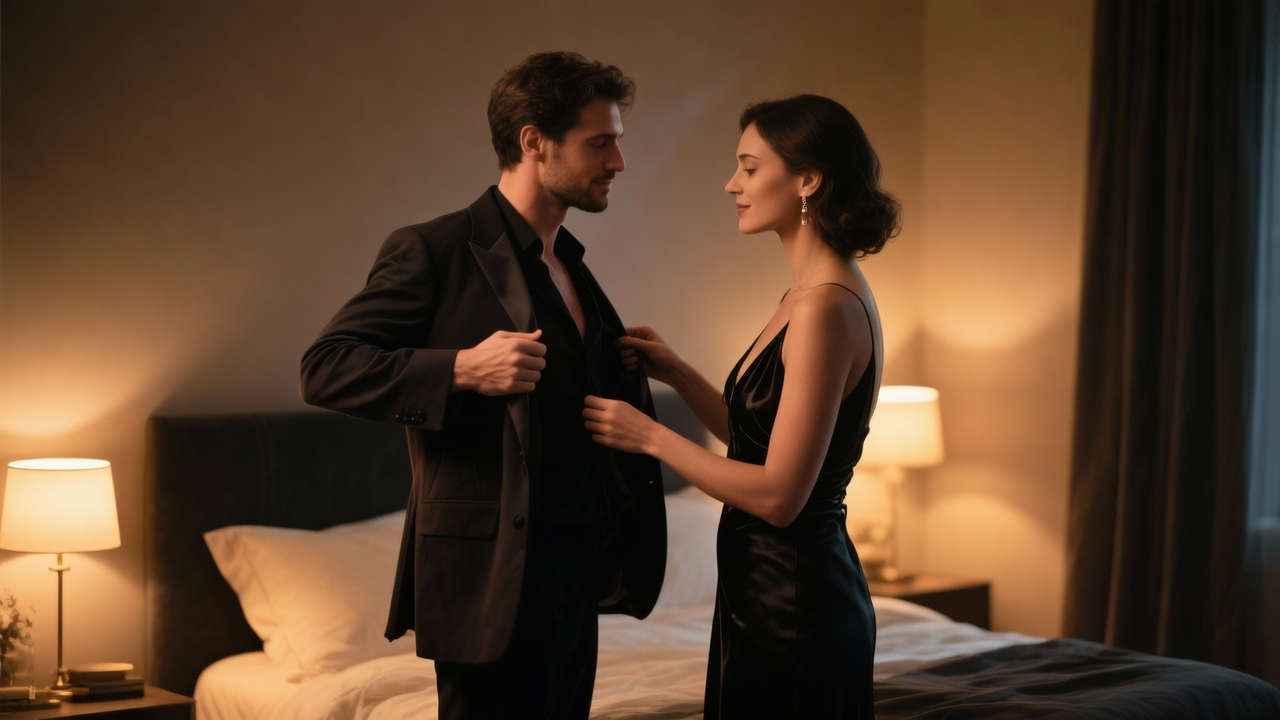
For creators with fixed or original characters, this also helps to better maintain the original appearance and design of the characters when animating still images.
How Senzia Differs From Ordinary AI Video Tools
How Senzia Recreates Your Full Creative Idea Based on Your Prompt
Ordinary AI video tools often prioritize generating content suitable for a broad user base, potentially rejecting parts of the prompt or actively adjusting clothing, actions, composition, and atmosphere. Senzia, however, focuses on recreating the scene according to the user's description, ensuring that characters, actions, camera angles, and environment all serve the original creative concept.
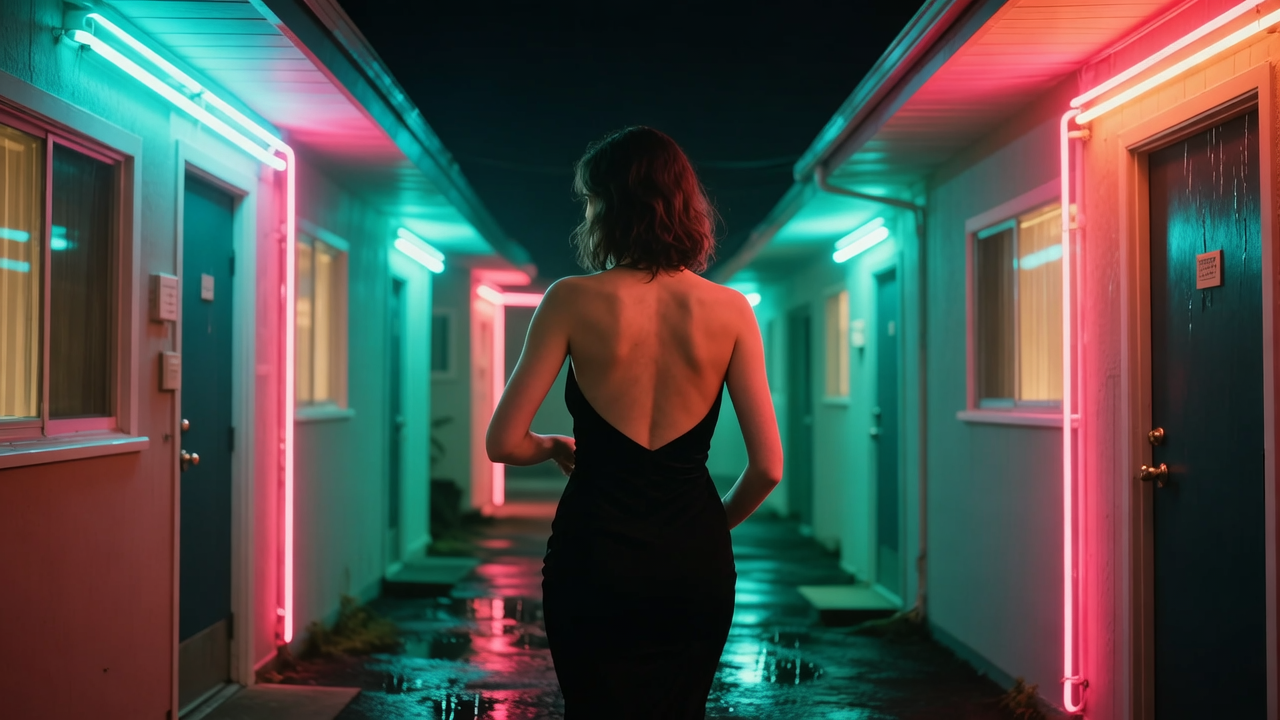
For example, you might enter the following into Senzia's text-to-video tool: "A woman in a backless black dress turns around, the camera slowly zooms in, a neon-lit motel corridor, a damp night." Ordinary tools might retain the corridor and neon lights but downplay the clothing or alter the character's actions. Senzia, as an unfiltered AI video generator, aims to understand the character, clothing, actions, camera movement, and atmosphere simultaneously, generating a complete image that preserves content that other AIs might deem sensitive, such as a backless dress. This is the significance of text-generated video: not only making the visuals dynamic but also maintaining the creator's initial visual intentions as much as possible.
How Senzia Preserves Key Visual Elements in Image-to-Video Conversion
Ordinary image-to-video tools sometimes treat uploaded images merely as a "rough reference," potentially redesigning the character's hairstyle, clothing, materials, lighting, and even the overall atmosphere during the generation process. The result is that while the action is generated, the character changes, forcing creators to repeatedly modify the prompt or regenerate. Senzia's advantage lies in its emphasis on "preserving the original image + implementing changes": first, it identifies core visual elements such as the character, clothing, and scene, then changes the action, expression, and camera movement based on the prompt, rather than redesigning the entire image.
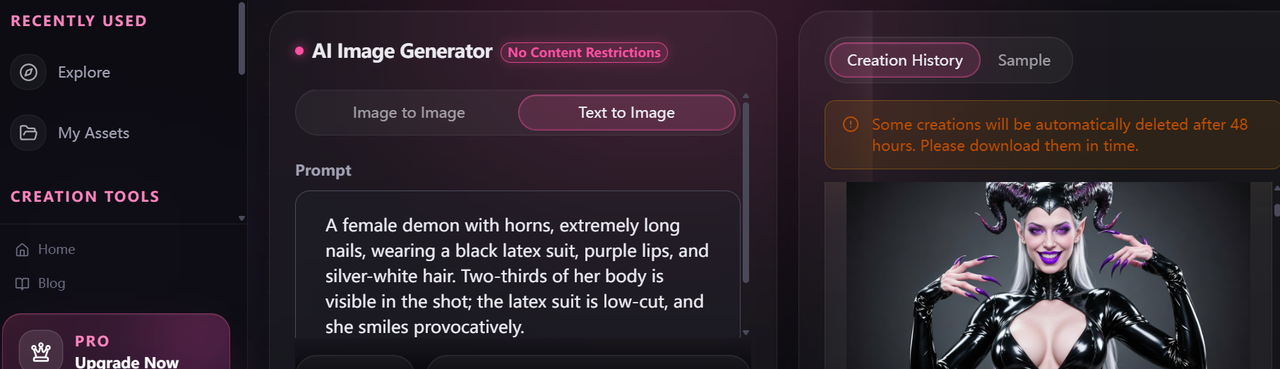
For example, you upload a static photo of a dancer standing under lights and input, "She shrugs, takes a step forward, the camera remains a medium close-up, and she takes off her coat to reveal a low-cut dance dress." The ideal result should be the same character, the same basic styling, the same lighting environment, with only the specified action changes. This is especially important for creators of original characters, fixed poses, or those with clear visual settings: you control "how the character moves," rather than accepting a "new character that looks almost identical" every time you generate a new video.
How Senzia Gives You More Freedom to Test Different Ideas
The value of unlimited AI video generation isn't just about getting more generation attempts, but about reducing forced compromises during the creative process. For creators who need to constantly test visual solutions, an idea might require trying multiple actions, rhythms, shots, and atmospheres. If the tool frequently restricts certain elements, it's difficult for creators to truly test their original ideas; they're forced to create only within the tool's limits.
For example, the same scene might require testing kissing, hugging, changing clothes, or different lighting and camera rhythms. With AI video generator no restrictions, you can directly experiment with these ideas multiple times without having to delete elements that might trigger restrictions each time. This makes the generation process closer to true creative trial and error: retaining the idea first and then adjusting based on the generated results, rather than changing the idea to a version the tool "allows."
Therefore, when evaluating unlimited AI video generators, the focus shouldn't be just on how many times it can generate, but on how many different creative ideas it allows you to try.
Tips for No Restrictions AI Video Generators
Having no restrictions doesn't mean you can input any prompt. The more specific the description, the easier it is for the model to understand what you really want to change, rather than automatically completing or adjusting the image.
Describe Actions, Not Just Static Images
Weak prompt: "A stylish lady in a dimly lit room, very cinematic."
Strong prompt: "She unbuttons her shirt, looks in the mirror, and then slowly walks towards the camera."
The former mainly describes the person and environment, requiring the model to decide what the person should do; the latter explicitly specifies the sequence of actions. Even when using an unlimited AI video generator, you should first tell the model how the person moves and what they do, then add clothing, environment, and style. The same applies to image-to-video generation: don't just describe "what the image looks like," but also "what happens next in the image."
Describe Person Actions, Camera Movement, and Environmental Changes Separately
Don't cram all the changes into a complex sentence; break them down into three simple parts.
For example:
"He puts on his coat and turns left. The camera slowly zooms in. Raindrops fall on the neon lights of the alley."
This clearly illustrates what the character is doing, how the camera moves, and what changes occur in the environment. For image-to-video conversion, this structure also helps the model distinguish which elements need to be preserved and which need to be changed, rather than redesigning the entire scene simultaneously.
Expressing Bold or Unconventional Ideas with Specific Visual Details
Words like "sexy," "dreamy," and "bold" are rather abstract, making it difficult for the model to accurately determine the specific effect you want. In contrast, specific visual details such as wet skin texture, silver body paint, extra-long black nails, slow-motion hair flips, and strobe lights are easier to correlate with actual footage.
After generating a satisfactory base image, you can modify only one key element at a time, such as movement, clothing texture, lighting, or camera distance. This way, even when using unlimited AI image-to-video conversion, adjustments are made based on the original idea, rather than having the model redesign the entire scene.
FAQ
Is no-restriction AI only for adult content?
No. Adult-adjacent or suggestive scenes are one reason people hit filters, but they are not the whole category. Fantasy makeup, experimental fashion, horror mood, ritual styling, and non-human anatomy get rewritten just as often because they fall outside a “safe” default. Independent filmmakers and music-video directors use this kind of tool to test a look before a shoot, including costumes and blocking that a mainstream generator would “correct.” Suggestive work still needs taste and consent; unrestricted AI video generation is about seeing the intended shot, not about making graphic content.
Is it safe to upload reference images?
Read the product’s privacy policy before you upload faces, unreleased designs, or anything you would not want stored or reused. Prefer assets you own, created, or have clear permission to use, and do not upload other people’s private photos. Treat a reference still as production material: once it leaves your device, you are trusting the platform’s retention and training rules. If a project is confidential, check whether uploads are used to improve models, how long files are kept, and whether you can delete them. When in doubt, use test frames that do not expose clients or talent.
Can No-Restriction AI Video Generators Be Used for Commercial Projects?
It depends on the platform's licensing terms. Before using generated videos for paid content, advertising, client work, or products, check whether the tool grants commercial usage rights and whether those rights vary by plan. You should also make sure that any uploaded assets, characters, logos, or other third-party materials are cleared for commercial use.
Is More Prompt Detail Always Better?
Not necessarily. Adding too many instructions at once can make it harder for a video model to determine which details are most important. Start with the essential subject, action, and shot, then add important visual details gradually. A shorter prompt with clear priorities can sometimes produce a more controllable result than a long description where every detail has equal weight.
Traditional AI modify key visual elements to meet content constraints, causing the final result which is different from the creator's original concept. For users who need to fully express their ideas and repeatedly test different versions, no restriction AI video generation offers greater creative freedom, allowing characters, scenes, and visual styles to stay closer to the original vision.
If you want more freedom to test your video ideas, start trying AI video generation with no restrictions now.