
Unfiltered AI Image Generator Free Online
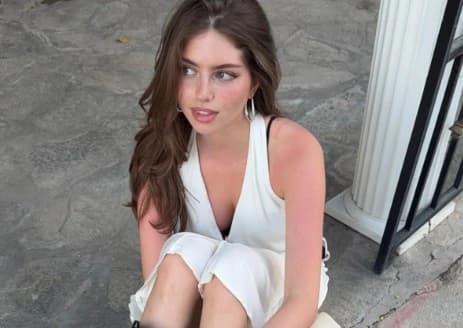
Between the sentence you type and the picture you receive, most platforms insert three or four steps you never agreed to. Your prompt gets quietly expanded, a house aesthetic is baked over the result, faces are pushed toward a symmetrical ideal, and any render that scores badly on an internal check is dropped before you see it. Senzia removes all of that. Unfiltered text to image AI here means the wording reaches the model as written and the output reaches you as produced, which is why unfiltered AI images from this tool look like different pictures rather than variations on one style. It runs as a free unfiltered AI image generator in the browser, with no watermark and no daily ceiling.
What is Senzia's Unfiltered AI Image Generator?
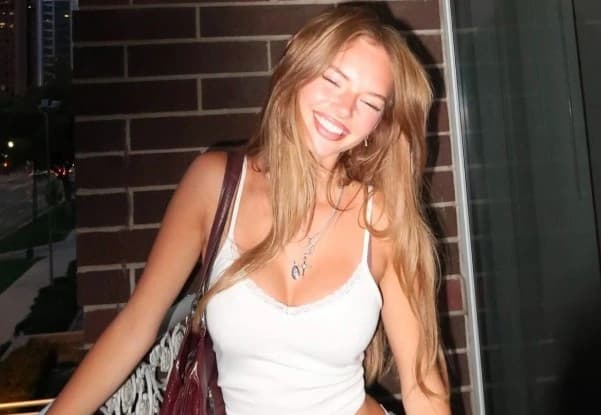
Senzia's unfiltered AI image generator is a browser tool that returns raw model output instead of a processed version of it. The word unfiltered is usually read as a statement about subject matter, and that is only part of what it means here. The larger part is the pipeline. On a typical platform your sentence is rewritten before it is ever sent, an enhancement pass adds contrast and warmth that you did not ask for, a house style is applied so that everything produced by the service is recognisable as theirs, and a scoring model silently drops the results it dislikes. Each of those steps is invisible, none of them can be switched off, and together they explain why so much AI work now looks interchangeable. As an unfiltered image generator, Senzia does none of it: the prompt goes through verbatim, the render arrives untreated, and every image in the batch is returned to you including the odd ones. Because unfiltered AI image generation is also free of arbitrary subject gatekeeping, work that other tools decline is handled normally, with the line drawn at law rather than at taste. It is a free unfiltered AI image generator online from the first session, and nothing is stamped on the download.
How Does Senzia's Unfiltered AI Image Generator Work?
Step 1: Choose Text to Image or Image to Image
Two modes sit at the top of the panel. Text to Image starts from nothing and builds the picture from your description alone, which is the usual route on a generator. Image to Image starts from a file, so drag in a JPG, PNG, or WEBP when you already have a composition worth keeping, whether that is a photograph, a sketch, or an earlier render. Neither mode asks you to create an account, and anything produced in one can be sent into the other.
Step 2: Write the Prompt Exactly as You Want It Sent
There is no enhance toggle quietly appending adjectives, so the wording you submit is the wording the model receives. Lead with the subject, then the setting, the light, and the medium, and put anything you want kept out of frame into the negative prompt. Type the width and height rather than picking a preset, and choose how many variations to render at once. In Image to Image mode one extra control appears for how much of the source should survive, which is worth setting low when the layout is already final.
Step 3: Review the Full Batch, Then Download
Every variation generated is shown, including the ones an aesthetic scorer would have discarded, because the outlier is often the interesting one. Compare them at full size, send any of them back through as a new source to push further, or change a single word and run again. Downloads come out at the dimensions you typed with no watermark and no compression pass, and there is no cap on how many times you repeat the cycle in this unlimited unfiltered AI image generator.
What You Can Do with Senzia's Unfiltered AI Image Generator?
Unfiltered Text to Image AI With No Prompt Rewriting
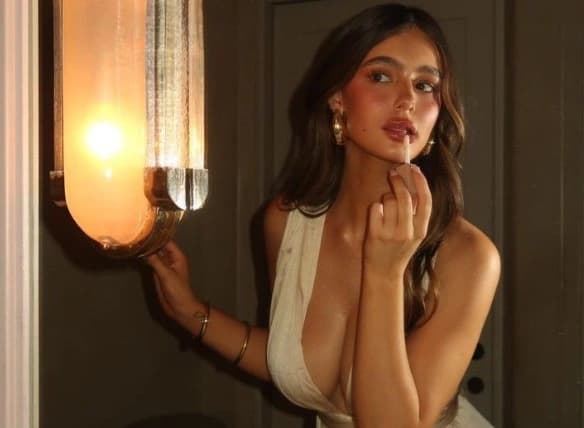
Prompt expansion is the least discussed feature in this field and one of the most consequential. Many services take your sentence, append a stack of quality adjectives, insert their own safety phrasing, and send that instead, which is why careful wording so often produces something adjacent to what you asked for. You cannot debug a prompt you are not actually sending. Here the string is passed through untouched, so a deliberately sparse description stays sparse and a technical one keeps its terminology. Unfiltered text to image AI is mainly valuable for this reason: iteration finally teaches you something, because the only variable that changed is the one you changed.
Unfiltered AI Image Generation Without a House Look
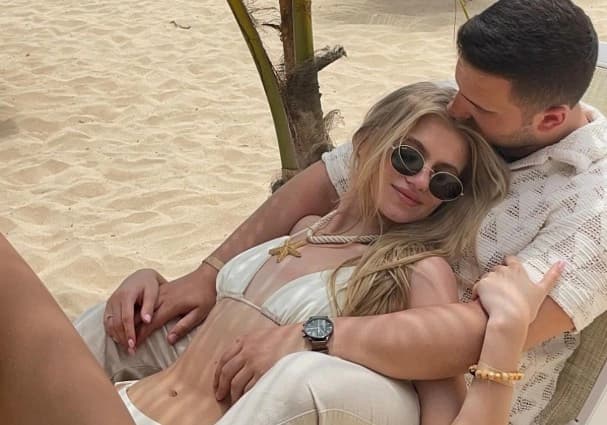
Every major generator has a signature, and once you notice it you cannot stop seeing it: the same glossy contrast, the same teal shadows, the same faint airbrush over everything regardless of what was requested. That signature comes from a post-processing layer applied after the render, and it exists to make outputs recognisable rather than to make them correct. Skipping it means a request for muddy 1970s film stock returns something genuinely muddy, and a request for flat matte gouache is not quietly glazed. Unfiltered AI image generation gives back the tonal range you asked for, which matters most when the brief is unglamorous.
Unfiltered AI Images Without the Beauty Bias
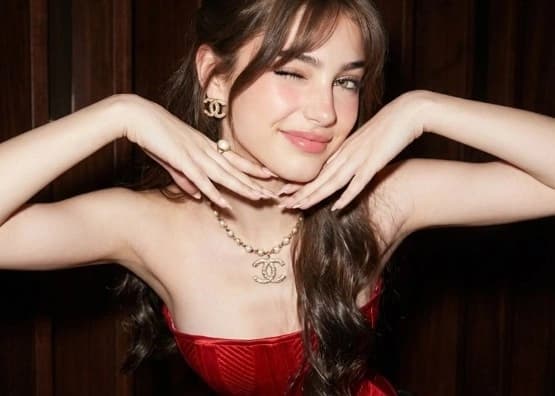
Ask most tools for an ordinary person and you get a model: symmetrical, young, flawless, lit like a cosmetics advert. That bias is tuned in deliberately and it makes whole categories of work impossible, from casting references to documentary illustration to any character who is supposed to look tired, weathered, or simply average. Describing a face with a crooked nose, thinning hair, acne scarring, or fifty years of sun should produce exactly that. Unfiltered AI images keep asymmetry, age, and texture instead of correcting them, and the same applies to bodies that do not match a narrow default.
An Unlimited Unfiltered AI Image Generator That Returns Everything
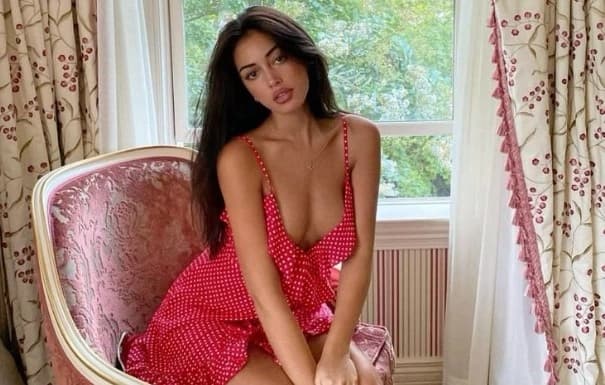
A quiet practice on several platforms is generating four images, scoring them internally, and showing you three, or replacing a flagged frame with a blank one and no explanation. You are left assuming the model failed when in fact it was overruled. Every render made here is returned, including the ones that break the brief in interesting ways, because judging that is your job. Combined with no credit meter and no daily ceiling, an unfiltered NSFW AI image generator becomes something you can genuinely explore with, running twenty attempts on a difficult concept without rationing them.
Who is Senzia's Unfiltered AI Image Generator for?
Casting Directors
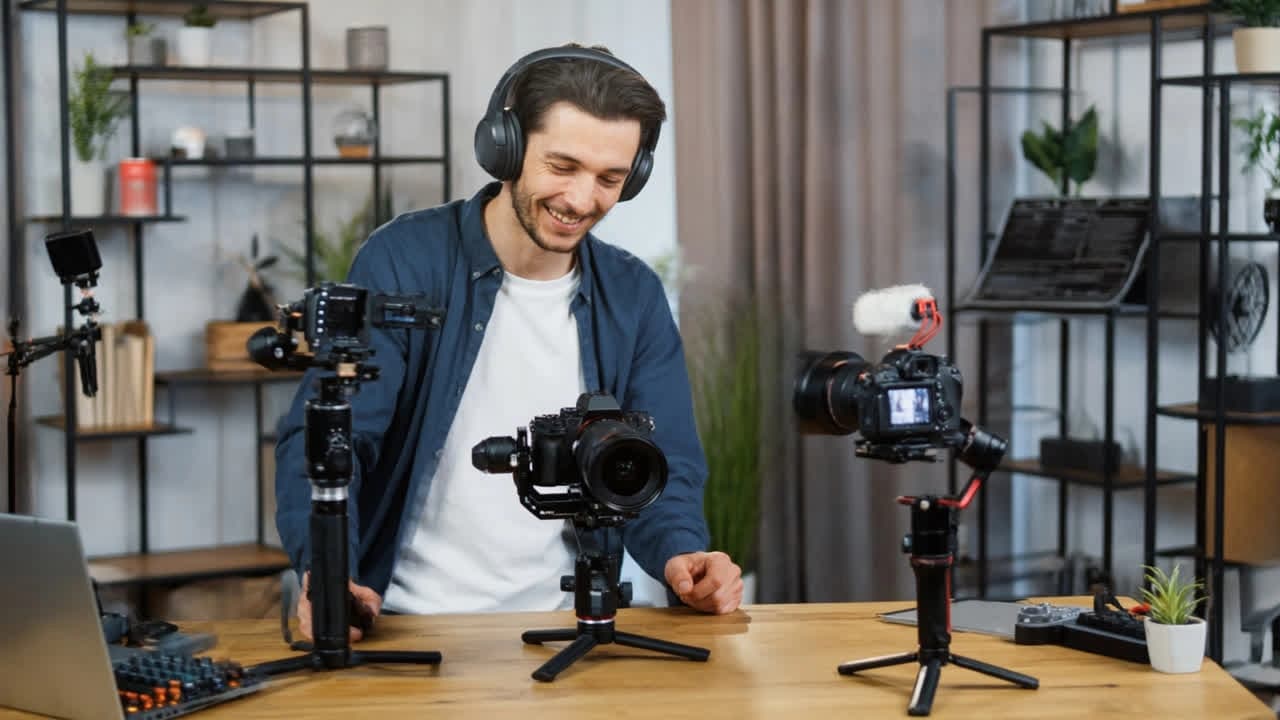
A reference board full of flawless faces is useless when the role calls for a sixty-year-old dockworker. An unfiltered AI photo generator that does not correct asymmetry or age produces likenesses close enough to brief an agency with, instead of a gallery of interchangeable models.
Editorial Art Directors
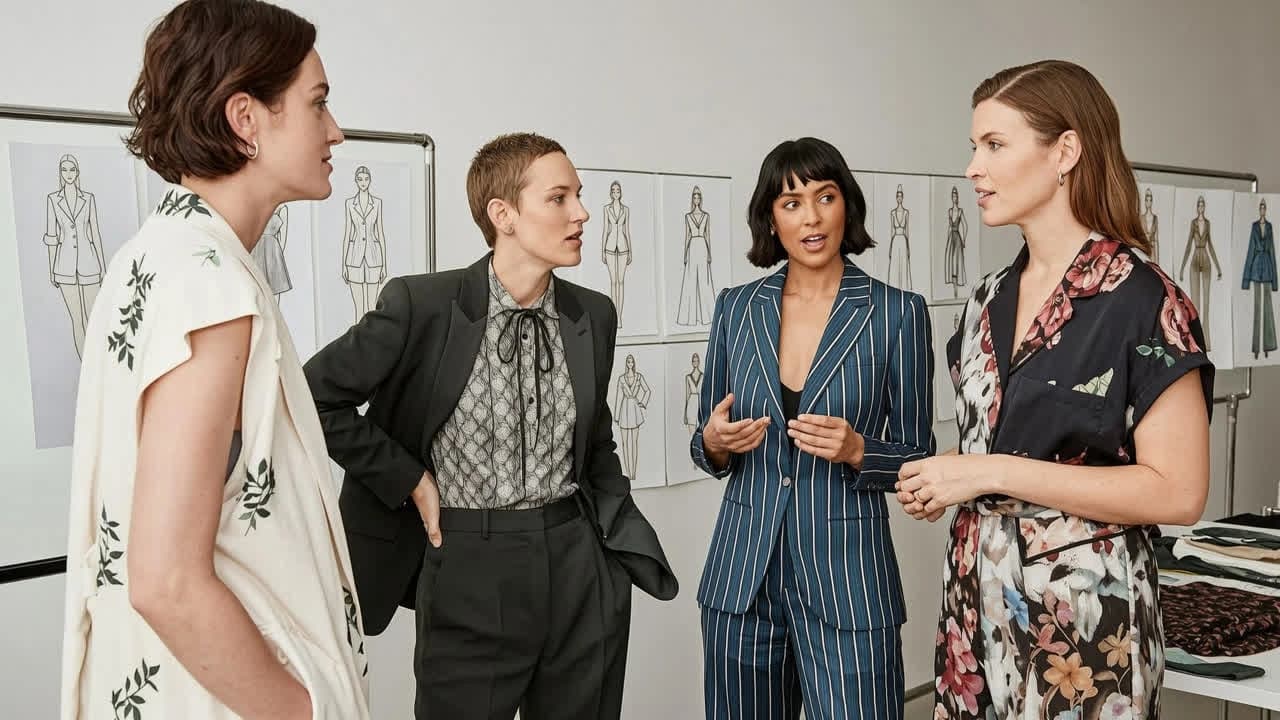
A publication has its own visual language and cannot run images that announce which tool made them. Removing the post-processing layer means an unfiltered AI image creator returns the tonal range that was actually requested, so the artwork sits inside the house style rather than fighting it.
Indie Musicians
Cover art is often meant to look rough, cheap, or deliberately ugly, and a beautifying pipeline destroys exactly that intention. A free unfiltered AI image generator with no cap lets a self-releasing artist test forty directions for a single before committing to one.
Why Choose Senzia's Unfiltered AI Image Generator?
Nothing Sits Between Your Words and the Model
Hidden processing is not a small inconvenience, it is what makes prompting feel like superstition. When your text is rewritten before it is sent and the output is treated after it returns, cause and effect break down, and people end up trading lucky phrases with each other because nobody can observe what the model actually does. Taking the intermediary steps out restores that visibility. A change in wording produces a traceable change in the picture, a failed attempt tells you something real, and the skill you build transfers to your next project instead of expiring with the platform's next update.
Every Render Reaches You, Including the Strange Ones
Aesthetic scorers are trained on what is popular, which makes them structurally hostile to anything unusual, and the images they discard are frequently the ones a professional would have chosen. Nothing is withheld or swapped for a placeholder here, so you evaluate the full batch yourself. Subject matter is treated the same way, meaning an unfiltered unrestricted AI image generator will attempt the horror, the erotic, the grotesque, and the politically pointed rather than refusing on your behalf. The boundary that stays is legal: no depictions of minors, no non-consensual or deceptive imagery of identifiable real people, and no other unlawful category.
A Watermark Is a Filter Too
It is a strange claim to be unfiltered while stamping a logo across the result, yet that is the standard arrangement, usually alongside a compression pass and a resolution cap on the free tier. None of those apply here. Files leave at the dimensions you specified, uncompressed and unmarked, from the first session rather than after an upgrade. Prompts and renders are processed privately and never appear in a public gallery or promotional feed, and everything you produce with this unfiltered AI image maker is yours to license, publish, print, and sell without further permission.