
Uncensored JPG to MP4 Video Creator Free Online
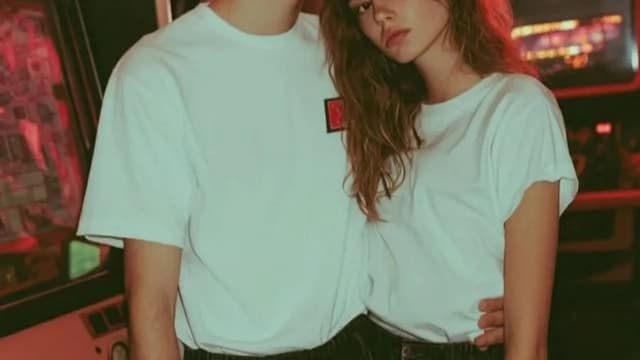
Upload a photo and watch Senzia's uncensored image to video AI bring it to life with natural motion, lighting continuity, and clear visual detail. Free to start in your browser - no desktop editor, no watered-down filters. Export a clean MP4 when the clip feels right.
What is Senzia's Uncensored Image to Video?
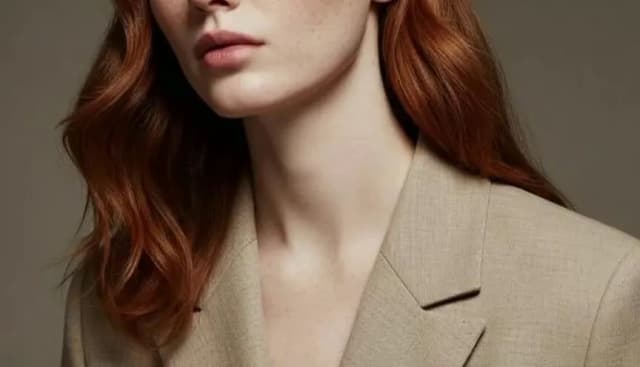
Senzia's uncensored image to video is a browser-based AI that turns a single still into a short motion clip while keeping subject identity, pose, and lighting coherent from the first frame to the last. Unlike text-only video tools, this page starts from your image - JPG, PNG, WEBP, or a phone photo - then predicts camera drift, fabric movement, and facial micro-motion so the result feels filmed rather than slideshow-stitched. Creators use it when filtered platforms blur detail or refuse open prompts; Senzia keeps the uncensored image to video generator path open without forcing a soft-focus workaround. You guide pacing with a short prompt, preview the clip, and download MP4 ready for private projects or creative storytelling.
How Does Senzia's Uncensored Image to Video Work?
Step 1: Upload Your Still Image
Drop a JPG, PNG, WEBP, or phone photo into the upload panel. Clear subject framing and steady lighting help the model lock identity before it starts animating the frame.
Step 2: Describe Motion and Mood
Add a short prompt for camera move, body motion, or atmosphere - for example a slow push-in or fabric sway. Optional music cues let you sketch a picture video with soundtrack intent before generation.
Step 3: Preview and Download MP4
Generate the clip, scrub the timeline, then export when motion and detail look right. Create AI video from image online free to start, then refine prompts for stronger visual continuity on the next pass.
What You Can Do with Senzia's Uncensored Image to Video?
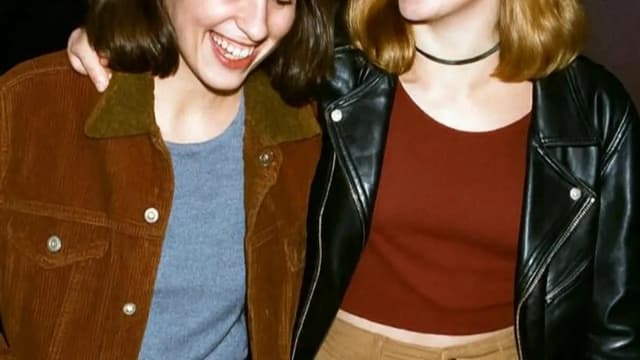
Animate Stills Without Soft Filters
When a still shot needs breath and motion, Senzia's uncensored photo to video AI reads pose geometry and skin tone from the source instead of inventing a new face. Temporal sampling keeps shoulders, hands, and fabric edges stable across frames so the clip does not flicker into a different person. Creators get clear motion free to try, without the soft blur that filtered tools force on fine detail.
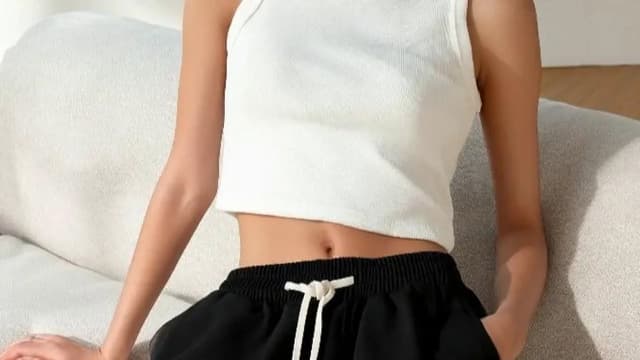
Convert JPG, WEBP and Pic Formats to MP4
Need a clean file handoff? Use Senzia as an uncensored jpg to video path or uncensored webp to mp4 export when your asset library mixes formats. The pipeline normalizes resolution, then writes motion into a standard MP4 so editors and social tools can ingest the clip without re-encoding drama. It is the practical uncensored pic to video converter workflow for creators who start from stills, not timelines.
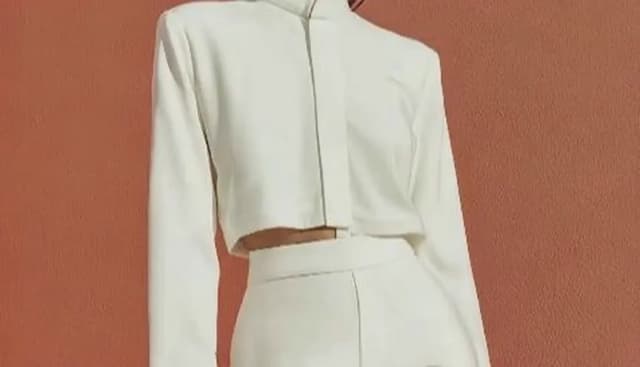
Build Picture Videos with Music Timing
Pair stills with soundtrack intent when you want to make video from images with music rather than silent loops. Prompt for beat-aware pacing - a hold on the first beat, a camera drift on the chorus - and Senzia aligns motion energy to that mood. The result feels closer to a directed picture video than a random slideshow, while visual detail stays intact for private or commercial cuts.
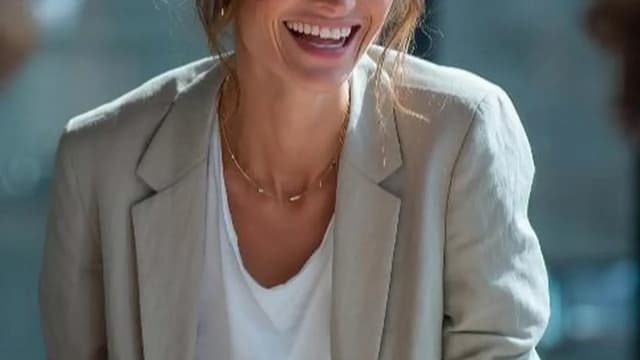
Batch Stills into Longer Story Beats
Run multiple photos through the same unrestricted image to video free workflow when one frame is not enough for a scene. Each still becomes a short beat; you chain downloads into a longer cut without rebuilding characters from scratch. Unlimited photo to mp4 style iteration stays practical because identity anchors to each upload, so episode-style storytelling stays visually coherent.
Who is Senzia's Uncensored Image to Video for?
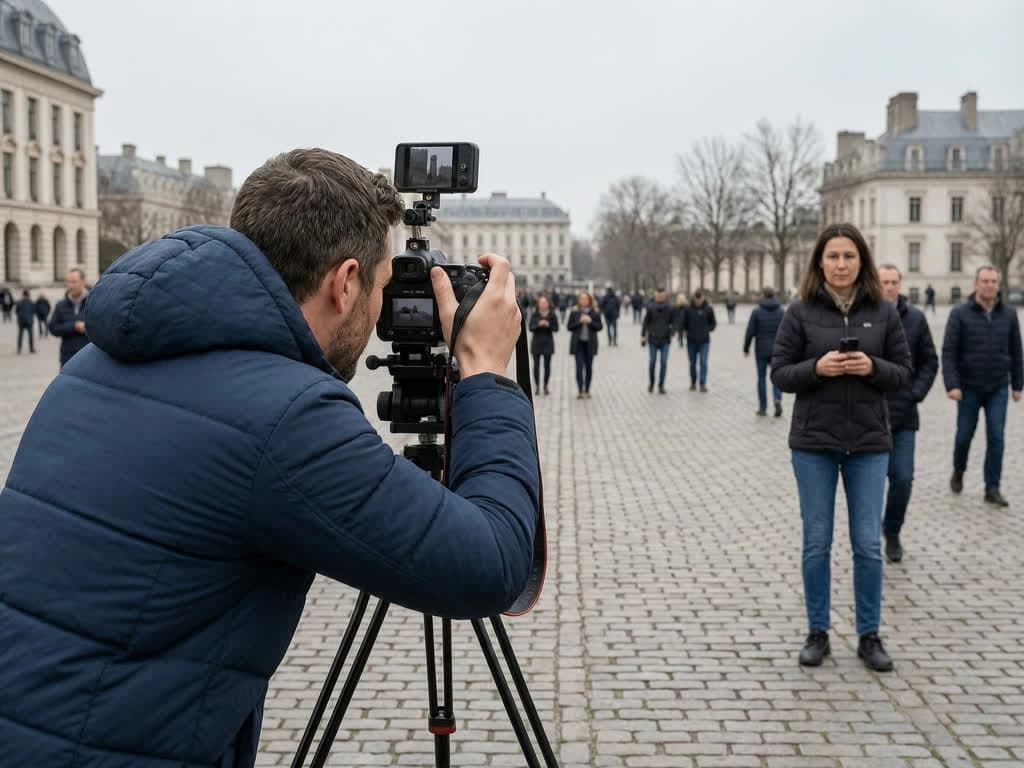
Content Creators
Creators who shoot or generate stills use Senzia when a single frame needs cinematic motion for teasers and scene openers. The uncensored image to video free online path keeps visual detail readable instead of collapsing into soft filters.
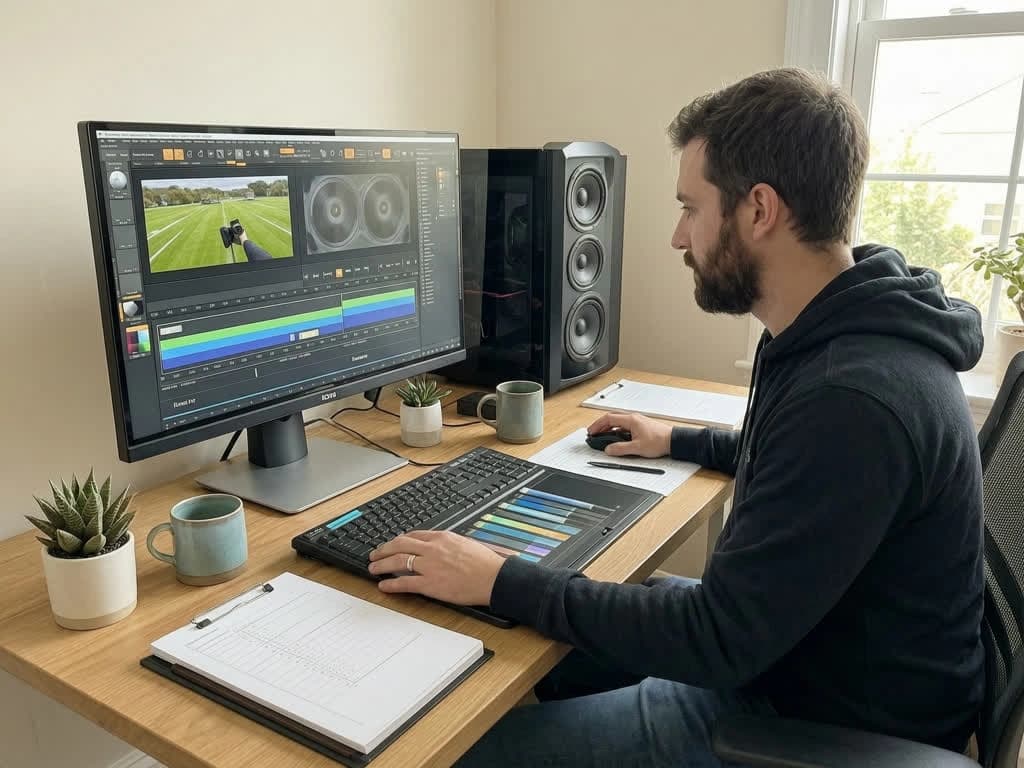
Editors and Motion Designers
Editors drop reference photos into Senzia to prototype camera moves before a full shoot. Free AI animate image unfiltered results give a motion draft they can approve privately, then refine with a stronger prompt on the next pass.
Private Hobbyists
Personal users animate private photos without posting to a public gallery. Uploads stay in a private workflow, and you keep ownership of every clip you export from the uncensored picture to video converter.
Why Choose Senzia's Uncensored Image to Video?
Identity-Locked Motion from a Single Frame
Senzia anchors face structure, body proportions, and wardrobe edges to your upload before predicting motion. That identity lock is why free AI image to video uncensored clips look like the same person moving - not a random regeneration wearing a similar outfit.
Clear Detail Without Soft-Focus Workarounds
Filtered tools often blur skin or refuse open prompts mid-generation. Senzia's unrestricted AI image to video path keeps lighting, fabric tension, and body contour intentional instead of censored into vagueness.
Browser Workflow with Private Exports
Everything runs online - upload, prompt, preview, download - with no Premiere plugin required. Files process privately, are not dumped into a public gallery, and you retain ownership of every MP4 you create with Senzia's uncensored AI photo to video tools.