2026 Free Uncensored AI Video Generator: Top Picks & Full Review
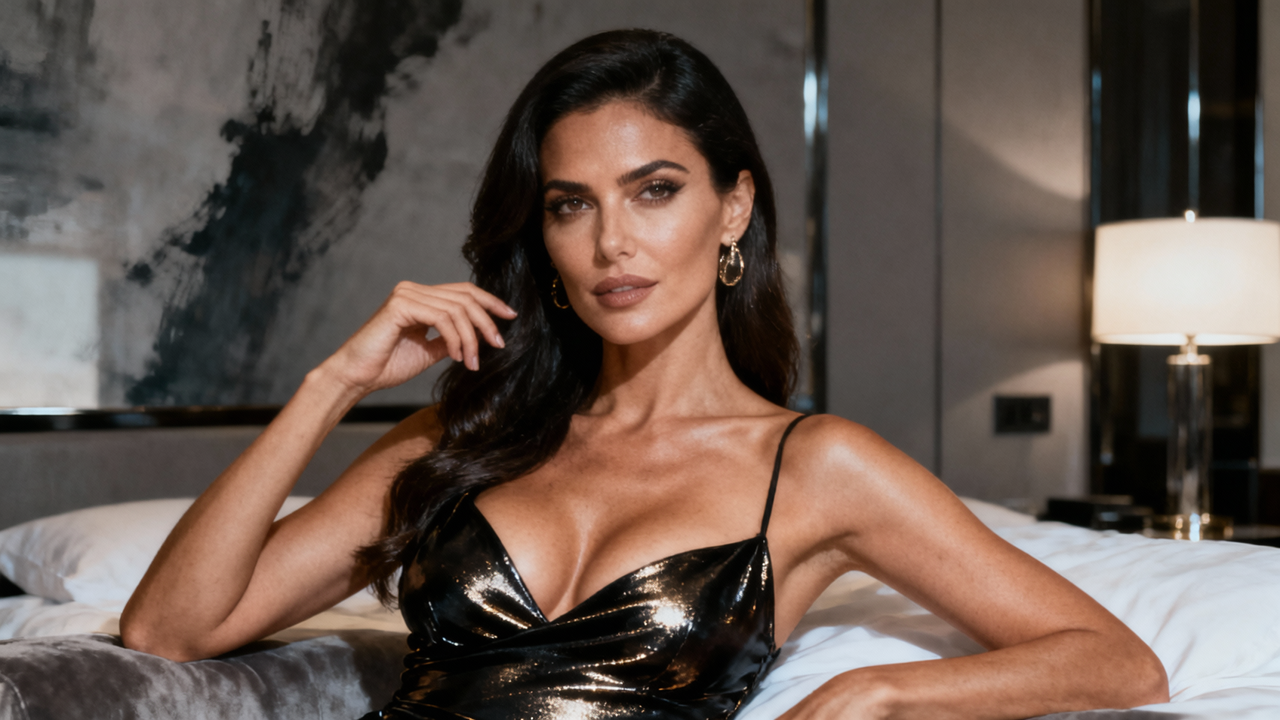
If you make adult or sensual videos, mainstream AI video tools often refuse the prompt, soften the mood, or reshape the look you actually wanted. That is why so many creators search for free uncensored AI video generators.
They usually need the same few things: fewer sudden blocks on wanted scenes, characters that still look like themselves once the frame starts moving, and enough free credits to test lighting, camera, and body language without buying a subscription first.
Below, we compare three free-to-try platforms — Mage.space, Media.io, and Senzia — using the same adult-leaning prompts.control, image-to-video stability, and how easy each one is to start with.
How We Evaluated These AI Video Generators
People searching for a free uncensored AI video generator want tools that can hold a sensual atmosphere, close framing, and adult styling without rewriting the scene.
To find out which tools actually deliver a more flexible creative experience, we tested three popular AI video generators that are frequently used by creators experimenting with image animation, cinematic scenes, and less restricted visual styles: Mage.space (Mage), Media.io, and Senzia. Each platform represents a different approach: from model customization and creative control to beginner-friendly generation and streamlined uncensored image-to-video creation.

For text-to-video, every tool received the same intimate cinematic prompt:
"A woman in soft lingerie standing by a dim hotel window at night, warm practical lights on her skin, slow breathing, subtle smile, shallow depth of field, intimate close framing, realistic skin texture, cinematic lighting."
We checked whether the generated uncensored videos kept the mood, motion, and detail instead of flattening the scene into something generic.
To test creative flexibility, we used a more stylized adult prompt:
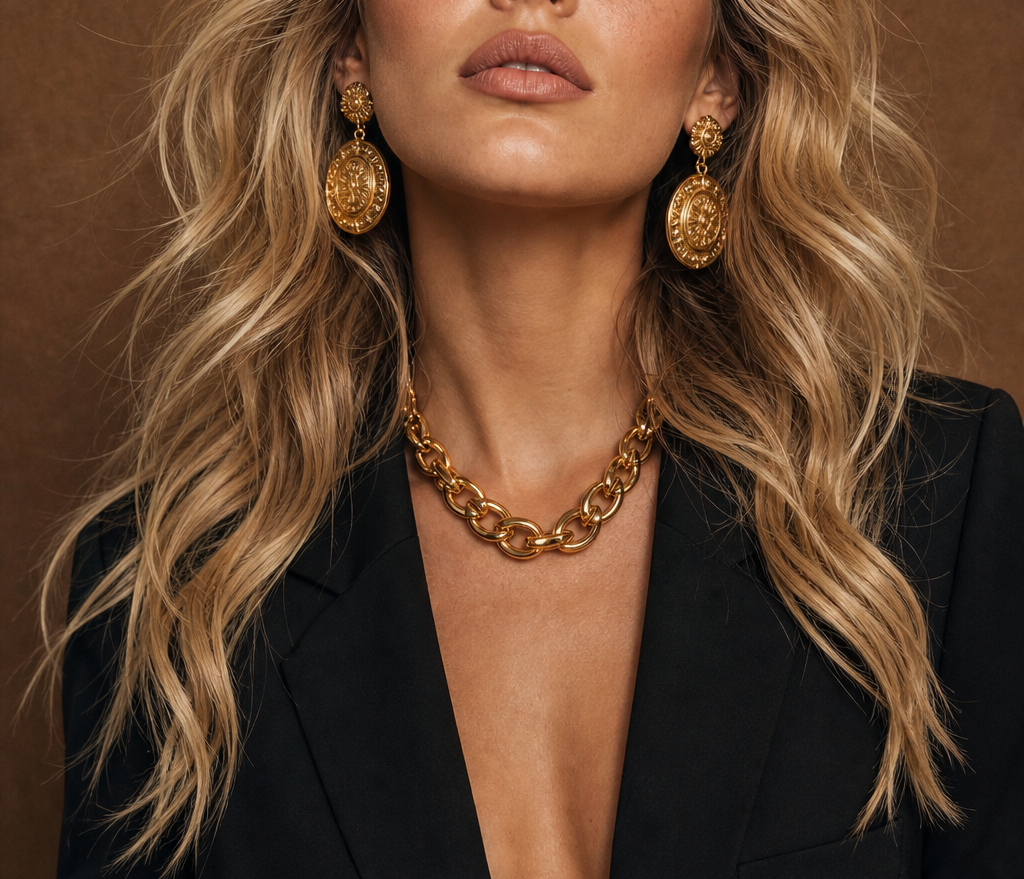
"A glamorous fantasy muse in sheer silk, candlelit chamber, gold jewelry catching the light, sensual pose, painterly adult-fantasy look, dramatic soft shadows, high detail."
This showed whether each platform could follow erotic stylization, not only clean mainstream realism.
For uncensored image-to-video, we uploaded the same portrait reference and used:
"The subject slowly turns toward the camera, soft eye contact, gentle inhale, hair and fabric move naturally, keep face and body identity stable." That is closer to how creators animate existing sensual stills.

We compared character consistency, motion quality, and how well original image details survived the animation.
We also looked at free credits, trial availability, and whether a first-time user could finish a clip without a steep learning curve. That mix matters for creators who want uncensored ai video output and a low-friction free start.
Top Free Uncensored AI Video Generators in 2026 Testing Results
Mage
In our test, Mage supported both text-to-video and image-to-video generation. Uncensored video generation took around 3 minutes on average, with more complex prompts requiring approximately one additional minute of processing time.
Despite offering multiple AI models, the generation speed of Mage's free models remained comparable to other tested platforms. The output quality was consistent, with clear visual details and stable results across different creative styles.
Strengths
Mage stands out for the breadth of models and style options available in one place. You can switch looks, try different pipelines, and push more custom visual directions without rebuilding your whole workflow.
Best For
-
Creators who want to try many models and tools
-
Users who enjoy iterating on visual styles rather than using a one-click path
Limitations
The wider range of options also increases the learning curve. Compared with beginner-focused platforms, Mage’s interface can feel more complex and less streamlined, especially for users who simply want to generate videos quickly.
Although Mage provides free credits, the available amount is relatively limited compared with platforms that focus more heavily on free user access.
Media.io - Best for Fast, Simple First Videos
In our uncensored text-to-video test, Media.io generated a 5-second video in approximately 3 minutes. The generated videos maintained clear image quality and realistic visual details, although the sharpness was slightly lower compared with the strongest-performing tools in our test.
The platform generated videos from a front-facing camera perspective and provided five different shot options, giving users some flexibility in adjusting the visual presentation.
For more detailed prompts, generation time increased by around one additional minute, as the system required more processing to handle extra visual elements.
Strengths
Media.io keeps the creation path short. The interface stays light, generation is straightforward, and free credits plus daily login rewards make it easy to run a few tests right away.
Best For
-
Beginners who want to create videos without learning complex settings
-
Users who need quick experiments with minimal setup
Limitations
The main limitation of Media.io is its relatively limited customization compared with more advanced AI video platforms.
Users looking for detailed scene control and advanced visual adjustments may find the available options insufficient. Uncensored videos generated under the free plan also include a watermark, which may affect professional usage.
Senzia - Best for Free Trials with Strong Video Quality
In our uncensored text-to-video test, Senzia generated a 5-second video in approximately 2 minutes, making it one of the faster platforms tested.
The generated uncensored video showed strong visual consistency, with sharp details and a close match between the prompt and final result. Lighting, character styling, and overall atmosphere tracked the adult-leaning description well.
The generated character movement appeared natural, and the final output used a back-view camera angle, creating a cinematic presentation.
More complex prompts required additional processing time, usually around one extra minute compared with simpler descriptions. However, the overall generation process of uncensored videos remained efficient.
During image-to-video testing, Senzia successfully preserved key details from the original image, including facial features, clothing style and character identity.
The generated 5-second animation maintained smooth movement with no obvious distortion during transformation.
Strengths
Senzia delivered strong visual consistency in our tests, with sharp detail and a close match between prompt and output. Generation was also among the faster results we saw, and image-to-video kept facial features, clothing, and identity stable.
Best For
-
Creators who want to try the tool free before paying
-
Creators who care more about output quality than having many advanced controls
Limitations
For users creating complex professional productions, Senzia may still need to be combined with additional video editing software for advanced post-production.
Quick Comparison: Best Free Uncensored AI Video Generators
Scores below come from the same adult-leaning prompts used in our unrestricted video generation tests. Free Experience reflects credit generosity and how usable the free path feels day to day; Total Score is the average of Video Quality, Creative Freedom, Image-to-Video, and Free Experience.
|
Tool |
Best For |
Total Score |
Video Quality |
Creative Freedom |
Image-to-Video |
Free Experience |
|
Senzia |
Free trial + quality |
4.3/5 |
4.5/5 |
4/5 |
4/5 |
4.5/5 |
|
Mage |
Multi-model use + customization |
4.1/5 |
4.5/5 |
4.5/5 |
4/5 |
3.5/5 |
|
Media.io |
Simple page + fast first videos |
3.9/5 |
3.5/5 |
4/5 |
4/5 |
4/5 |
These scores reflect one shared prompt set. Pick the tool that matches your content style and how much setup you want to handle.
FAQ About Free Uncensored AI Video Generators
Are free uncensored AI video generators really free?
Free access usually comes with certain restrictions, such as limited generations, shorter video lengths, lower resolution exports, or watermarks.For users who want to explore uncensored AI video creation casually, free plans are often enough for testing different styles and features. But regular creators need paid plans for higher limits and more advanced tools.
What is the best free uncensored AI video generator for beginners?
The best free uncensored AI video generator for beginners depends on what users prefer the most.
Some tools are suitable choices for beginners because they offer a straightforward way, making it easy to create AI videos without complicated settings. Some provide a better balance between ease of use, visual quality, and creative flexibility.
Are unrestricted uncensored AI video generators completely unlimited?
No. Even an uncensored AI video generator that offers fewer creative restrictions is usually not completely unlimited. Most platforms still have technical limits, generation quotas, processing restrictions, or usage policies. The term "uncensored" often refers to greater creative freedom and fewer limitations of styles, concepts, or customization options rather than unlimited video production. When choosing an uncensored AI video platform, users should also consider factors such as output quality, generation speed, available features, free credits, and overall user experience.
Can I use videos created by uncensored AI video generators commercially?
The answer depends on the platform’s terms of service and the type of content being created. Free uncensored AI video generators may have different rules for commercial use, especially when the generated videos include realistic people, recognizable identities, or adult-oriented themes.
Before publishing AI-generated videos for monetization, advertising, or brand projects, users should check the platform’s usage policy and make sure their content does not violate copyright, privacy, or consent requirements.
Uncensored AI video tools keep growing because creators want free adult-leaning output without a full studio setup and a path to test before paying.
The best free generator is not the one with the longest feature list. It is the one that matches your scene style, experience level, and how you like to work.
Try the text-to-video features with your own prompts, compare the results, and keep the one that turns your ideas into the clips you actually want to publish.