How to Make the Tiny Desk AI Trend From a Photo
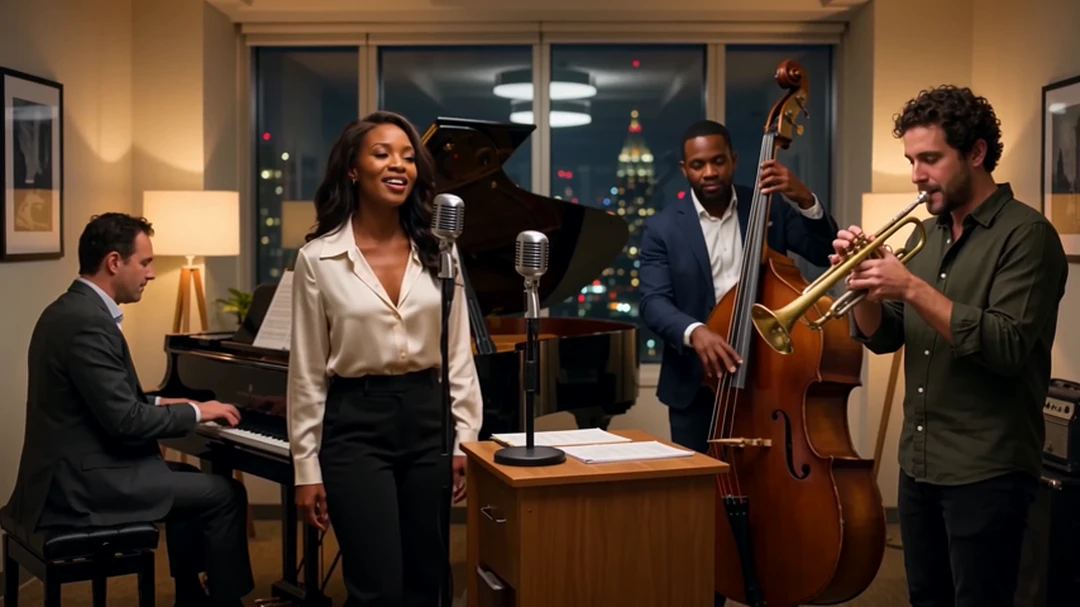
The Tiny Desk AI trend is bringing unexpected performers into intimate, office-style concerts. Instead of hiring musicians, building a set, or recording a live performance, creators can now turn a photo into a short AI concert video.
The trend is especially recognizable for its warm studio lighting, crowded bookshelves, microphones, keyboard players, backing singers, expressive close-ups, and lively band energy. Many popular versions are inspired by Charlie Wilson’s performance of “Outstanding,” which led to searches for the outstanding Tiny Desk AI trend across TikTok, Instagram Reels, and YouTube Shorts.
With the Senzia Tiny Desk AI template, you can create your own version in three simple steps. You only need one image for the lead singer, although you can also add photos for the keyboard player or backing vocalists.
What Is the Tiny Desk AI Trend?
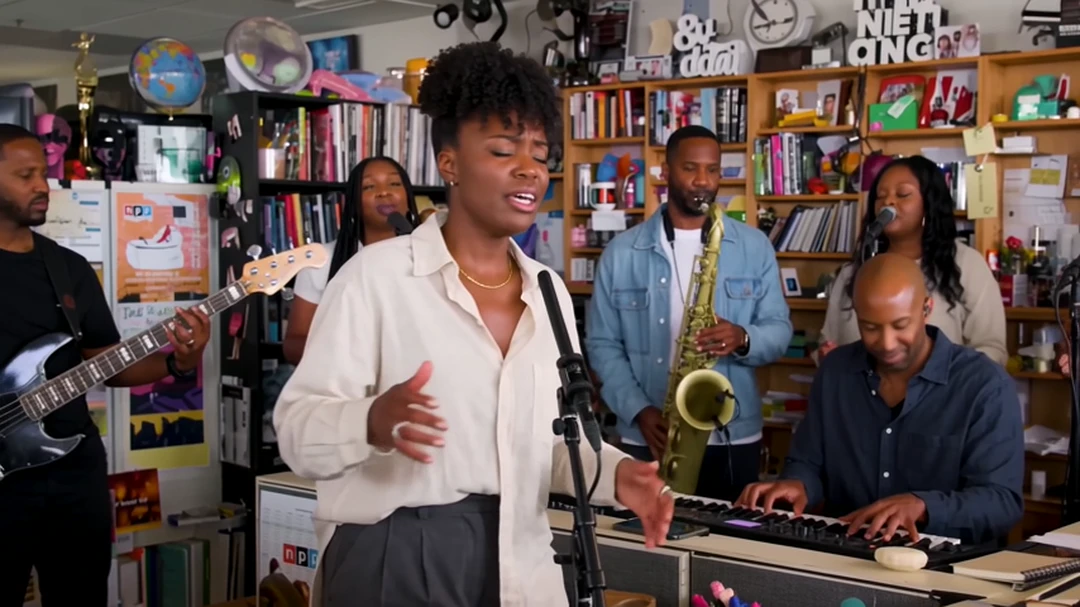
Tiny Desk AI refers to AI-generated videos that place people inside a small, intimate concert setting inspired by the visual language of desk-side live performances.
The format usually includes:
-
A lead singer performing near a microphone
-
A keyboard player and backing vocalists
-
Bookshelves, records and music equipment
-
Warm indoor lighting
-
Expressive singing and reaction shots
-
A close, energetic concert atmosphere
The person in the video does not need to record an actual performance. AI uses the uploaded image to create the character and applies the movement and visual style defined by the template.
This makes the format popular for creating videos featuring yourself, friends, fictional characters or humorous combinations of performers.
How to Make a Tiny Desk AI Video With Senzia
Senzia works as an AI concert video generator from photo. Its template already contains the concert setting and performance structure, so you do not need to create every shot manually.
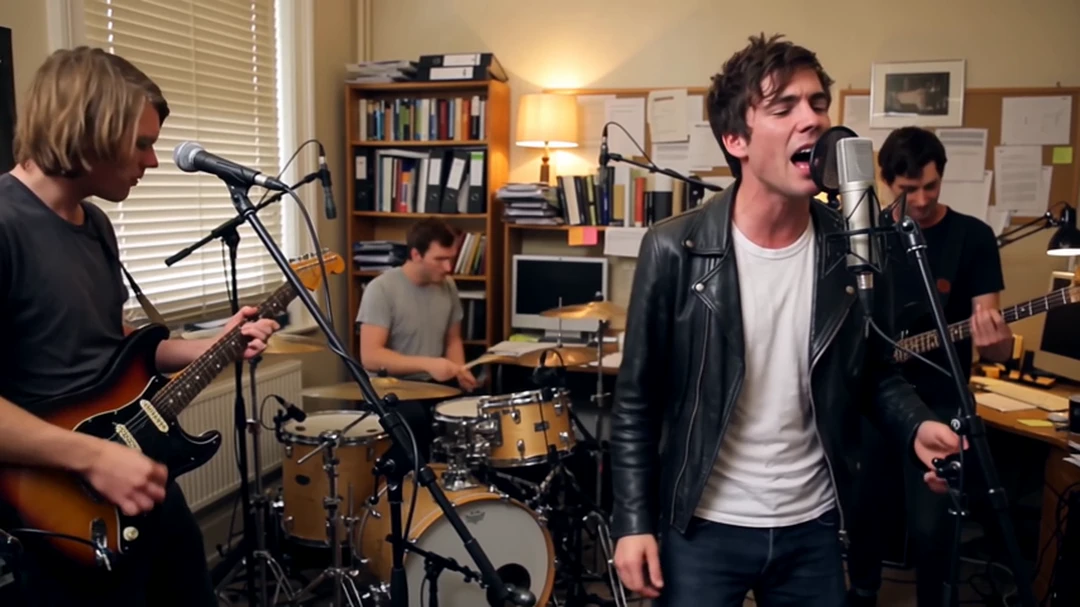
Step 1: Choose the Tiny Desk AI Template
Open the outstanding Tiny Desk AI template on Senzia.
The scene is already prepared, allowing you to focus on choosing the people you want to feature. You do not need to write a complicated prompt, create a concert background or manually plan every camera shot.
Before continuing, decide who will appear as:
-
The lead singer
-
The keyboard player
-
The backing vocalist or vocalists
Only the lead singer is required. The other performers are optional.
Step 2: Upload Your Images
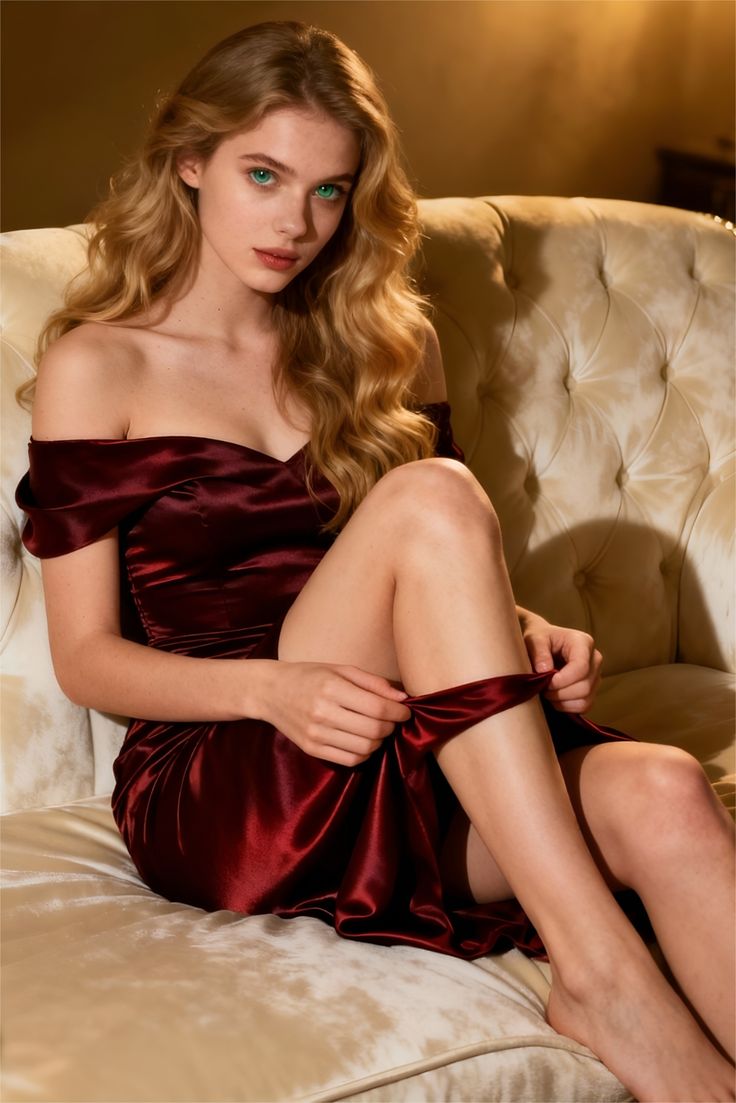
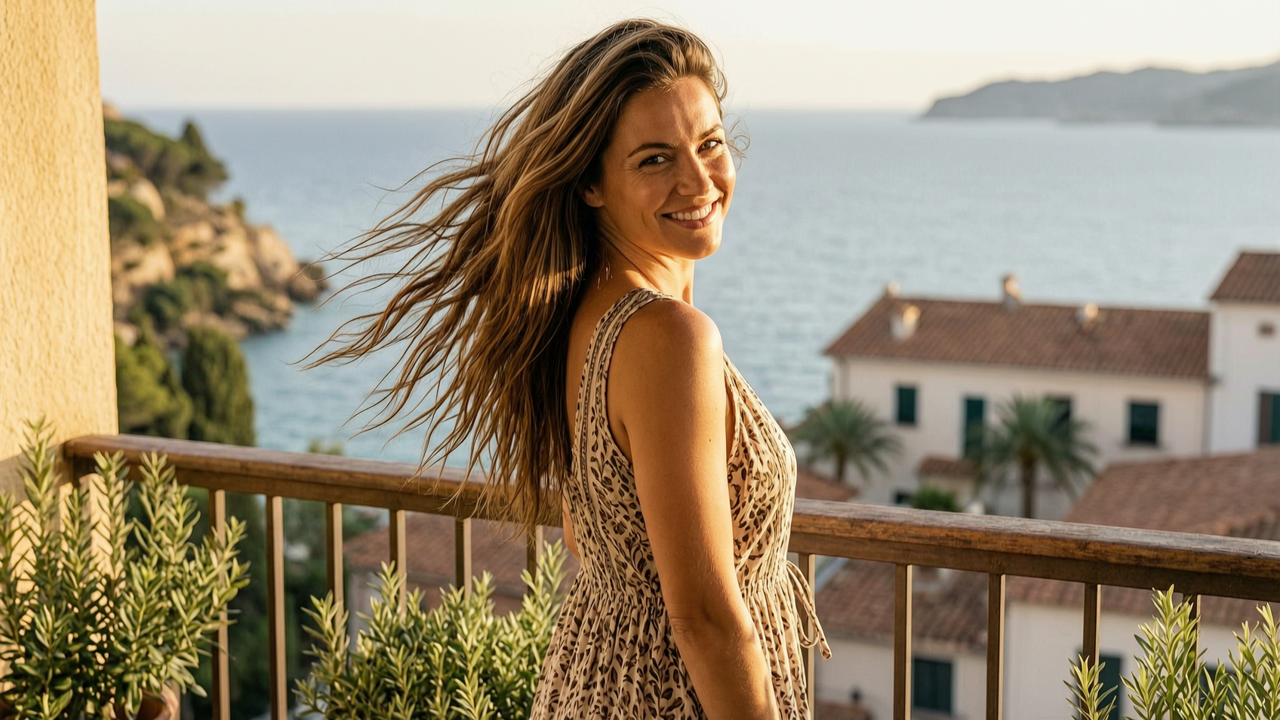
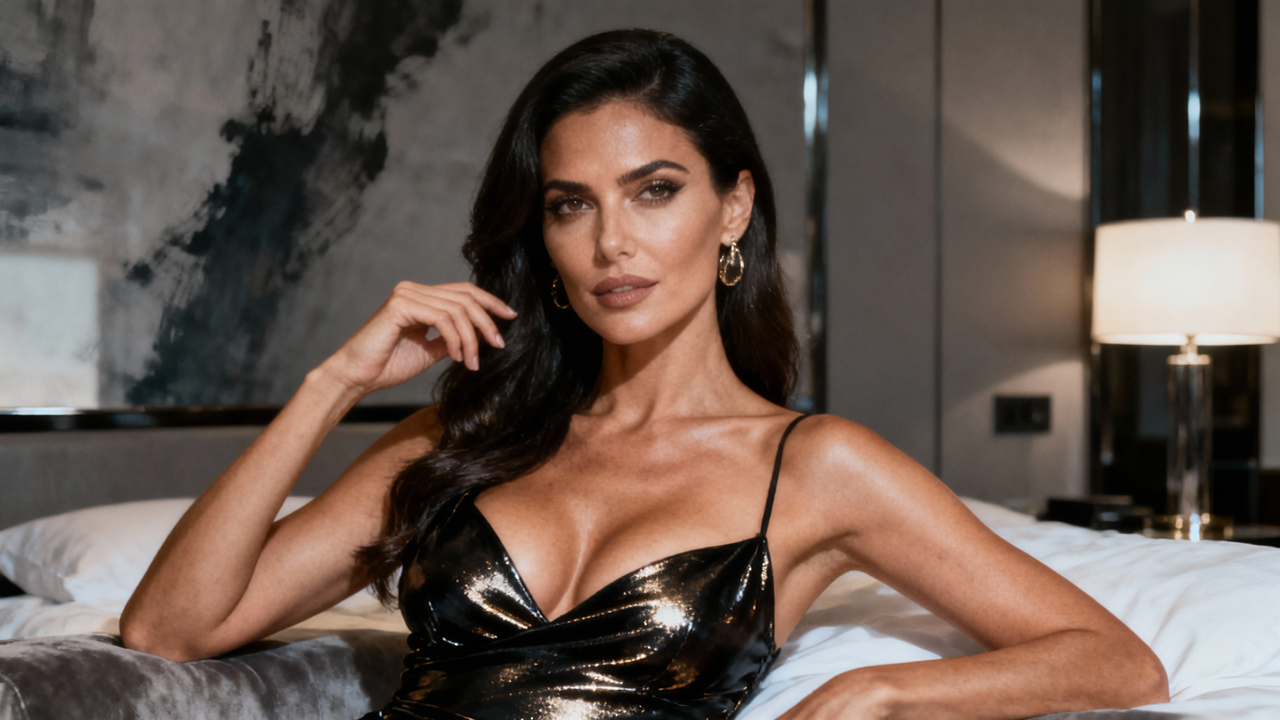
Upload one clear image of the person you want to use as the lead singer.
For better results, choose an image with:
-
One clearly visible person
-
A face looking toward the camera
-
Even, natural lighting
-
No sunglasses or objects covering the face
-
A simple background
-
A visible upper body when possible
-
A natural facial expression
A heavily filtered, blurry or low-resolution image may make it harder for the AI to preserve the person’s appearance.
You can also upload separate images for the keyboard player or backing singers. This lets you build a more personalized band featuring friends, family members or original characters.
Make sure you have permission before uploading or publishing photos of other people.
Step 3: Generate and Share Your Video
Click Generate to create your Tiny Desk-style performance.
Once generation is complete, watch the entire video instead of judging it from a single frame. Check that:
-
The lead singer remains recognizable
-
Different performers keep separate identities
-
Faces remain consistent between shots
-
Instruments and hands look natural
-
The concert scene has the expected energy
-
No unwanted people or visual artifacts appear
If you are satisfied with the result, download the video and share it with friends or publish it on TikTok, Instagram Reels, YouTube Shorts or another social platform.
Follow the platform’s rules for labeling AI-generated media.
Tips for Better Tiny Desk AI Videos
The quality of your source photos has a major impact on the final video. For the lead singer, choose a sharp, well-lit portrait with the face and upper body clearly visible. Front-facing or slightly angled photos usually work better than dramatic side profiles, heavily filtered selfies or compressed screenshots.
If you want to include a keyboard player or backing singers, upload a separate photo for each role instead of using one group picture. Distinct faces, hairstyles and clothing help the generator keep each performer recognizable throughout the video.
After generation, watch the entire performance rather than checking only the lead singer’s close-up. Pay attention to supporting performers, facial consistency, hands and instruments. If something changes noticeably between shots, try generating another version with clearer reference photos.
Before posting, add only music you are permitted to use. You can use your own audio, a licensed recording or an official sound provided by TikTok, Instagram or YouTube.
How to Fix Common Generation Problems
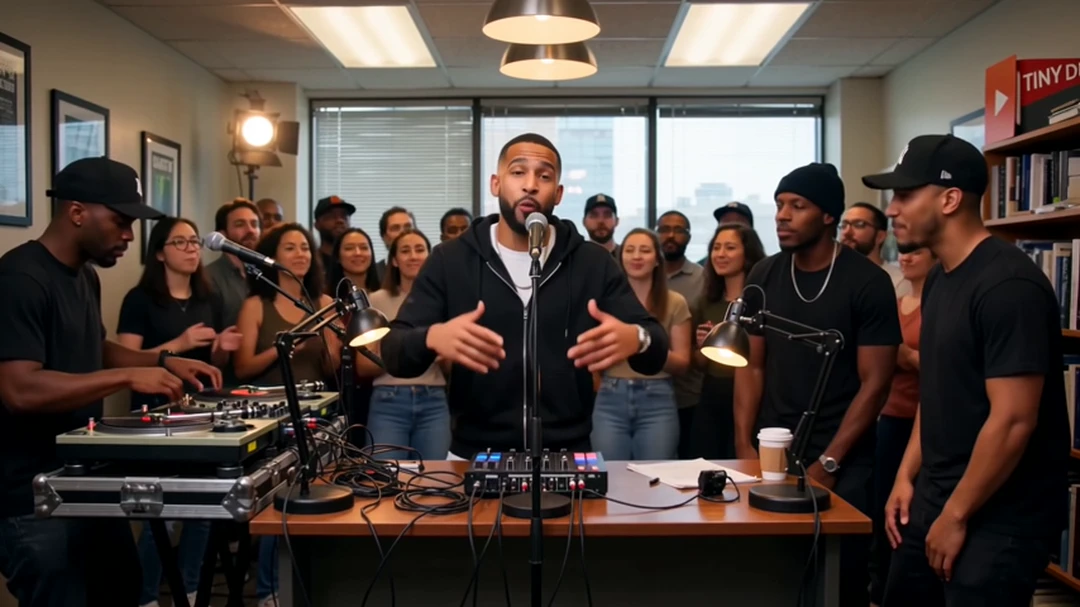
Most problems with Tiny Desk AI videos can be traced back to the source image. If the generated performer does not resemble the uploaded person—or changes between shots—replace the image with a sharper, front-facing portrait taken in even lighting. Avoid motion blur, strong filters, deep shadows and anything covering the face.
When two band members look too similar, upload separate portraits with visibly different facial features, hairstyles or outfits. This gives the generator clearer identity references for the lead singer, keyboard player and backing vocalists.
Hands, microphones and instruments are more difficult for AI video models to reproduce consistently. If they appear distorted, generate another version and review the movement in full rather than judging the result from a still preview.
Lip movement may not match every word of the soundtrack perfectly. Adding the correct song afterward cannot fix mouth movements that were generated incorrectly, so regeneration is usually the best option when the mismatch is distracting.
Why Use a Tiny Desk AI Video Generator?
Creating this format manually may require reference footage, several character images, motion-guided generation and video editing.
A dedicated tiny desk AI video generator reduces those steps by providing a prepared scene and workflow. Instead of building the concert shot by shot, Senzia lets you choose the template, upload the performers and generate the video.
This approach is best for users who:
-
Want to join the trend quickly
-
Only have one lead-singer photo
-
Do not want to write complex prompts
-
Do not have advanced editing experience
-
Want to add friends as optional band members
Creators who need complete control over every camera movement may prefer a manual reference-to-video workflow. However, that approach normally requires more source material, generation attempts and editing.
Frequently Asked Questions
What is the outstanding Tiny Desk AI generator?
An outstanding tiny desk AI generator creates an AI video inspired by the viral “Outstanding” concert format. Senzia provides a prepared template that lets you add a lead singer and optional supporting performers from photos.
How many photos do I need?
You need one photo for the lead singer. You can also add photos for a keyboard player or backing vocalist if you want to personalize more of the band.
Can I make a Tiny Desk AI concert with my own photo?
Yes. Upload a clear photo of yourself as the lead singer and generate your Tiny Desk AI concert through the Senzia template.
Can I add my friends to the band?
Yes. In addition to the required lead-singer image, you can add images for the keyboard player or backing singers. Always obtain permission before using another person’s photo.
Do I need to write a prompt?
The Senzia template has the scene prepared in advance, so you can create the video without writing a long video-generation prompt.
Are Tiny Desk AI concert videos official NPR videos?
No. Tiny Desk AI concert videos are AI-generated creations and are not official NPR performances. Avoid presenting a generated appearance as a real performance or endorsement.
Can I publish the result on social media?
Yes, provided you have permission to use the uploaded images and any accompanying music. Use AI-content labels when required by the platform.
Does Senzia provide the original “Outstanding” music?
Do not assume that generating a video grants a music license. Use licensed music or select the official sound offered by TikTok, Instagram, YouTube or the platform where you publish.
Create Your Own Tiny Desk AI Concert
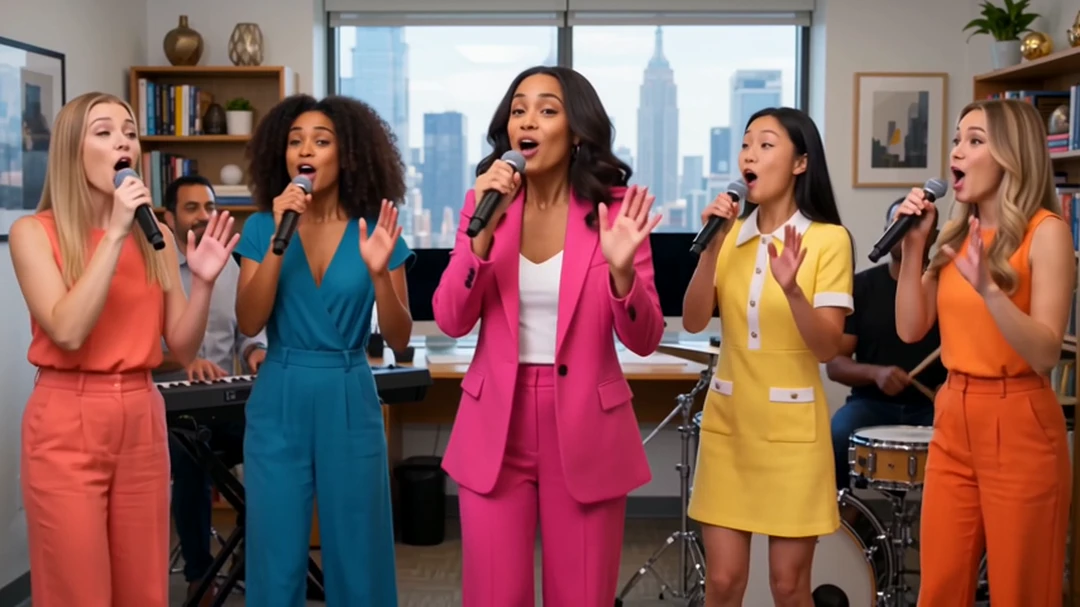
The trend works because it combines a familiar concert atmosphere with an unexpected performer. With Senzia, you do not need to assemble the full scene or generate every character separately.
Choose the Tiny Desk AI template, upload a photo of your lead singer, add optional band members, and click Generate. Once the video is ready, review the complete performance and share it using music and images you have permission to use.