
AI Video Extender Online Free
Extend any clip beyond its original length with Senzia's free AI video extender. Add seamless seconds to the start or end, keep motion, lighting and style perfectly matched, and skip the reshoots - no sign up required. From short Kling, Runway, or Grok AI generations to real footage, this AI video extender online tool turns brief clips into finished, watch-worthy shots in seconds.
What is Senzia's AI Video Extender?

Senzia's AI video extender is an online AI video tool that generates brand-new frames to continue your footage instead of looping or stretching it. The model studies the motion, camera path, lighting, and pacing of your final frames, then predicts what comes next so the extended portion plays back as one continuous take. You can extend video with AI in either direction - add a natural lead-in to the start or extra seconds to the end - and chain generations to build longer scenes from a single short clip. Beyond duration, it doubles as a video frame extender that reshapes the canvas, so you can extend the background, adjust aspect ratio, or turn a horizontal shot vertical without cropping the subject. Because every extension runs in your browser, this free AI video extender online needs no software, no Premiere plugin, and no sign up to start.
How Does Senzia's AI Video Extender Work?
Step 1: Upload Your Video Clip
Drop any MP4, MOV, or WebM clip into Senzia's AI video extender, or paste a link to an AI-generated video from Kling, Runway, or Sora. No download and no sign up are needed to upload and start extending video online.
Step 2: Set Direction, Duration, and Prompt
Choose whether to add footage to the start or end, pick how many seconds to add, then optionally describe what happens next. This prompt-guided control lets the AI extend video length exactly the way your scene should continue.
Step 3: Generate, Preview and Download
The AI generates seamless new frames in seconds. Preview the result, download it in full quality, then run the extender again on your output to extend the video even further - completely free.
What You Can Do with Senzia's AI Video Extender?

Turn Short Clips into Full-Length Scenes
Use Senzia as an AI video length extender to grow a 5-second generation into a 15-second-plus shot. The AI continues the exact motion and composition, so you can extend video duration and finally use clips that ended too early - no looping, no slow motion, just real added seconds that feel filmed in one take.
Extend the Background and Canvas with AI
Senzia works as an AI video background extender that paints new scenery beyond the original edges of your frame. Widen a tight shot, fill the empty space around your subject, or open up a cramped composition to fit a new layout - all without cropping or zooming in on the action.

Reframe Aspect Ratio for Any Platform
Repurpose one clip for every feed with the built-in AI video aspect ratio extender. It converts horizontal footage to vertical for TikTok, Reels, and Shorts, or stretches a square clip to widescreen, generating the missing top and bottom instead of padding the frame with black bars.
Extend AI-Generated Videos and Chain Longer Cuts
Most AI models cap clips at around 20 seconds, but Senzia's video to video extender removes that ceiling. Extend AI-generated videos from Sora, Kling, Runway, or Seedance, then chain one extension onto another to build minute-long sequences from a single short clip.
Who is Senzia's AI Video Extender for?
Content Creators & Social Media Managers
Short-form creators use Senzia's AI video extender online to add the extra seconds that keep viewers watching. Lengthen a TikTok, Reel, or Short, smooth out an abrupt ending, and reframe one clip for every platform - all free and with no sign up required to start.
Marketers & Video Editors
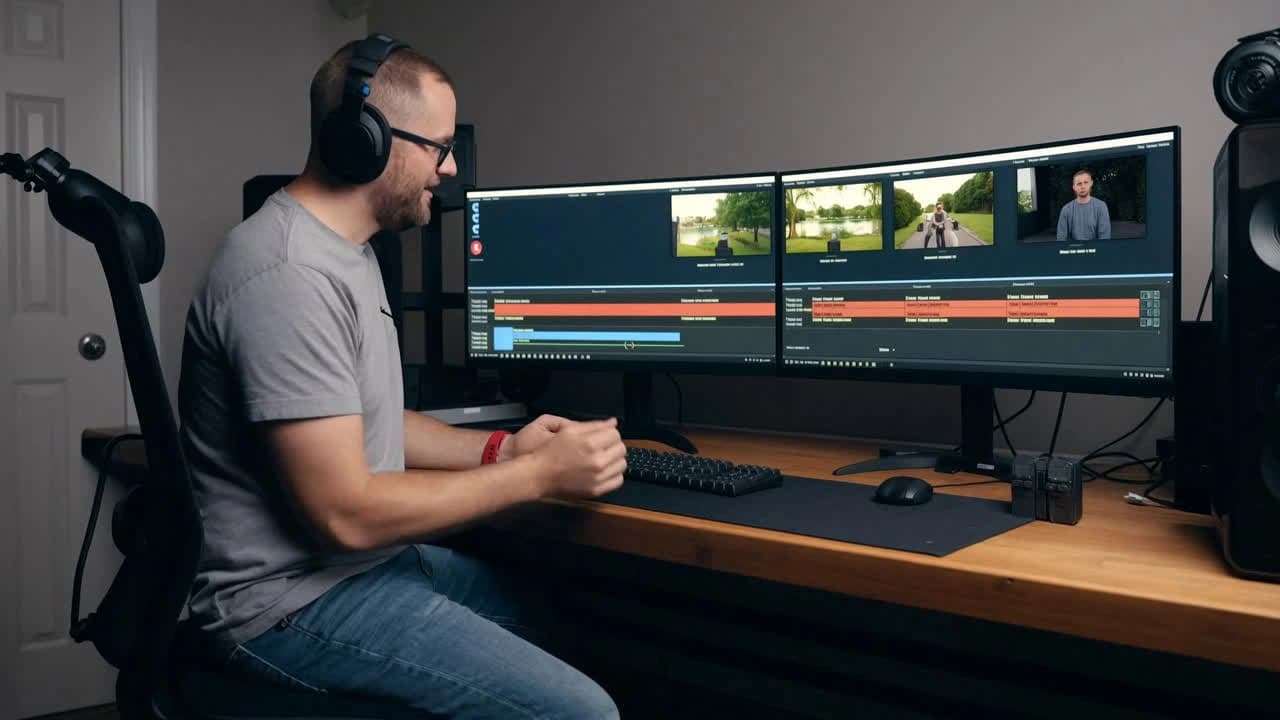
Marketing teams and editors rely on this AI video duration extender to stretch B-roll, finish cut-off product shots, and avoid costly reshoots. Instead of stitching clips together in Premiere, they extend video with AI in the browser and export ready-to-use footage in seconds.
AI Artists & Filmmakers
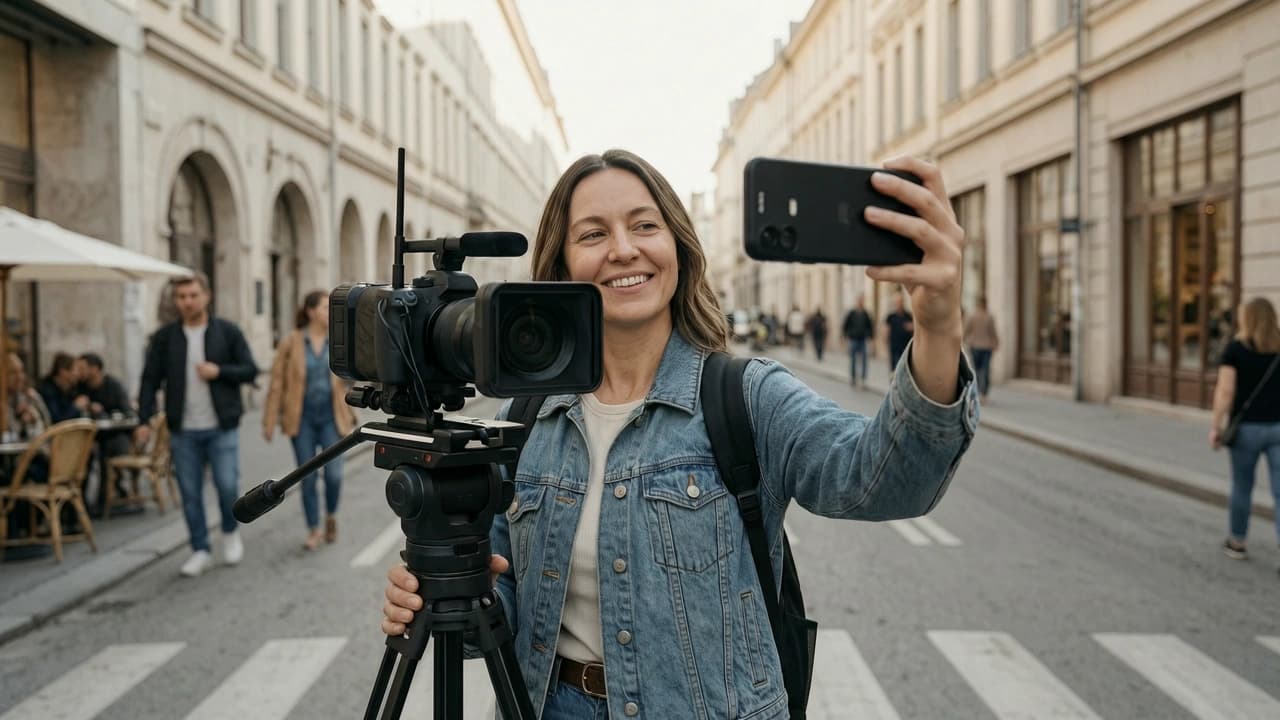
AI filmmakers and motion designers use Senzia to push past the length limits of generative models. The free AI video extender continues Kling, Runway, and Sora clips with consistent motion, letting you compose complete scenes from short AI generations.
Why Choose Senzia's AI Video Extender?
Seamless Extensions with Frame-Perfect Continuity
Senzia's AI video extender uses motion-aware generation that reads camera movement, lighting, and subject position from your source frames. Unlike loop or slow-motion tricks that simply repeat or stretch footage, it creates genuinely new motion that matches the original in resolution, color, and pacing - so there is no visible cut between your clip and the AI-extended continuation.
Truly Free Online with No Sign Up or Watermark Tax
While many tools lock extensions behind subscriptions or per-second credits, Senzia is a free AI video extender online with no sign up required to start. Everything runs in your browser on fast cloud infrastructure - no Premiere plugin, no software install, and no account wall standing between you and your first extended video.
Full Control Over Length, Direction and Frame
Extend forward, backward, or both; set the exact number of seconds; and tune how much context the AI uses for tricky shots. As a video frame extender it also reshapes the canvas itself, so adjusting aspect ratio or widening the background happens in the same place - no extra tool required.