
AI Photo Enhancer Free Online In Seconds
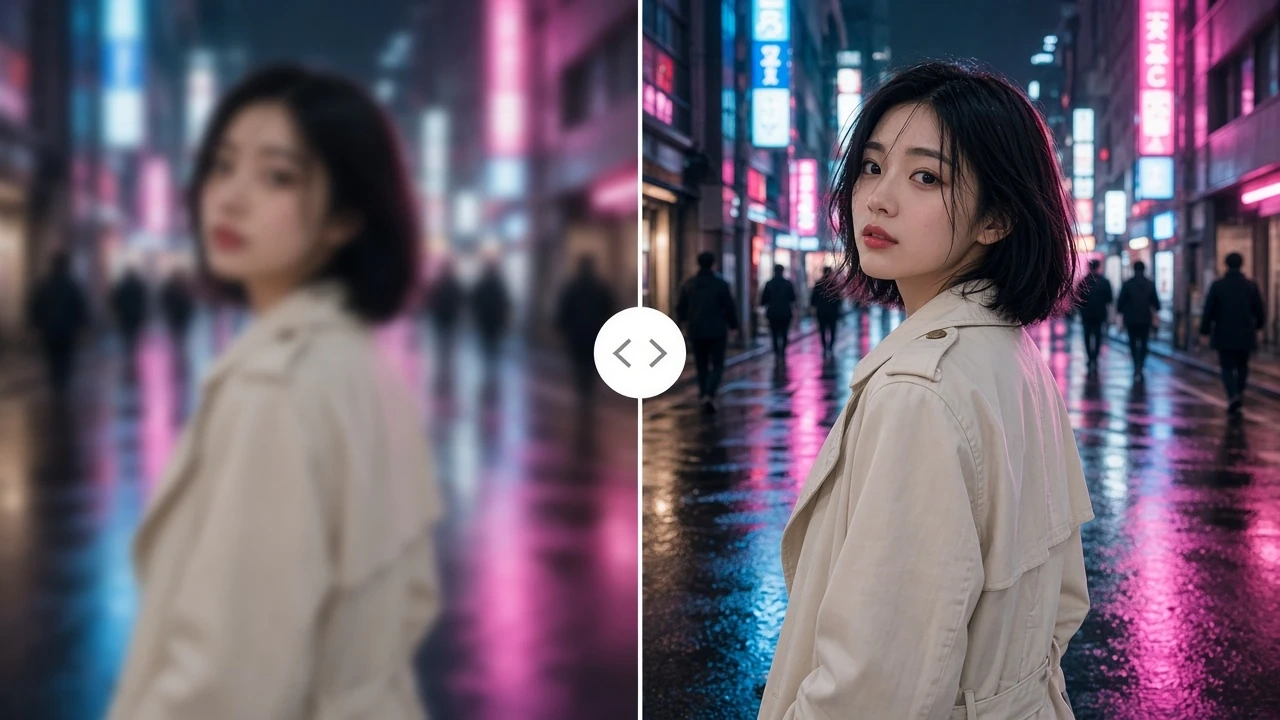
A photo enhancer should fix what is wrong before it makes the file larger. Senzia's AI photo enhancer diagnoses blur, noise and JPEG blocks, restores them, then offers an optional size step. increase photo resolution only after that restore, or you enlarge the fault. Free to start online. The still exports unmarked.
What is Senzia's Photo Enhancer?
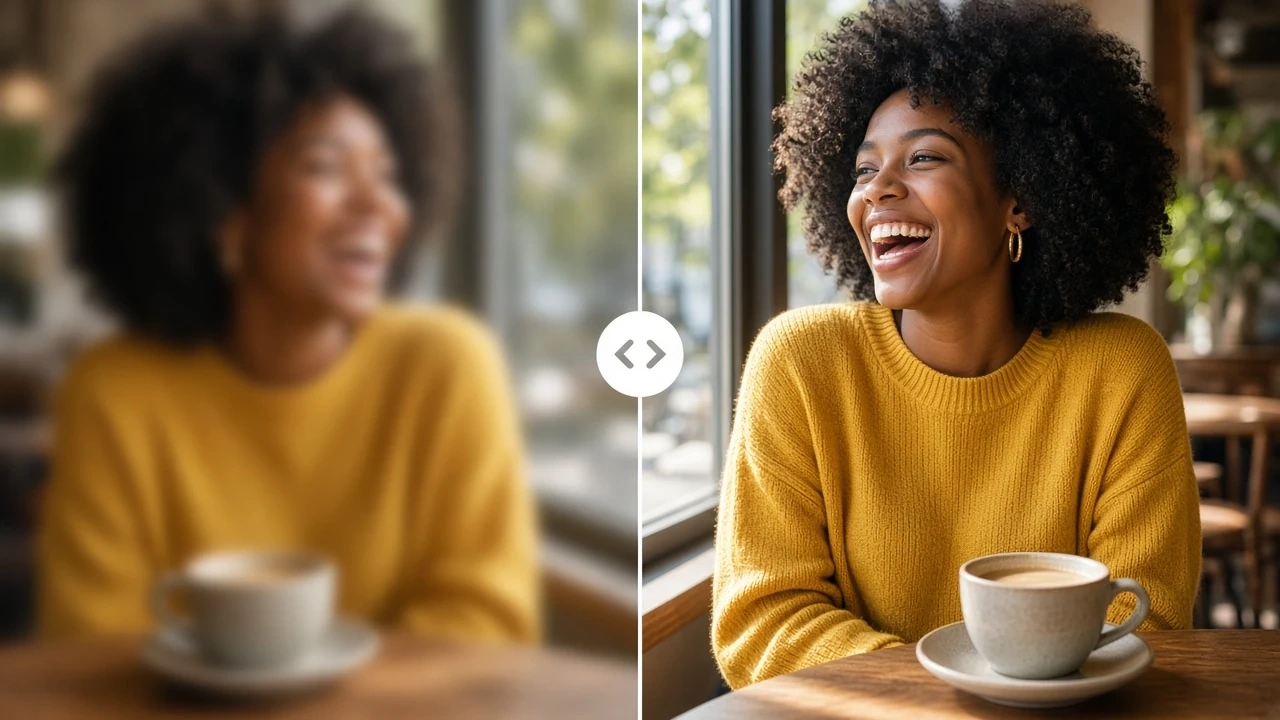
Senzia's photo enhancer is a still-image tool that restores a file you already have. It is not a generator and it is not an object eraser. Upload JPEG, PNG, or WEBP. The first pass diagnoses what failed: motion blur, missed focus, JPEG blocks, high-ISO noise, a low pixel count, or a faded scan. An AI photo enhancer that jumps straight to 4K will enlarge those faults. Senzia restores first, then offers an optional resolution step. improve image quality here means the edge stays where it was; no new objects are invented to fake sharpness. Face recovery is a separate toggle so a portrait does not get a plastic skin pass while a landscape is left alone. An image enhancer should also keep signage and small type readable. Old photo work is its own path: dust, scratch, and fade before any enlarge. A photo quality enhancer run can stop after the restore if the file is already large enough to print. blur to clear image work belongs in that first pass, not after the pixels have been stretched. Downloads keep the original aspect. You stay responsible for the photo you upload.
How Does Senzia's Photo Enhancer Work?
Step 1: Upload the Photo You Want to Restore
Add JPEG, PNG, or WEBP. An image enhancer online job needs the original file, not a screenshot of a screenshot. No account is required to load the canvas. Upload only pictures you own or are licensed to edit.
Step 2: Confirm the Diagnosis and the Size Step
The tool flags blur, noise, JPEG damage, low resolution, or fade. Accept those restore passes, then choose to stay at the current size or raise it. Face restore is optional. preserve text in photo stays on by default so signs and labels do not smear.
Step 3: Compare, Refine and Download
Toggle the original against the result at 100 percent, especially on edges and type. Re-run one pass if a halo appears. enhance image free downloads are unmarked stills at the size you chose. Free to start.
What You Can Do with Senzia's Photo Enhancer?
Blur to Clear Image Before Any Enlarge
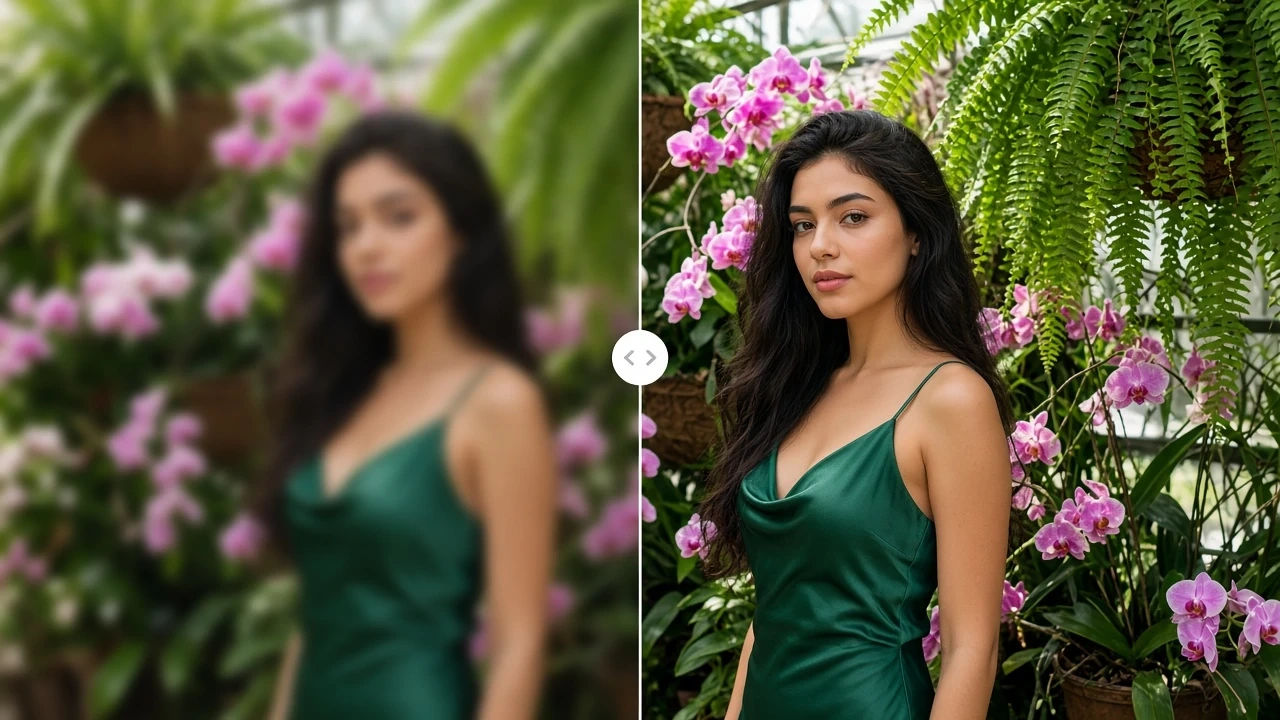
A soft shutter or a missed focus is not a resolution problem. blur to clear image work reconstructs the edge first so a later size step has something real to follow. unblur photo and sharpen photo passes stay inside that restore. clear a blurry photo and check eyelashes or type at full zoom. blur photo to clear photo results fail when you enlarge first and then try to invent the edge.
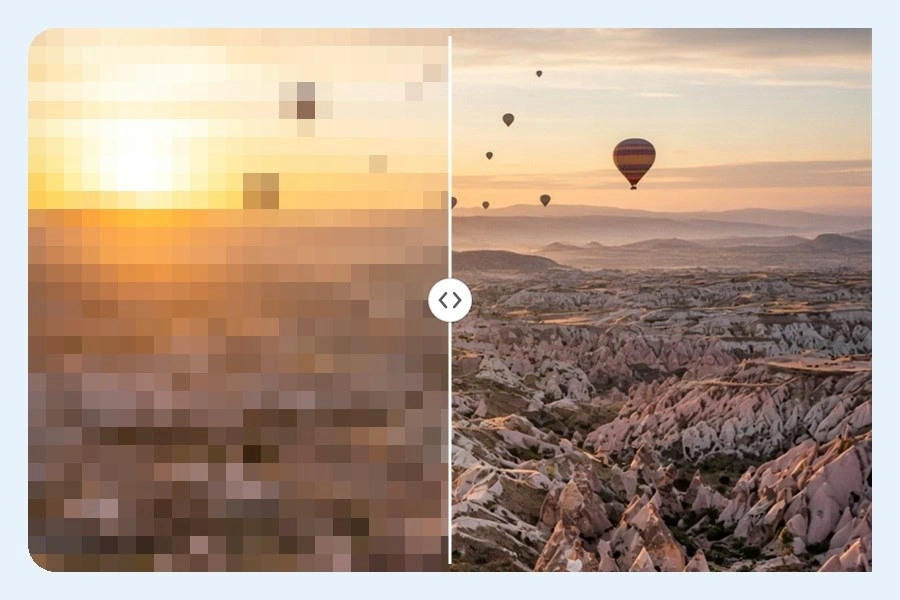
Photo Quality Enhancer for Noise and JPEG
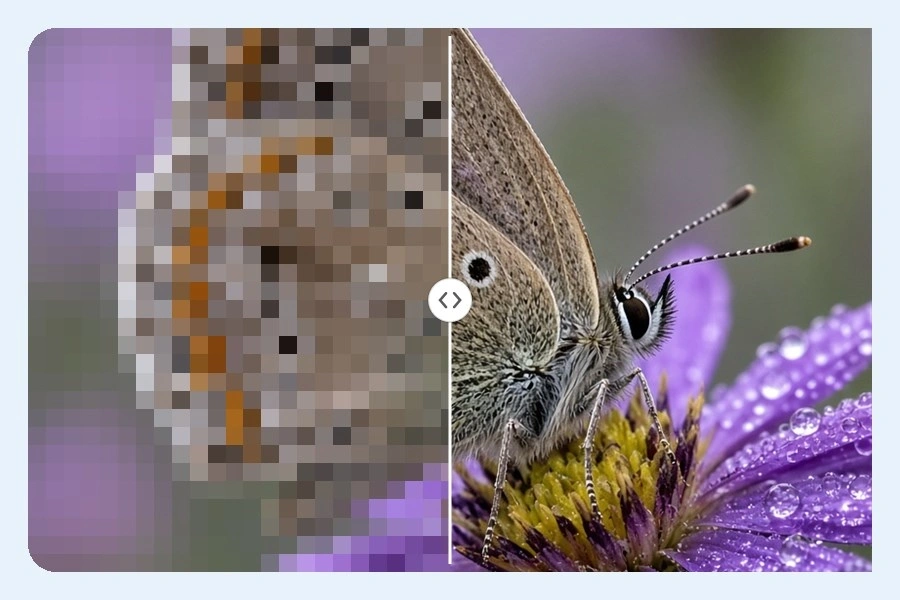
Night ISO grain and phone compression look sharp until you print. A photo quality enhancer run denoises without smearing fabric, then a jpeg enhancer pass lifts the block grid. denoise photo work is separate from deblur, because one fault is random and the other is directional. improve photo quality here should still look like the same camera. enhance blurry photo is the wrong toggle if the file is only noisy.
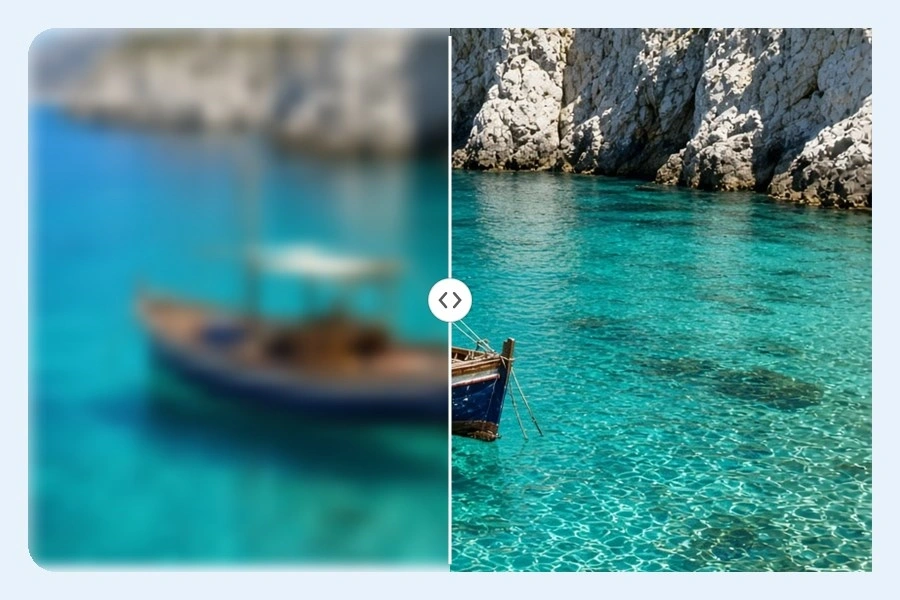
Increase Photo Resolution After the Restore
Once the fault is gone, a size step is optional. increase photo resolution for print or a tight crop, including enhance photo 4k when the brief needs it. image resolution enhancer output keeps geometry locked, so upscale image 4k does not invent a second window or a new face. increase pixels of image only after restore, or JPEG blocks become larger JPEG blocks. A 4k photo enhancer download is still the same photograph.
Old Photo Restoration Online Free Path
Scans fail on dust, scratches, and fade, not on megapixels. old photo restoration online free work repairs those first. AI photo restoration can optionally color a black-and-white plate after the damage is gone. Face restore stays a toggle so a group scan does not rewrite every likeness. old picture restoration online free exports stay unmarked. You still need the right to edit the family file.
Who is Senzia's Photo Enhancer for?
Press Photographers
A night assignment is often the only frame. improve photo resolution online after a denoise pass so the file can run without looking rebuilt.
Auction Catalogers
Lot photos arrive small and compressed. An hd photo enhancer step after JPEG cleanup keeps hallmarks and hallmarks readable in the listing.
Yearbook Editors
Submitted portraits vary wildly. An AI pic enhancer pass with face restore off by default keeps a class page from turning into a set of identical skins.
Why Choose Senzia's Photo Enhancer?
Restore the Fault Before You Stretch the Pixels
Most disappointing 4K files are just larger versions of the original problem. Senzia diagnoses blur, noise, and compression, then restores those. increase the quality of image work that skips this step is just an enlarge. You can stop after restore if the size is already enough.
Edges Stay Put, Faces Are Optional
A generative enlarge can invent windows, jewelry, or a different expression. Senzia locks geometry. Face restore is a toggle, not a default rewrite of every portrait. An AI image sharpener should raise micro-contrast, not redraw the person.
Free to Start, Unmarked, Private
A photo enhancer online free no watermark export is the default. Uploads are not posted to a public gallery. Free to start does not mean unlimited batches forever. You remain responsible for the file you upload and for faces in it.