7 Best MakeFun Alternatives for AI Short Dramas: Pros & Cons
MakeFun is useful for running models such as Kling 4.0, Seedance 2.5 and HappyHorse in one place, generating up to 30 seconds in a single pass, and steering a story beat with up to 10 keyframes. It can feel limited, though, when your story runs minutes rather than seconds, when you would rather not pick a model and write a prompt for every shot, or when you want the finished episode as one file.
So I compared seven MakeFun alternatives across scripted short dramas, cinematic storyboards, multi-frame sequences, narrated vertical episodes, agent-run seasons, quick image-led shots and two-character scenes. These are the ones I'd actually use, and each one is matched to the job it handles best.
1. MakeFun Alternatives
Senzia is my pick for an uncensored AI short drama you want to watch as one finished file. Its AI drama generator compiles a script, a chapter or a one-line hook into a beat sheet of hook, turn, climax and tag, then renders those beats in order. You pick 90 seconds, 2, 3 or 5 minutes first, and the page says a revenge beat will not be flattened into a safer plot.
MakeFun is still a strong home for single beats, especially a 30-second Kling 4.0 take with keyframes. If your need is narrower, Higgsfield suits directing the camera and performance scene by scene, Dreamina suits multi-frame Seedance 2.5 sequences, OpenArt suits narrated, captioned vertical episodes, InVideo suits agent-run seasons for production teams, Unlucid AI suits quick shots from one image, and Mage suits two-character scenes.
2. 7 Best MakeFun Alternatives at a Glance
|
Tool |
Best For |
Why I'd Use It Instead of MakeFun |
|
Senzia |
1.5 to 5 minute uncensored short dramas |
Pick the runtime, approve a timed scene list and get one joined video |
|
Higgsfield |
Directing the camera and performance scene by scene |
Storyboard frames, 30+ camera moves and an Emotion Wheel in one place |
|
Dreamina |
Multi-frame Seedance 2.5 sequences |
Up to 10 reference frames shape one connected sequence |
|
OpenArt |
Narrated, captioned vertical episodes |
Voiceover, lip sync and captions come with each episode |
|
InVideo |
Agent-run seasons for production teams |
Agents plan, cast and shoot a whole season from one show bible |
|
Unlucid AI |
Quick shots from one image |
Upload an image, describe the motion and get a short video |
|
Mage |
Two-character scenes |
Two character images and a preset scene, from 2 to 30 seconds |
3. Why People Look for a MakeFun Alternative
The first reason is length. MakeFun's Kling 4.0 page describes up to 30 seconds in one generation, and it lists video extension of up to 2 minutes as coming soon. A three-minute drama therefore means several generations that you plan, render and join yourself.
The second reason is choice per shot. Kling 4.0, Seedance 2.5, HappyHorse and Wan 2.7 each come with their own modes, durations and per-second coin rates. That range is useful for a single beat, but on a full episode it means deciding the model, the length and the prompt again for every scene.
The third reason is keeping the work. MakeFun's Seedance 2.5 page notes that result data is only kept for 3 days, so a series you build over a few weeks needs its own archive.
Many people also arrive from a search for nsfw ai drama or nsfw ai short dramas because they want a tool that won't soften the story they wrote. Senzia's uncensored pass is built for that: the beats you write, including a revenge turn or a dark ending, stay as written instead of being swapped for a safer plot. I covered how several tools handle this in this uncensored AI tools review.
If one story and one runtime describe your project, you can turn your script into a short drama with Senzia.
3.1 Senzia: Best for 1.5 to 5 Minute Uncensored AI Short Dramas
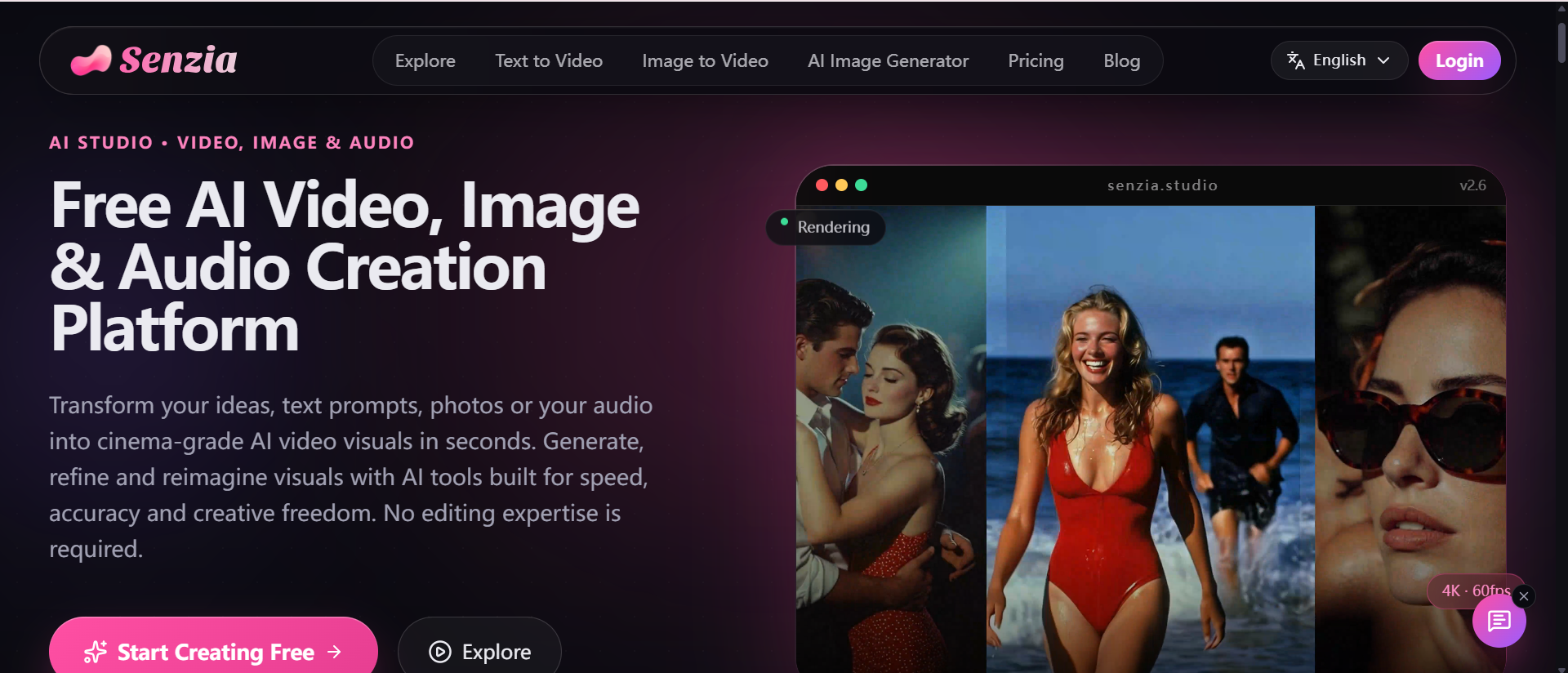
Senzia is a stronger MakeFun alternative when you want one finished uncensored AI short drama from your own story, at a length you choose before anything renders.
MakeFun generates one beat at a time. Senzia plans the whole runtime first. On the AI long video generator, you paste a script or a chapter, upload comic pages, or write a one-line idea, and add a character still if the cast should match it. Then you pick 90 seconds, 2, 3 or 5 minutes. You get back a runtime map, which is a scene list with a timecode for each scene, and a cast sheet that keeps faces, wardrobe and locations the same from the first scene to the last. You can move a scene or shorten one that runs long, choose a romance, anime or cinematic style, and set a 16:9 or 9:16 frame.
The AI short drama generator handles the story logic. It compiles your source into hook, turn, climax and tag, and a story bible locks wardrobe, rooms and plot state, including who already knows the secret, so part two does not forget it. Scenes render in order and are joined into one video. If one scene misses, you regenerate only that scene and keep the rest, and the runtime map stays in your session for the next episode. Finished comic pages become motion comics, with speech balloons turned into timed lines.
I would use it for a pilot episode of a web novel, a romance arc whose slow build and reveal must stay intact, and a revenge story whose ending should stay the ending I wrote.
Pros
-
Runtime first: you set 90 seconds to 5 minutes before the scene list is built, so the ending isn't cut off.
-
One joined file: scenes render in order and come back as one video, with no stitching by hand.
-
Your beats kept: an uncensored AI drama pass keeps a dark turn or a sharp reveal as written.
Cons
-
Story-first: when all you need is a single effect clip, a one-shot tool gets there faster.
-
Plan before render: you approve the runtime map first, which is one more step when you only want to see a single shot.
Best For: serial fiction writers, webtoon artists and short-film pitchers who work alone.
Bottom Line: Use Senzia when MakeFun's 30-second passes leave you joining clips and you want one story turned into one finished drama.
3.2 Higgsfield: Best for Directing the Camera and Performance Scene by Scene
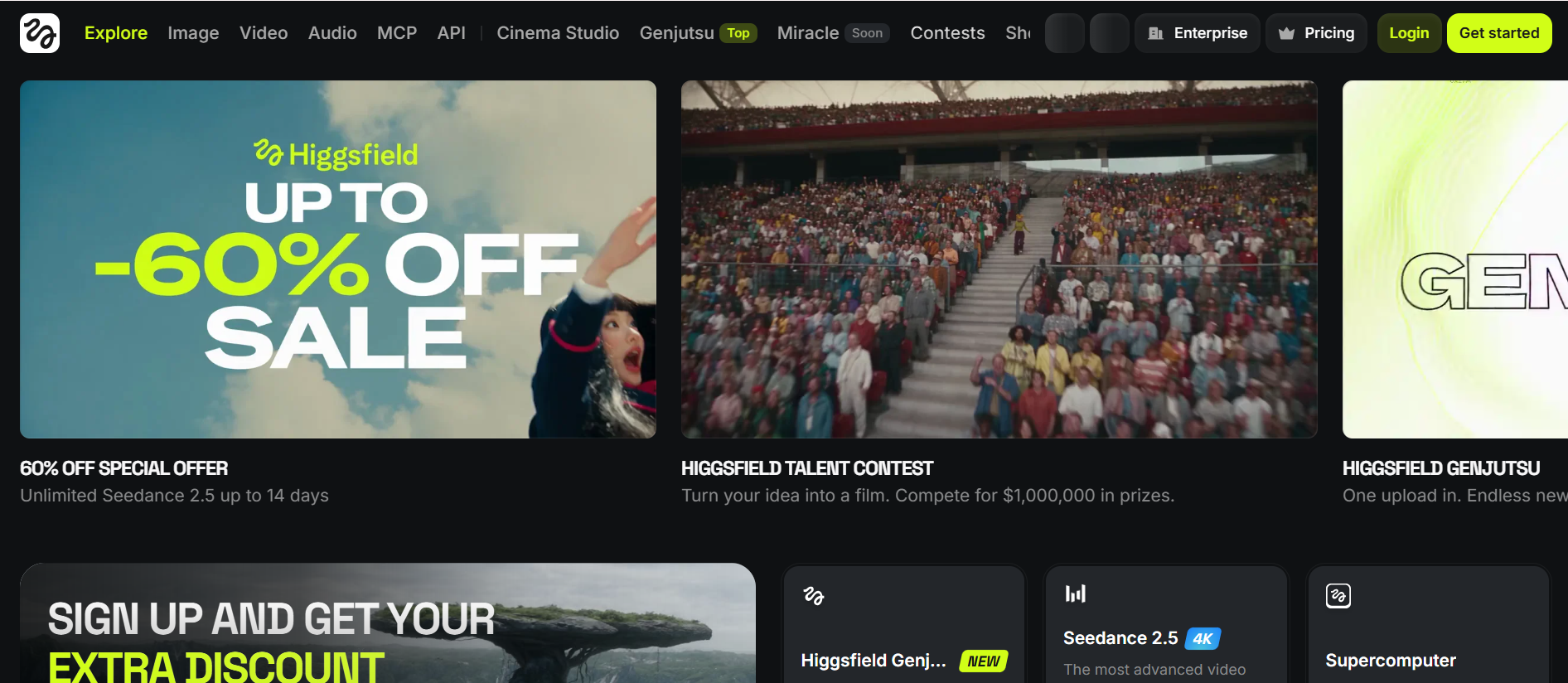
Higgsfield is a stronger MakeFun alternative when you want to make the camera, lens and acting choices yourself.
MakeFun gives you a wide shelf of models. Higgsfield gives you filmmaking controls on top of its own studio. Popcorn, its storyboard generator, makes connected sequences of up to 8 frames that keep a character's face, lighting and clothing the same. Those frames then move into Cinema Studio 4.0, where one generation runs up to 30 seconds and takes up to 50 references. You can choose a drama, noir or horror genre, pick from 30+ camera movement presets, tag a character with an emotion on the Emotion Wheel, set the decade with the era selector, and extend a clip forward or backward.
I would use Higgsfield for a noir confrontation with a locked lens, a storyboard pass on a pilot before animation, and a period scene that needs the right film grain. When those scenes need to add up to a full episode, a timed scene list lays the whole runtime out at once.
Pros
-
Storyboard first: Popcorn keeps identity and lighting consistent across up to 8 frames.
-
Camera control: 30+ movement presets, camera types and lenses are set at generation time.
-
Performance control: the Emotion Wheel builds anger, joy, fear or trust into a character's expression.
Cons
-
Many controls: lens, tempo, genre, color and era settings take time to learn.
-
Scene by scene: each generation runs up to 30 seconds, so a full episode is assembled from several.
Best For: filmmakers, music video directors and cinematic creators.
Bottom Line: Use Higgsfield when MakeFun's model menu isn't enough and you want direct control over the lens and the acting.
3.3 Dreamina: Best for Multi-Frame Seedance 2.5 Sequences
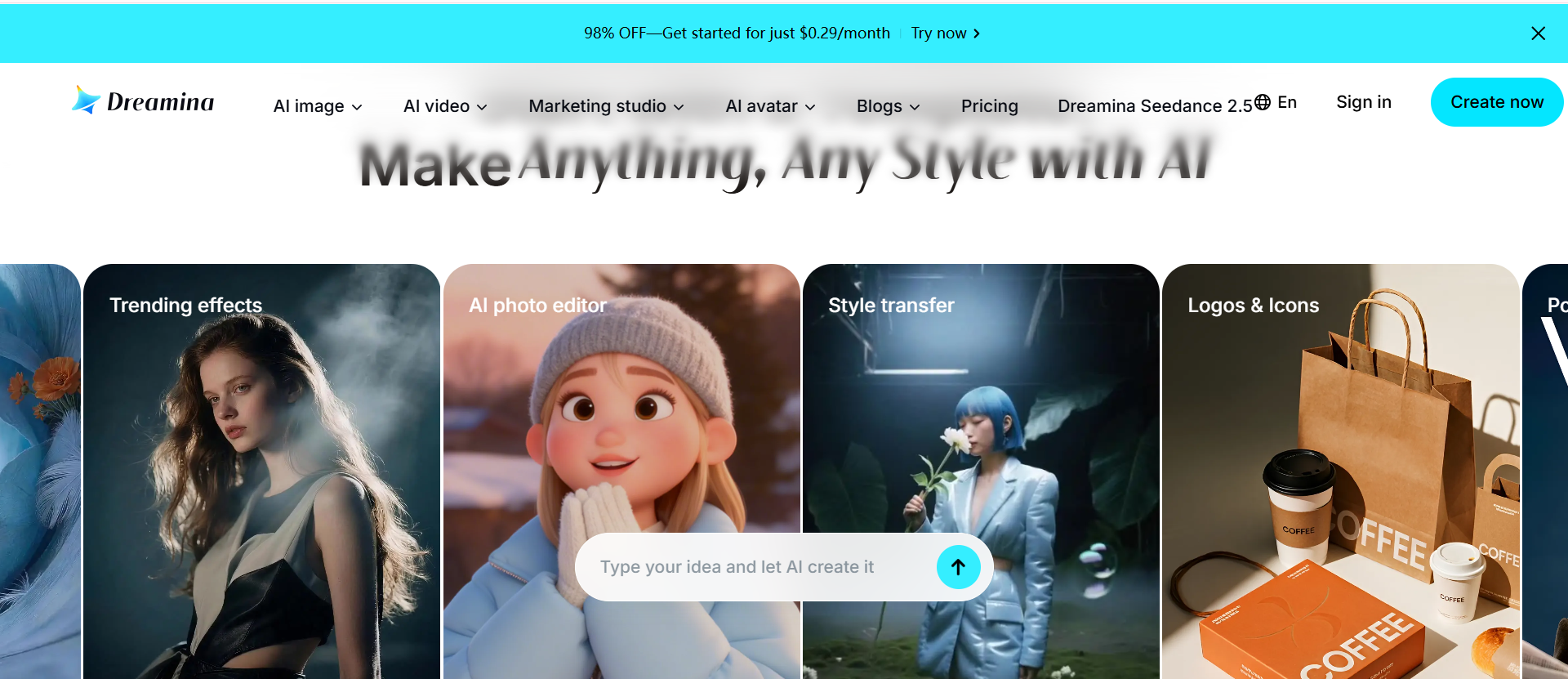
Dreamina is a better fit than MakeFun when you want several connected shots shaped inside one Seedance 2.5 generation.
MakeFun also runs Seedance 2.5, alongside many other models. Dreamina, from CapCut, builds its tools around it. A standard generation runs up to 30 seconds, and a beta long-video mode reaches 180 seconds. One clip can take up to 50 multimodal references, including images, video, audio and text. The Multiframes tool lets you lay out a story with up to 10 reference frames and set each scene from 0 to 8 seconds, and Dreamina can edit specific timestamps, characters or elements inside a finished video.
I would use Dreamina for a product story told in several shots, a music clip with timed scene changes and a cinematic sequence built from storyboard frames. If a chapter's dark turn has to land exactly as written inside a longer story, a script-to-episode beat sheet keeps it in place.
Pros
-
Multiframes: up to 10 frames set where the sequence goes and how long each part runs.
-
Rich references: images, video, audio and text can guide one clip together.
-
Timestamp edits: a moment, a character or an element can be changed after generation.
Cons
-
Long mode in beta: the 180-second mode is still labelled beta.
-
Model-first: you set the frames and references yourself, which takes planning for a long story.
Best For: ad creators, CapCut users and makers of cinematic shorts.
Bottom Line: Use Dreamina when MakeFun's 30-second Seedance runs feel short and you want a longer multi-frame sequence.
3.4 OpenArt: Best for Narrated, Captioned Vertical Episodes
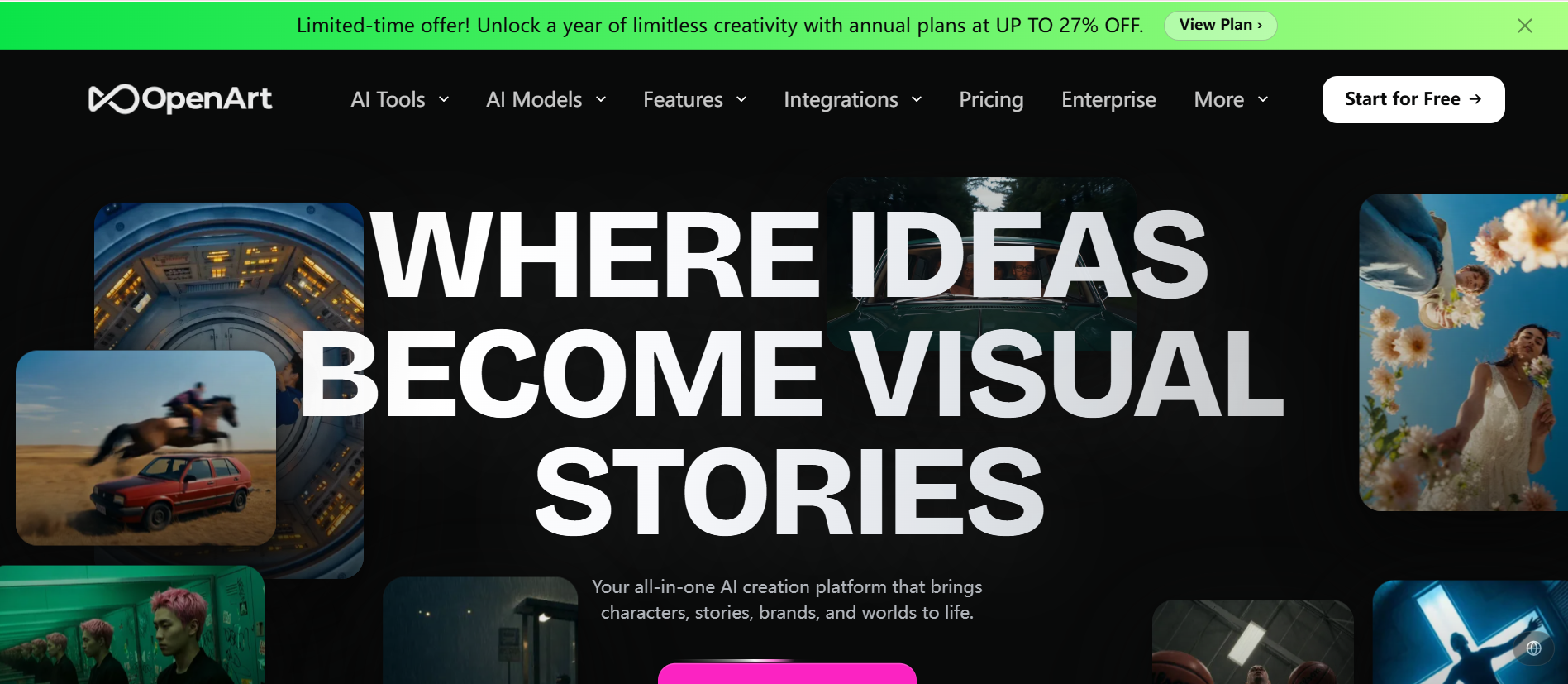
OpenArt is a stronger MakeFun alternative when each episode should arrive voiced, lip-synced and captioned for the feed.
MakeFun returns the generations, and the edit is up to you. OpenArt's drama page aims at a file you can post: it turns a story, a script or a novel chapter into a vertical short drama with a consistent cast, cliffhanger pacing, voiceover in any language lip-synced to the cast, and integrated captions for muted autoplay. You lock the leads from a reference image or its Characters library, choose the genre, the episode length and the vertical format, then review the scenes and the full cut on a timeline. Its FAQ says finished dramas can be used commercially.
I would use OpenArt for ReelShort-style romance series, billionaire and werewolf tropes for TikTok, and branded mini-dramas. When a story needs a landscape cut for YouTube instead, 3 or 5 minute YouTube stories render in 16:9 on Senzia.
Pros
-
Voice built in: dialogue and voiceover come lip-synced to the cast.
-
Captions included: episodes are ready for sound-off autoplay.
-
Genre tropes: romance, revenge, billionaire and time-travel settings shape the tone.
Cons
-
Vertical focus: the drama tool is built around the vertical feed.
-
Big platform: the drama tool sits among many image and video tools, which takes time to learn.
Best For: vertical drama channels, novelists adapting chapters and brand marketers.
Bottom Line: Use OpenArt when MakeFun leaves voice, captions and the cut to you and you want episodes that are ready to post.
3.5 InVideo: Best for Agent-Run Seasons for Production Teams
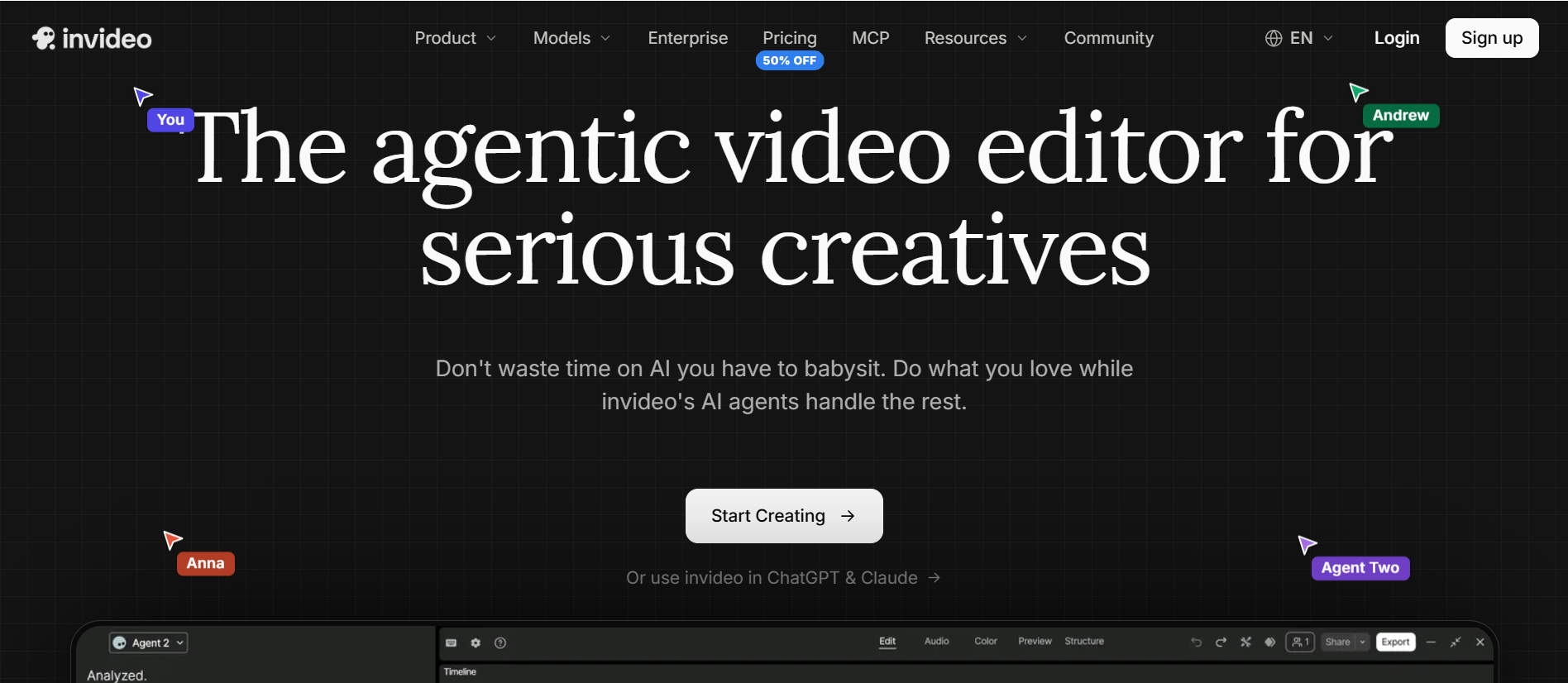
InVideo is a stronger MakeFun alternative when a team is producing a whole season, not one beat.
On MakeFun you choose the model and write the prompt for each shot. InVideo's microdrama agent does that work: you hand it an idea, locked scripts or a show bible, and it saves everything to project memory, casts and locks each character, builds the recurring locations, turns each script into a shot-by-shot plan for you to approve, and picks a model for each shot. Several agents can work on the same season at once, and approved takes go straight into Premiere Pro through a direct integration.
I would use InVideo for a studio season with an editor waiting for takes, a pitch slate with several episodes in parallel, and a show that mixes live-action leads with AI-built sets. When one writer needs one finished episode instead, a story bible that carries into part two keeps the cast and the secret without a crew.
Pros
-
Agents do the prompting: you direct in plain language and the agent writes the prompts.
-
Season memory: cast, locations and visual rules are checked on every generation.
-
Team mode: several people and several agents work on one show at once.
Cons
-
Crew-scale: the setup assumes a production team and an edit suite.
-
Cost scales: its FAQ says episode cost scales with how much you generate.
Best For: short-drama studios, showrunners and agencies running several episodes at once.
Bottom Line: Use InVideo when MakeFun's one-shot workflow can't keep a season consistent and you have a team to run it.
3.6 Unlucid AI: Best for Quick Shots From One Image
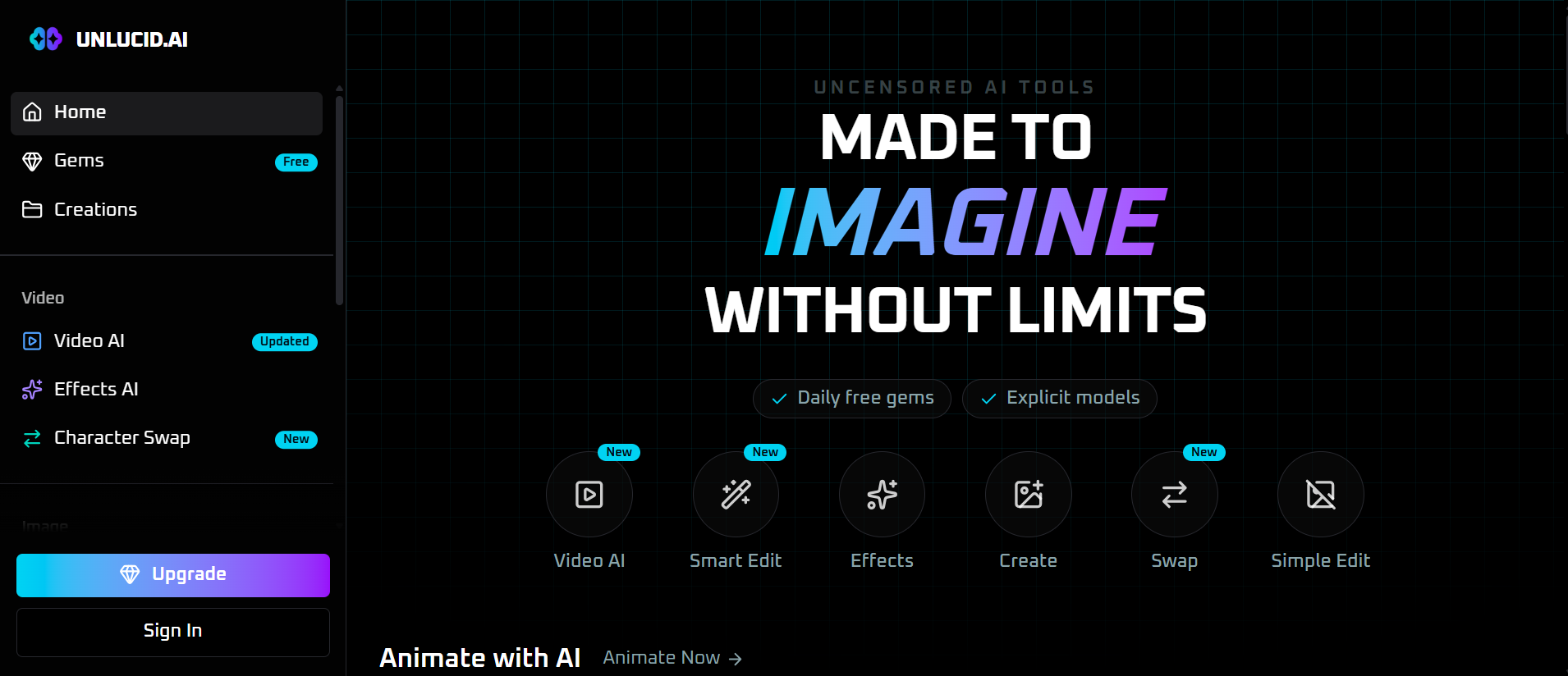
Unlucid AI is a better fit than MakeFun when you need a single short shot fast, not a story.
MakeFun's models run up to 30 seconds per pass. Unlucid's Video AI keeps things short and image-led: you upload an image and describe the motion, the default clip is 5 seconds with 7 or 10 seconds as options, and one clip can hold two or three shots. The same site offers Smart Edit for changing an image by description, more than 20 effects, and a character swap that puts your character into a video.
I would use Unlucid AI for an establishing shot from a character portrait, a reaction beat to drop into an edit, and quick motion tests. When those shots need to become a full episode, a long video built from one character image lays a timed scene list around that face.
Pros
-
Fast start: one image and a motion line are enough.
-
Shots inside a clip: two or three cuts fit into one short video.
-
Smart Edit: an image can be changed by description before you animate it.
Cons
-
One clip at a time: a drama with a turn and a tag needs many clips joined by hand.
-
Image needed: each video starts from an image you upload.
Best For: character artists, meme makers and anyone testing a look.
Bottom Line: Use Unlucid AI when MakeFun's model settings are more than you need and one moving shot will do.
3.7 Mage: Best for Two-Character Scenes
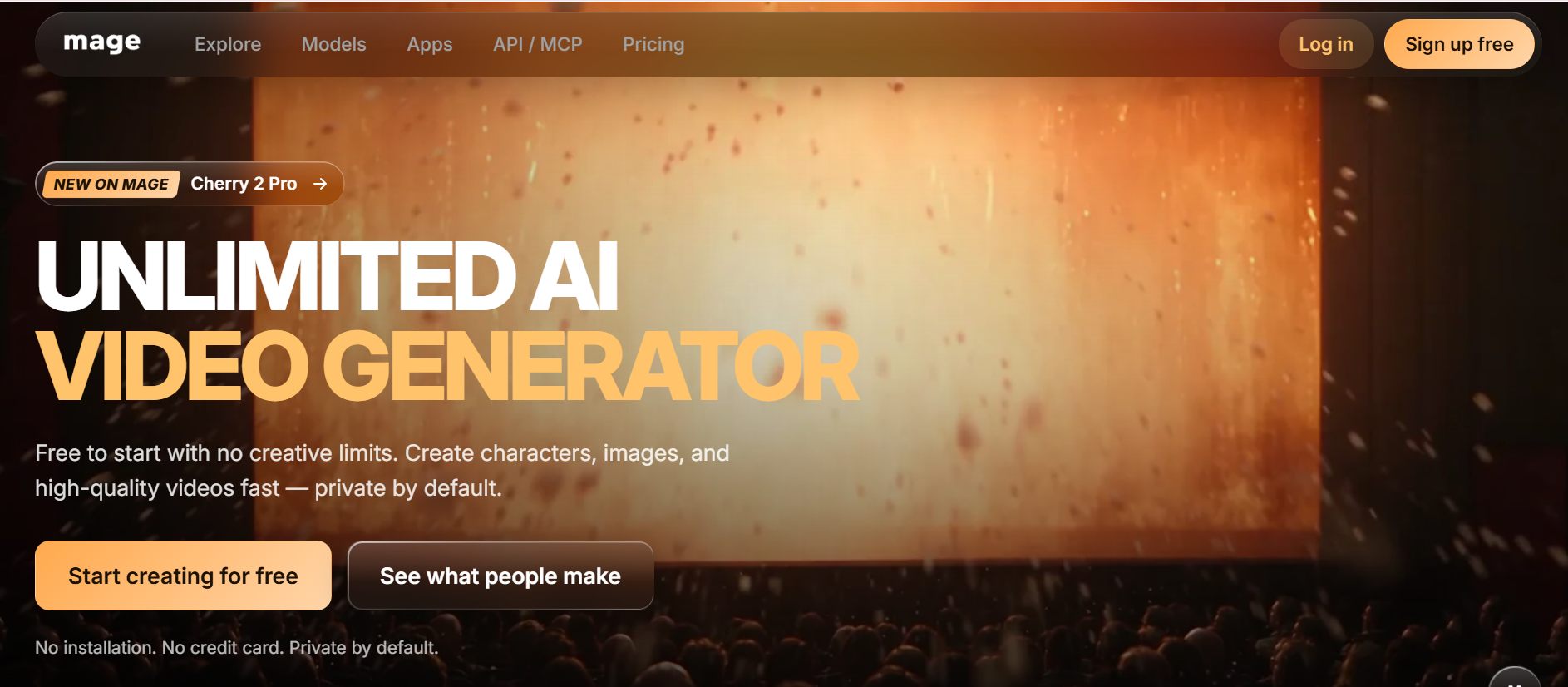
Mage is a stronger MakeFun alternative when the scene is about two people sharing one frame.
MakeFun accepts a stack of references for any scene. Mage's Scene Builder is built for one job: you add two characters from uploads, your creations or saved characters, pick a preset such as Dinner Date, Wedding or Dance Battle or write your own idea, then choose the model, resolution, length and aspect ratio. Depending on the model, a scene runs 2 to 30 seconds at 480p to 1080p, and the price in Gems shows before you generate. Saved characters appear in the prompt by their @handle, so each one keeps their look.
I would use Mage for a confession scene, a rivals' face-off and a dance battle between two leads. If those two leads need a whole arc, a hook, turn, climax and tag outline gives each scene its place. I compared the two tools more closely in Senzia vs Mage.space.
Pros
-
Two faces held: each character keeps their own look in the scene.
-
Scene presets: preset moments write a full prompt you can edit.
-
Price shown first: the Gems cost appears on the Generate button.
Cons
-
Two is the limit: Scene Builder takes exactly two characters.
-
Interaction is hard: its docs warn that physical interaction between two subjects needs more retries.
Best For: character creators, romance storytellers and AI influencer accounts.
Bottom Line: Use Mage when MakeFun's general models make two characters drift and you need both to hold their look in one scene.
4. How to Test These MakeFun Alternatives on Your Own Story
Use one short story with a clear hook, turn and ending, and judge each tool on the same five points. Each point answers a reason people leave MakeFun.
-
Runtime: whether you can set the total length first, and whether the ending fits it.
-
Setup per scene: how many model and prompt choices you make before the whole episode exists.
-
One file: whether the episode comes back joined or as clips to assemble.
-
The beat you wrote: write the dark turn you actually need and see whether it comes back as written.
-
Fixing one part: whether a weak scene can be redone without redoing the episode.
On Senzia, points one, three and five are what the AI long video generator is built around.
5. How I'd Choose the Right MakeFun Alternative
-
If you want one finished drama of 90 seconds to 5 minutes, start with Senzia's AI short drama generator.
-
If you want to direct the lens and the acting yourself, choose Higgsfield.
-
If one generation should hold several connected shots, go to Dreamina.
-
If every episode should arrive voiced and captioned, use OpenArt.
-
If a team is producing a full season, pick InVideo.
-
If one moving shot from an image is enough, use Unlucid AI.
-
If the scene is about two characters, use Mage.
-
If one beat should be one long take with keyframes, stay with MakeFun.
6. My Personal Take
I would still open MakeFun for a single beat that has to play as one continuous take. Kling 4.0's keyframes and 30-second runs make it easy to pin the opening, the turn and the reveal of one moment.
When it's a whole chapter, I switch to Senzia. I pick the runtime, check the scene list and get one joined video I can watch through, which is how I judge uncensored short dramas in the first place: does the turn land, and did the ending stay mine?
7. The Best MakeFun Alternative for AI Short Drama Workflows
Senzia earns a second mention because one episode is rarely the whole job. Start with the AI drama generator to compile the beat sheet and the story bible, then use the AI long video generator for a 3 or 5 minute cut in 16:9 for YouTube, or 9:16 for vertical feeds. The cast sheet carries into episode two, so the next uncensored AI drama opens with the same faces and the same secret. When a single shot has to start from a still, image to video gives it motion, and when a clip ends too soon, the AI video extender adds new frames at the start or the end.
8. Final Verdict
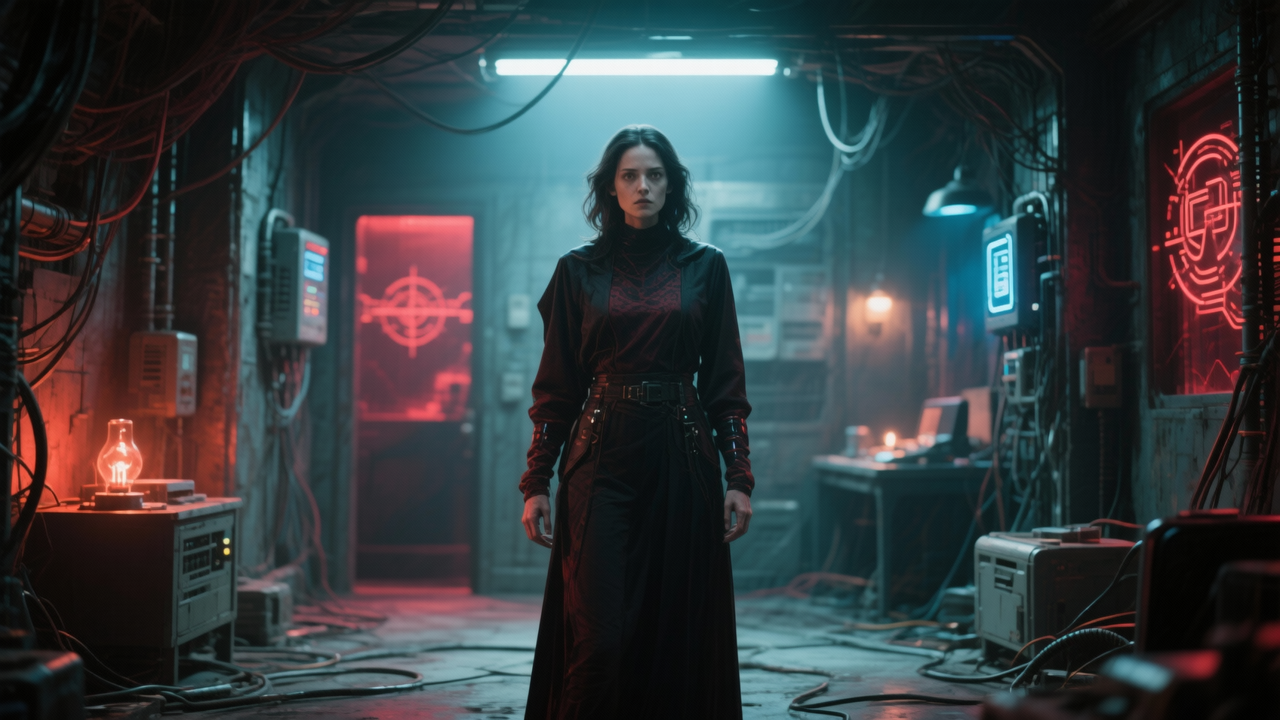
The best MakeFun alternative for an uncensored AI short drama is Senzia, because it lets one person pick a runtime of 90 seconds to 5 minutes, approve a timed scene list and a cast sheet, and get one joined video whose beats stay as written.
Higgsfield is the choice for directing the camera and performance scene by scene, and Dreamina is the place for multi-frame Seedance 2.5 sequences. OpenArt delivers narrated, captioned vertical episodes, InVideo runs agent-led seasons for teams, Unlucid AI makes quick shots from one image, and Mage handles two-character scenes. Pick the tool that matches the job in front of you, and keep MakeFun for the long single takes it already handles well.
FAQ
How should I start my first uncensored AI drama on Senzia?
Start small. Write a one-line hook, pick the 90-second runtime and check the runtime map before anything renders. If you searched for a free uncensored ai drama tool to test an idea, this is the quickest way to see whether your hook, turn and cliffhanger land. Once the short cut works, run the same story at 3 or 5 minutes. People who look for an uncensored ai drama free test usually want exactly this kind of quick proof.
free uncensored ai drama
Because they want a tool that won't rewrite their story. People who search for nsfw ai dramas free or free nsfw ai dramas are often tired of filters that soften a scene or swap an ending. Senzia's uncensored pass generates the scene you write as written, and your scripts and uploads stay private instead of being posted to a public gallery.
Can Senzia turn my web novel into a short drama series?
Yes. Paste a chapter and Senzia keeps your names, places and turning point, then cuts the page into timed scenes. Each episode ends on the question that brings viewers back, and the cast sheet carries into the next part. Writers who grew an audience on free short dramas & nsfw ai stories can use it to put their own serial on screen, episode by episode.
What does an ai uncensored short drama on Senzia keep that other tools change?
The scene the way you wrote it. In an ai uncensored short drama, a revenge turn stays a revenge turn, a slow-burn romance keeps its pause before the reveal, and your ending isn't replaced with a gentler one. The uncensored pass follows your direction instead of steering it toward a safer plot.
What character images can I upload to a Senzia drama?
You can add up to 9 reference images in JPEG, JPG, PNG or WEBP, each up to 10MB. The cast sheet uses them to keep faces and wardrobe the same in every scene and carries them into episode two, so your lead looks the same from the first scene to the last.
Which models can I run on MakeFun for a short drama?
Kling 4.0 runs 3 to 30 seconds at 720p, 1080p or 4K. Seedance 2.5 runs 5 to 30 seconds in 5-second steps and takes up to 30 reference images, 10 reference videos and 10 audio clips. HappyHorse offers multi-shot text-to-video of up to 15 seconds at 1080P, and Wan 2.7 offers 5, 10 or 15 second clips.
Can MakeFun edit a clip I already made?
Yes. Seedance 2.5's editing mode rewrites part of an uploaded cut under 20 seconds and keeps its aspect ratio, and Wan 2.7's video edit repaints a 5 to 10 second clip or swaps in a subject from reference images while keeping the original motion.