
Image Upscaler AI for Sharper Images Up to 8x Online
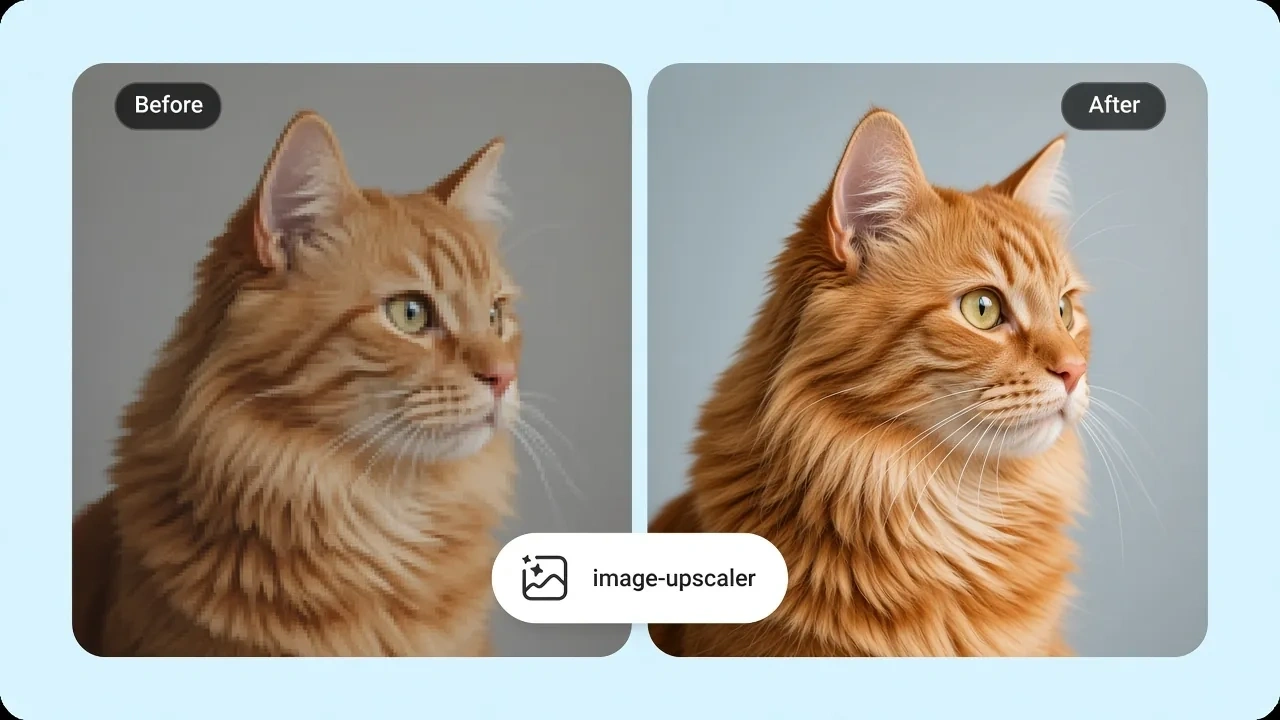
An image upscaler answers a size question, not a repair question. Choose 2x, 4x, 8x, a 4K frame, or a print width at 300 DPI. Senzia's AI image upscaler fills that canvas and keeps the same photograph. upscale image to 4k when the brief names a frame, not when the file is only soft. Free to start. The still exports unmarked.
What is Senzia's Image Upscaler?
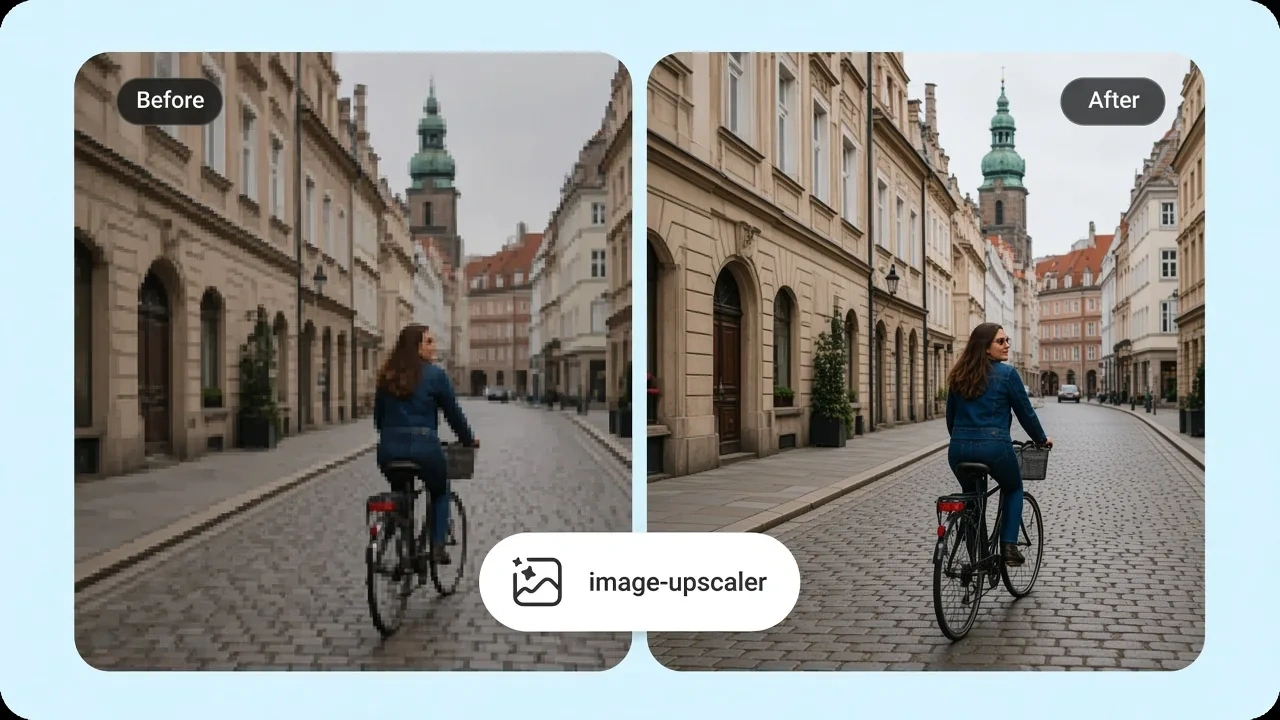
Senzia's image upscaler is a still-image tool that maps a file onto a larger canvas. It is not the photo enhancer page. That page diagnoses blur, noise, JPEG blocks, and fade, then restores them. This page asks how large the result must be. You set a multiplier, a named frame, or a print size, and super resolution AI writes the new pixels into that box. An AI image upscaler that starts from a quality slider will hide the real job: destination size. Geometry stays locked. No second window, no new face, no invented type. 2x is the conservative step when you are already close. 4x is the usual print step. 8x is for a genuine large output and should be checked at 100 percent. upscale image work that skips a target just guesses. A photo upscale for a poster should start from inches times DPI, not from a mood. Output is a still in PNG or JPEG at the size you chose, with no watermark. Free to start in the browser. If the source is soft or noisy, restore it on the enhancer page first, then return here for size.
How Does Senzia's Image Upscaler Work?
Step 1: Upload the Still at Native Size
Add JPEG, PNG, or WEBP. An online image upscaler needs the original file, not a screenshot of a screenshot. No account is required to load the canvas. Upload only pictures you own or are licensed to enlarge.
Step 2: Set the Destination Canvas
Pick 2x, 4x, or 8x, or name a frame such as 4K or 8K. For print, type width and height in inches and set 300 DPI for close viewing. The preview shows the output pixel count before you commit. image upscale 4k is a frame choice, not a quality preset.
Step 3: Check 100 Percent and Download
Inspect edges, type, and repeating texture at full zoom. Re-run at a lower multiplier if the 8x pass looks invented. upscale image online free downloads are unmarked stills at the canvas you set. Free to start.
What You Can Do with Senzia's Image Upscaler?
Upscale Image to 4K as a Named Frame
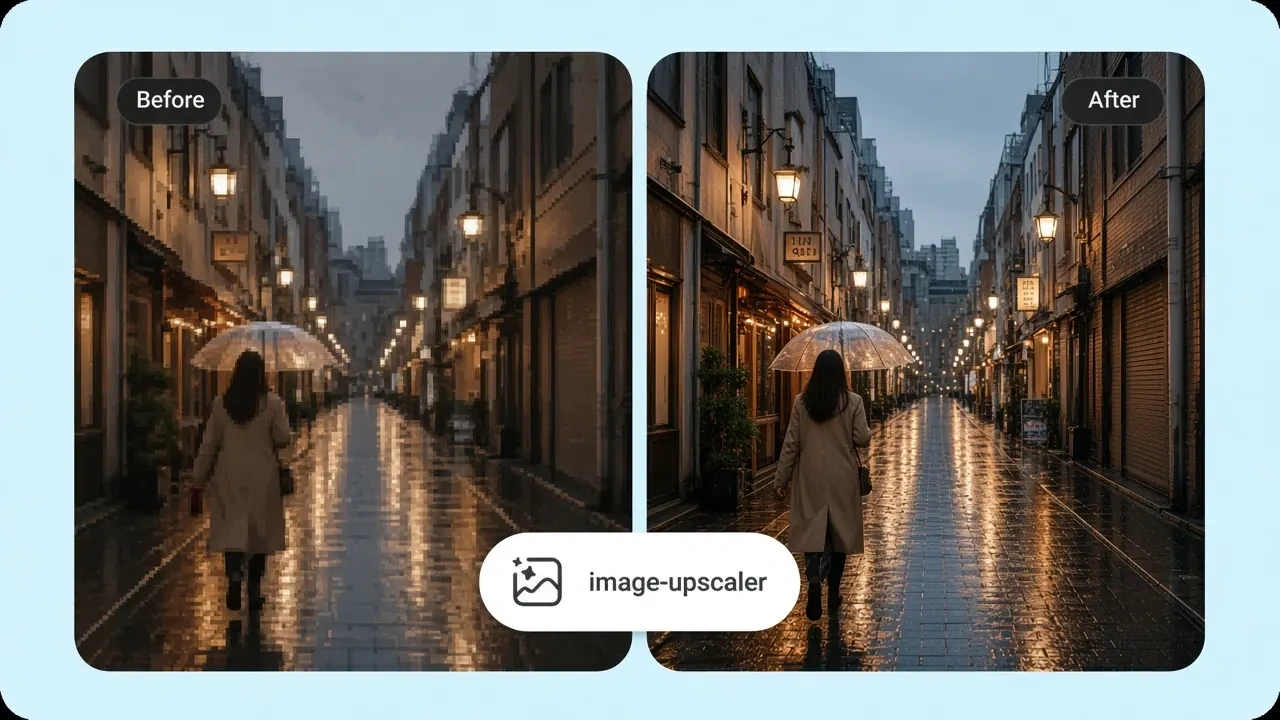
A video wall, a store screen, or a 16:9 master asks for a frame, not a mood. upscale image to 4k maps the file to 3840 on the long side when that is the spec. An image upscaler 4k run keeps aspect and does not crop to invent the missing width. 4k image upscale output is still the same photograph, just large enough for that slot. Check type at 100 percent after the pass.
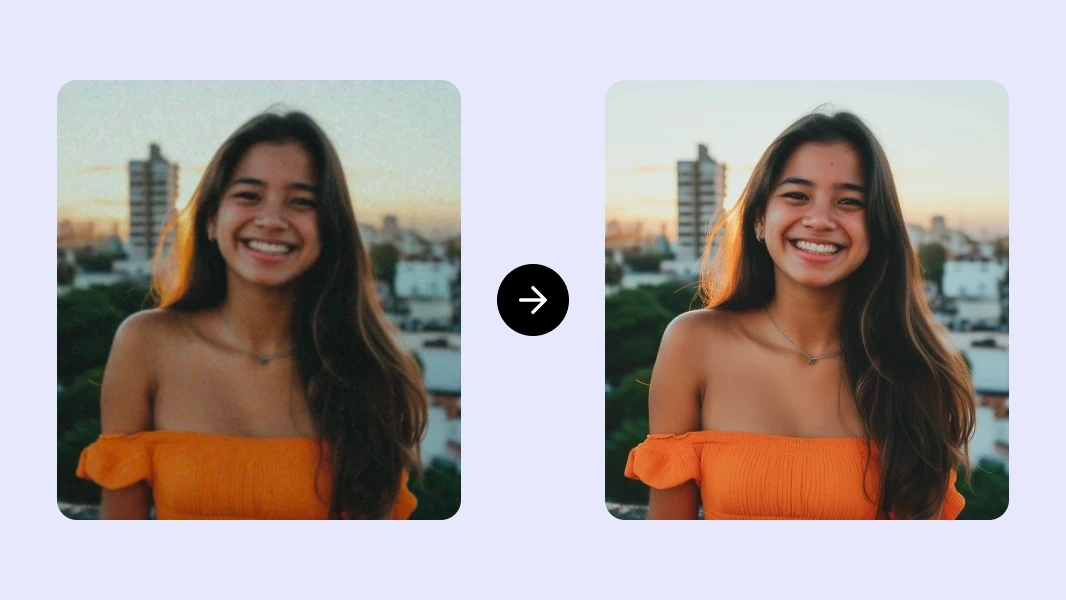
Image Upscaler 8x for a Real Large Output
8x is not the default. Use image upscaler 8x when the print or the crop is genuinely that short of pixels. upscale image to 8k is a second named frame for the same class of job. An 8k image upscaler result should be inspected on repeating fabric and on thin lines. If those crawl, drop to 4x or restore the source on the enhancer page first. deep AI super resolution here still refuses to invent objects.
Upscale Photo Resolution for Print DPI
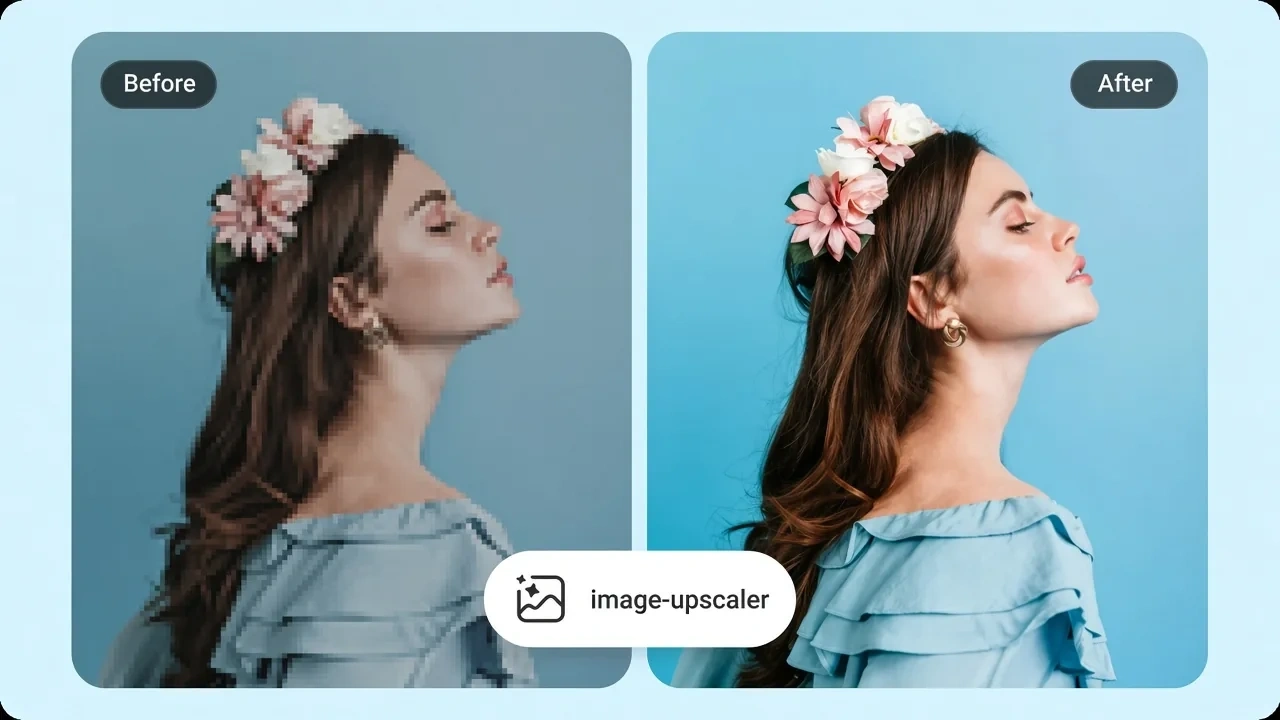
Print size is inches times DPI, not a 4K badge. upscale photo resolution by entering the physical width and 300 DPI for a close-view print. image resolution upscaler math is on the canvas before you render, so you see the megapixel count. enlarge image for print at 150 DPI when the piece will be read from a hallway. A picture resolution upscaler pass that ignores viewing distance wastes pixels.
PNG Upscaler and JPG Upscaler Online
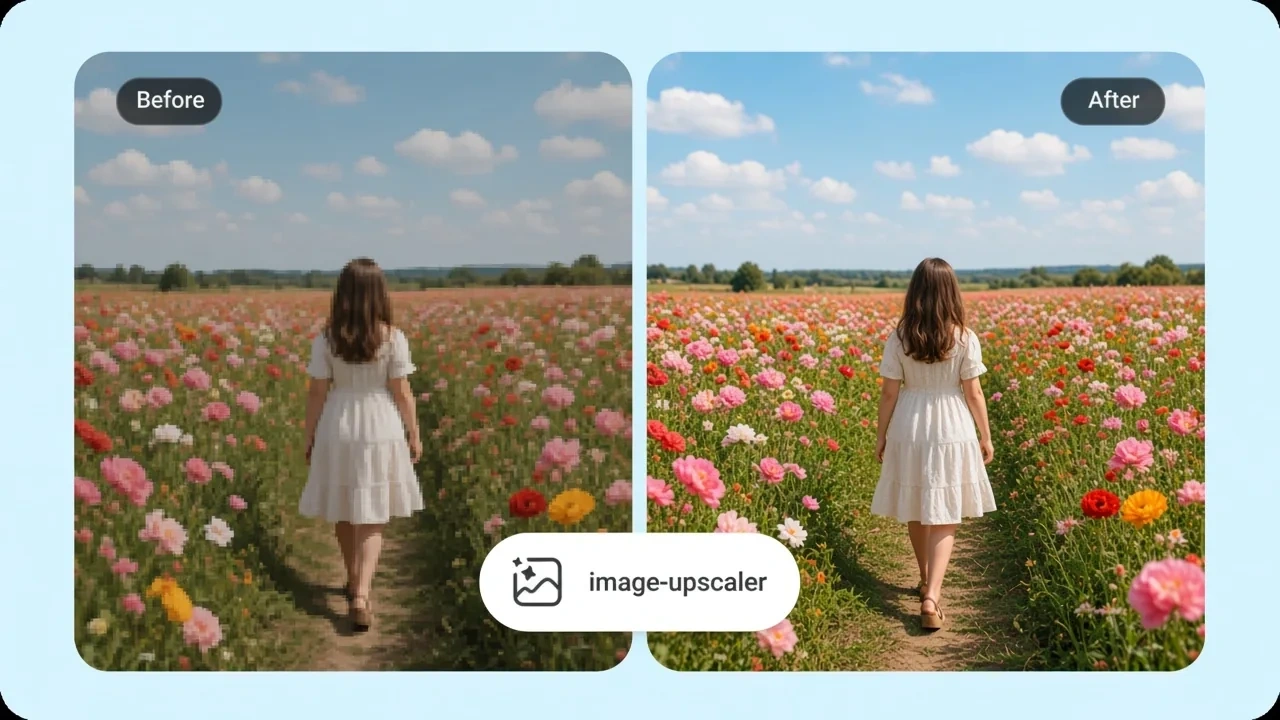
Format follows the job. A png upscaler keeps transparency for a mark or a cutout that still needs size. A jpg upscaler is the photo path and should not flatten a PNG you still need as alpha. image upscaler free online exports stay unmarked at the canvas you chose. Nothing is posted to a gallery. free online image upscaler sessions start on drag and drop.
Who is Senzia's Image Upscaler for?
Billboard Designers
The plate is smaller than the board. hd upscale image to the posted pixel spec, then check type at 100 percent before the file leaves.
Map Archivists
A scanned sheet has to hold linework when it is enlarged. An image quality upscaler that invents streets is unusable. Geometry lock is the requirement.
Product Photographers
A pack shot is sharp and still too small for a zoom module. upscale photo AI after the file is already clean, not instead of lighting the set.
Why Choose Senzia's Image Upscaler?
The Output Spec Is the Input
Most enlarge tools hide the canvas and call it quality. Here you name 2x, 4K, 8x, or inches at 300 DPI before anything renders. A best image upscaler is the one that hits that number without changing the picture. The pixel count is visible before you pay time on the pass.
Faithful Pixels, Not a New Picture
Creative enlarge can add jewelry, windows, or a different expression. Senzia locks edges and type. upscale AI image work on a product or a map fails the moment the content drifts. If you wanted repair, that is the enhancer page.
Free to Start, Unmarked, Private
A free AI image upscaler session opens in the browser with no install. Exports carry no stamp. Uploads are not posted to a public gallery. Free to start does not mean unlimited 8K batches forever. You remain responsible for the file you enlarge.