6 Best DeeVid AI Alternatives for Uncensored AI Video-to-Video Generation
DeeVid AI is useful when you want a preset restyle on a short clip, a strength slider that shows how far the look should move, or a custom style reference that matches a still you already like. The video to video page keeps that job in a few clicks: upload, pick a style, adjust intensity, and download.
The friction shows up elsewhere. A look that has to stay exactly as you wrote it does not always fit a preset menu. Uploads have to fit under 30 seconds and 50MB. And people who came in looking for an uncensored restyle often need the written scene kept, not swapped for a safer grade. So I compared six DeeVid AI alternatives across written restyles, recasts, prompt-led edits, relights that keep audio, fast swaps, and one-character drops. These are the ones I'd actually use.
1. The Short Answer on DeeVid AI Alternatives
For uncensored video to video generator, my pick is Senzia. You upload the clip whose movement should lead, write one clear line that names the new look, and the result follows your camera path while the surface of the shot changes. That is what uncensored AI video to video means here: the direction you wrote stays the direction on screen, instead of being softened or replaced.
DeeVid AI is still a strong home for preset restyles with a strength slider. If your need is narrower, Mage suits recasting who appears in footage you already have, Runway suits prompt-directed edits inside an edit workspace, Luma suits relighting while keeping the original audio, Pika suits fast swaps of character, outfit, or place, and Unlucid AI suits dropping one character into a short clip.
2. Six DeeVid AI Alternatives Side by Side
|
Tool |
Pick It For |
The Reason to Switch From DeeVid AI |
|
Senzia |
Written uncensored restyles on your own clip |
One line names the look; the written scene stays as written |
|
Mage |
Recasting who or what is in a clip |
Motion, camera, and timing stay while the cast or place changes |
|
Runway |
Prompt-directed edits inside an edit workspace |
Describe the change in plain language, then finish beside other cuts |
|
Luma |
Relighting and keeping original audio |
Modify Video preserves the source soundtrack with the new look |
|
Pika |
Fast character, outfit, or place swaps |
Swap Anything changes one element and leaves the performance |
|
Unlucid AI |
One character drop into a short clip |
Character Swap puts your face into motion that already exists |
3.Where DeeVid AI Starts to Feel Tight
3.1 When the look has to stay exactly as written
DeeVid is built around named styles and a strength slider, which is fast when a preset is enough. The gap opens when you need uncensored video to video AI work: a dark grade, a sharp era shift, or a setting you named in one sentence, kept as written rather than steered toward a safer look. That is why many people start hunting for a DeeVid AI alternative in the first place. I covered how several tools handle this kind of pass in this uncensored AI tools review.
3.2 Your upload has to fit under 30 seconds and 50MB
The video to video upload limits page asks for MP4 or MOV under 30 seconds and under 50MB. A take that runs longer has to be trimmed before it goes in, even when the performance you care about sits past that window.
If a written, uncensored restyle on your own footage is the missing piece, try a written restyle on your clip with Senzia.
4. Six Tools Worth Trying After DeeVid AI
4.1 Senzia: Written Restyles That Keep Your Own Shot in Charge
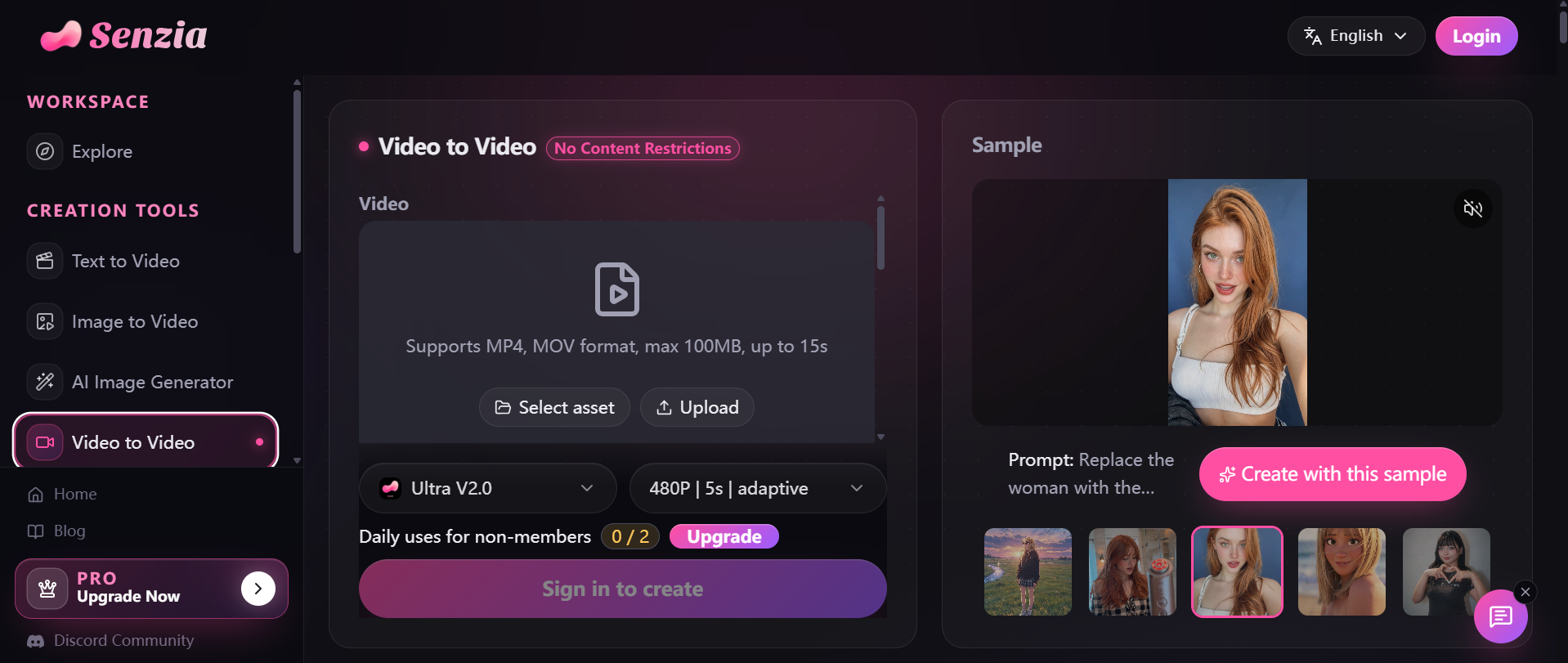
Senzia is a stronger DeeVid AI alternative when the job is a written uncensored restyle, not a preset pick. You add the footage whose movement the new video should follow, put the new look into one clear line, and the uncensored reference to video step treats your clip as the guide. Uncensored AI video transfer then applies that line. The camera path remains the lead, and the movement of the performance stays put while the surface of the shot changes.
That is the opposite end of the job from DeeVid AI. DeeVid leads with styles and a strength slider; Senzia leads with the sentence you wrote. For creators who need video to video AI uncensored work, that difference matters: a dark grade, a sharp era shift, or a specific setting comes back as written, instead of being flattened into a safer look.
The upload takes MP4 or MOV up to 15 seconds and 100MB. You watch the result next to the reference and keep the take you approve, and an eligible plan removes the watermark. Each take carries its own brief, so you can turn video into another video uncensored for a second delivery while the action stays the action you recorded. If a clip only needs a new look and no special direction, the standard video to video page uses the same three steps.
Where I'd use it: music videos with a locked performance, trailer beats that need another treatment, and signed commercial takes that need a different look for the next handoff—especially when the brief has to stay intact.
What works
Your shot leads: the clip you supplied stays in front, and the line only redirects the look.
Uncensored direction: a look some tools soften or refuse still returns as the scene you wrote.
Side-by-side check: the new take plays beside the reference before you keep it.
What to watch
Footage first: it starts from a clip you already have; if you only hold a still, image to video comes first.
Write it clearly: a vague line gives a vague look, so name the setting, the light, or the era.
Who it suits: music video directors, trailer editors, and commercial directors who already have the footage and need the written look kept.
The takeaway: when DeeVid AI would ask you to pick a preset but you want an uncensored restyle with the shot you filmed still in charge, go to Senzia.
4.2 Mage: Recasting Who Appears in Footage You Already Have
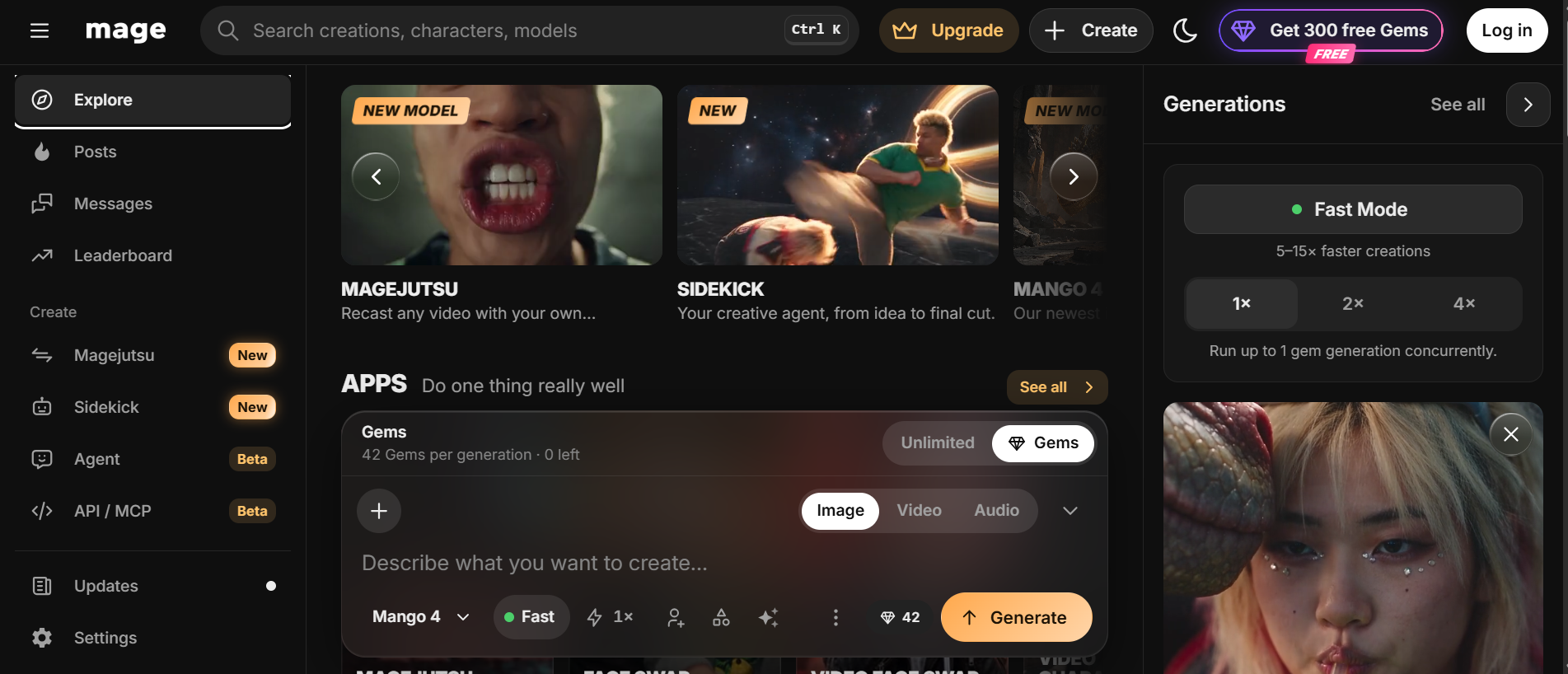
I would use Mage when the performance is right and only the cast, place, or product should change.
Mage keeps a clip's motion, camera, and timing and rebuilds who or what appears from reference images. Sources run 4 to 30 seconds, and you can send up to 30 references. DeeVid AI, by comparison, restyles the look of the clip you upload; Mage changes the identities inside it. When the look itself is the brief, an uncensored video to video maker keeps your original performer instead. For social tests that only need a named preset, DeeVid AI remains faster; for a line-led pass, that uncensored video to video maker path is clearer. I compared the two tools more closely in Senzia vs Mage.space.
Pros
Recast, not just restyle: characters, places, and products can change while timing stays.
Many references: a large stack of images defines who or what appears.
Modes: motion transfer or object swap, depending on how much should move.
Cons
Source required: it edits footage rather than inventing a clip from text alone.
Always on Gems: Magejutsu bills Gems on every plan rather than running as unlimited.
Best For: character creators, AI influencer accounts, and product storytellers.
Bottom Line: Use Mage when DeeVid AI would change the look but you need a new cast inside the same performance.
4.3 Runway: Prompt-Directed Edits Inside an Edit Workspace

Runway is a stronger DeeVid AI alternative when the change belongs inside an edit workspace and you want to describe it in plain language.
DeeVid focuses on style menus for short uploads. Runway's Edit Studio is built for prompt-led changes to footage you already have, including background swaps, lighting passes, and product recolors that have to live next to other timeline work. I would use it for a campaign edit where the restyle is one step among many. When the brief is only a new look on a locked performance, a written restyle is a shorter route, and an uncensored AI video changer keeps that brief as written. Runway still wins for timeline depth; that uncensored AI video changer wins when the brief is only the look.
Why I like it
Prompt-led edits: you name the change instead of hunting a named preset.
Workspace depth: generation and editing sit in one creative suite.
Keyframe preview: you can shape a still of the change before committing the full clip.
Where it falls short
Heavier setup: a full suite is more than you need for one preset restyle.
Learning curve: timeline and model choices take time if you only want a quick social pass.
Good for: editors and agencies who already finish work inside a creative suite.
Verdict: pick Runway when DeeVid AI feels like a single style tool and the change has to sit inside a broader edit.
4.4 Luma: Relighting a Clip While Keeping the Original Audio
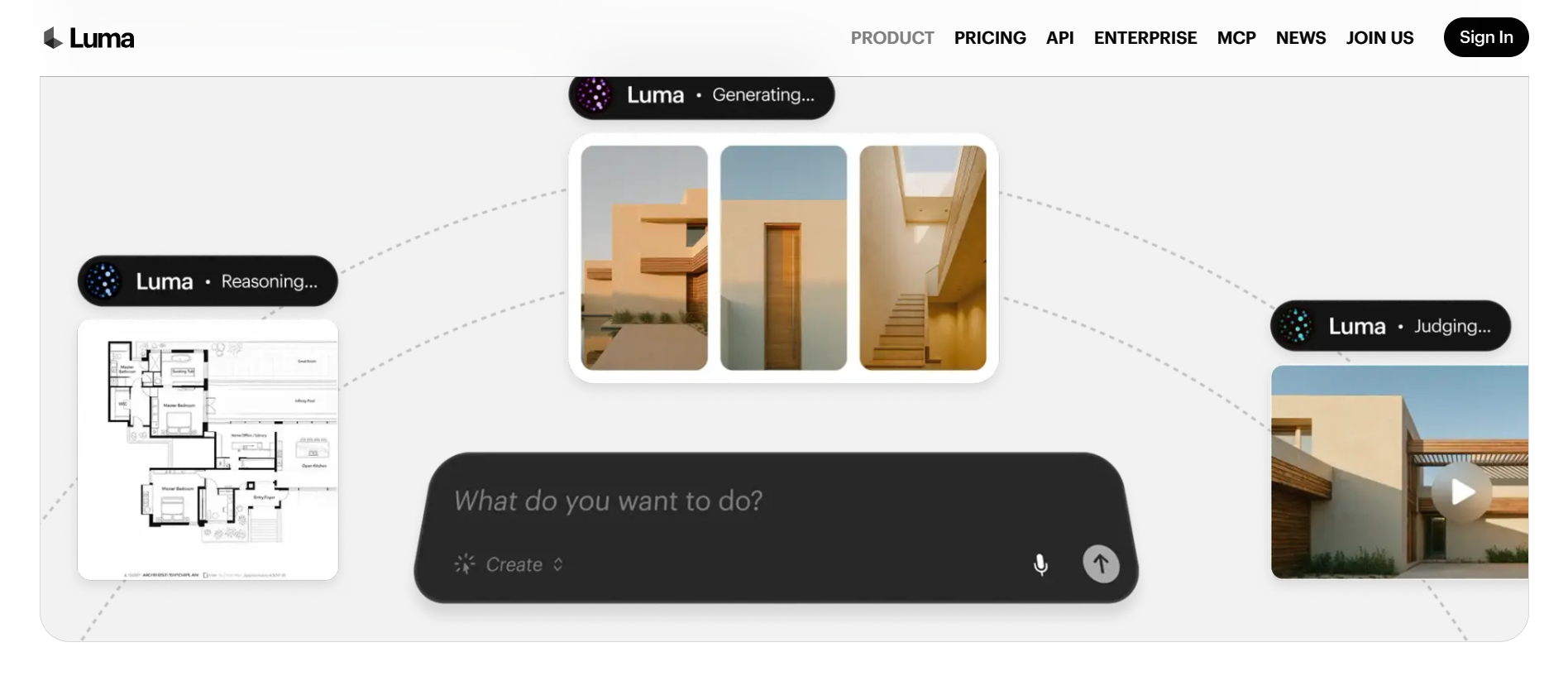
Luma is a better fit than DeeVid AI when the soundtrack must survive the restyle.
Modify Video on Ray reshapes footage you already have—wardrobe, world, or light—while the performance holds, and it preserves the original audio. Length depends on frame rate, up to about 20 seconds at 24fps. DeeVid returns a restyled picture from a style choice; Luma is the closer DeeVid AI alternative when dialogue timing and the source mix have to stay. For a clip where the direction itself is the hard part, Senzia's uncensored video to video AI editor keeps that direction as written. Editors who only need a quick grade can stay on Luma; editors who need the line intact use that uncensored video to video AI editor path.
Pros
Audio kept: the source soundtrack stays with the modified picture.
Performance tracking: facial and body performance can guide the transform.
Clean footage wins: steady, well-lit shots give the most reliable results.
Cons
Length still capped: chaotic or shaky footage also reduces fidelity.
Not menu-first: you direct the change rather than picking a named social preset.
Best For: filmmakers and editors who care about light and sound on existing takes.
Bottom Line: Use Luma when DeeVid AI would restyle the picture alone and you need the original audio to remain.
4.5 Pika: Fast Swaps of Character, Outfit, or Place

Pika is a stronger DeeVid AI alternative when only one element should change and the performance should stay.
Swap Anything changes characters, outfits, locations, or products from a prompt or reference while timing holds. Motion Transfer pairs a character photo with a motion clip. DeeVid applies a look across the upload; Pika targets the swap. When those swaps still leave the look wrong, turn video into another video uncensored from one line instead of stacking more swaps.
What works
Element-level swaps: change one thing without rebuilding the whole clip.
Motion transfer: a portrait can pick up movement from a reference video.
Social speed: short creative passes land quickly for feed tests.
What to watch
App-shown limits: exact length and resolution sit in the product UI rather than a single public cap.
Swap focus: it is not built as a full written restyle of every pixel's grade.
Who it suits: social creators who need outfit, cast, or location changes in minutes.
The takeaway: choose Pika when DeeVid AI would blanket the clip in one style and you only need one element replaced.
4.6 Unlucid AI: Dropping One Character Into a Short Clip
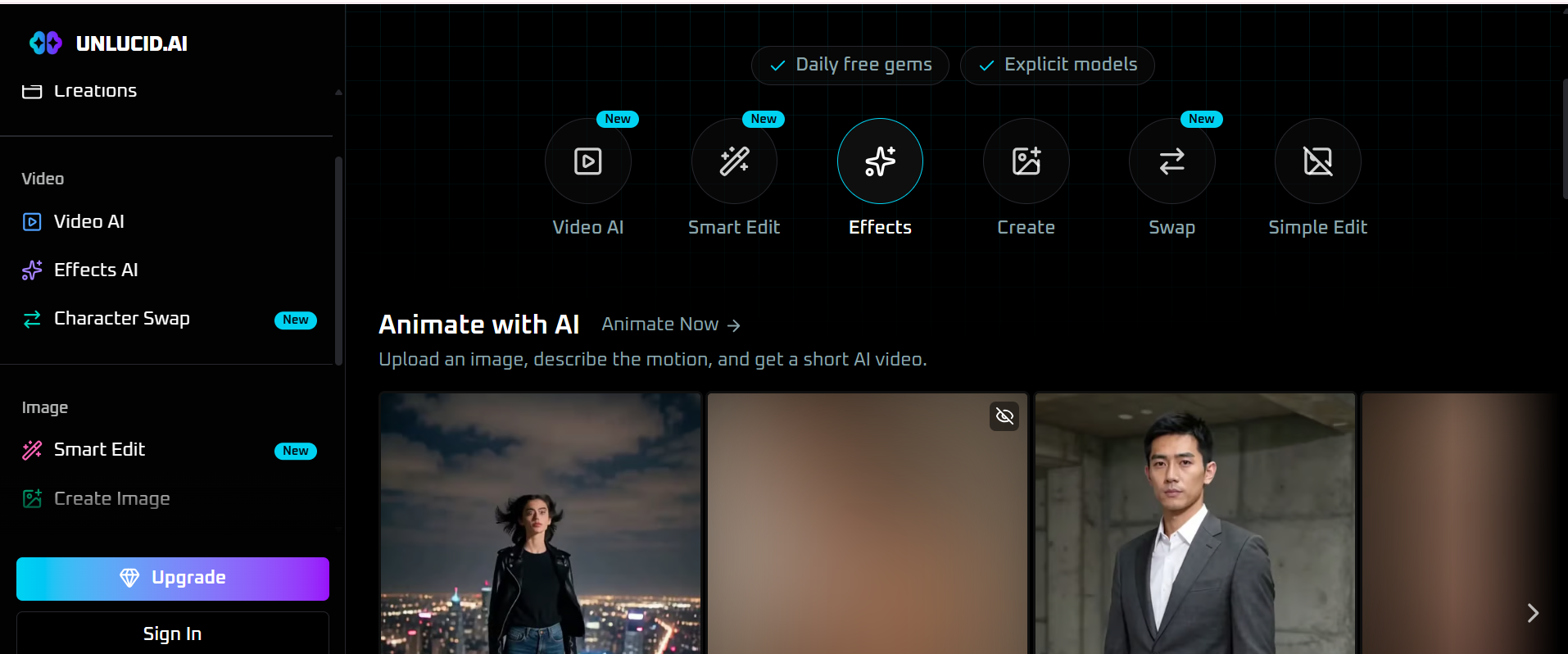
Unlucid AI is a better fit than DeeVid AI when the job starts from a character image, not from restyling a full take.
Character Swap puts your character into a video while motion and camera stay. Video AI animates a still from a motion prompt, with short default lengths. DeeVid restyles footage you upload; Unlucid recasts or animates from an image. When the footage already exists and only the look should change, an uncensored video to video creator keeps your own performance instead. That uncensored video to video creator path is the DeeVid AI alternative when the host clip is already shot and the face does not need swapping.
Pros
Fast character entry: one image is enough to start a swap or a short motion test.
Motion kept on swaps: the host clip's camera and timing remain.
Effects menu: extra looks sit beside the swap tools on the same site.
Cons
Short windows: swap and video tools are built around a few seconds of footage.
Image-led: a drama-length restyle still needs many clips joined by hand.
Best For: character artists, meme makers, and anyone testing a face in motion.
Bottom Line: Use Unlucid AI when DeeVid AI expects a video upload and all you have is a character still plus a short host clip.
5. A Fair Comparison on One Shared Clip
Take one short clip and one written line, and run the same checks on every tool. Each check maps to a reason people leave DeeVid AI.
|
Check |
What to look for |
|
Kept as written |
Does the written look come back intact, or get steered safer? |
|
Your shot leads |
Do camera path and performance still match the original, as an uncensored reference to video workflow should? |
|
Length |
How many seconds of your footage does it accept? |
|
Look control |
Is the change a preset, a swap, or a written line? |
|
Side by side |
Can you compare the result with the reference before keeping it? |
Senzia's uncensored restyle page is built around the first, second, and fifth checks.
6. The Right DeeVid AI Alternative for Each Job
Starting from footage you already shot, the choice depends on what should change. If the look changes, the performance stays, and the line has to remain uncensored, start with Senzia's uncensored reference video to video page. If you want a preset look with a strength slider, stay with DeeVid AI or look at Pika for element swaps. If the cast should change, Mage recasts characters and places. If the change belongs inside a broader edit, Runway fits. If audio must survive, Luma's Modify Video is the specialist. If all you have is a character image, Unlucid AI is enough.
7. What I'd Actually Do
DeeVid AI stays open on my machine for one job: a quick preset restyle on a short social clip when a named look and a strength slider are enough.
Once the performance is locked and only the look is wrong—and that look has to stay exactly as written—I move the clip to Senzia. The uncensored video to video generator keeps the shot I filmed in charge, and its uncensored AI video transfer brings back the direction I named, so I judge a real take instead of a safer substitute.
8. A Full Restyle Workflow on Senzia
A restyle is usually the first step, not the last. Run the uncensored reference video to video pass on your locked cut, compare what comes back with the source, and keep the take that matches the brief. To restyle AI video uncensored across a second delivery, give that take its own line. If the new version ends too soon, the AI video extender adds new frames at the start or the end instead of looping. If the shot begins as a still, image to video gives it motion first, and the uncensored video to video AI step can restyle the result.
9. Final Thoughts on DeeVid AI Alternatives
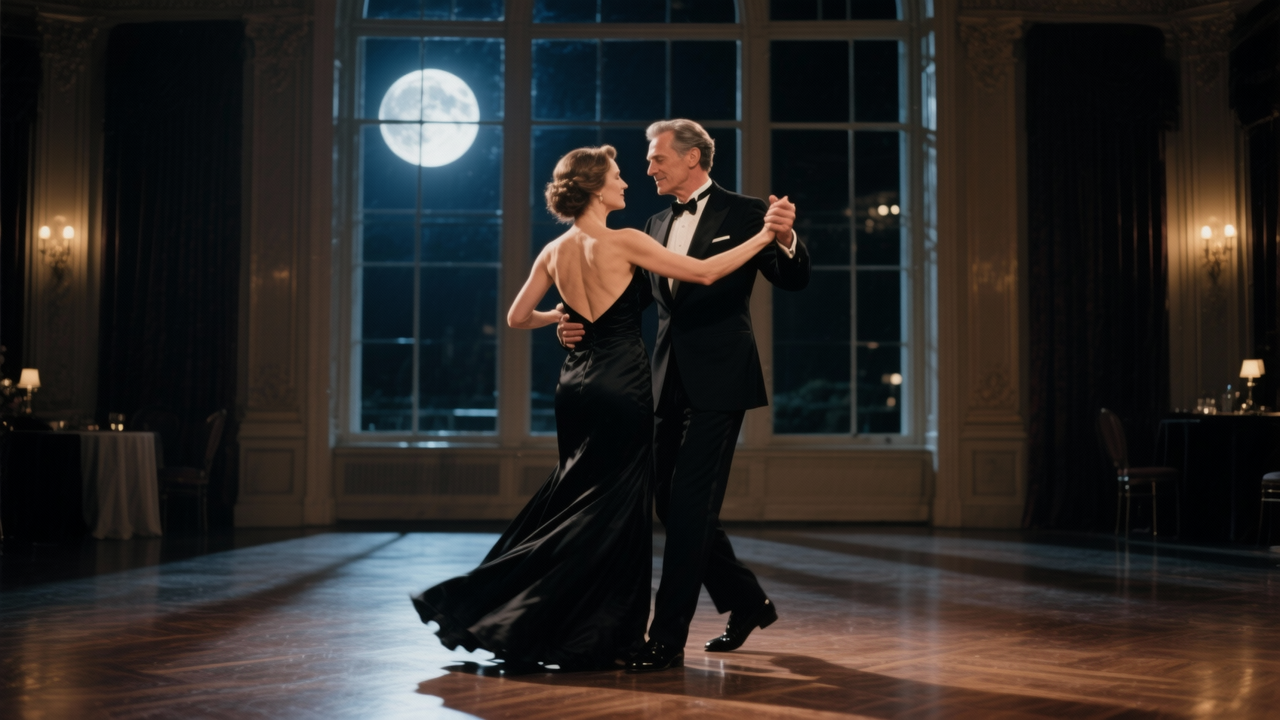
For uncensored AI video to video, Senzia is the DeeVid AI alternative I'd start with: it restyles your own clip from one written line, keeps the camera path and movement you filmed, and keeps the scene as written instead of swapping it for a safer one.
Each of the others earns its place for a narrower job. Mage recasts who appears in a clip you already have. Runway handles prompt-directed edits inside a fuller suite. Luma relights while keeping original audio. Pika swaps character, outfit, or place quickly. Unlucid AI drops one character into a short clip. DeeVid AI itself remains the easy answer for preset restyles with a strength slider.
FAQ:
What's the quickest way to test Senzia's uncensored video to video?
Pick a five-second clip with one clear action and write one line about the new setting or light. If you searched for an uncensored video to video free test, this short run shows within one take whether the camera path and the performance hold. People who type an uncensored video to video free query usually want proof before a longer cut. Then move on to your full 15-second shot.
Can I use uncensored video to video online on Senzia without installing anything?
Yes. The uncensored video to video online page runs in the browser, so you upload, write the line, compare, and download in one tab, and the approved take saves to your own computer.
How should I phrase the line when I restyle AI video uncensored on Senzia?
Write the new look as one clear sentence a viewer could follow on a first read. Name what changes—the setting, the light, or the era—and leave the movement to the reference step, which follows your clip.
What happens to my original file when I use video to video AI uncensored on Senzia?
It stays in your own folder. Video to video AI uncensored work on Senzia reads your clip as the reference and returns a new take, so your source footage is never replaced.
Why do people leave DeeVid AI for an uncensored restyle?
DeeVid is strong when a named preset and a strength slider are enough. People move on when the brief is a written look that has to stay intact—an uncensored restyle—rather than the closest safe preset on the menu.
Does DeeVid's video to video page accept clips longer than 30 seconds?
The upload box on that page asks for MP4 or MOV under 30 seconds and under 50MB, so a longer take needs a trim before it goes in.