
Built for speech. Keyboard, wind and room noise are suppressed. Music and background tracks may get quieter too.
Free users can process up to 30 seconds. Upgrade for longer clips.
Video Background Noise Removal Free Online
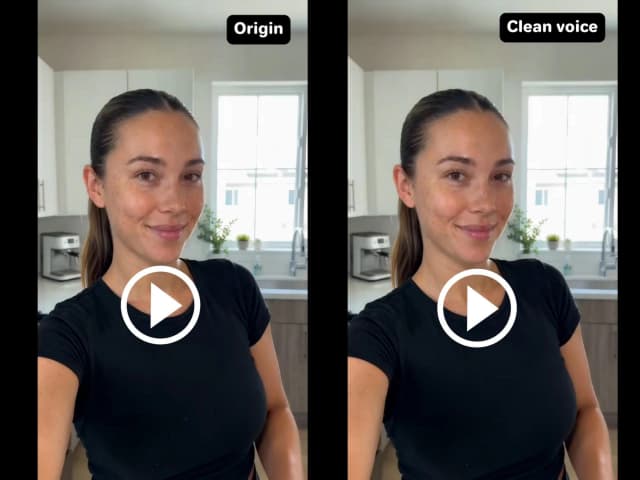
Remove background noise from video without touching the picture. Senzia isolates speech, then cuts wind, HVAC hum, traffic, and room tone from the audio track. AI video denoiser is the right tool when the take is usable and the noise is not. Video background noise removal runs in the browser. Free to start. No watermark on the download.
What is Senzia's Video Background Noise Removal?
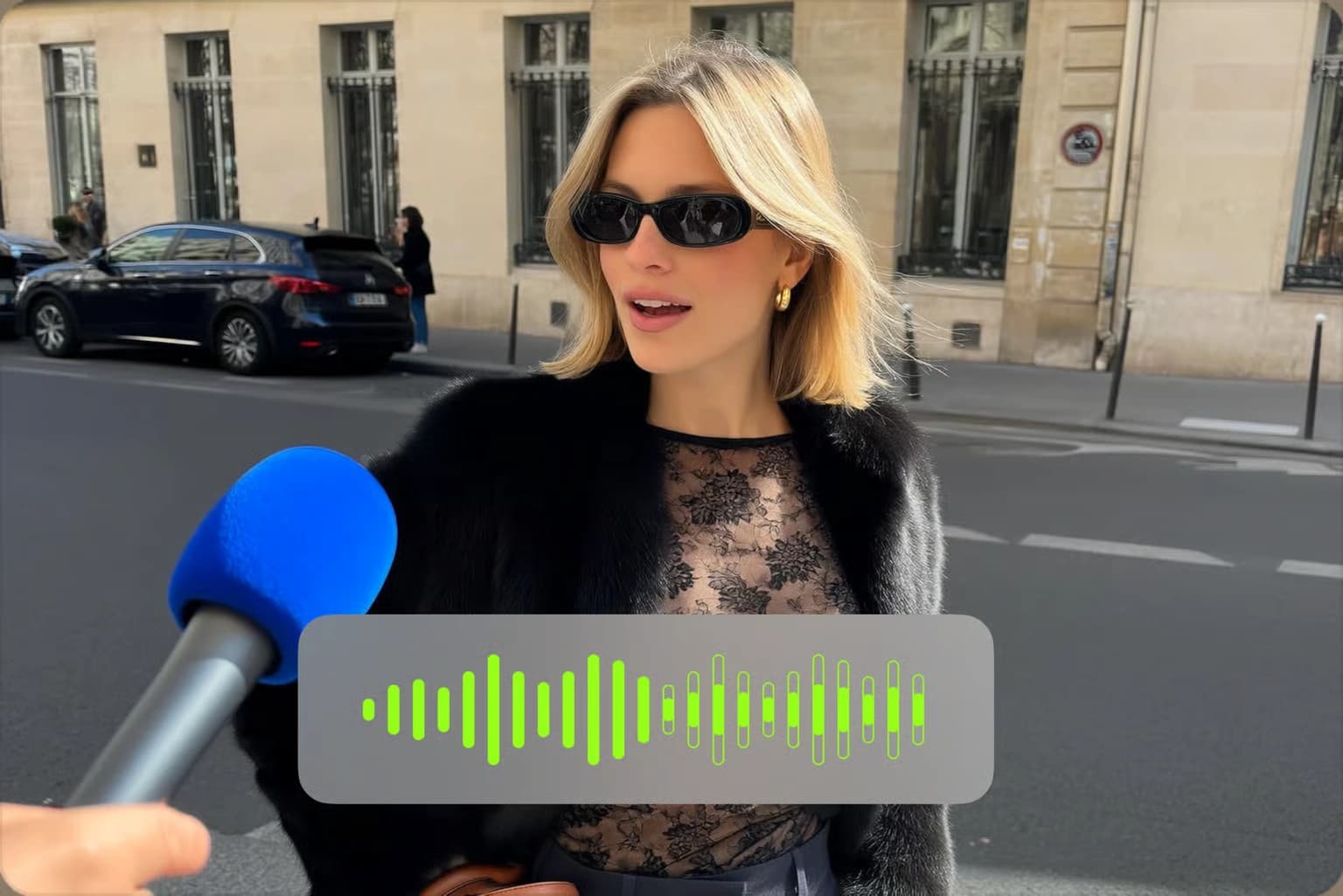
Senzia's video background noise removal is a browser AI video denoiser that cleans the audio inside a clip and writes the clean track back onto the same picture. You do not extract WAV first. You do not open Premiere. Upload MP4 or MOV. The model separates speech from the rest. Video noise reduction then targets HVAC, wind, traffic, keyboard clicks, and room tone. A video noise remover is not a mute button. Remove sound on video searches that mean silence are a different job. Remove background audio from video here means the bed and the noise floor go, the voice stays. Remove ambient noise from video and remove noise background from video are the same speech-first pass. Unfiltered upload means the file is not scanned for a reason to refuse the job. Unlimited length means a full interview is not cut at two minutes. Export is remove noise from video online free of a watermark.
How Does Senzia's Video Background Noise Removal Work?
Step 1: Upload the Video
Drop in an MP4, MOV, or WEBM. Remove noise from video online free starts here. There is no separate audio export step. The picture, cuts, and timing stay as they are. No account is required.
Step 2: Choose What to Remove and Set Strength
Pick ambient noise, background music, or other voices. Remove ambient noise from video for wind, HVAC, and traffic. Remove background music from video when a bed will fail copyright. Remove background voices from video when crowd talk sits under the speaker. Set strength so the voice does not go thin. This is the control Premiere noise reduction users look for, without an effect stack.
Step 3: Compare, Then Download the Same Clip
Toggle the clean track against the original. Check sibilance, breaths, and the last word of each sentence. If the pass is too hard, lower strength and run again. Download the video with the new audio. Video noise reduction online free should return the full file, not a marked preview.
What You Can Do with Senzia's Video Background Noise Removal?

Remove Ambient Noise From Video
Street interviews, balcony vlogs, and home offices fail on the same floor: wind, HVAC, traffic, fridge hum, keyboard clicks. Remove ambient noise from video and the voice stays in place. A noise reducer video pass maps that floor and subtracts it. Clean noise from video is the same job on a talking-head export from OBS or a phone. Video noise cancellation is not a live call filter. It runs on the file you already shot. Keep voice, remove room tone is the rule. If the speaker is quieter than the street, raise strength one step and listen again.

Remove Background Music From Video
A usable take often has a cafe playlist or a stock bed you cannot license. Remove background music from video so the dialogue can ship. Remove video background music is the same pass. Remove background music from video online free is the check most teams run before a YouTube or ads upload. An audio eraser targets the music layer, not the voice. If the song is mixed as loud as the speaker, run a second pass at a higher strength. This does not replace a new licensed bed. It clears the illegal one.
Remove Background Voices From Video
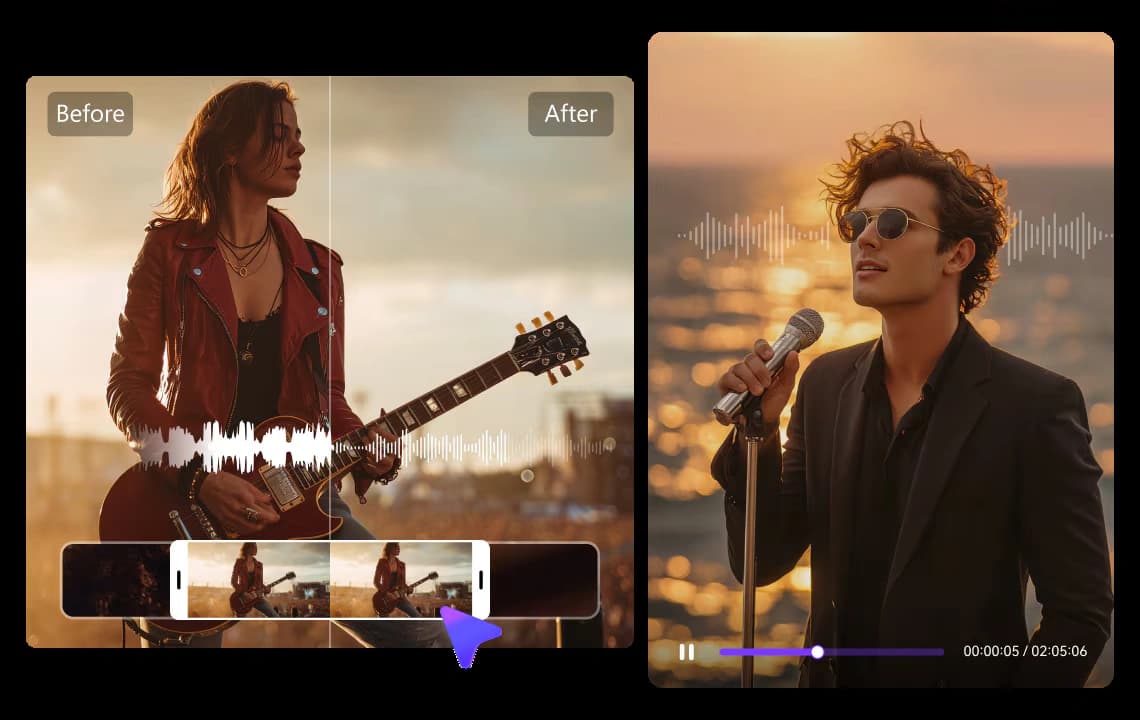
Crowd talk, a second table, or an off-mic producer will sit under the interview. Remove background voices from video when you need the on-mic speaker only. A background voice remover from video pass is not a full stem splitter for a music mix. It is built for speech in front, other speech behind. Background sound remover from video covers the same foreground-speaker job when the clutter is mixed talk plus room. If two people are both on mic and both should stay, do not use this mode.
Video Noise Reduction Without Premiere
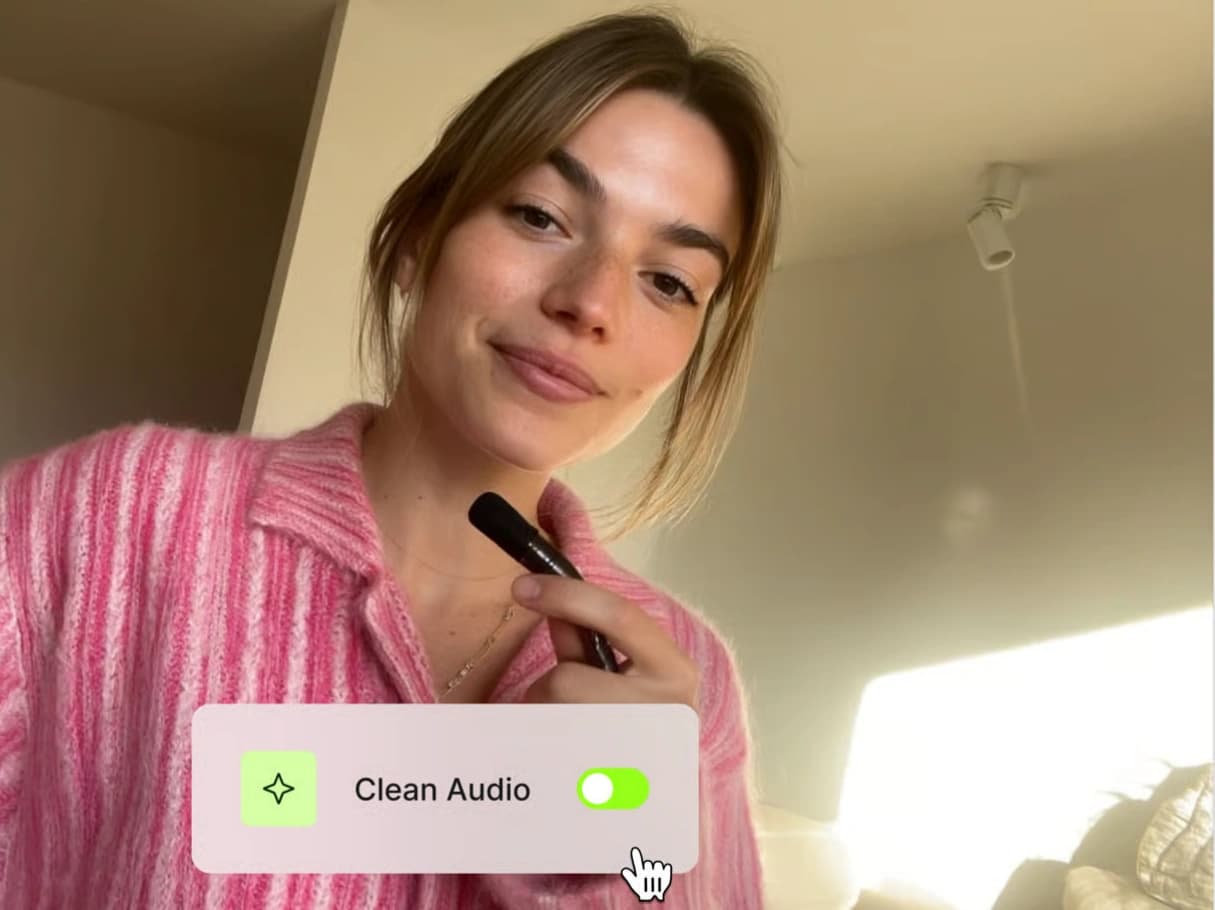
Premiere noise reduction works, and it is slow: nest, DeNoise, listen, render. CapCut is fine for light hiss. Adobe Enhance Speech is speech-first and treats video as a paid extra on many plans. Senzia is video in, video out. Noise removal in video stays on the original picture. Free noise removal from video and video noise removal free include the unmarked export. Unrestricted file types mean MP4 and MOV from a phone, a camera, or an NLE export. No restrictions on running a second strength pass on the same clip.
Who is Senzia's Video Background Noise Removal for?

Field Interviewers
Traffic and wind sit under every sidewalk take. Remove background noise from video free so the quote is usable without a second recording day.

Online Tutors
Home HVAC and keyboard noise sit under the lesson. A video background noise remover keeps the lecture and drops the room.

Podcast Video Producers
The picture is already cut. An audio background remover on the exported episode is faster than reopening the session.
Why Choose Senzia's Video Background Noise Removal?
The Picture Stays. Only the Track Changes
Most editors make you bounce audio, clean it, and sync it back. That is where drift starts. Video background noise removal online writes the clean track onto the same clip. Timing, cuts, and resolution do not move. Remove noise from video is an audio job with a video container. If you need new footage, use a generator. If you need a quieter take you already shot, stay here.
Three Removals, One Strength Control
Ambient noise, music, and other voices are different layers. One toggle that claims to fix all of them usually thins the speaker. Senzia lets you pick the layer, then set strength. Reduce background noise in video when the floor is HVAC or wind. Switch mode for music or crowd. That is how you avoid the robotic Enhance-style voice. Listen at the end of sentences. That is where over-clean shows first.
Free to Start, Unwatermarked, Private
Adobe-style tools often keep video behind a paid plan. Senzia accepts the clip on the first session. Video background noise removal free and remove background noise from video online include an unmarked export. Files stay private. Uncensored talking-head and interview work is processed like any other job. You keep the rights in the source file. Legal limits remain and are listed in the FAQ.