
Unlimited Video to Video AI Generator Free Online

Transform your videos into fresh visual styles with Senzia’s unlimited video to video AI generator. Upload a video online and use AI to reimagine your footage, explore creative variations, and turn existing clips into something new in just a few simple steps.
What is Senzia's Unlimited Video to Video?
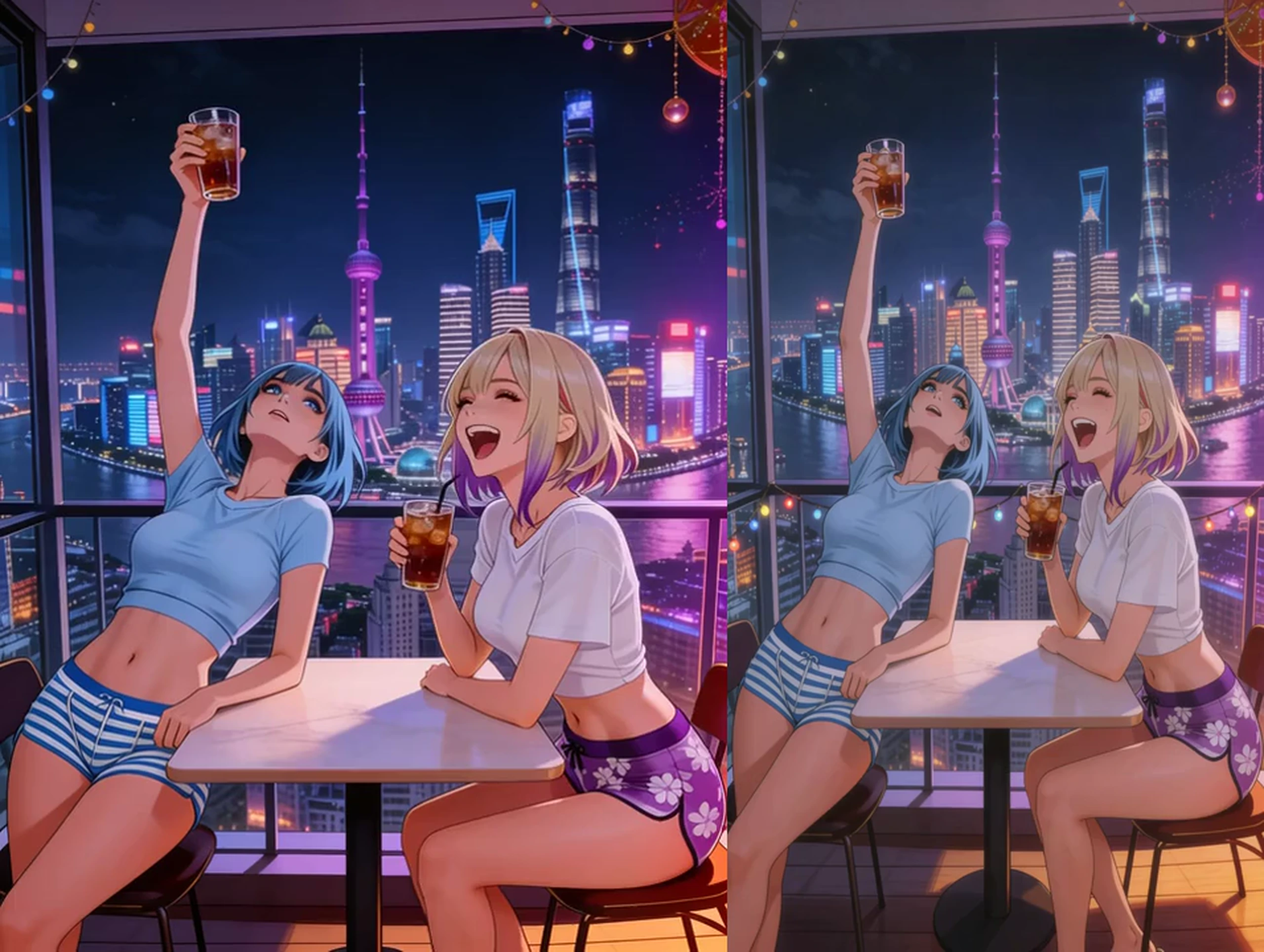
Senzia’s unlimited video to video is an AI-powered video restyling tool that transforms existing footage into new visual styles while preserving the original clip as a creative reference. This online video to video AI generator helps you reimagine scenes, explore different aesthetics, and create fresh video variations with a simple upload-based workflow. Whether you want to restyle a clip or turn video into another video, Senzia makes AI video transformation easy to explore online.
How Does Senzia's Unlimited Video to Video Generator Work?
Step 1: Load the Guide Clip
Load the clip that should steer the new video from its first movement onward. Once it is in, unlimited reference to video uses that clip as the guide.
Step 2: Describe the New Surface
Describe the new surface in a single clear line a viewer could read once. After that, unlimited AI video transfer applies the line to the loaded clip.
Step 3: Collect the Output
Review the output and retain the version you want for release. Then unlimited video to video download places that video on the computer you are using.
What You Can Do with Senzia's Unlimited Video to Video?
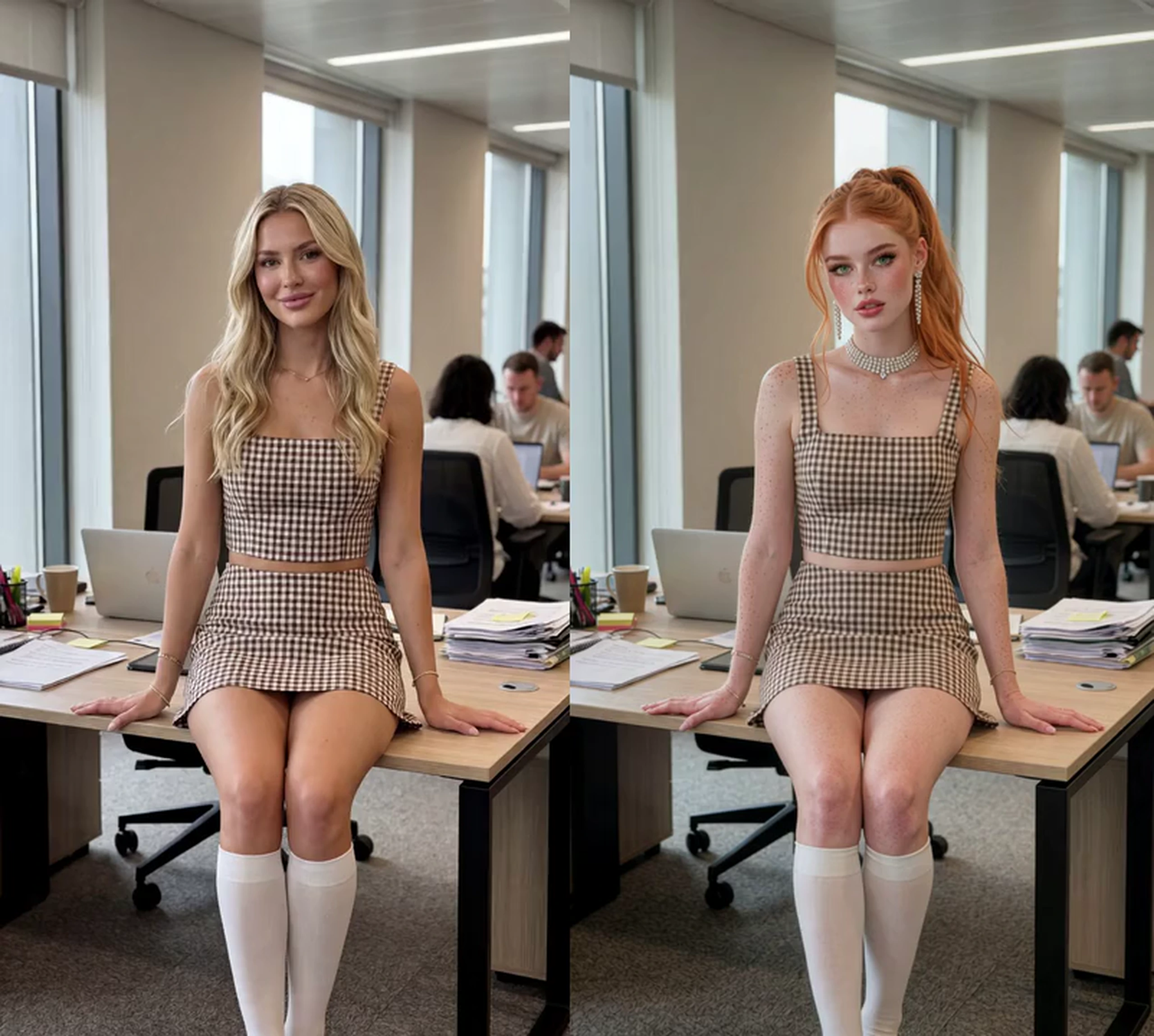
Restyle AI Video: Restyle Your Videos In Seconds
Transform ordinary footage into visually striking content with Senzia’s unlimited video to video AI generator. Explore different artistic styles, cinematic looks, and creative effects to restyle AI video and give existing clips a fresh visual identity.
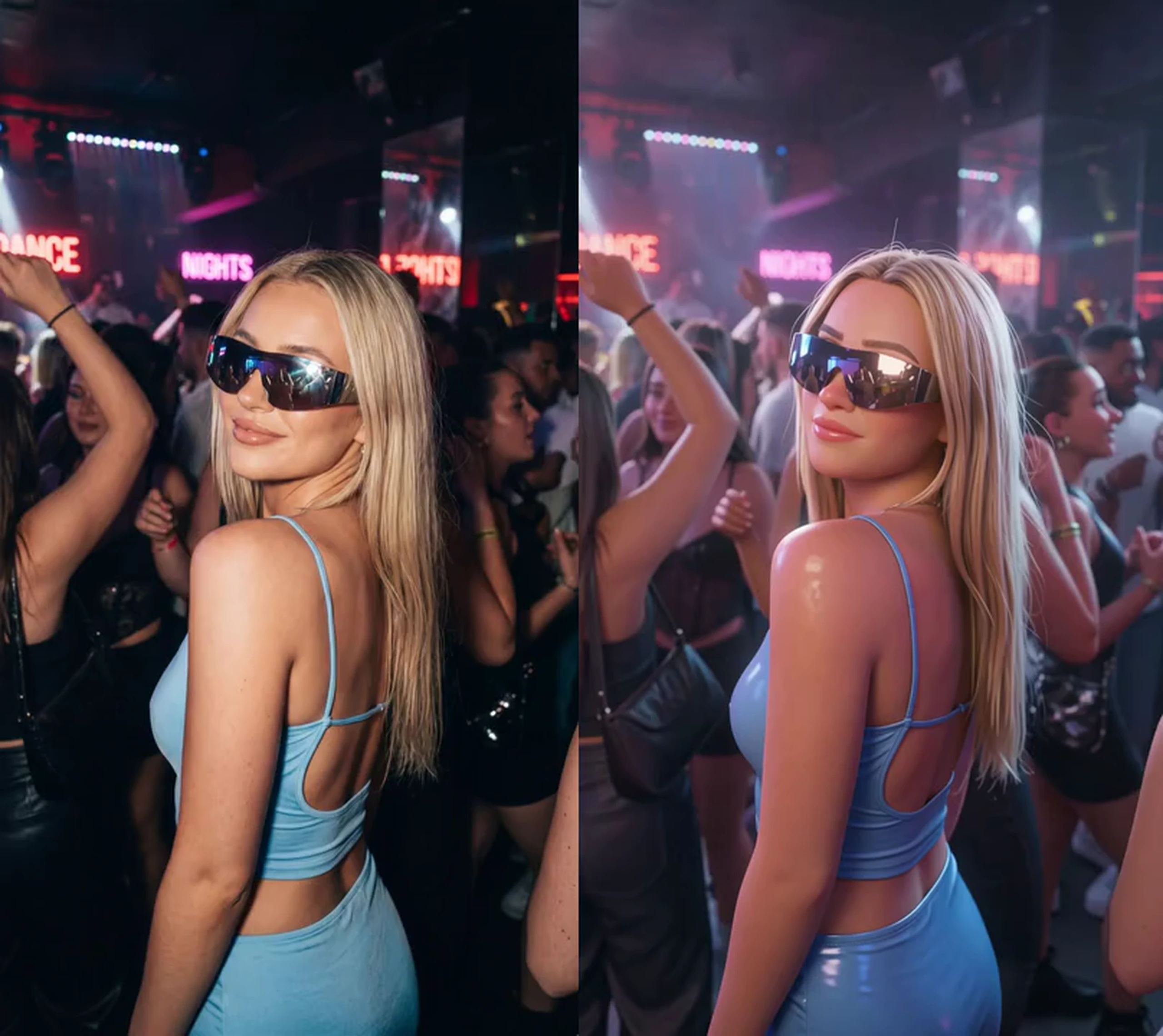
Youtube Video to Video: Create Fresh Social Content
Turn existing clips into new visual variations for TikTok, YouTube Shorts, and other social platforms. Use an unlimited AI video to video workflow to explore different content styles and create engaging videos without starting every project from scratch.
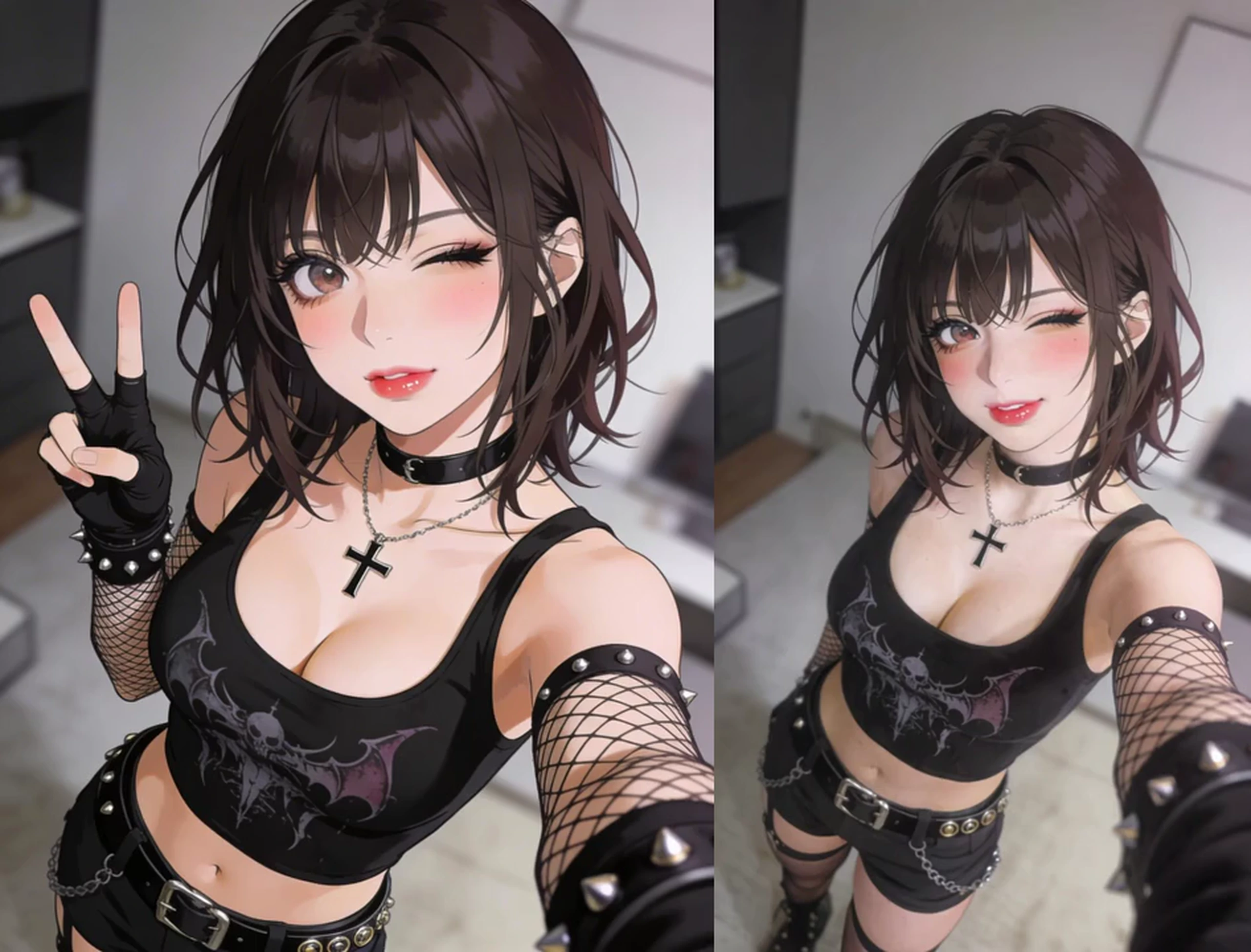
Unlimited AI Video Changer: Bring Creative Ideas to Life
Experiment with imaginative scenes, fantasy aesthetics, and distinctive visual concepts using reference-based video transformation. Senzia’s unlimited reference video to video workflow helps creators explore new directions while using existing footage as a starting point.
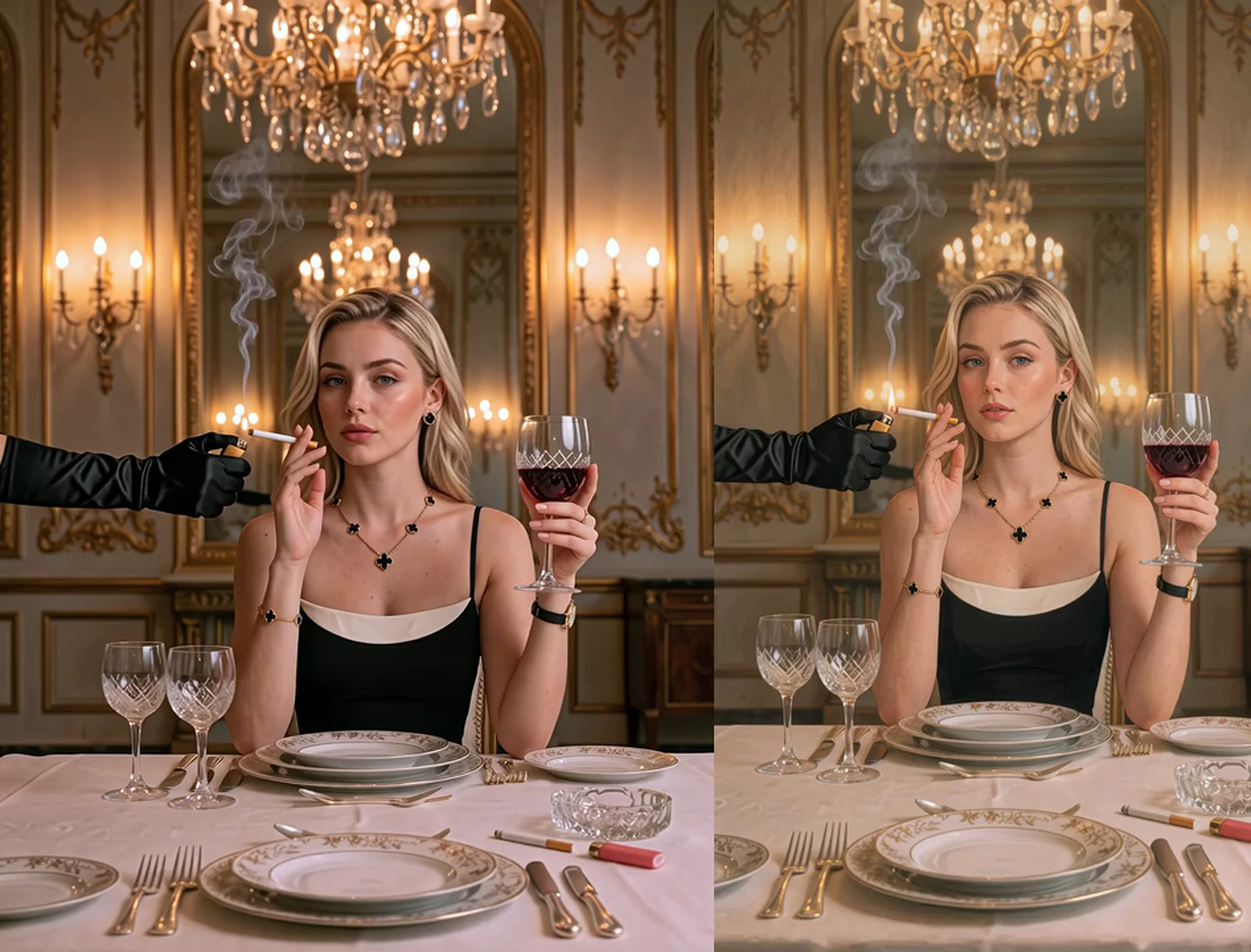
Video to Video Converter: Transform Videos Online
Give existing footage a new look with an unlimited video to video AI editor directly in your browser. Upload a source clip, explore AI-powered transformations, and create alternative versions for creative projects without relying on a traditional desktop editing workflow.
Who is Senzia's Unlimited Video to Video for?

Dance directors
The rehearsal is done, and the show still needs a fresh surface around those steps. The surface arrives through unlimited reference video to video, using the rehearsal as the base.
Sports editors
A highlight is cut, and the picture needs a new look before the cut is touched again today. That look comes back through unlimited video to video online from the highlight you cut.

Fashion filmmakers
The walk is approved, and the campaign asks for another surface on the next delivery. The walk remains the source through unlimited video to video free, which returns the new file.
Why Choose Senzia's Unlimited Video to Video?
The Guide Clip Remains the Spine
Some tools set your own clip aside and invent footage of their own from the prompt alone. Your clip remains the spine through unlimited video to video converter online free, and the line only changes the surface.
Another Version Stays Within Reach
One finished video is a thin test when a set of references is waiting on your desk. Another version stays in reach through unlimited video to video converter free, using the same reference and a new written line.
See the File Before It Goes Out
Before anyone else sees it, free download video to video unlimited lets you watch the generation on your screen. An eligible plan lifts the watermark, and captions can follow once this video is the file you kept.