
Uncensored Photo to Video Creator Online Free
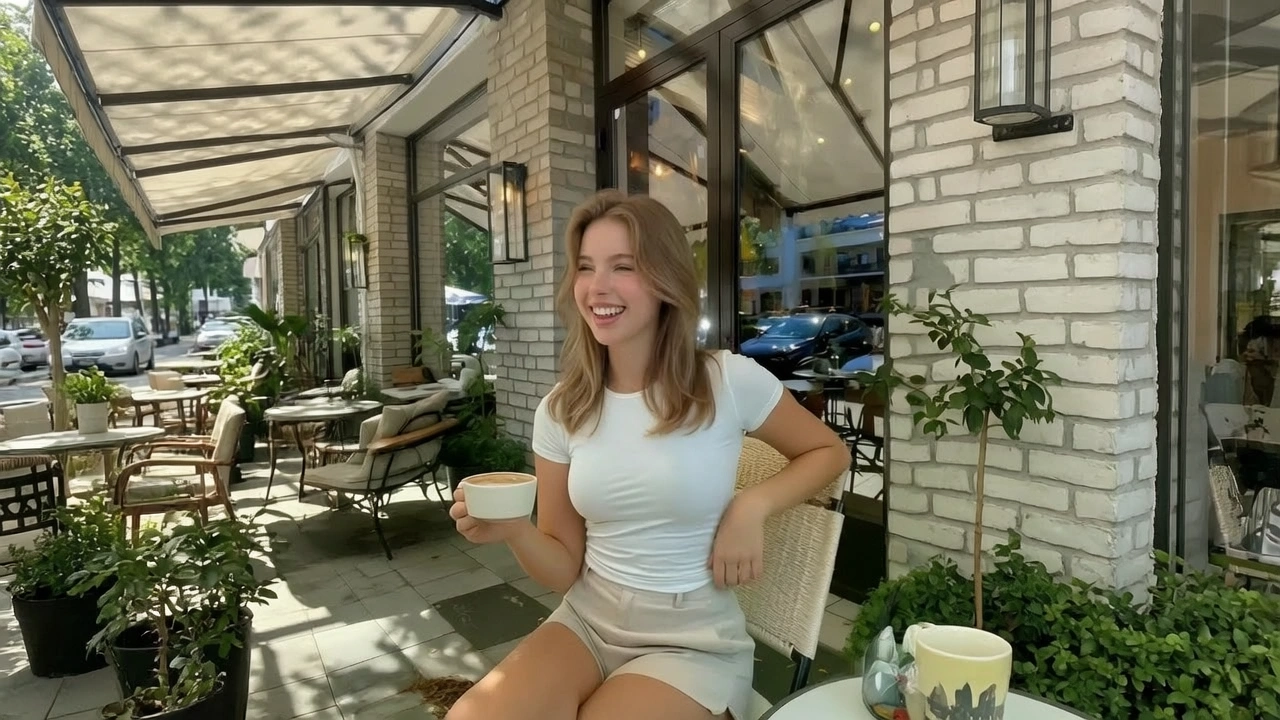
An uncensored photo to video maker starts from one still you already have. Senzia reads depth in that frame, then adds a camera path and small motion in cloth or hair. AI photo to video here does not invent a second person or a new room. photo to video 18+ stills are not softened or blurred. Free to start. The clip exports as an unmarked MP4.
What is Senzia's Uncensored Photo to Video?
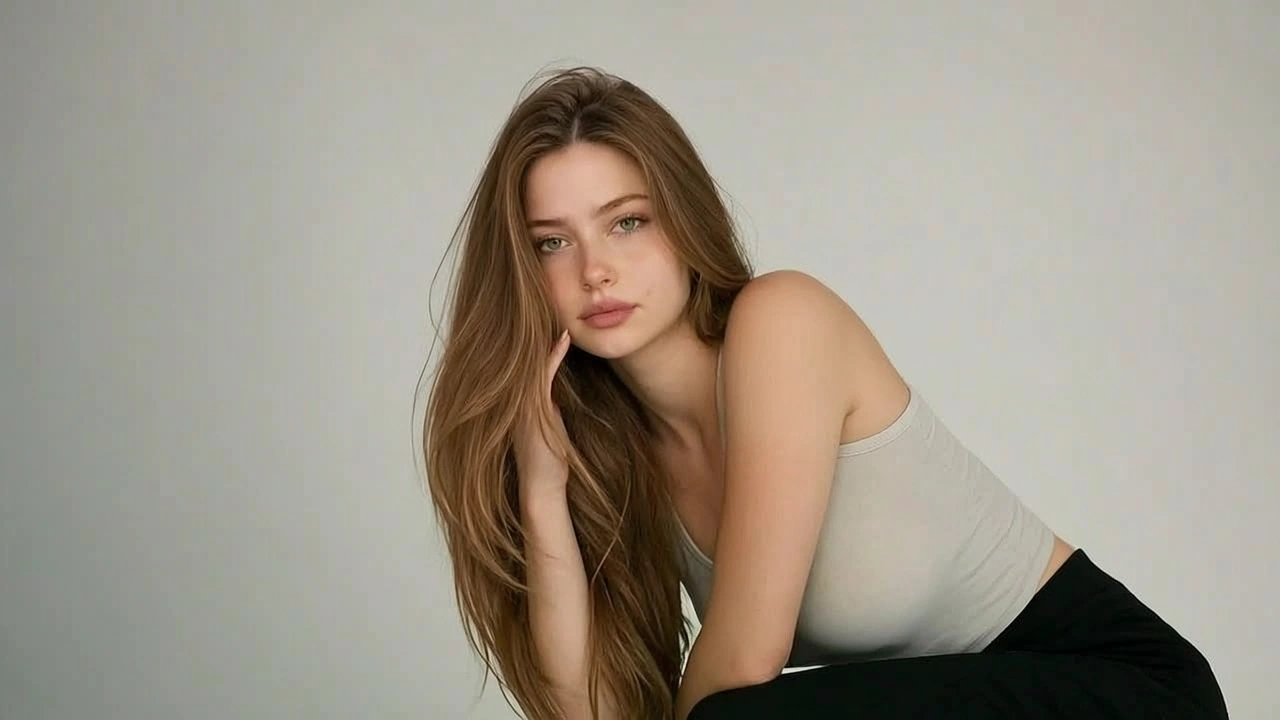
Senzia's uncensored photo to video tool turns one still into a short clip. Image to Video is the only entry. There is no Text to Video prompt on this page, and there is no shot list. You upload a photo. The model estimates depth, then plans a push, a pan, or a short orbit that stays inside that picture. Breath, hair, and cloth can move. A new face cannot appear. A new doorway cannot open. That is the lock. An uncensored AI photo to video pass also means the still is not screened for adult content and is not returned as a soft blur. photo to video no restrictions describes the still you bring, not a licence to upload someone you cannot show. NSFW photo to video work is fictional or self-owned. AI photo to video no restrictions still refuses minors, named public figures, and non-consensual likeness. Output is one MP4. Duration is a single take, not a cut of several angles. If you need a multi-shot piece, use the video creator. If you need a start-to-end action sheet, use the video maker. Free to start in the browser.
How Does Senzia's Uncensored Photo to Video Work?
Step 1: Upload One Photo
Image to Video starts here. Add JPEG, PNG, or WEBP. A clear still with one subject and readable depth works best. Text to Video is a different page. No account is needed to load the first file. Upload only photos you own or are licensed to animate.
Step 2: Pick the Camera Path and Duration
Choose push-in, pan, or a short orbit, then set a 5s, 10s, or 15s take. A photo to video AI nsfw still is not rewritten for taste. Keep the subject in frame. Do not ask the camera to walk into a room the photo never showed.
Step 3: Preview Identity, Then Download
Play the clip against the still. The face, wardrobe, and room must match the upload. Re-run only the camera path if the move is too fast. Download an unmarked MP4. Free to start, and the still stays in the session.
What You Can Do with Senzia's Uncensored Photo to Video?
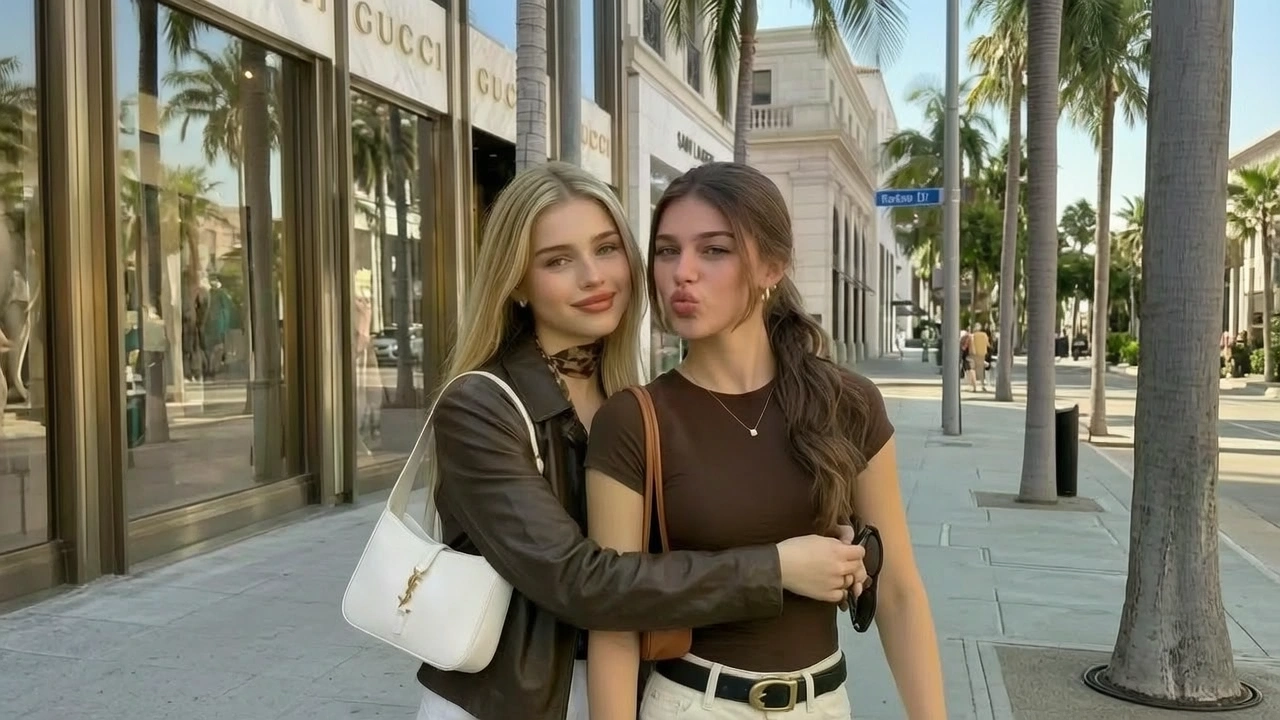
Uncensored Photo to Video From One Locked Still
A lookbook frame already has the lighting you want. uncensored photo to video AI keeps that frame as the whole world and only adds camera travel plus small motion. The person in shot one is the person at the end. photo to video uncensored output fails when a tool invents a second doorway. Check the still against the last frame before you post.
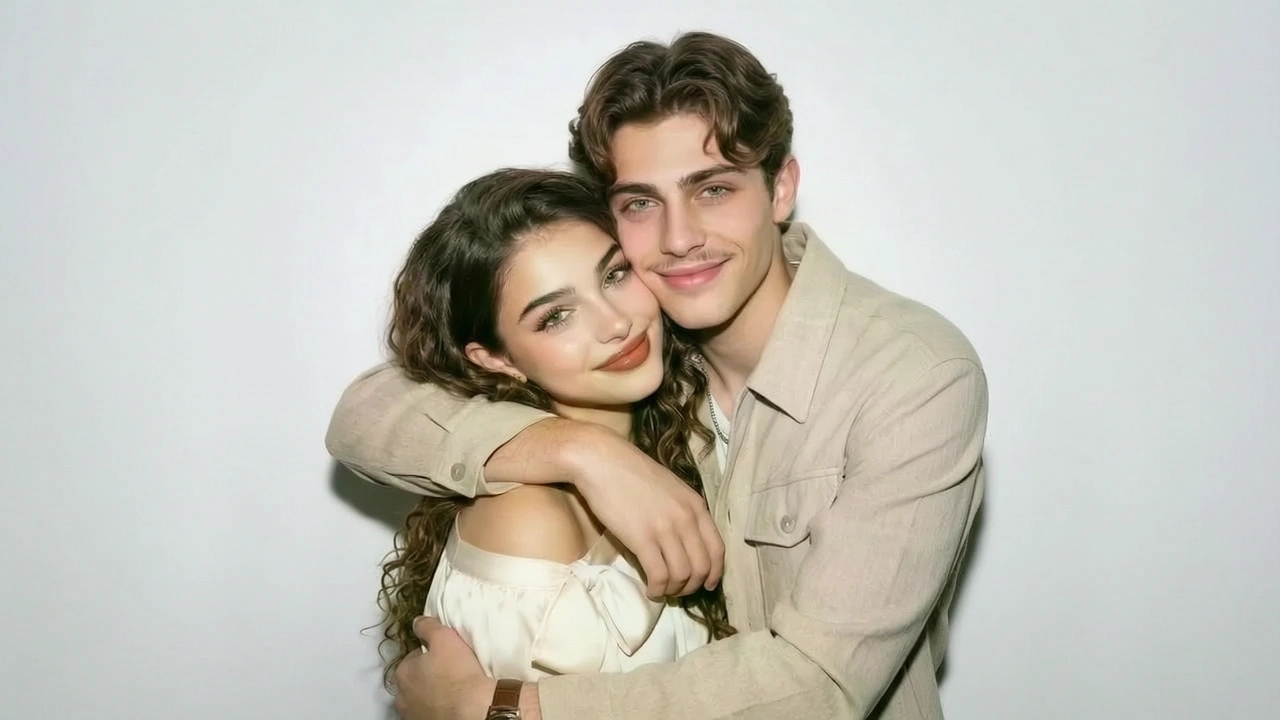
NSFW Photo to Video Without a Soft Blur
Adult stills often come back fogged on tools that treat every body as a reject. NSFW photo to video here renders the pose you uploaded. nsfw AI photo to video work is still a photo lock: wardrobe and skin stay as shot, and the camera does not cut away to a new set. A free nsfw photo to video session starts in the browser. Only use stills you have the right to show.
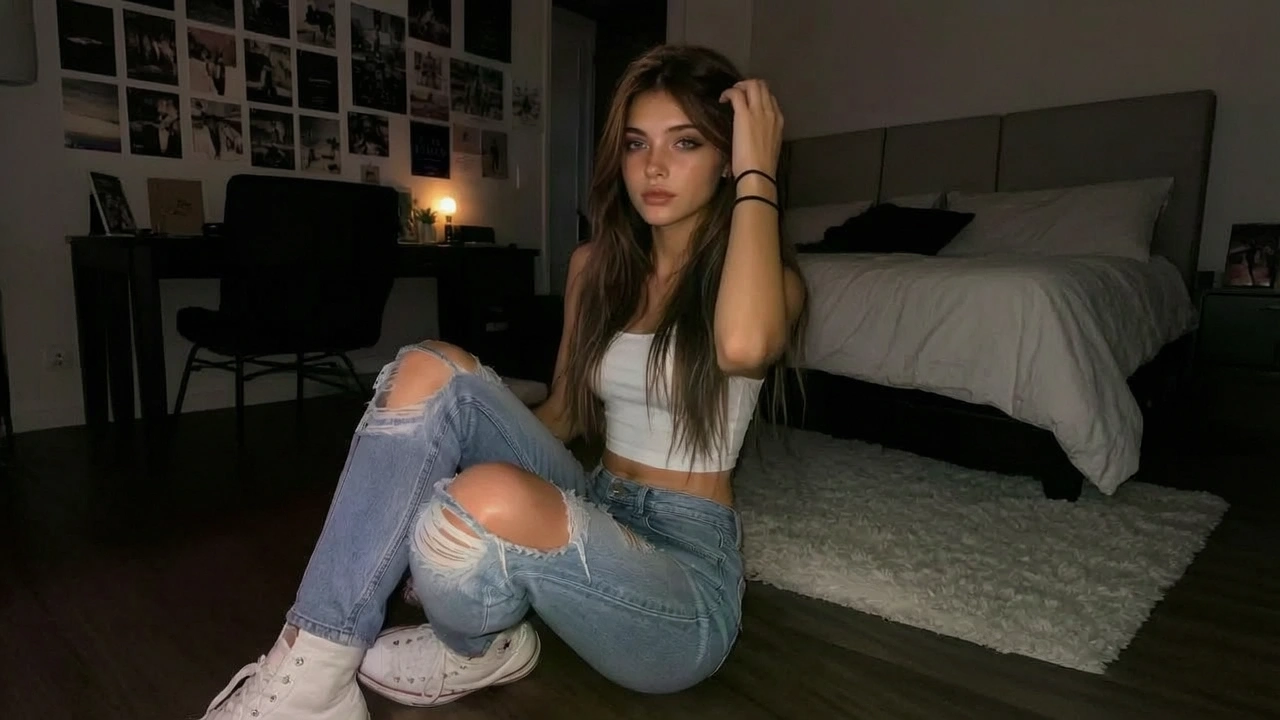
Photo to Video 18+ Camera Paths
The still is fixed; the path is the choice. photo to video 18+ clips use a push for a portrait, a pan for a wide set, or a short orbit when there is real depth. sexy AI photo to video motion should stay small: breath, hair, cloth. A 18+ photo to video AI run that asks the subject to walk out of frame will break the lock. Re-roll the path without replacing the upload.
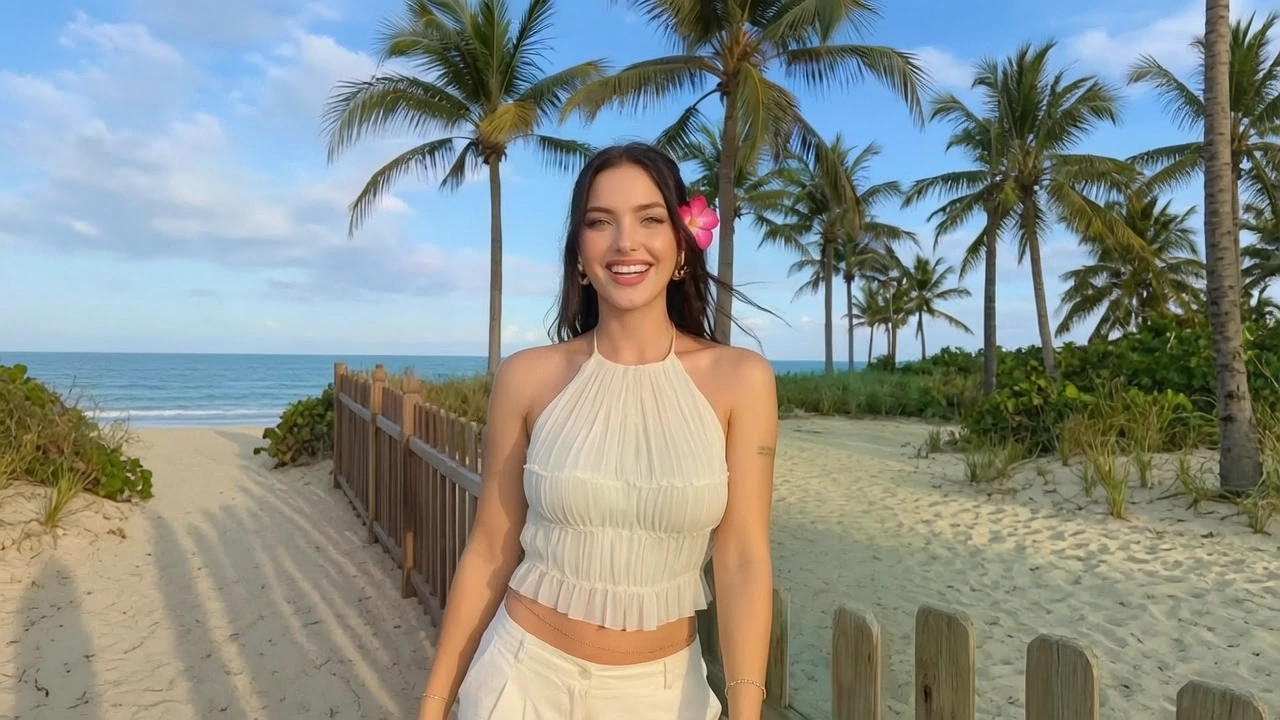
Free Uncensored AI Photo to Video Export
A clip you cannot post is not finished. free uncensored AI photo to video exports are unmarked MP4s at the length you set. photo to video AI free unlimited is not a promise of endless renders; free to start covers the first takes. Nothing is published to a gallery. A free AI photo to video no restrictions session still follows the likeness rules in the FAQ.
Who is Senzia's Uncensored Photo to Video for?
Lookbook Animators
The campaign still is already approved. unrestricted photo to video AI turns that plate into a short move without a reshoot.
Feed Clip Editors
A profile needs motion between posts. photo to video AI free 18+ from one owned still fills the slot without a crew.
Set Still Artists
On-set frames already have the light. An unrestricted AI photo to video pass keeps wardrobe and the room, then adds a camera path.
Why Choose Senzia's Uncensored Photo to Video?
The Still Is the Whole Set
Most image-to-video tools start inventing once the camera moves. Senzia estimates depth in your upload and keeps travel inside that volume. photo to video AI unrestricted output should still be identifiable as the same photograph at the last frame.
Adult Stills Stay Unblurred
A nsfw photo to video AI request is not rewritten into a safer crop. The pose you uploaded is the pose that moves. Identity lock still applies, so a new body cannot be swapped in mid-take.
18+ Workspace, Free to Start, Stated Refusals
A free uncensored photo to video session opens in the browser with no install. Fictional and self-owned adult stills are in scope. Minors, named public figures, and non-consensual likeness are refused. Those limits are written down rather than applied silently.