
Uncensored AI Image Generator - Unfiltered AI Images from Text or Reference Photos
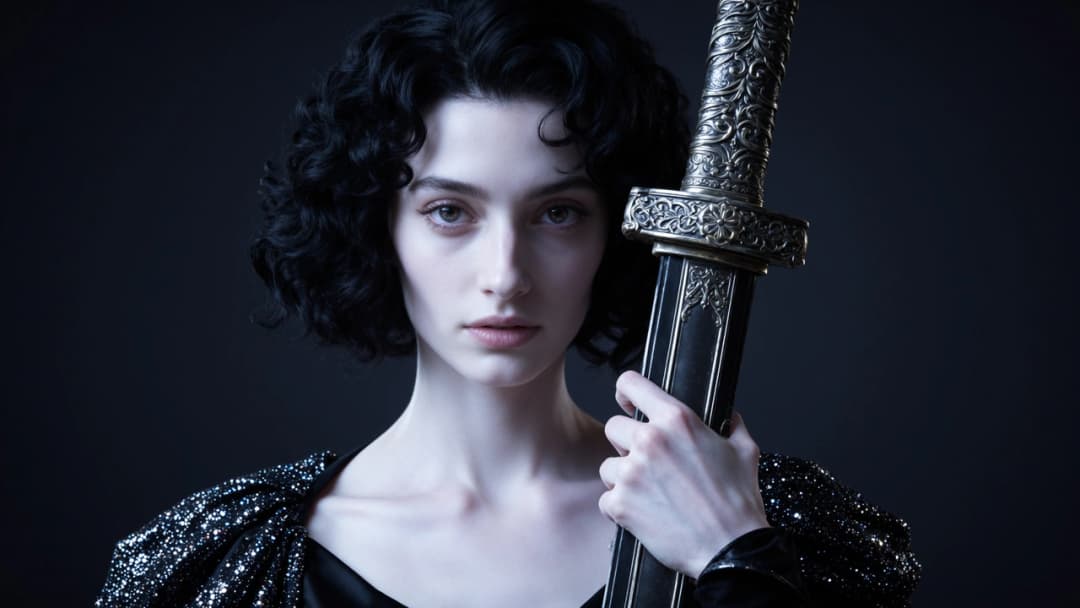
Describe a scene or upload a reference still and let Senzia's unfiltered AI image generator render clear detail, coherent lighting and intentional composition. Free to start in your browser - text to image or image to image, then download when the frame looks right.
What is Senzia's Unfiltered AI Image Generator?
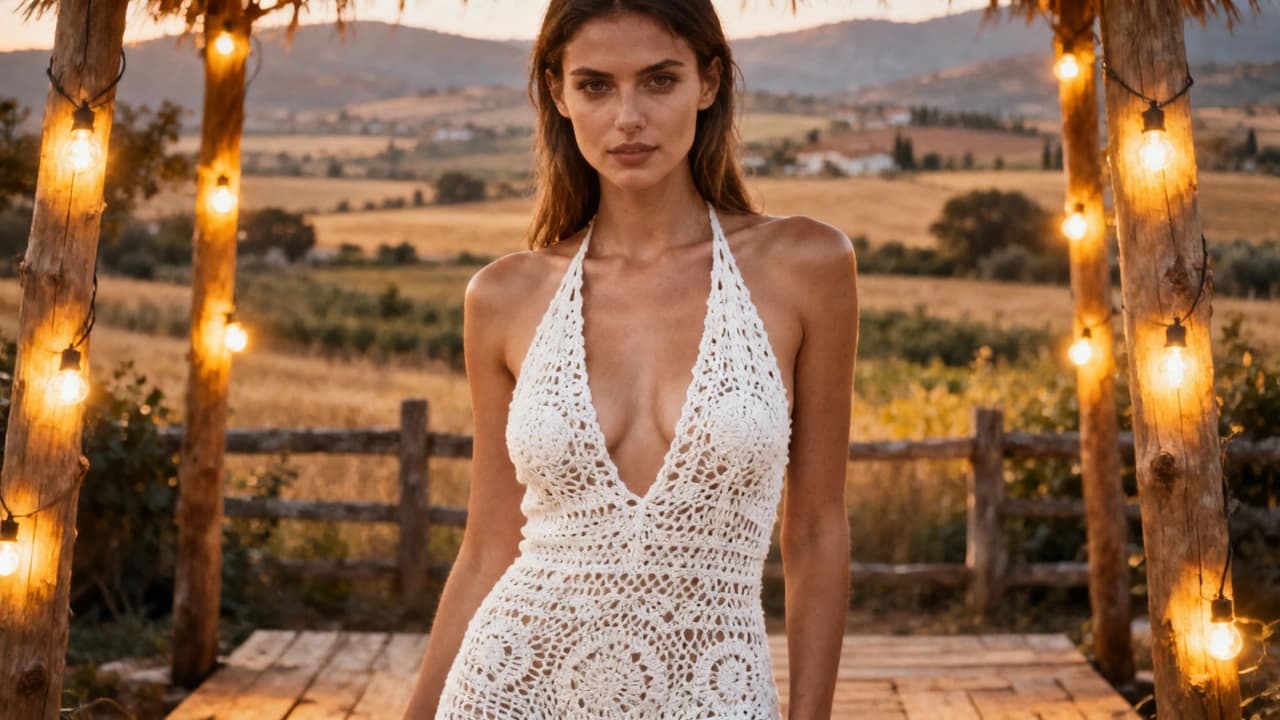
Senzia's unfiltered AI image generator is a browser-based still-image tool that turns text prompts - or a reference photo - into high-detail pictures with stable subject identity and intentional lighting. Unlike Senzia's video pages, this workspace outputs a single frame you can refine, regenerate, and download. Creators use the uncensored AI image generator path when other tools wash out fine detail or block open visual direction mid-run. Write the brief, optionally add a reference still for image-to-image control, preview the result, and export for private drafts or creative projects - free to start, no install required.
How Does Senzia's Unfiltered AI Image Generator Work?
Step 1: Write a Prompt or Upload a Reference
Describe subject, setting, style, and lighting - or drop a reference photo for guided edits. Clear cues help the uncensored AI image creator lock composition before rendering.
Step 2: Choose Text-to-Image or Image-to-Image Mode
Start from words alone with unlimited text to image AI control, or steer from a still using uncensored image to image AI when you need the output to follow an existing pose or layout.
Step 3: Generate, Refine and Download
Render the still, review detail and lighting, then regenerate with tighter notes if needed. The unfiltered AI image generator online flow lets you export when the frame is ready - free to start.
What You Can Do with Senzia's Unfiltered AI Image Generator?
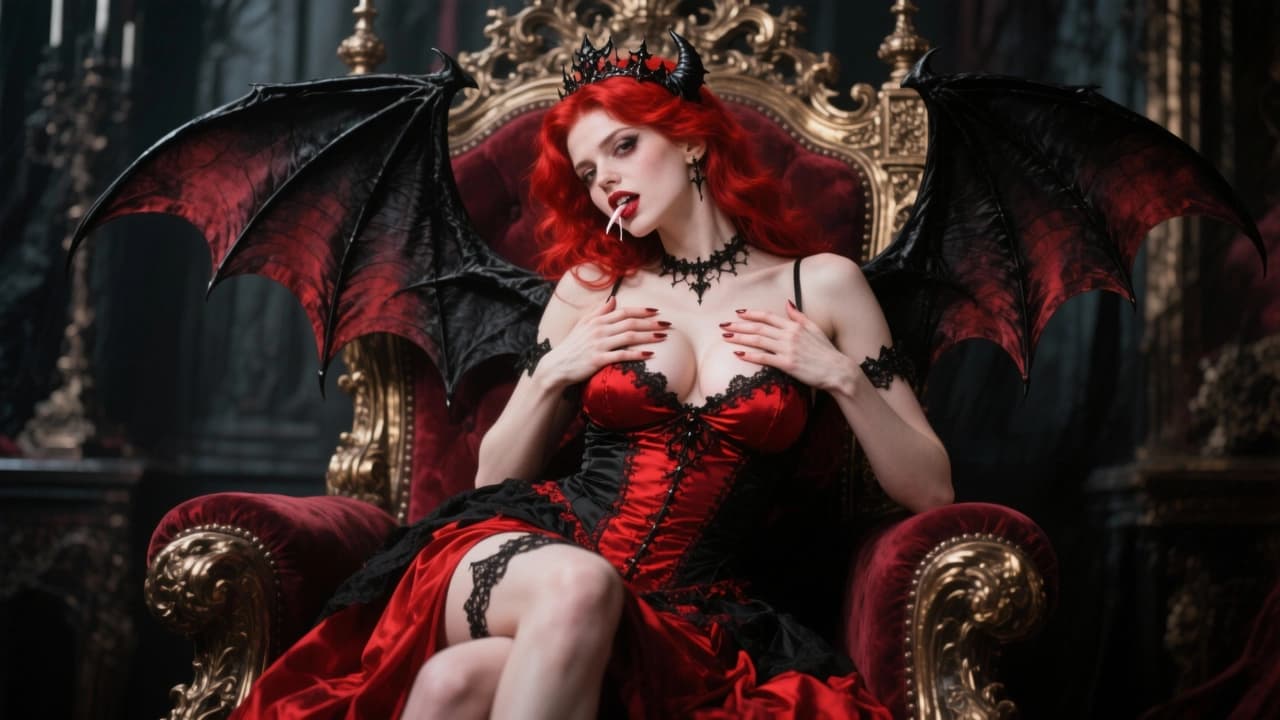
Generate Stills from Text Without Soft Washout
When a concept starts as a written brief, Senzia's unfiltered AI image generator from text follows your direction instead of flattening fine detail. Composition, lighting, and subject edges stay intentional so the frame reads as a finished still, not a vague sketch. Creators get clear results free to try - useful when other tools blur texture or stop mid-prompt.
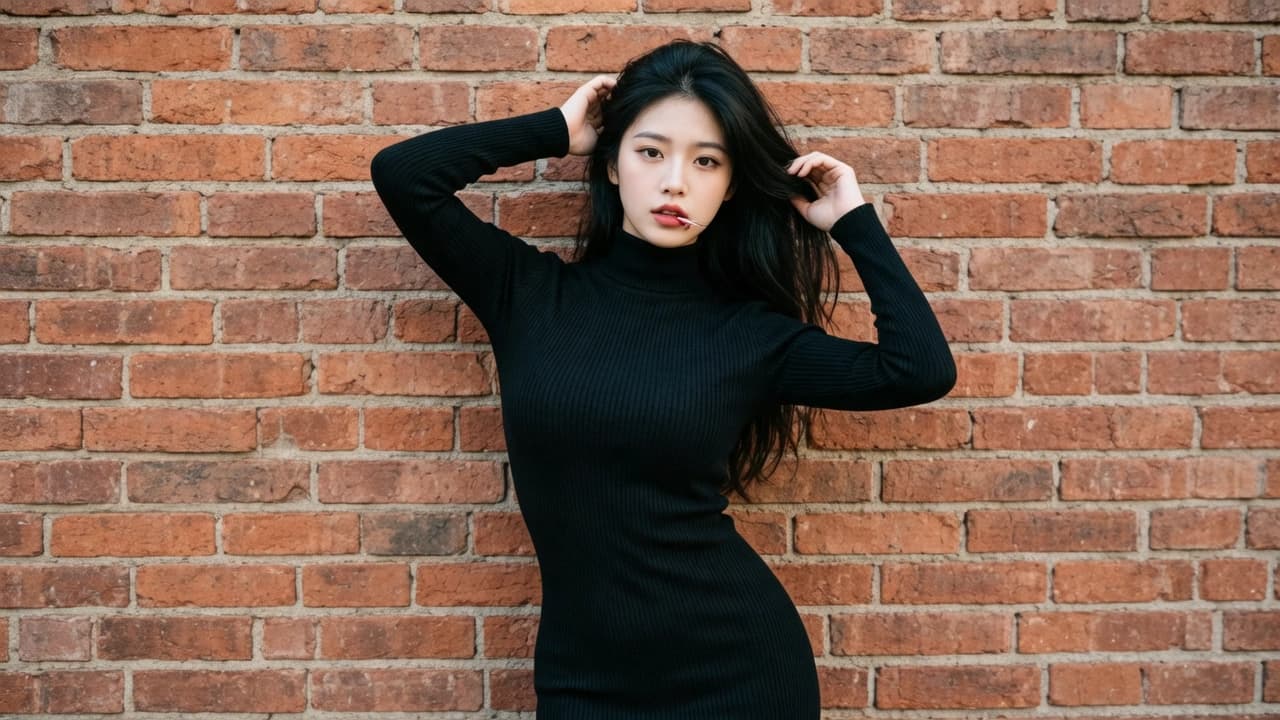
Transform Reference Photos with Image-to-Image Control
Upload a still when you need the output to respect pose, framing, or wardrobe already in the shot. Senzia's uncensored AI image generator from image path reads the reference, then applies your prompt as a directed edit rather than inventing a disconnected lookalike. It is the practical uncensored image to image AI workflow for creators who start from photos, not blank canvases.
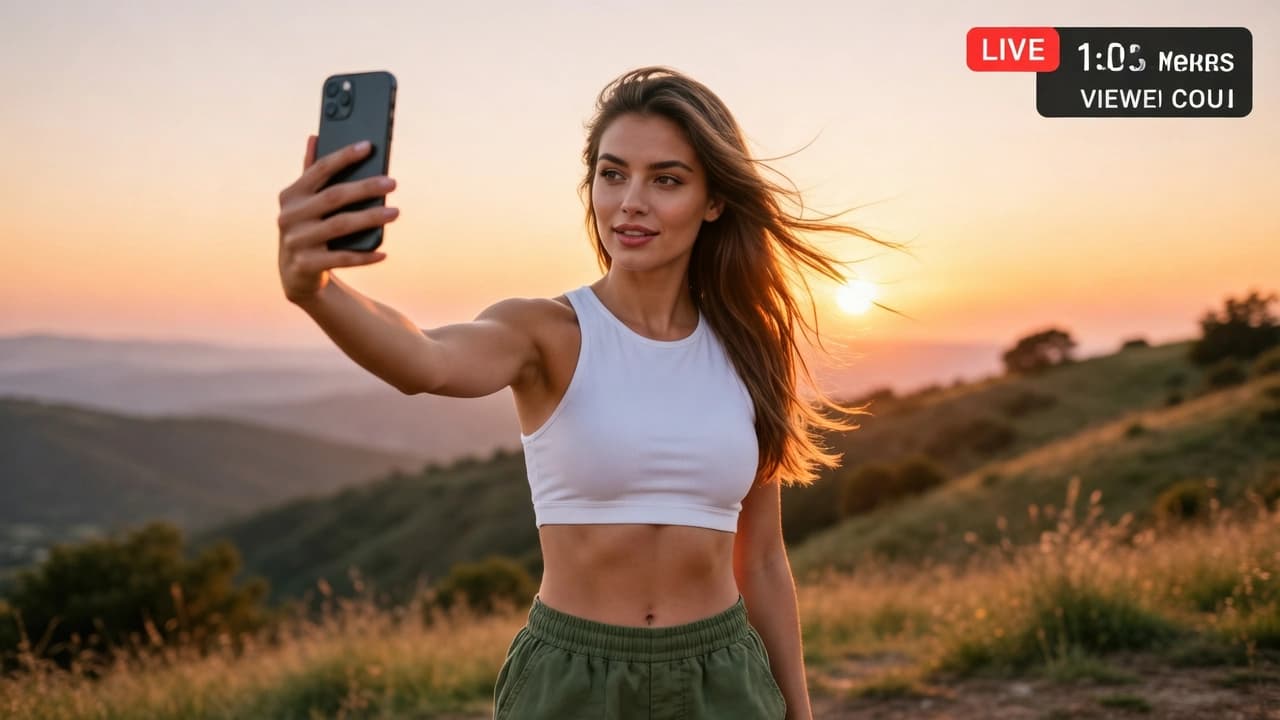
Create Photos and Pictures for Creative Projects
Need a clean hero still, concept art, or campaign visual? Use Senzia as an uncensored AI photo generator or uncensored AI picture generator to produce download-ready frames in one pass. Free AI photo generator unrestricted style iteration lets you compare looks quickly, then keep the version that matches your brief.
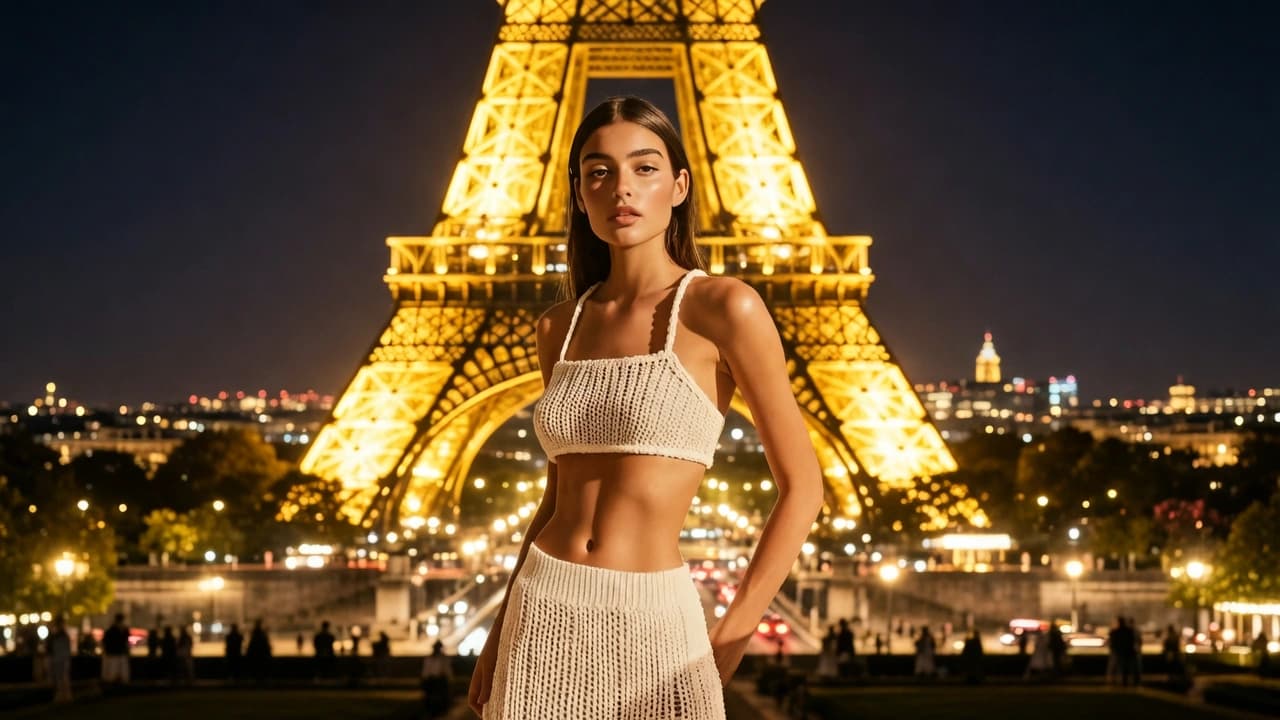
Iterate Unlimited Text-to-Image Variations
First frames rarely finish the job. Run Senzia as an unlimited text to image AI free workspace - change lighting, swap style notes, keep subject intent - and compare exports side by side. That unlimited text to image generator rhythm helps you land the best free AI image generator unrestricted result without leaving the browser.
Who is Senzia's Unfiltered AI Image Generator for?
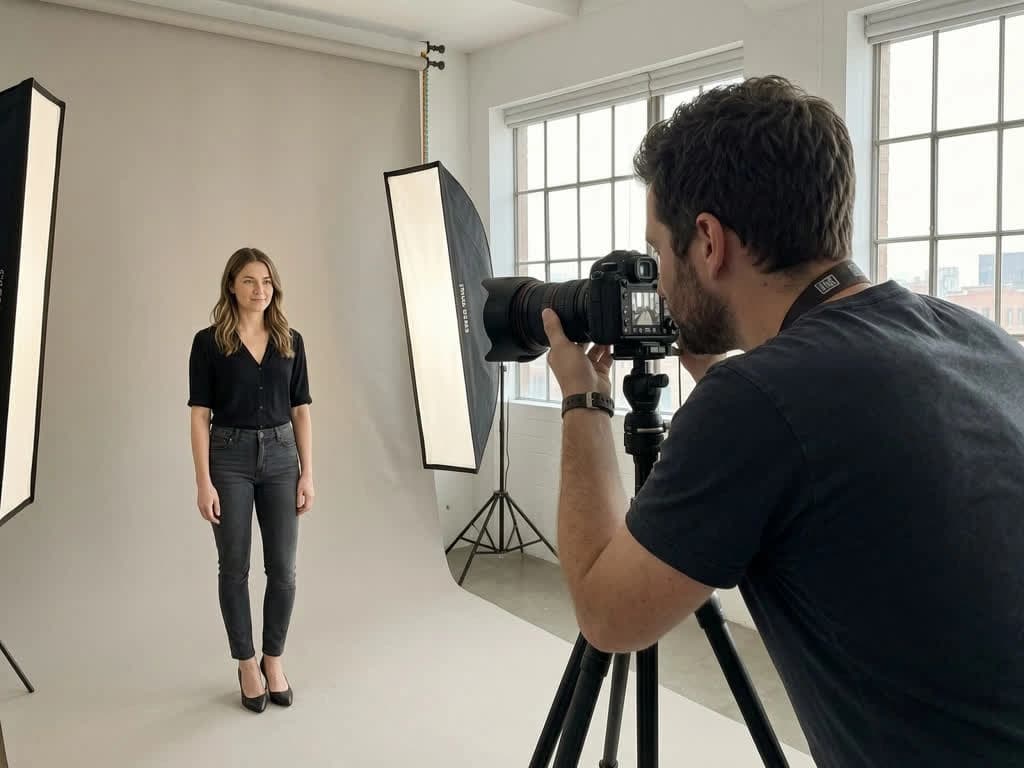
Designers and Visual Creators
Designers use Senzia when a brief needs a finished still fast. The unfiltered AI image generator online path keeps detail readable instead of collapsing into soft, generic output.
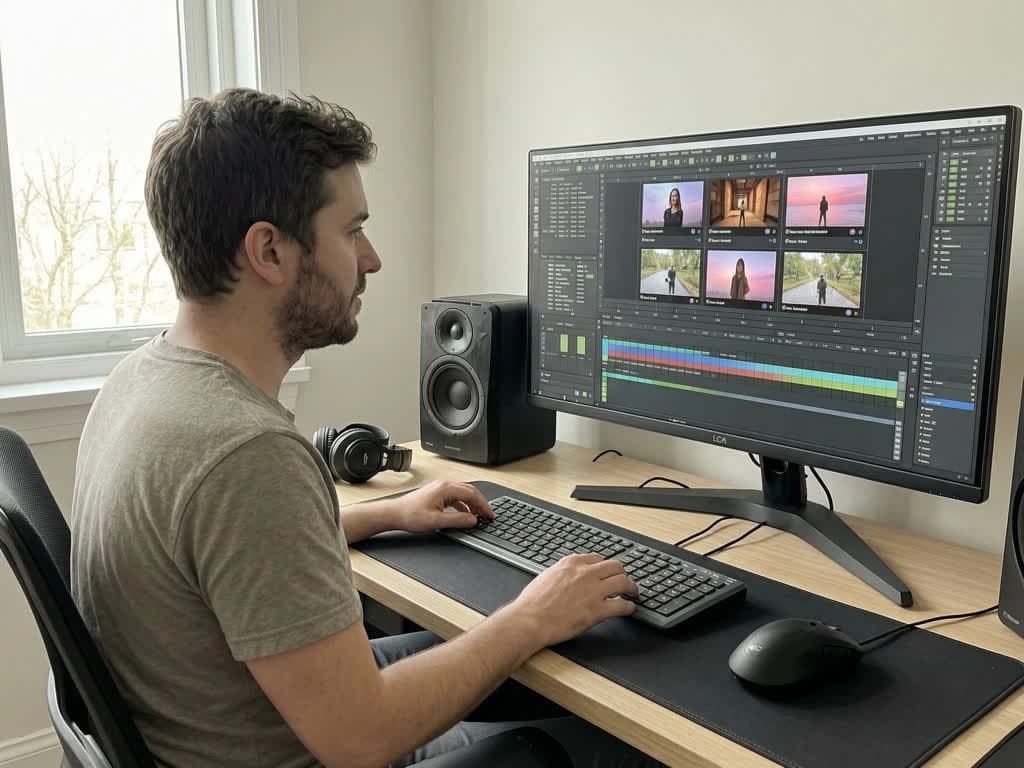
Editors and Concept Artists
Concept artists prototype looks from text or reference photos before a full shoot. An uncensored AI image editor style pass gives a private draft they can approve, then refine with a tighter prompt.
Hobbyists Creating Personal Stills
Personal users generate pictures without posting to a public gallery. Prompts and uploads stay private, and you keep ownership of every file from the unrestricted picture AI generator path.
Why Choose Senzia's Unfiltered AI Image Generator?
Clear Detail Without Soft-Focus Washout
Filtered tools often blur texture or stop when prompts get specific. Senzia's uncensored AI image generation keeps lighting, edges, and material detail intentional - so create AI images unrestricted results look finished, not vague.
Two Modes: Text-to-Image and Image-to-Image
Start from a blank brief with unrestricted AI image generator from text free control, or guide from a reference still when pose and framing already exist. One workspace covers both paths without bouncing between separate apps.
Private Browser Flow with Full Ownership
Prompt, generate, preview, and download entirely online - no desktop suite required. Files process privately, skip public galleries, and you retain ownership of every still from Senzia's unfiltered image AI generator tools.