
Безцензурный онлайн‑редактор изображений на базе ИИ — бесплатно
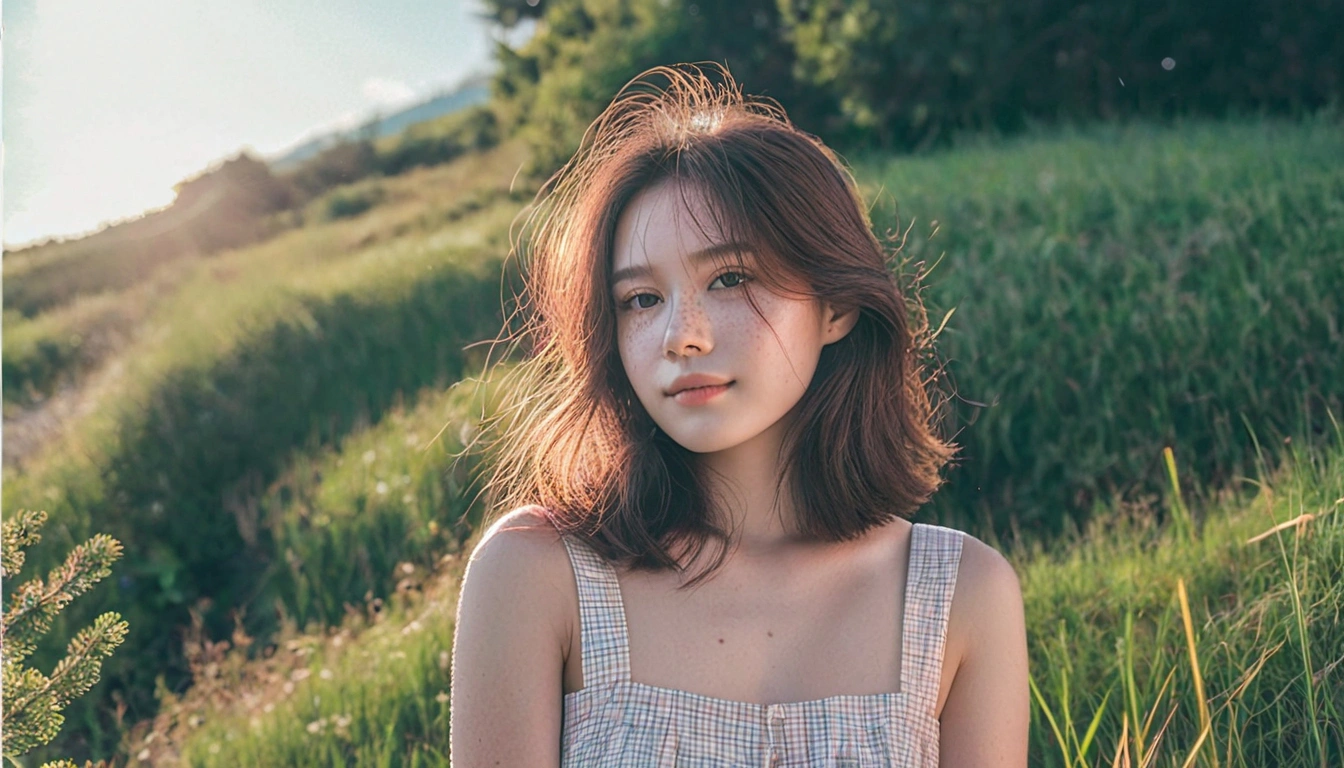
Раньше ретушь означала необходимость владеть соответствующим программным обеспечением, осваивать инструменты выделения и надеяться, что платформа не отклонит ваш файл на полпути. Senzia заменяет все три шага одним предложением: загрузите фотографию, опишите желаемое изменение — и редактирование будет выполнено. Поскольку он функционирует как бесплатный нецензурированный ИИ‑редактор изображений, а не фильтруемый сервис, сюда проходят запросы, которые в других местах оказываются заблокированными, включая контент для взрослых и материалы категории NSFW, которые большинство фото‑редакторов попросту отклоняют. Ничего устанавливать не нужно, никуда не требуется регистрироваться, а на полученном результате нет никаких водяных знаков.
Что такое нецензурированный AI‑редактор изображений Senzia?
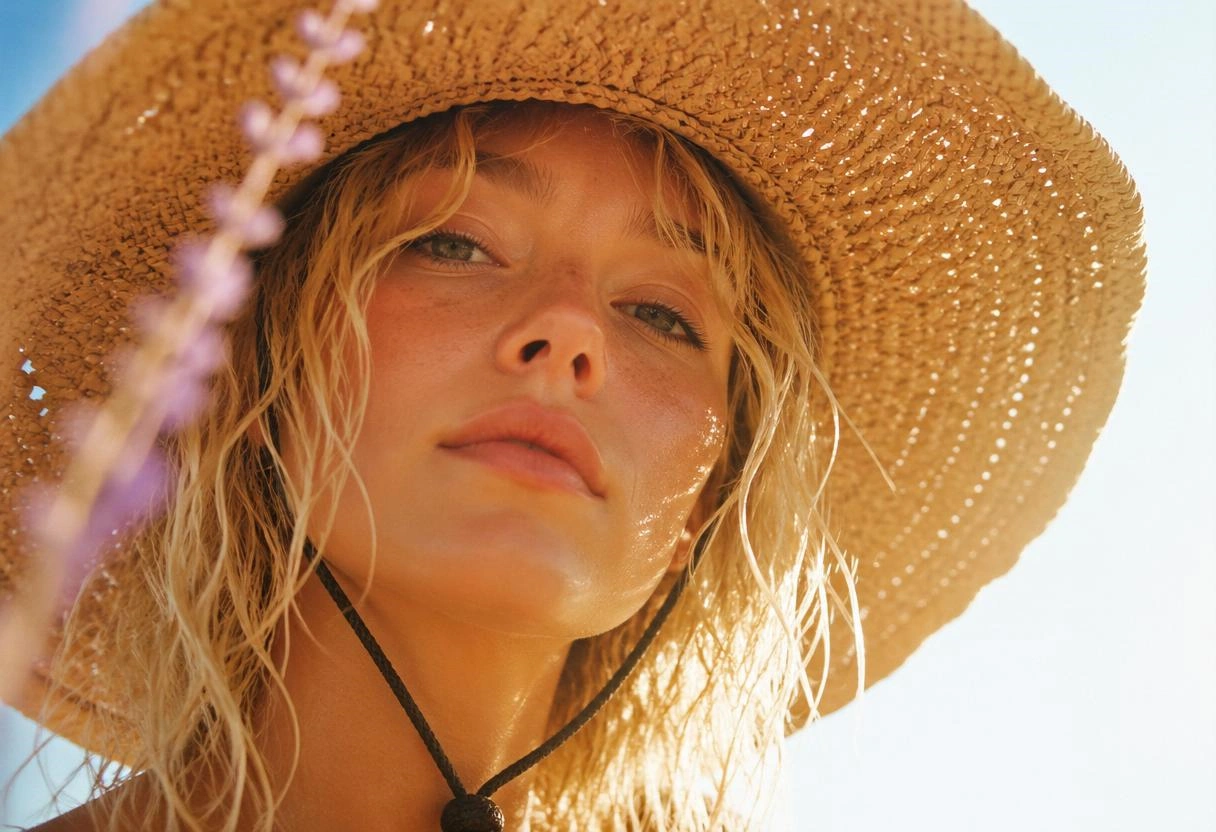
Бесцензурный AI‑редактор изображений Senzia — это браузерный инструмент, который обрабатывает фотографии по текстовым инструкциям вместо ручного выделения областей. Вы загружаете файл, описываете необходимое изменение простым языком, и модель определяет соответствующую область и восстанавливает её. Ни лассо, ни стека слоёв, ни растушёванной маски — и никаких десяти лет мышечной памяти не потребуется. Однако удобство доступа — это лишь половина того, что ищут пользователи, когда разыскивают фоторедактор без ограничений. Другая половина не подвергается отказу. Традиционные приложения проверяют как ваш текст, так и загруженное вами изображение: съёмка в купальнике срабатывает на фильтр, упоминание татуировки отклоняется как неуместное, а автор, работающий над заказами для взрослой аудитории, и вовсе лишается доступа к инструменту. Senzia создана как нецензурированный AI‑редактор изображений категории NSFW: материалы для взрослой аудитории обрабатываются так же, как и любые другие задания, при этом граница проводится по закону, а не по мещанской чопорности. Он также служит нецензурированным ИИ‑редактором изображений, позволяющим использовать опорную картинку для направления результата; количество редактирований не ограничено, а каждый скачиваемый файл выдаётся в полном разрешении и без водяного знака.
Как работает нецензурированный AI‑редактор изображений от Senzia?
Шаг 1: Загрузите фотографию или сначала создайте базу
Выберите «Изображение в изображение», если у вас уже есть нужное изображение, затем перетащите файл в формате JPG, PNG или WEBP с фотоплёнки, рабочего стола или сделанного скриншота. Выберите опцию «Текст — изображение», если нужный объект ещё не существует, и сначала создайте его с помощью генерации, после чего отправьте полученный рендер непосредственно в редактор в качестве рабочего файла. Оба режима используют одну и ту же вкладку, поэтому переключение не требует никаких затрат и для их открытия не нужна учётная запись.
Шаг 2: Опишите изменение в одном предложении
Говорите о том, что должно быть иначе, а не о том, как этого добиться. Уберите припаркованную слева машину, замените куртку на чёрную кожаную, раскройте ей глаза, поменяйте фон на пасмурный пляж и осветлите тени под подбородком. Определение объекта и его положения делает нецензурированное редактирование изображений с помощью ИИ надёжным, поскольку такой расплывчатый запрос, как «сделай лучше», не даёт модели никаких ориентиров для локализации. Добавьте второе эталонное изображение, если хотите, чтобы результат соответствовал заданному стилю, и укажите точные размеры вывода, если файл должен соответствовать требованиям к конечному продукту.
Шаг 3: Продолжайте обсуждение, пока всё не станет правильно, затем скачайте.
Первый проход редко получается идеальным, поэтому оцените результат и опишите следующее исправление в том же треде. Каждая команда применяется поверх предыдущей, и каждая версия остаётся доступной, если вам потребуется вернуться к более раннему состоянию. Когда изображение будет готово, скачайте его в полном разрешении — без водяного знака и без комиссии за экспорт — и повторяйте весь процесс столько раз, сколько захотите, ведь в этом онлайн‑редакторе изображений на базе ИИ без цензуры нет дневного лимита.
Что можно сделать с нецензурированным AI‑редактором изображений от Senzia?
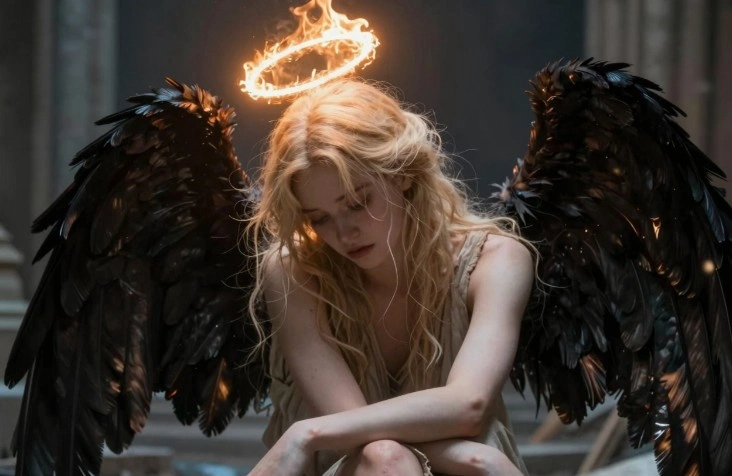
Нецензурированное редактирование изображений с помощью ИИ — простым языком
Разрыв между осознанием того, чего недостаёт фотографии, и умением воплотить это в жизнь — именно на этом этапе большинство людей сдаётся. Заметить, что фонарный столб портит композицию, — дело секунды; а вот аккуратно убрать его с помощью штампа‑копии и инструмента «Заливка с учётом содержимого» — уже полчаса и твёрдая рука. Письменные инструкции сокращают этот разрыв, поскольку описание проблемы является тем же самым действием, что и её решение. Каждый, кто умеет чётко сформулировать желаемые изменения, добивается профессионального результата, поэтому нефильтрованное AI‑редактирование изображений превратилось в реальную альтернативу для тех, кто никогда не собирался осваивать программы для ретуши.
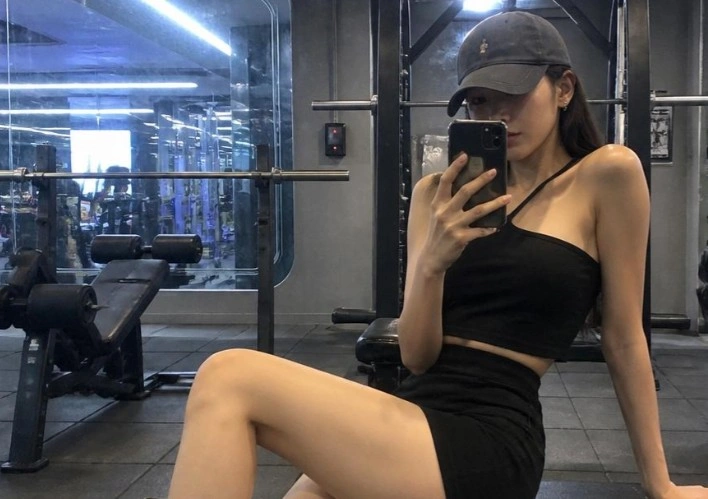
Удаляйте, заменяйте и изменяйте стиль в нецензурированном фоторедакторе
Удаление объектов позволяет избавиться от туристов, линии электропередачи и логотипа, публикацию которого запрещена законом. Замена фона охватывает смену одежды, замену заднего плана и придание дневного освещения кадру, снятому в сумерках. Рестайлинг превращает снимок, сделанный на телефон, в масляную живопись или кадр аниме, не затрагивая при этом исходную композицию. Реставрация извлекает детали из сканов, размытых групповых фотографий и снимков, выцветших десятилетия назад. Неограниченный по функционалу фоторедактор обрабатывает все четыре категории на одном изображении в любом порядке, как вам вздумается, вместо того чтобы перенаправлять каждую из них в отдельный платный инструмент.
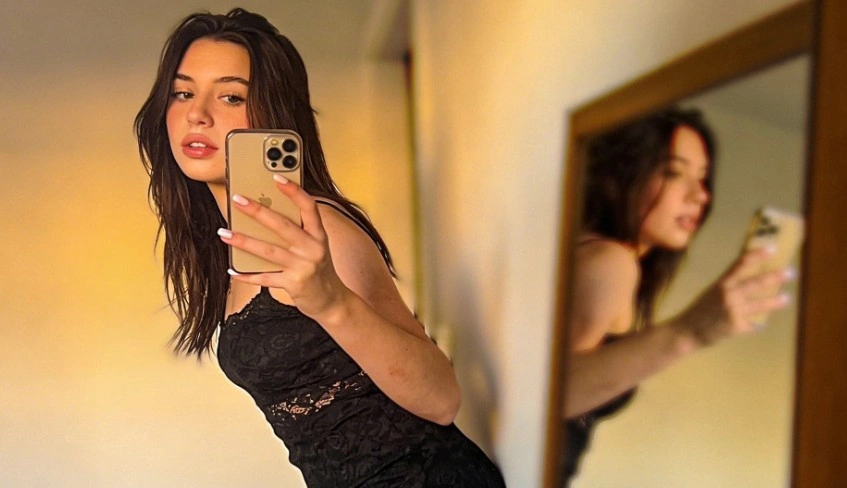
Уточните любое нецензурированное изменение изображения с помощью диалога
Никто не умеет идеально описать картинку с первого раза, и именно необходимость начинать всё сначала, когда этого можно было избежать, делает большинство инструментов утомительными. Здесь каждое новое предложение опирается на предыдущее состояние, так что можно сказать: рукав всё ещё слишком длинный, теперь приглушите свет и, наконец, избавьтесь от отражения в окне, наблюдая, как файл сходится за четыре быстрых прохода. Рассматривая неотфильтрованную генерацию изображений ИИ как непрерывный диалог, мы также снимаем нагрузку от необходимости формулировать один чрезвычайно объёмный запрос: всё, что вы забыли упомянуть, можно легко добавить в следующем шаге.

Безграничный редактор изображений на основе ИИ — никаких навыков не требуется
Редактирование по своей природе итеративно, поэтому любой инструмент, взимающий плату за рендеринг, фактически заставляет вас платить и за процесс мышления. Три пробных просмотра портрета не должны требовать предварительного принятия решения о подписке. Senzia сразу открывается в рабочей области — без стены регистрации, без привязки карты и без таймера‑счётчика, который отнимает ваше время, — именно это и имеют в виду те, кто ищет бесплатный неограниченный AI‑редактор изображений без цензуры. Он одинаково работает и в браузере на телефоне, и на компьютере, так что фотографию можно обработать по пути домой, а не дожидаться, пока вы окажетесь за рабочим столом.
Для кого предназначен нецензурированный AI‑редактор изображений от Senzia?
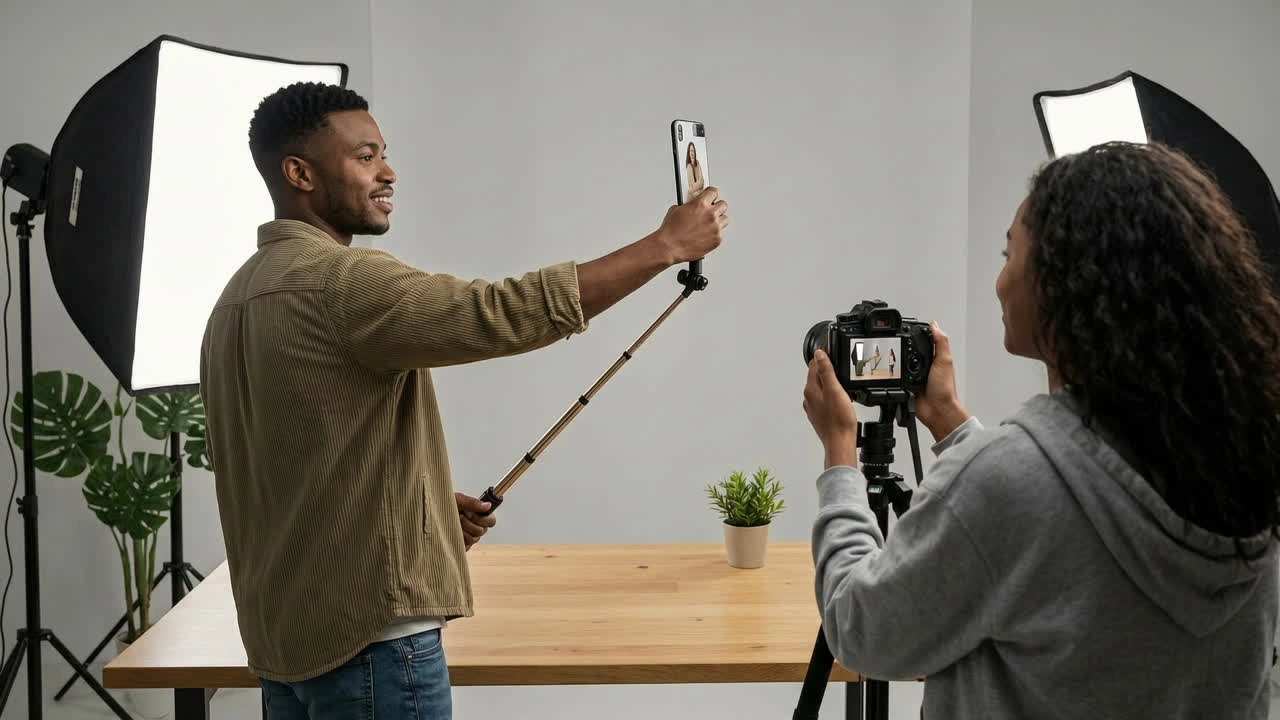
Фотографы косплея
Ремонт костюмов, линии париков и откровенные наряды — всё это срабатывает на фильтры стандартных ретушёрских приложений, что становится проблемой, когда главная цель — именно фотосессия. Бесплатный нецензурированный AI‑фоторедактор справляется с постановкой без предупреждений о модерации, а корректировка одежды занимает всего одно предложение вместо часа работы с масками.
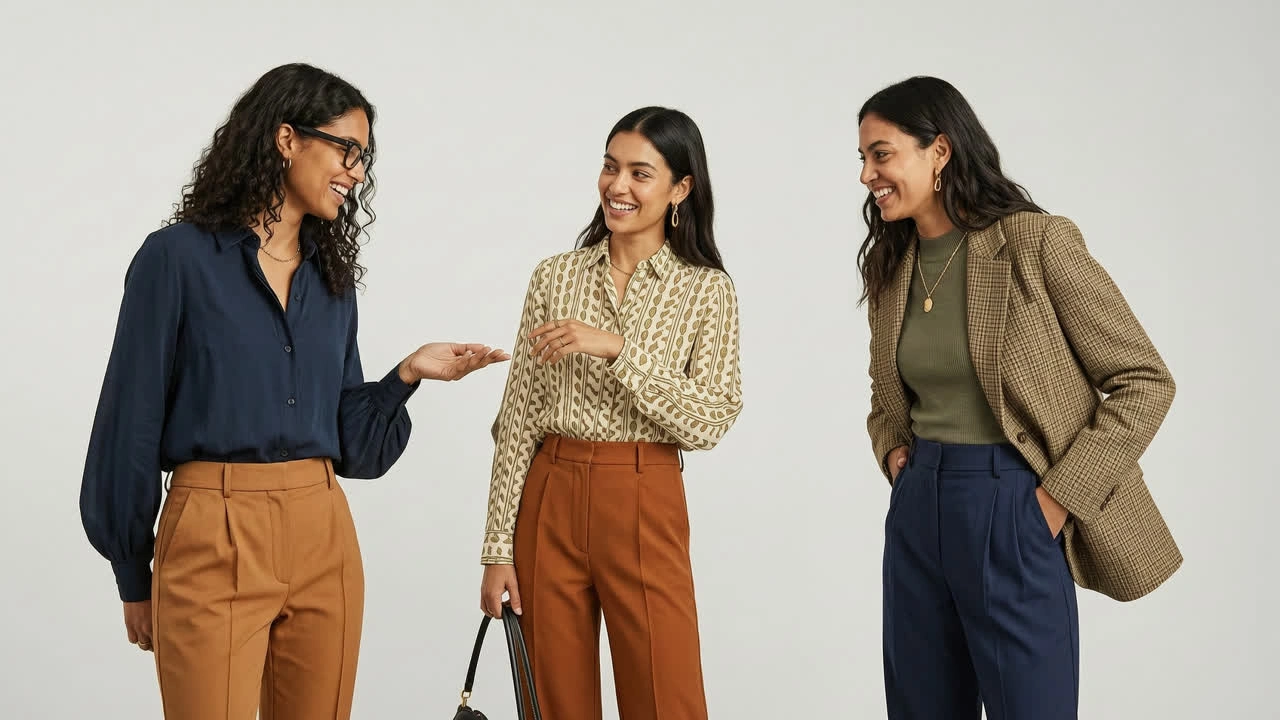
Менеджеры по социальным медиа
Десять публикаций в день не оставляют места ни для очереди на дизайн, ни для заявок на лицензирование. Описание обрезки, замены фона и изменения цвета сразу превращает неотфильтрованный редактор изображений в решение, доступное в течение часа, а неограниченное число правок означает, что тестирование трёх миниатюр ничего не стоит.
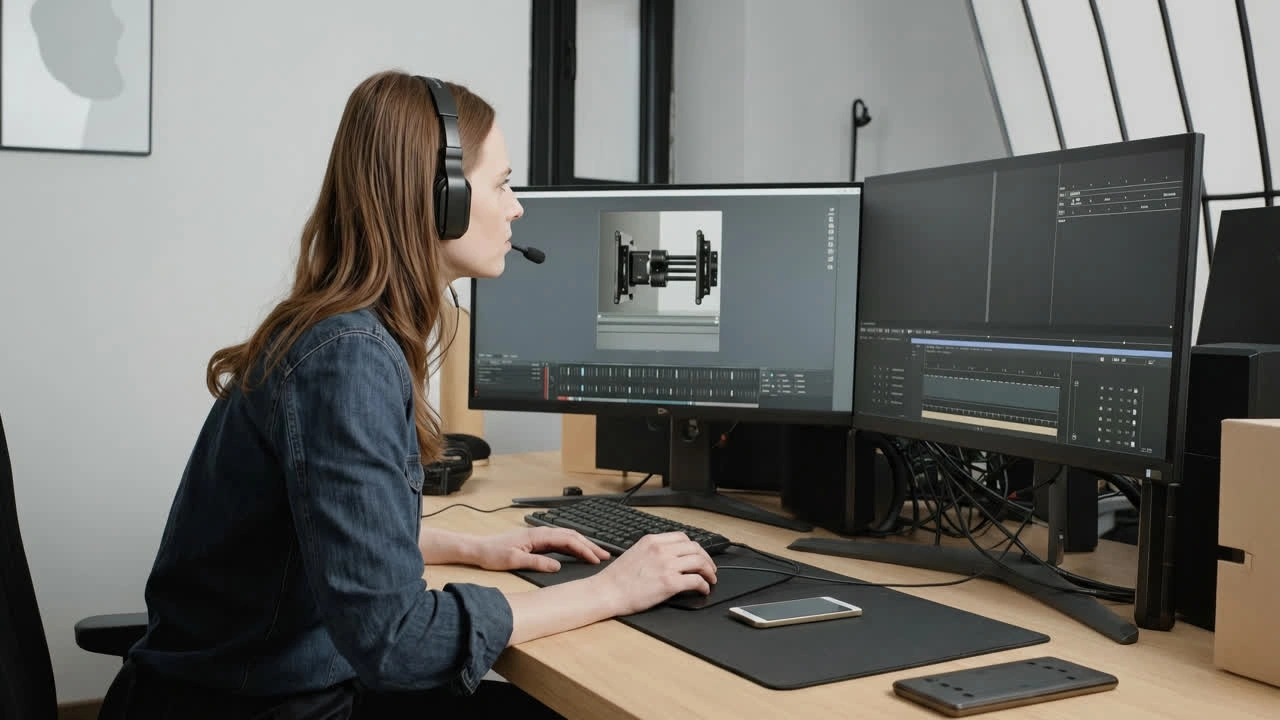
Фан-художники
Работа по заказам часто затягивается, а блокировка доступа к ресурсам в середине проекта тратит и ваше время, и время клиента. Нецензурный AI‑редактор изображений обрабатывает такие техзадания в обычном режиме, а функция диалогового уточнения позволяет применить замечания заказчика, не перерисовывая ничего заново.
Почему стоит выбрать неограниченный AI‑редактор изображений от Senzia?
Нет слоёв, нет масок, никакой кривой обучения
Традиционные редакторы возводят стену техники между идеей и её воплощением. Прежде чем устранить отвлекающий элемент, вам нужно разобраться в инструментах выделения, растушёвке границ, режимах наложения и недеструктивном рабочем процессе — и всё это не имеет отношения к фотографии, а касается работы с самим программным обеспечением. Редактирование на основе инструкций устраняет это обязательное условие. Ключевым становится умение наблюдать: замечать, что линия горизонта искривлена или что тень под подбородком слишком глубока, — а техническое исполнение следует за этим осознанием. Люди, которые уже много лет как отказались от настольных офисных пакетов, обнаруживают, что искусственный интеллект‑редактор изображений готов к работе буквально через минуту после запуска.
Другие фоторедакторы отказываются вносить изменения
Автоматизированная модерация не способна оценивать намерения, поэтому она склоняется к отклонению контента, и за это расплачиваются авторы. Пляжная фотография, каталоги нижнего белья, материалы для изучения татуировок, медицинская и анатомическая иллюстрация, а также заказные работы для взрослой аудитории — всё это законно, профессионально и тем не менее регулярно подвергается блокировке. Быть нецензурированным ИИ‑редактором изображений означает, что такие файлы обрабатываются, а не помещаются в карантин, и что вам сообщается их истинный контур, вместо того чтобы вы сталкивались с необъяснимой ошибкой. Эта граница носит юридический, а не моральный характер: изображения несовершеннолетних, неконсенсуальные материалы с узнаваемыми лицами и иные незаконные материалы навсегда исключены из сферы применения.
Бесплатно, без водяных знаков и с обеспечением конфиденциальности
Большинство редакторов раскрывают свою реальную цену только у кнопки скачивания, когда вы уже потратили час и уже не можете легко отказаться. Здесь ничего так не закрыто. Редактирование не учитывается при расчёте тарифа, экспортируемые файлы сохраняются в полном разрешении — без водяных знаков и принудительного снижения качества, а на входе в рабочую область отсутствует обязательная регистрация. Загрузки обрабатываются в режиме приватности и никогда не попадают в общедоступные галереи или рекламные ленты — это одинаково важно как для ещё не вышедшей кампании клиента, так и для личных материалов с содержанием NSFW, а вы сохраняете все коммерческие права на весь свой контент.