
Gerador online gratuito e sem censura de imagens a partir de imagens por IA
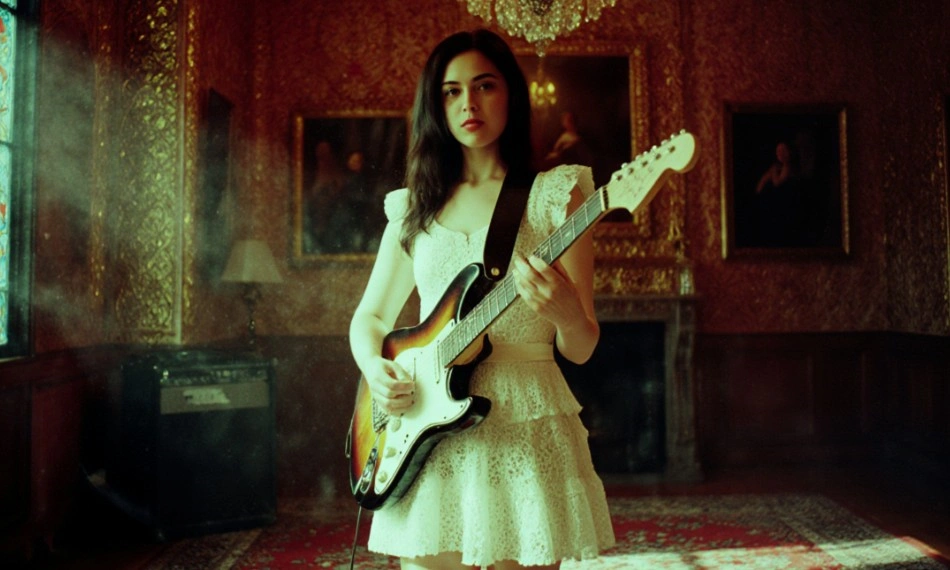
A parte mais difícil de qualquer imagem é aquela que você já resolveu: onde o motivo se encontra, para que direção está voltado e como se organizam as camadas de profundidade. Reescrever o estilo não deveria lhe custar tanto assim. Senzia executa passagens de IA de imagem para imagem sem censura que preservam a estrutura da sua referência, ao mesmo tempo em que substituem por completo o meio, a paleta, a iluminação e a época; assim, uma fotografia se transforma em uma pintura a óleo e um render em argila cinza vira uma ilustração finalizada, sem que o layout sofra desvios. Nem o arquivo que você envia nem o resultado são submetidos a um classificador de conteúdo, razão pela qual os trabalhos de edição de imagens por IA com classificação NSFW são processados aqui da mesma forma que qualquer outro. É uma ferramenta gratuita e sem censura de geração de imagens por IA, diretamente no navegador, com exportação em tamanho real.
O que é o Senzia, a IA sem censura de imagem para imagem?
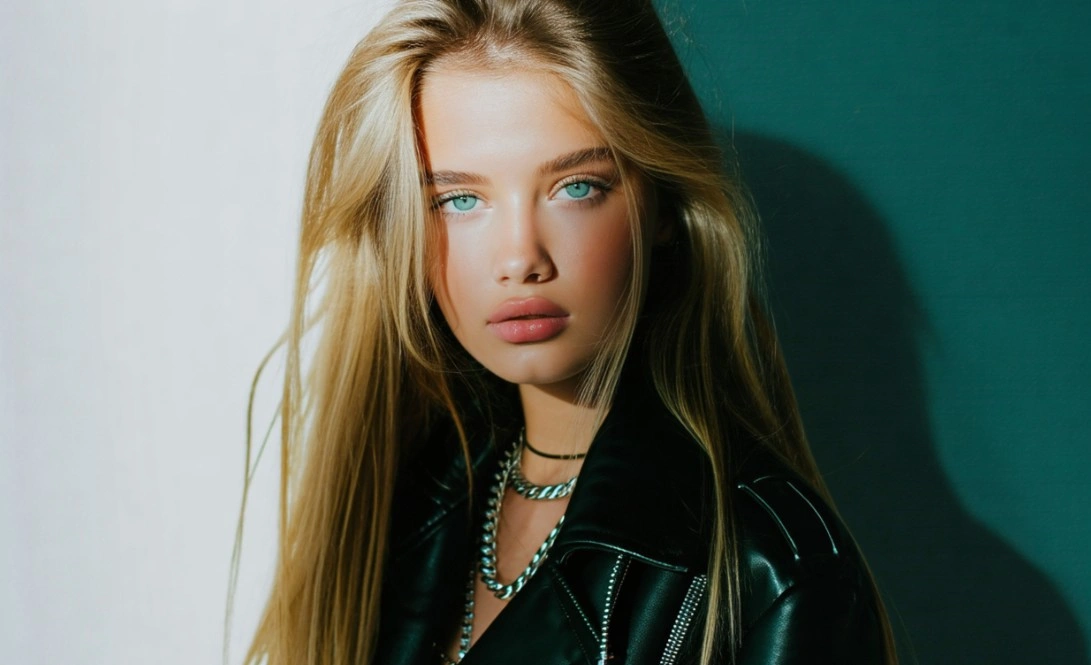
O gerador de imagens em imagens sem censura da Senzia pega uma foto que você já tem e a reconstrói como algo completamente diferente. A maneira mais clara de compreender o que ela faz é como uma separação entre a estrutura e a superfície. A estrutura é a composição, a pose, a perspectiva, a silhueta e a relação espacial entre os objetos, e costuma ser o elemento que mais tempo você levou para acertar. A superfície abrange o suporte, a paleta de cores, a iluminação, a época, a textura e o estilo de representação, sendo a parte que leva dias para ser alterada manualmente. Uma passagem de imagem para imagem, sem censura, mantém a primeira enquanto reescreve a segunda, razão pela qual a mesma fonte pode reaparecer como um estudo a carvão, uma cena noturna iluminada a néon ou uma placa fotorrealista, sem que nada se mova. Duas referências podem ser fornecidas ao mesmo tempo: uma que define o layout e outra que define o visual, conferindo‑lhe um controle que apenas um prompt de texto não consegue transmitir. Como o uso irrestrito de modelos de IA que geram imagens a partir de outras imagens não é filtrado em nenhuma das etapas, tanto os uploads quanto as saídas prosseguem sem que um classificador avalie se o seu conteúdo se enquadra nos critérios aceitáveis, tendo a delimitação sido estabelecida por lei e não pelo gosto. Não é necessário criar uma conta e não há marca d’água nos arquivos que você baixa.
Como funciona o recurso de geração de imagens por IA sem censura da Senzia?
Passo 1: Carregue a fonte ou crie uma com o recurso de texto para imagem
Selecione Imagem para Imagem e arraste o arquivo que contém a composição que você deseja manter. Quase qualquer coisa serve como fonte: uma fotografia, um esboço a lápis, uma renderização em caixa cinza em 3D, uma captura de tela, uma digitalização ou uma saída anterior gerada por esta ferramenta. Se o layout existe apenas na sua cabeça, mude para Texto para Imagem, descreva-o e use essa renderização como referência para a próxima etapa. Ambos os modos compartilham a mesma guia e nenhum deles exige uma conta.
Passo 2: Indique o que deve ser alterado e adicione uma referência de estilo
Descreva apenas a superfície que deseja reescrever, pois a estrutura já está sendo extraída do arquivo. Refaça a pintura como um retrato a óleo do século XIX, reilumine‑a como uma manhã nublada, renderize‑a em estilo anime com sombreamento em camadas e converta o modelo de argila em bronze envelhecido. Em seguida, defina qual porcentagem da fonte deve ser mantida; mantenha esse valor baixo quando a pose e o enquadramento estiverem definidos e aumente-o quando desejar uma reinterpretação mais livre. Anexar uma segunda imagem como referência de estilo é a maneira mais segura de acertar em uma paleta específica ou na qualidade da pincelada, e funciona melhor do que descrever um visual apenas com palavras.
Passo 3: Compare com a fonte e, em seguida, exporte
Cada execução retorna um lote de imagens; assim, compare os resultados com as originais e verifique se os elementos que deveriam ser corrigidos estão conforme o esperado: a linha do horizonte ainda está na posição em que foi definida? O sujeito continua voltado para a mesma direção? O espaço negativo foi preservado? Se o layout se desviar, reduza a quantidade de alterações e execute novamente, em vez de reescrever sua descrição. Quando necessário, faça o download em resolução máxima, sem marca d’água, e reutilize-o como fonte para a próxima etapa, caso a imagem precise ser compartilhada novamente.
O que você pode fazer com o recurso de geração de imagens a partir de imagens, sem censura, da Senzia?
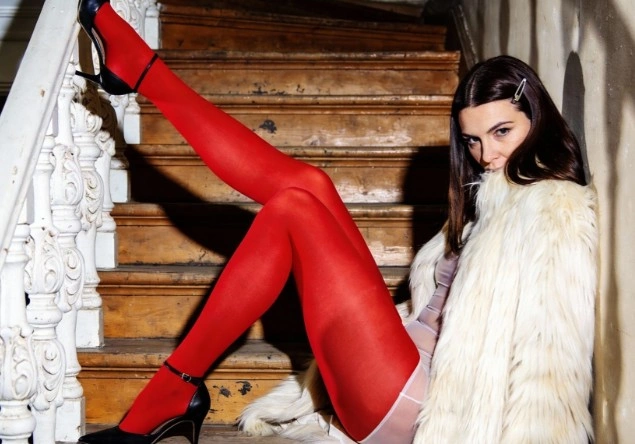
Mude o Meio, Mantenha a Estrutura
Descrever uma composição em palavras é lento e impreciso, e torna‑se ainda mais difícil quanto mais cuidadosamente a imagem foi planejada. Entregar a imagem, por sua vez, transmite o layout de forma perfeita em uma única etapa, deixando a descrição livre para tratar de todos os demais aspectos. Uma fotografia de casamento transforma-se em uma aquarela sem que ninguém mude de posição, um exterior à luz do dia converte-se numa cena noturna encharcada pela chuva, com a geometria intacta, e uma simples mancha de cor torna-se uma pintura renderizada. Esse é o valor prático da IA de imagem para imagem, não censurada por predefinições de estilo: o meio é aquilo que você definir, e não o visual que a plataforma decidiu suportar.
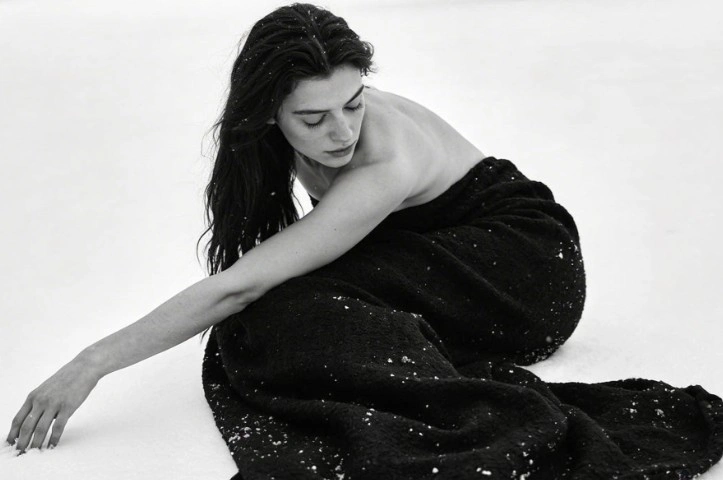
Duas Referências em Uma Passagem de Imagem para Imagem Sem Censura
Algumas qualidades resistem totalmente à descrição. É possível dedicar um parágrafo a uma paleta de cores especialmente apagada, a uma economia específica de pinceladas ou à granulação de determinada película fotográfica e, mesmo assim, chegar a algo apenas próximo do que seria correto, e não propriamente acertado. Fornecer uma segunda imagem resolve a questão de forma direta: um arquivo determina a posição de cada elemento, enquanto o outro controla sua aparência. Os diretores de arte utilizam essa abordagem para manter uma série alinhada a um universo visual aprovado, pois cada fotograma herda a mesma referência, em vez de depender da reprodução exata do texto. Isso também torna a adequação a um estilo arquitetônico existente muito mais rápida do que reverter‑engenhar esse estilo em um prompt.
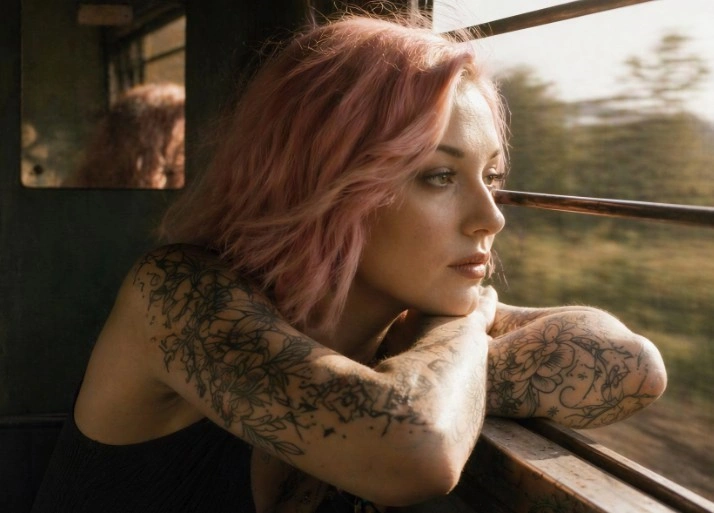
Sujeitos consistentes na geração de imagens a partir de imagens não censuradas
Um personagem que muda de rosto entre as quadros interrompe a narrativa, e é justamente nesse ponto que os fluxos de trabalho baseados apenas em texto falham de maneira mais evidente. A inserção do design aprovado como referência em cada quadro subsequente fixa a semelhança, de modo que a mesma figura possa ser posicionada de maneiras distintas, iluminada de formas diferentes e situada em um novo cenário, mantendo‑se reconhecível como uma única pessoa. Storyboards, sequências de quadrinhos, linhas de produtos e coleções de cards dependem todos dessa continuidade. A IA de imagem para imagem sem filtragem torna isso viável sem a necessidade de redesenhar, pois a imagem de origem contém informações de identidade que nenhum número de adjetivos acumulados consegue reproduzir de forma confiável.
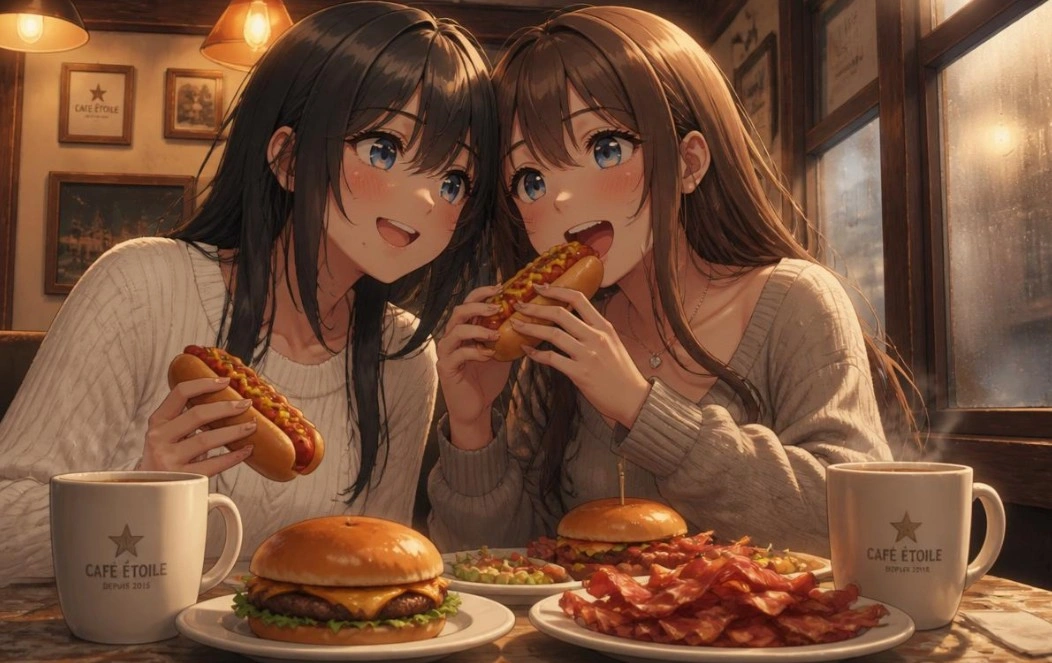
Um editor de imagens por IA impróprio para o trabalho, sem filtro
O trabalho orientado por referências apresenta dois pontos de falha em plataformas com filtragem, em vez de um, pois o upload é classificado na entrada e o resultado é classificado na saída. Um artista que reinterprete a própria ilustração já madura pode, assim, ter seu trabalho recusado duas vezes por se tratar de uma obra de sua autoria. A remoção de ambos os filtros é o que torna um editor de imagens por IA‑nsfw viável para trabalhos sob encomenda, e a qualidade não sofre uma queda discreta em cenas com grande destaque para a pele, como costumam fazer os modelos com restrições. Conteúdos envolvendo adultos que consentiram são tratados como legítimos, ao passo que categorias ilícitas continuam a ser rejeitadas, independentemente da forma como o pedido for formulado.
Para quem é a ferramenta de imagem para imagem sem censura da Senzia?
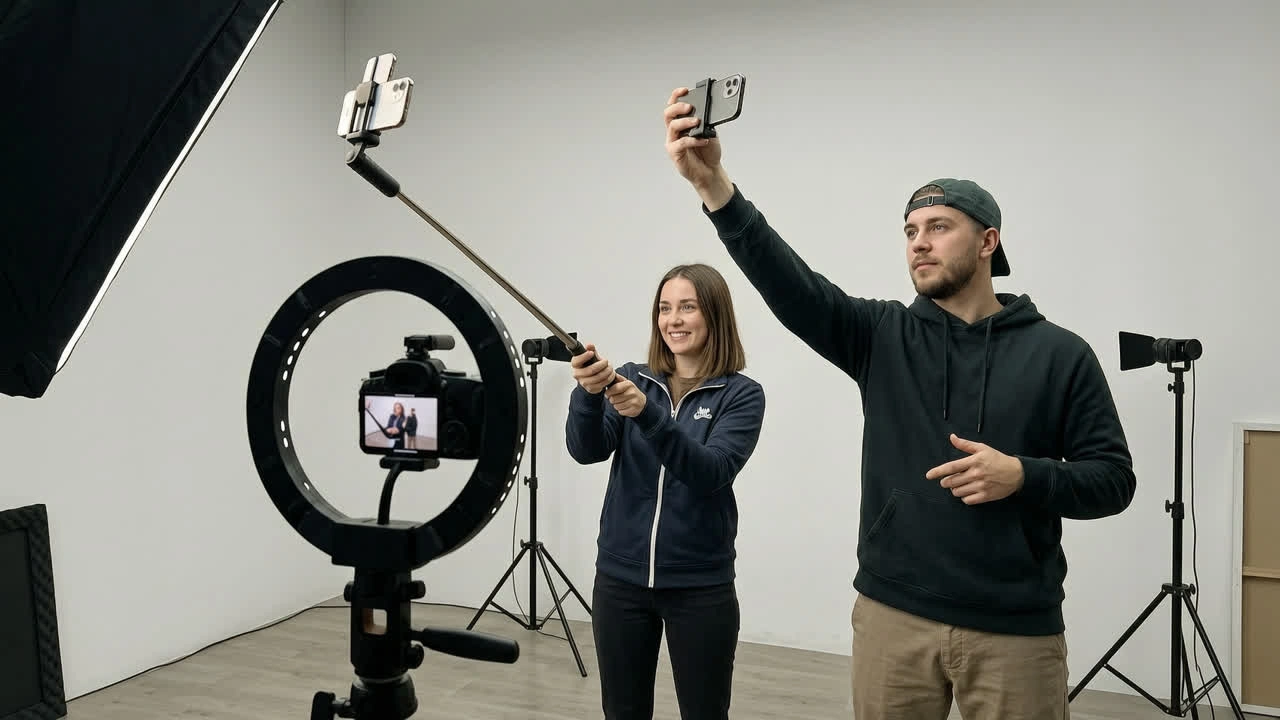
Artistas de Storyboard
Uma história em quadrinhos só funciona se o mesmo personagem for percebido como o mesmo personagem ao longo de sessenta quadros. Ancorar cada quadro a uma referência aprovada por meio de geração de imagem a imagem sem censura preserva a semelhança, enquanto a pose, a câmera e a iluminação variam livremente.
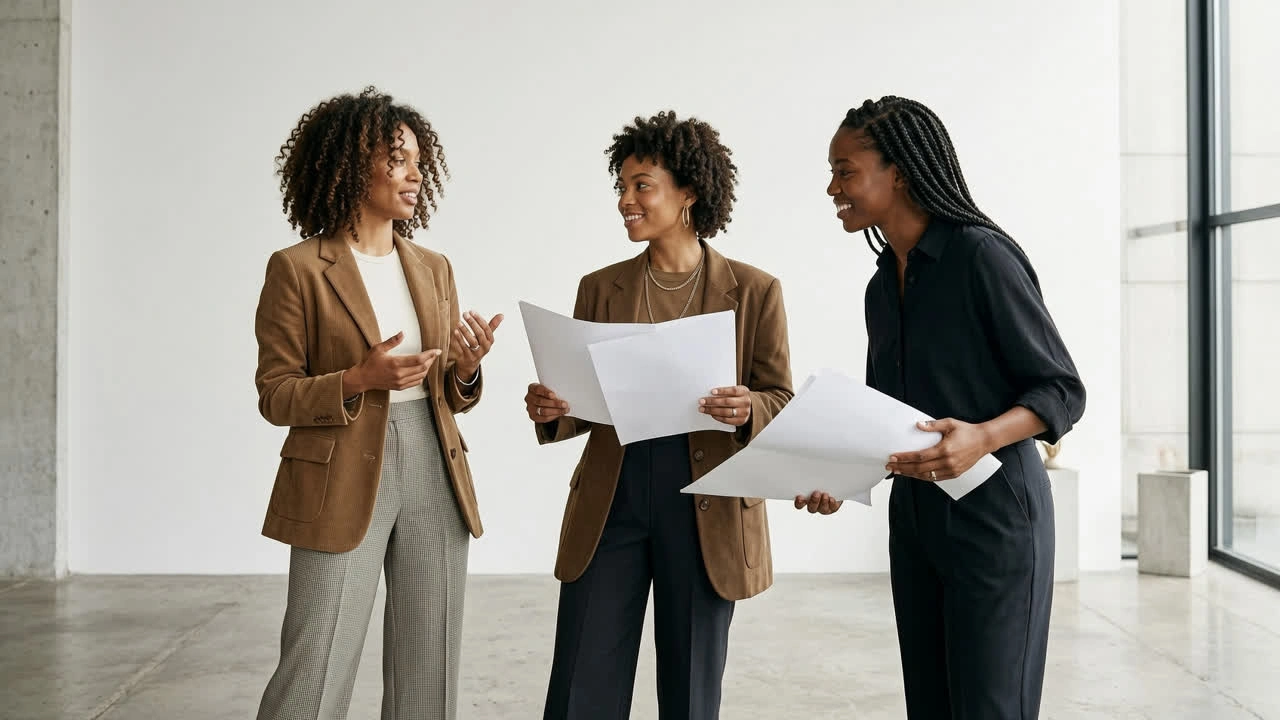
Designers de Personagens
Explorar doze tratamentos de um mesmo modelo implica que a silhueta deve permanecer inalterada, enquanto todo o resto se modifica. A geração irrestrita de imagens por IA mantém aquela silhueta em todas as variações, de modo que a análise compara o figurino e a paleta de cores, em vez de doze figuras não relacionadas.
Visualizadores Arquitetônicos
Os clientes reagem à atmosfera muito antes de analisarem uma planta baixa. Um reboco de argila cinza confere geometria precisa a um fluxo de trabalho livre de restrições com IA de imagem para imagem, reproduzindo em minutos as tonalidades do entardecer, o céu nublado e os tratamentos estivais da mesma volumetria.
Por que escolher o recurso de imagem para imagem sem censura da Senzia?
A estrutura e a superfície são separadas deliberadamente
A maioria das ferramentas trata uma referência como uma sugestão vaga, retornando algo que compartilha o mesmo tom da sua fonte, mas não a sua geometria, o que anula todo o propósito de carregar um arquivo. Senzia interpreta a fonte antes de tudo como informação espacial: a posição do horizonte, a direção para a qual o sujeito se volta, a maneira como os objetos se ocultam mutuamente e a quantidade de espaço negativo que cerca o ponto focal. Esse esqueleto é preservado enquanto a renderização é reconstruída sobre ele. Compreender essa divisão é o que transforma a IA de geração de imagens sem filtros de uma loteria em uma ferramenta previsível, pois você sempre sabe qual metade da imagem está colocando em risco.
Nem o Envio nem a Saída são verificados
O trabalho orientado por referências é filtrado duas vezes nas plataformas convencionais: uma vez quando o arquivo chega e outra quando a renderização sai, de modo que as chances de uma recusa sem explicação praticamente dobram. Artistas que reformulam suas próprias ilustrações maduras, fotógrafos que reinterpretam seus próprios ensaios e estúdios que trabalham com temas de terror ou erotismo acabam perdendo horas com isso. Nenhum dos dois cheques é compensado aqui. O que permanece é uma delimitação legal, estabelecida de forma explícita, e não aplicada de modo tácito: proíbe-se a representação de menores, imagens não consensuais ou enganosas de pessoas reais identificáveis, bem como quaisquer outras categorias ilícitas, independentemente do conteúdo ao qual se refiram.
Passes ilimitados, resolução total, totalmente seu
O trabalho de referência é, por natureza, iterativo, pois o resultado útil geralmente surge na quarta tentativa, e não na primeira, e um contador de créditos transforma esse processo em um exercício de gestão orçamentária. Nada é medido aqui e não há limite diário aplicável, de modo que concatenar cinco passes para conduzir uma imagem em direção ao alvo custa apenas tempo. As exportações são realizadas nas dimensões por si especificadas, sem marca d’água e sem redução forçada; as fontes e os resultados são processados de forma privada, em vez de serem publicados em uma galeria pública, e você mantém todos os direitos comerciais sobre todo o conteúdo gerado a partir de suas próprias referências.