
Bezfiltrowy edytor obrazów AI – darmowy online
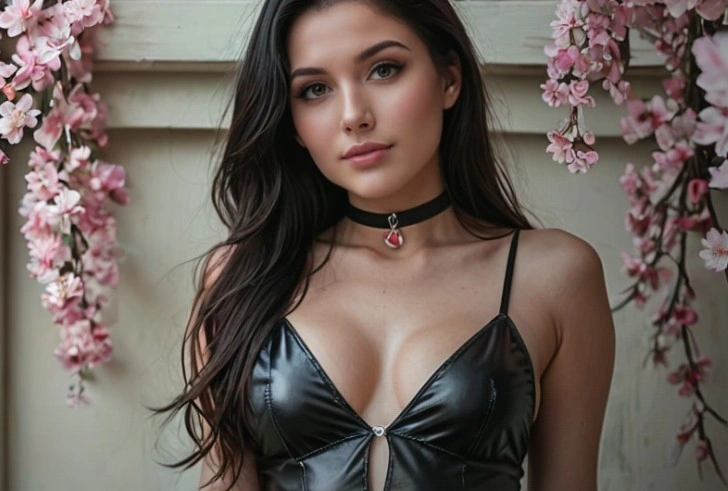
Większość redaktorów w milczeniu dostosowuje się do twoich wskazówek, łagodząc prośbę, której wcale nie miały oceniać, i zwracając coś zbliżonego do tego, co opisałeś. Senzia stosuje odwrotny podejście: Twoje pole instrukcji traktowane jest jako specyfikacja, jedyną zmieniającą się strefą jest wyznaczona przez Ciebie obszar, a wszystko inne w kadrze pozostaje niezmienione. Prześlij zdjęcie i rozpocznij edycję bezpłatnie, lub stwórz brief od podstaw, gdy nie masz pliku źródłowego do pracy.
Czym jest niefiltrowany edytor obrazów AI Senzia?
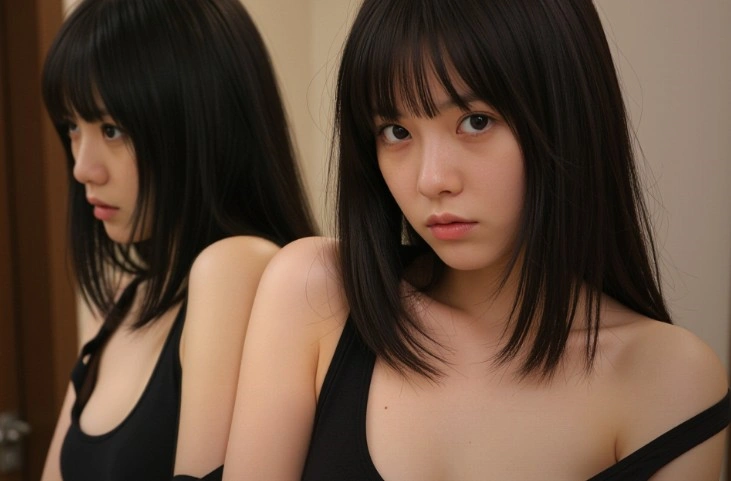
Bezfiltrowy edytor obrazów AI Senzia to przestrzeń robocza w przeglądarce, zbudowana wokół jednej zasady: edycja, którą opiszesz, to dokładnie ta edycja, którą otrzymasz. Konwencjonalne narzędzia przekazują każdą instrukcję przez warstwę interpretacji, która przekłada ambitne sformułowania na mniej ryzykowne; dlatego też prośba o głębokie blizny, mocne cienie czy agresywną fakturę tak często kończy się uprzejmym przybliżeniem. Ten edytor zdjęć bez filtrów pomija to przepisywanie. Po przesłaniu zdjęcia model wyizoluje wskazany przez ciebie obszar, zastosuje zmianę w pełnej intensywności i odtworzy krawędź tak, by szew nie był widoczny, a nie rzucał się w oczy. Regiony, o których nigdy nie wspomniałeś, pozostają dokładnie takie, jak przybyły, aż do struktury ziarna i wzoru kompresji. Ta sama przestrzeń robocza jest również generowana na podstawie pisemnego briefu, gdy nie istnieje plik źródłowy, co oznacza, że prace nad koncepcją i ich poprawki odbywają się w jednej karcie. Rozpoczęcie jest bezpłatne, nie wymaga instalacji, a plik jest zwracany w podanej przez ciebie rozdzielczości.
Jak działa niefiltrowany edytor obrazów AI firmy Senzia?
Krok 1: Przekaż obraz lub rozpocznij od pustego briefu
Prześlij plik JPG, PNG lub WEBP, gdy już masz coś do przetworzenia. Jeśli pomysł istnieje tylko w postaci tekstu, całkowicie zrezygnuj z przesyłania i pozwól niefiltrowanemu generatory obrazów opartemu na sztucznej inteligencji stworzyć pierwszy kadr, który następnie będziesz mógł edytować jak każdy inny plik.
Krok 2: Opisz zmianę i zaznacz, gdzie się ona pojawia
Napisz instrukcję prostym językiem, a następnie przetrzyj obszar, na który się ona odnosi. Nazwanie obszaru jest ważniejsze niż nazwanie stylu: wyraźnie zaznaczony wybór wskazuje niefiltrującemu edytorowi zdjęć AI, co należy odtworzyć i, co równie istotne, czego należy nie dotykać.
Krok 3: Porównaj, dopracuj i wyeksportuj
Każdy wynik pojawia się obok oryginału, dzięki czemu możesz ocenić modyfikację, a nie zgadywać, co zostało zmienione. Naciśnij tę samą obszar ponownie, cofnij do dowolnego wcześniejszego stanu lub pobraj, gdy zostanie odczytany poprawnie. Eksporty zachowują oryginalną rozdzielczość i nie zawierają żadnego znaku wodnego.
Co możesz zrobić za pomocą niefiltrowanego edytora obrazów AI od Senzia?
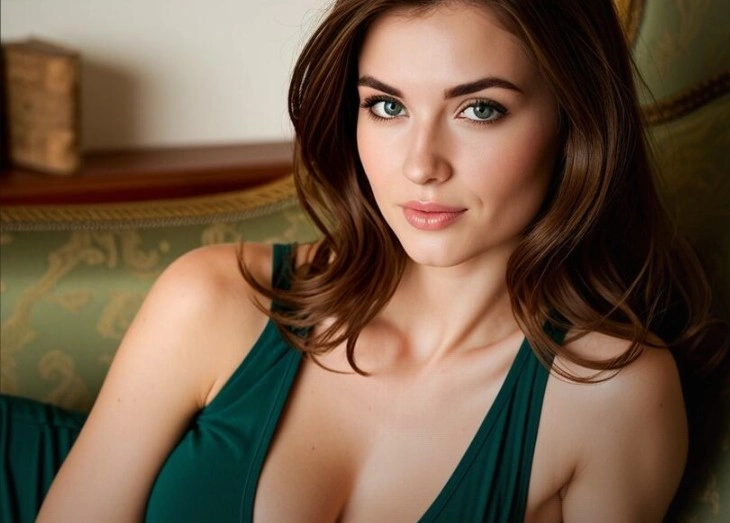
Otrzymaj dokładnie tę edycję, jaką wymagałeś, a nie jej zatarasowaną wersję
Zapytajcie jakiegoś powszechnie używanego narzędzia o popękane skórzane obuwie, krew cieknącą z arterii czy autentycznie groźny wyraz twarzy, a zwykle otrzymacie dyskretną sugestię. Senzia postrzega intensywność jako parametr, a nie problem, dlatego zlecenie typu horror realizowane jest z pełną siłą grozy, a surowa retuszacja redakcyjna zachowuje jej ostrość. Nic z tego, co jest w fazie przygotowania, nie kwestionuje uzasadnionej decyzji twórczej, co właśnie odróżnia edytor obrazów oparty na sztucznej inteligencji bez filtrów od tego, który tylko twierdzi, że jest tolerancyjny.
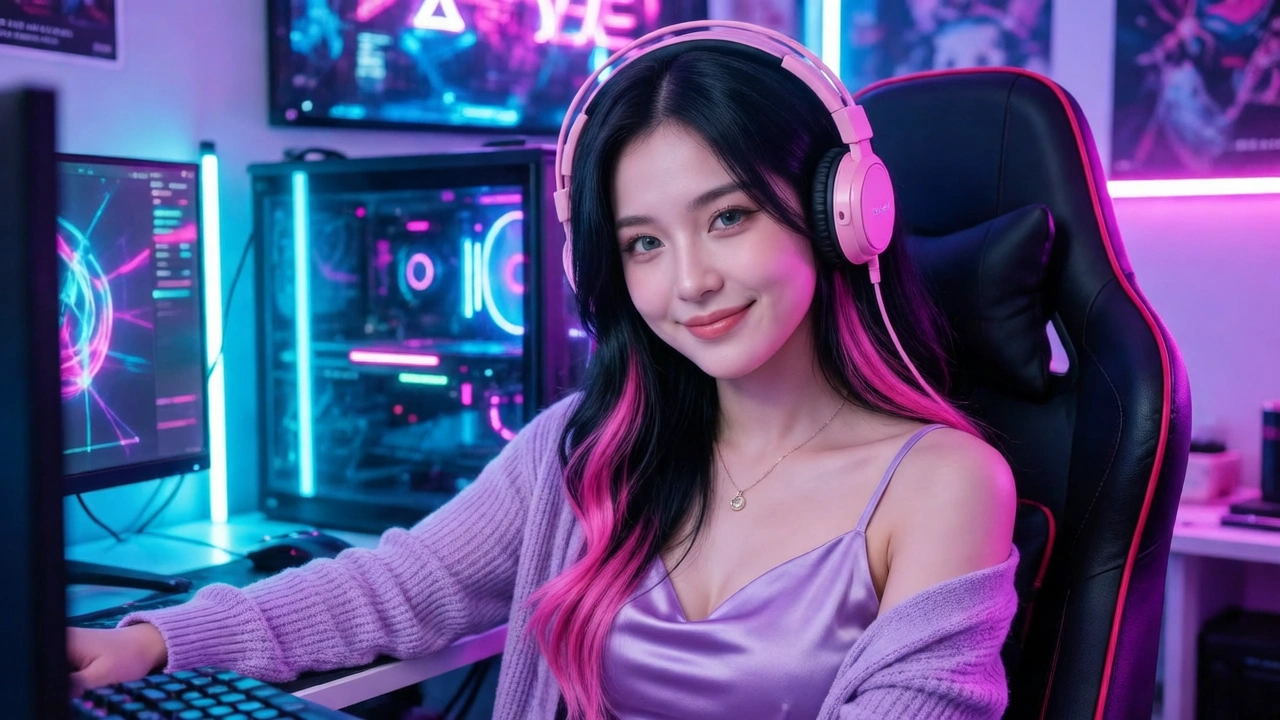
Zmień jedną obszar, podczas gdy pozostałe pozostaną byte-identyczne
Pełnoklatkowa regeneracja to ukryty koszt większości narzędzi edycji: poprawiasz rękę i okazuje się, że cały tło zmienił odcień. Tutaj zaznaczony wybór definiuje wyraźną granicę działania, więc model przekształca się wewnątrz niej, a wszystko poza nią zostaje skopiowane bez zmian. Ta cecha pozwala pozostawić niefiltrowany obraz wygenerowany przez sztuczną inteligencję w gotowym kompozycie, nie wymagając późniejszego przeprowadzania korekty kolorystycznej, i dlatego retuszanci mogą zaufać temu narzędziu przy plikach klientów.
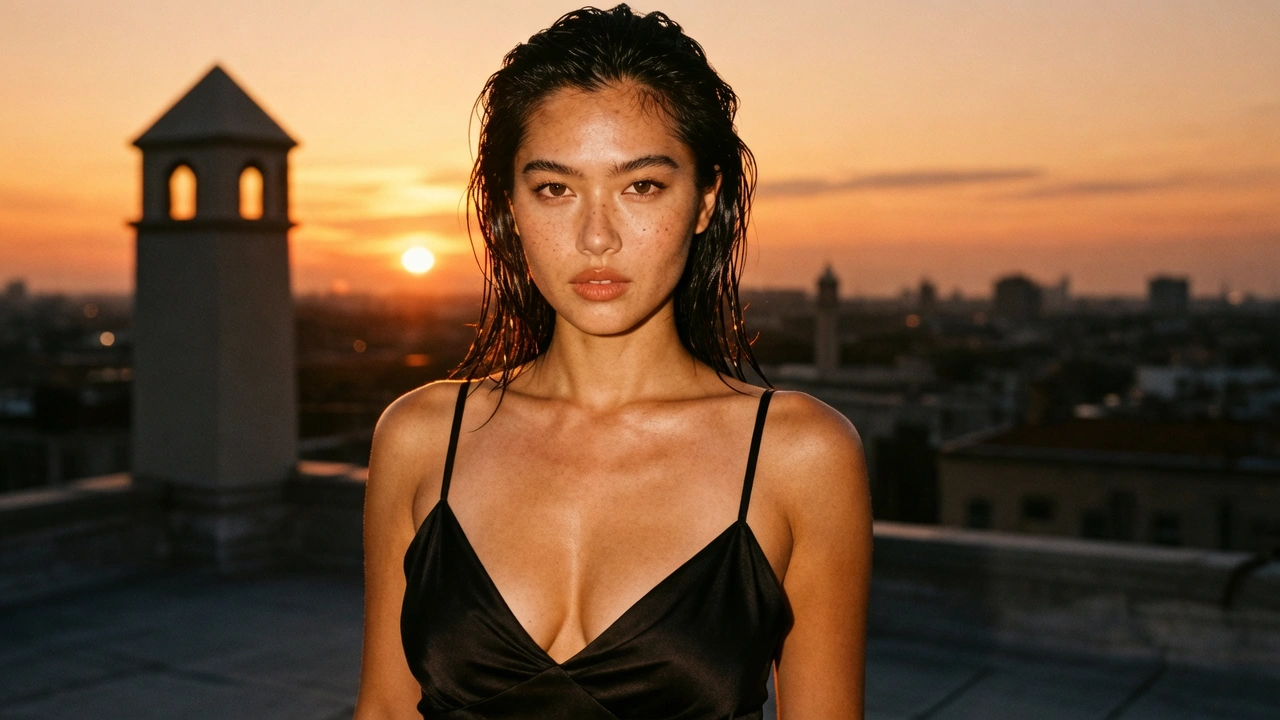
Narysuj pierwszy kadr, gdy nie ma czego przesłać
Edycja zakłada punkt wyjścia, a prace nad koncepcją rzadko go mają. Napisanie briefu pozwala w zaledwie kilka sekund uzyskać podkład: opisujesz temat, oświetlenie i klimat, a niefiltrowany model AI generujący obrazy tworzy wizualizację, którą możesz natychmiast edytować i modyfikować. Ponieważ tworzenie i edycja korzystają z tej samej przestrzeni roboczej, przejście od szkicowego pomysłu do precyzyjnej korekty nie wymaga eksportowania pliku ani otwierania drugiej aplikacji.
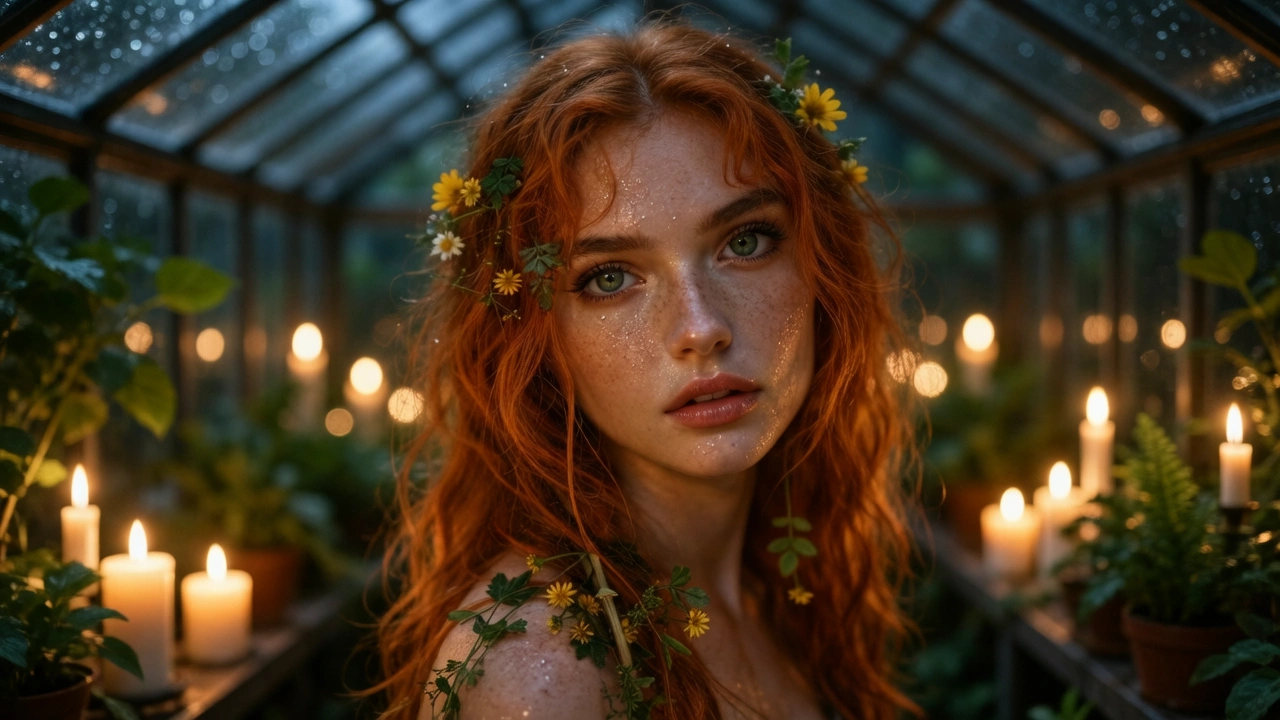
Kieruj się odniesieniem i twórz wersje zmian w kolejności.
Czasami najskuteczniejszą metodą jest pokazanie, a nie opisanie. Podając jako referencję razem z promptem, model AI generujący obrazy bez filtrowania zapożycza sobie paletę barw, kompozycję czy pozą jako punkt wyjścia, a następnie nakłada na to wprowadzone przez Ciebie zmiany tekstowe. Każdy przepływ stanowi dane wejściowe dla kolejnego, dzięki czemu arkusz postaci czy wariant produktu powstaje poprzez łańcuch celowych kroków, a nie dzięki losowej sekwencji niezwiązanych ze sobą regeneracji.
Dla kogo jest przeznaczony Senzia’s Unfiltered AI Image Editor?
Artystów konceptualnych pracujących w mroczniejszych tonacjach
Opowiadania z gatunków horroru, folkloru i postapokaliptyki to zwykłe zlecenia zawodowe, a mimo to nieustannie wywołują filtrowanie treści. Artyści wybierają tego edytora sztuki AI bez filtrów, ponieważ zniekształcona postać czy studium pola bitwy renderują się z intensywnością dokładnie taką, jaką dyrektor artystyczny faktycznie zatwierdził, a nie zostają wyostrzone do stanu nieprzydatnego do użytku.
Retuszanci i fotografowie redakcyjni
Komercyjne retuszowanie opiera się na precyzji: jedna niedoskonałość, jeden wyrywający się kosmyk, jeden element tła. Co tutaj ma znaczenie, to fakt, że pozostałe dziewięćdziesiąt dziewięć procent pliku wraca identyczne, dzięki czemu niefiltrowany przetwarzający obraz przez sztuczną inteligencję wpisuje się w istniejący workflow zarządzania kolorem, nie powodując zniekształceń, które klient by zauważył.
Niezależne studia iterują nad kierunkiem artystycznym
Małe zespoły nie mogą pozwolić sobie na taki potok renderowania, który odrzuca połowę swoich wyników. Przepuszczanie różnych wariantów przez bezpłatny, niefiltrujący edytor obrazów AI pozwala na niedrogie eksplorowanie, a ponieważ każde kolejne ulepszenie opiera się na poprzednim, studio może w ciągu zaledwie jednego popołudnia dojść do ostatecznej wersji wyglądu po kilkunastu iteracjach.
Dlaczego warto wybrać Edytor Obrazów AI Senzia bez filtrowania?
Punktualna przytomność zamiast cichej substytucji
Najbardziej frustrującą niedopełnieniem funkcji w edycji za pomocą sztucznej inteligencji jest nie odmowa, lecz substytucja: narzędzie akceptuje polecenie, zdaje się działać i zwraca rezultat wyraźnie łagodniejszy, nigdy nie informując użytkownika o dokonanym takim wyborze. Zostajesz sam z debugowaniem własnego sformułowania problemu, który nigdy nie był twoim. Bezfiltrowy potok edycji obrazów oparty na sztucznej inteligencji Senzia przekazuje Twoje specyfikacje bez zmian aż do etapu renderowania, więc jeśli rezultat okaże się niezadowalający, winowajcą jest Twój brief, który możesz odpowiednio skorygować. Taka przewidywalność jest cenniejsza niż sama zdolność modelu, ponieważ sprawia, że edycja znów staje się rzemiosłem, które panujesz.
Funkcjonalna granica, która naprawdę trzyma
Edycja ograniczona do regionu wydaje się rutynowa, dopóki nie sprawdzisz pliku po zakończeniu. Wiele narzędzi dekoduje, modyfikuje i ponownie koduje całą przestrzeń obrazu, co niezauważalnie przesuwa barwy poza obszar, który został edytowany, oraz powoduje narastanie artefaktów kompresji przy każdym przejściu. Senzia komponuje zregenerowany fragment z powrotem w oryginalną rastrową warstwę, dzięki czemu piksele poza wybranym obszarem pozostają takie, jak je przekazałeś. Dziesięć kolejnych edycji pozostawia więc niezmienione tło w takim samym stanie, jak na początku, a wynik generowany przez AI bez filtrowania można wstawić do pliku z warstwami bez konieczności dodawania wyższej warstwy korekty.
Profesjonalne wyjście, prywatne zarządzanie, jasna własność
Swoboda twórcza jest przydatna tylko wtedy, gdy wygenerowany przez nią plik jest używalny. Eksportowane pliki są zwracane w podanej przez ciebie rozdzielczości, bez znaku wodnego i bez wymuszonego zmniejszenia, co zapewnia przydatność wyników do druku, oceny przez klienta oraz prezentacji w portfolio. Przesyłane treści są przetwarzane w trybie prywatnym, a nie publikowane na publicznym kanale, oraz żadne z nich nie są wykorzystywane jako materiał promocyjny. Zachowujesz prawa własności do każdego wygenerowanego obrazu, niezależnie od tego, czy powstał on na podstawie przesłanego pliku, czy jako linia tekstu wprowadzona do niefiltrowanego generatora obrazów sztucznej inteligencji.