
A poster or a room returns as one sharp frame. MiniMax H3 image AI generator supports text to image, image to image, native 4K images and up to 16 reference images.
MiniMax H3 AI Image Generator for Native 4K Reference Edits
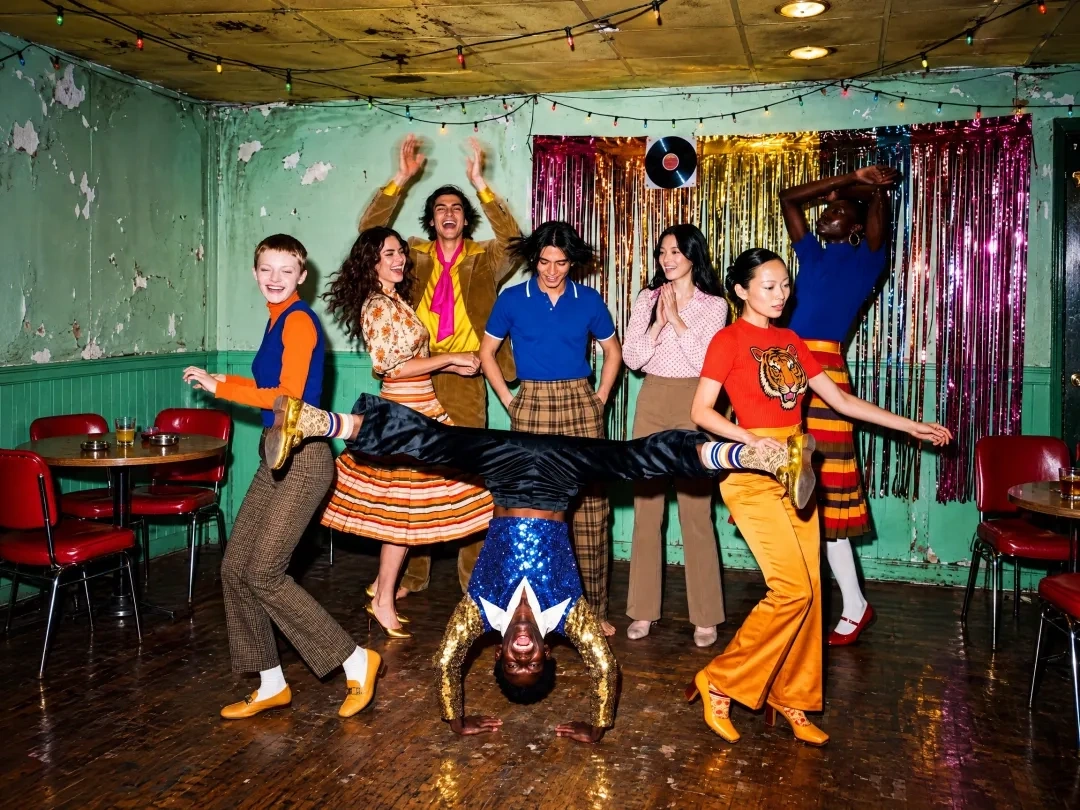
Make a campaign still, a poster or a furnished room without leaving the browser. A written brief is enough for text to image and multiple reference images cover a person, a product and a place you already photographed. The MiniMax H3 image edit takes up to 16 reference images and can return native 4K images for a close crop or a large layout.
Key Features of MiniMax H3 Image Generator
Native 4K Images, No Upscaler: MiniMax H3 Image renders native 4K images near 4096 by 4096 pixels, about 16 megapixels, without a separate upscaler. Compared with common 1 to 4 megapixel frames, you can crop a poster or a product close-up and keep the texture.
Up to 16 Reference Images: An edit accepts 1 to 16 files in upload order, which is how minimax h3 reference images stay assigned. Unlike a one-photo editor, you can split a person, a product, and a place across separate pictures.
Text and Edits, One Model: One checkpoint handles a new picture and a minimax h3 image edit, so the revision uses the same weights as the first frame. You can change a background or combine references without moving the job to a second model.
Long Prompts, Clear Instruction: A prompt may run to 32,000 characters, and image edits always expand through prompt enhancement before sampling. A line that names position and exact wording tracks the brief more closely than a vague style label.
Highspeed Mode, Same Limits: MiniMax H3 image highspeed model keeps the same prompt length, reference count, and size limits as the standard model. Compared with mainstream alternatives, MiniMax rates this mode at about 3 to 4 times the speed, so a revision stays short.
Area up to 20 Million Pixels: Output area can reach 20,000,000 pixels, with ratios from 1:3 to 3:1, including 16:9 at 5472 by 3072. A custom width and height inside that range gives you a banner or a story frame instead of a locked preset box.
What is MiniMax H3 Image Generator?
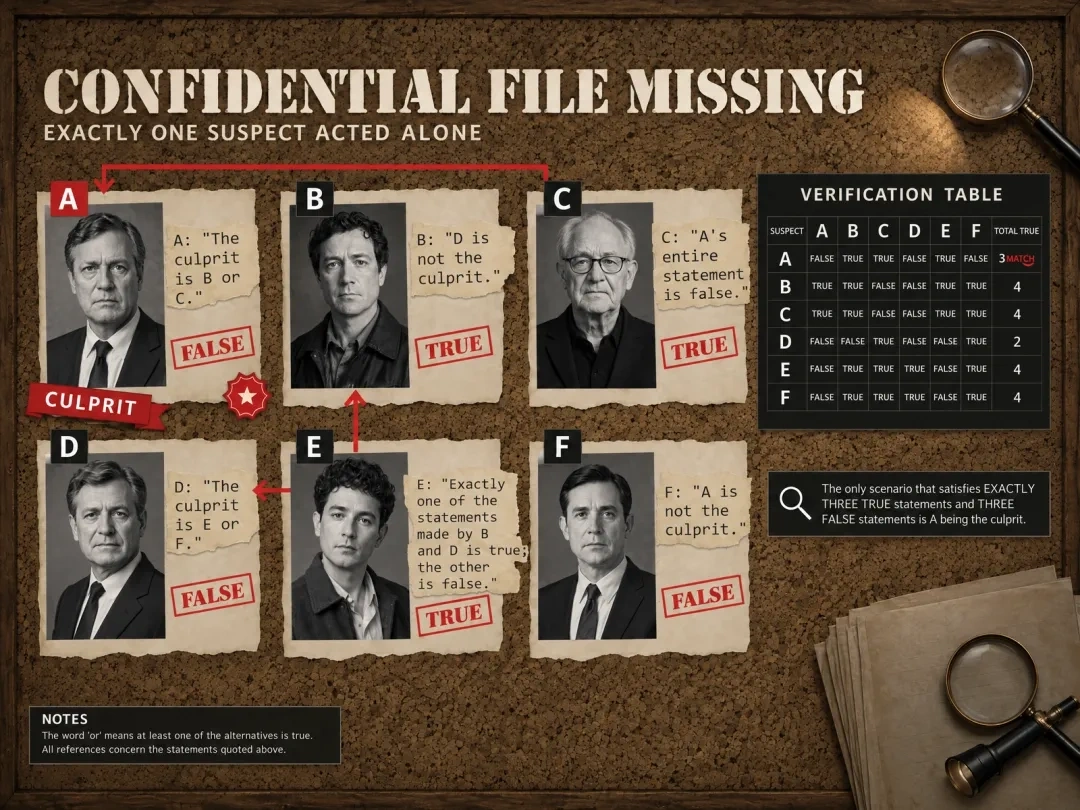
MiniMax H3 image generator is the MiniMax h3 image AI model announced in November 2026, an open-weight checkpoint in the MiniMax H3 family. Generation and editing share that one model: a prompt can create a picture, and the same weights can revise one or more references. Senzia runs the official model, so the MiniMax h3 AI image generator here keeps the published size range, the 16-image edit limit, and the 6-step sampler with no classifier-free guidance.
How Does Senzia's MiniMax H3 Image Generator Work?
Step 1. Add a prompt or references
Describe the subject, the framing, and the light when you are making a new image. For a revision, upload clear files in the order your prompt will name them, starting at image 1.
Step 2. Generate with the model
Choose a ratio and an area such as 2K or 4K, then open minimax h3 image generator online. Use that same minimax h3 workflow for a first picture and a follow-up edit.
Step 3. Preview and download
Inspect the frame, then use minimax h3 image download to save jpeg, png, or webp. If one detail is wrong, send the result back with a line that names what stays and what changes.
What You Can Do with Senzia's MiniMax H3 Image Generator?
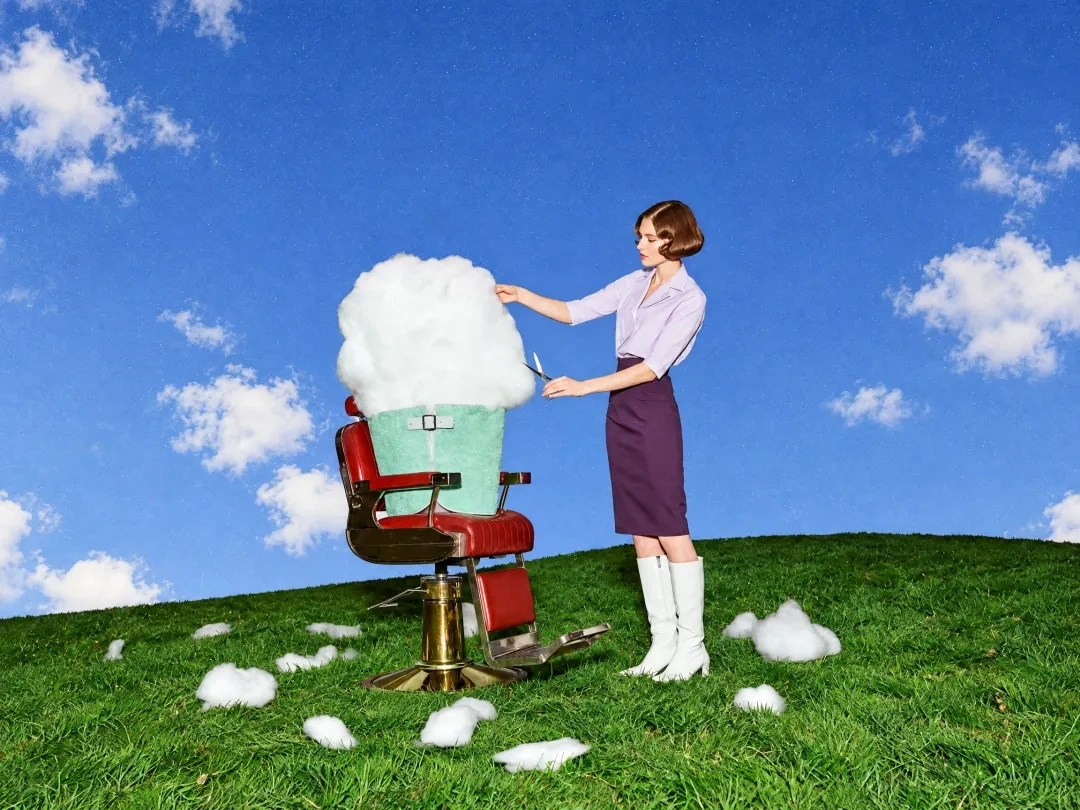
Campaign Stills from MiniMax H3 Words
Start from a product brief when no photo exists yet. Ask for the material, the light, and the camera distance, such as glass on wet stone with a cool rim light. Use the minimax h3 AI image maker for that first still, then revise it with a reference on a second pass.
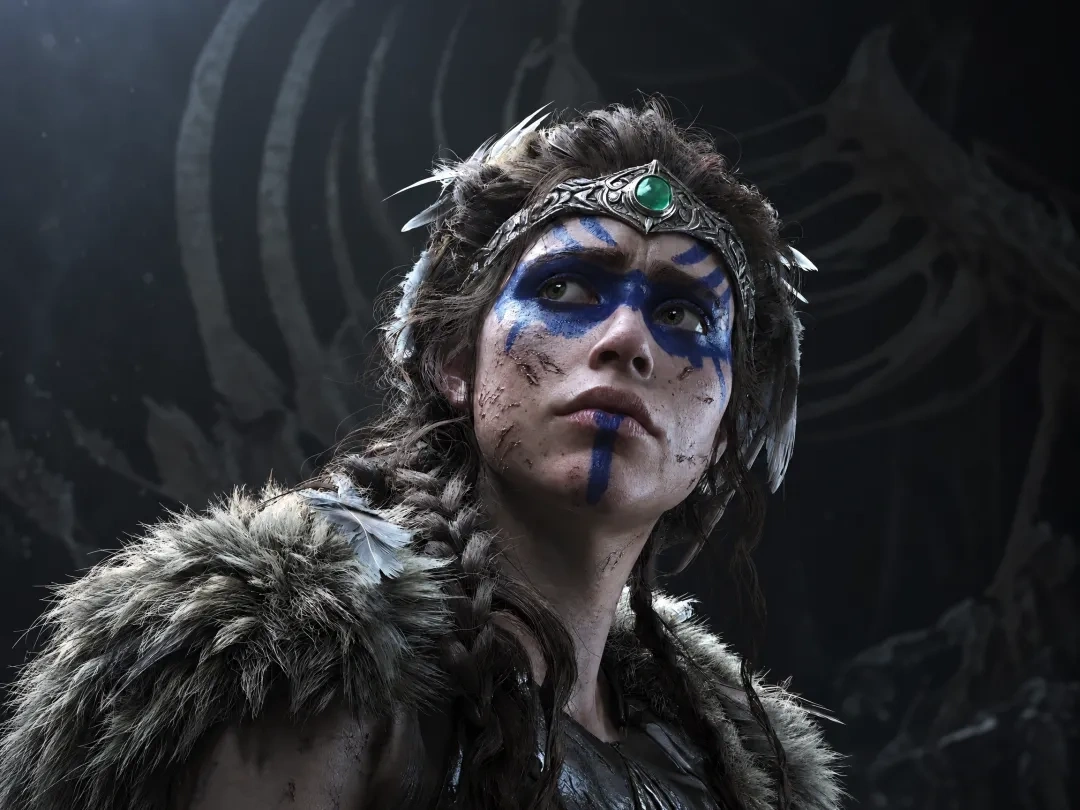
One Scene from Multi Reference Photos
Upload separate files for a character, a garment, a product, and a location, then say which part comes from which image. Use multi image editing to keep those roles in a single frame. The minimax h3 AI image editor is the path for that job.
MiniMax H3 Image Posters with Set Wording
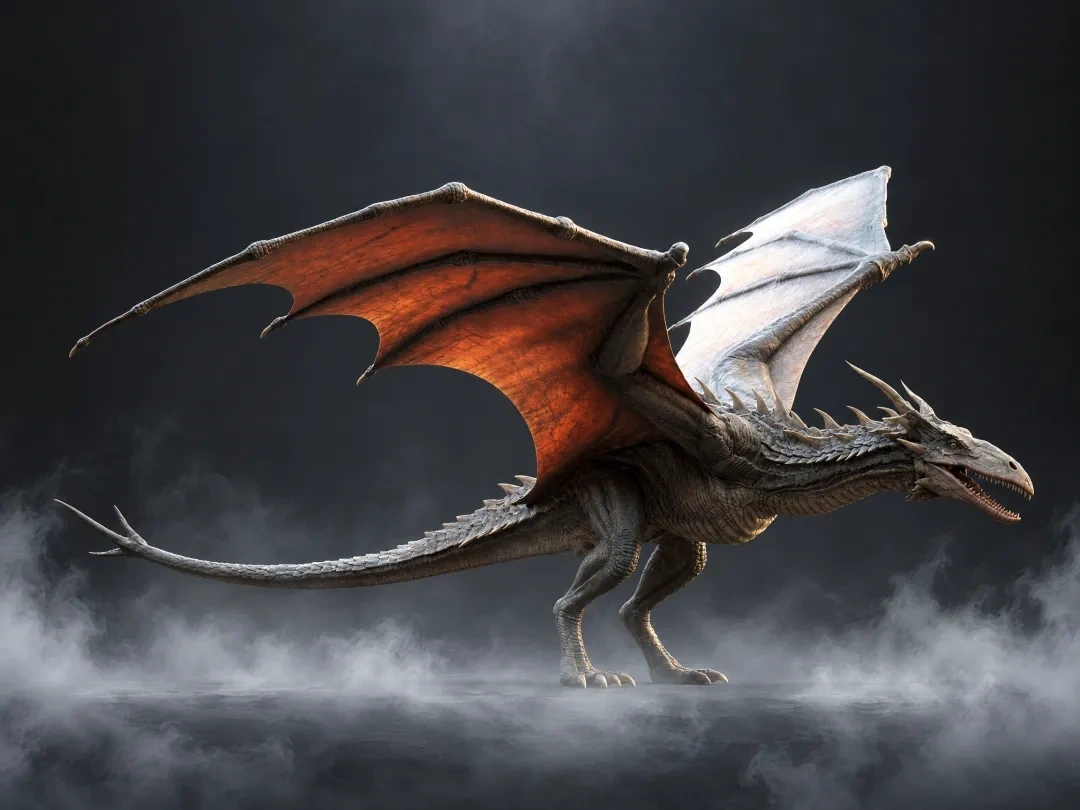
Place a short headline, a price, or a label in the layout, and write the exact words in the prompt. MiniMax shows this model handling poster type, diagrams, and interface layouts, including wording in more than one language. Proofread dense lines before a print run, because small type can still miss a character.

Sheets, Worlds and Restyles from MiniMax H3 Image
Turn one portrait into a front, side, and back sheet, or push a rough render toward a film still. The image to image pass restyles a source while you name the parts that must survive. Reach for the minimax h3 AI image creator when the next frame has to stay tied to art you already approved.
Who is Senzia's MiniMax H3 Image Generator for?
Product photographers
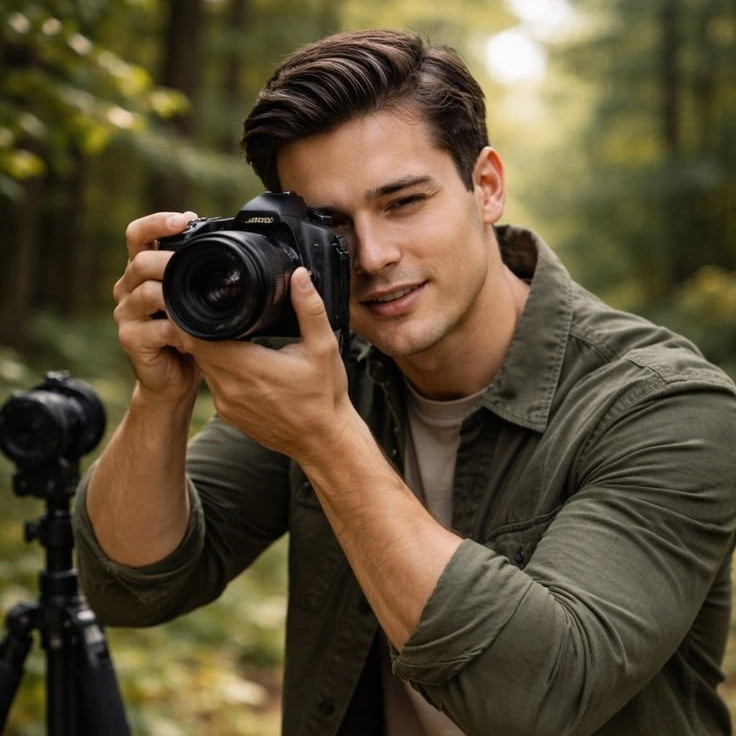
A new background used to mean booking the set again. Send the product as a reference, describe the surface and the light, and keep the label readable in the new frame.

Concept artists
Separate sketches of a room, props, and a character are hard to judge until they share one picture. Put each drawing in as its own reference so the layout can be discussed before anyone models it.

Campaign designers
Headlines pasted on afterward often look like they do not belong to the photograph. Generate the poster with the words in the layout, then proof the line and move on to the next ratio.