
AI Merge Videos: Online Video Merger for Mixed Clips
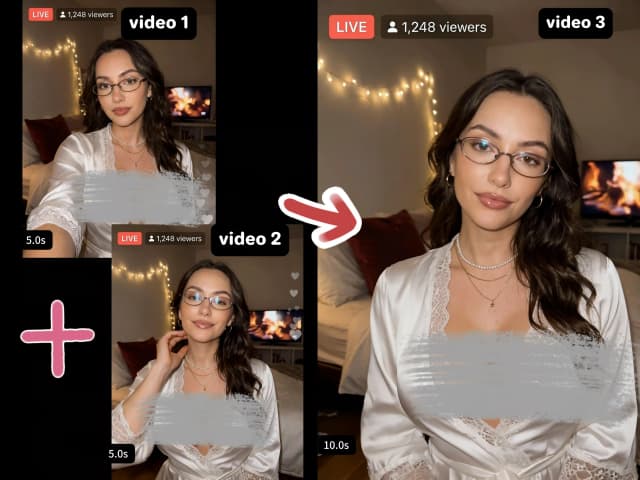
Merge videos into one file when the sources do not match. AI video merger has to normalize size, frame rate and audio, or the join will stutter. Senzia takes two or more clips, puts them in order, and exports a single MP4 in seconds. Use merge videos online without watermark when the cut is for YouTube, ads, or a private compilation. Free to start.
What is Senzia's AI Merge Videos?
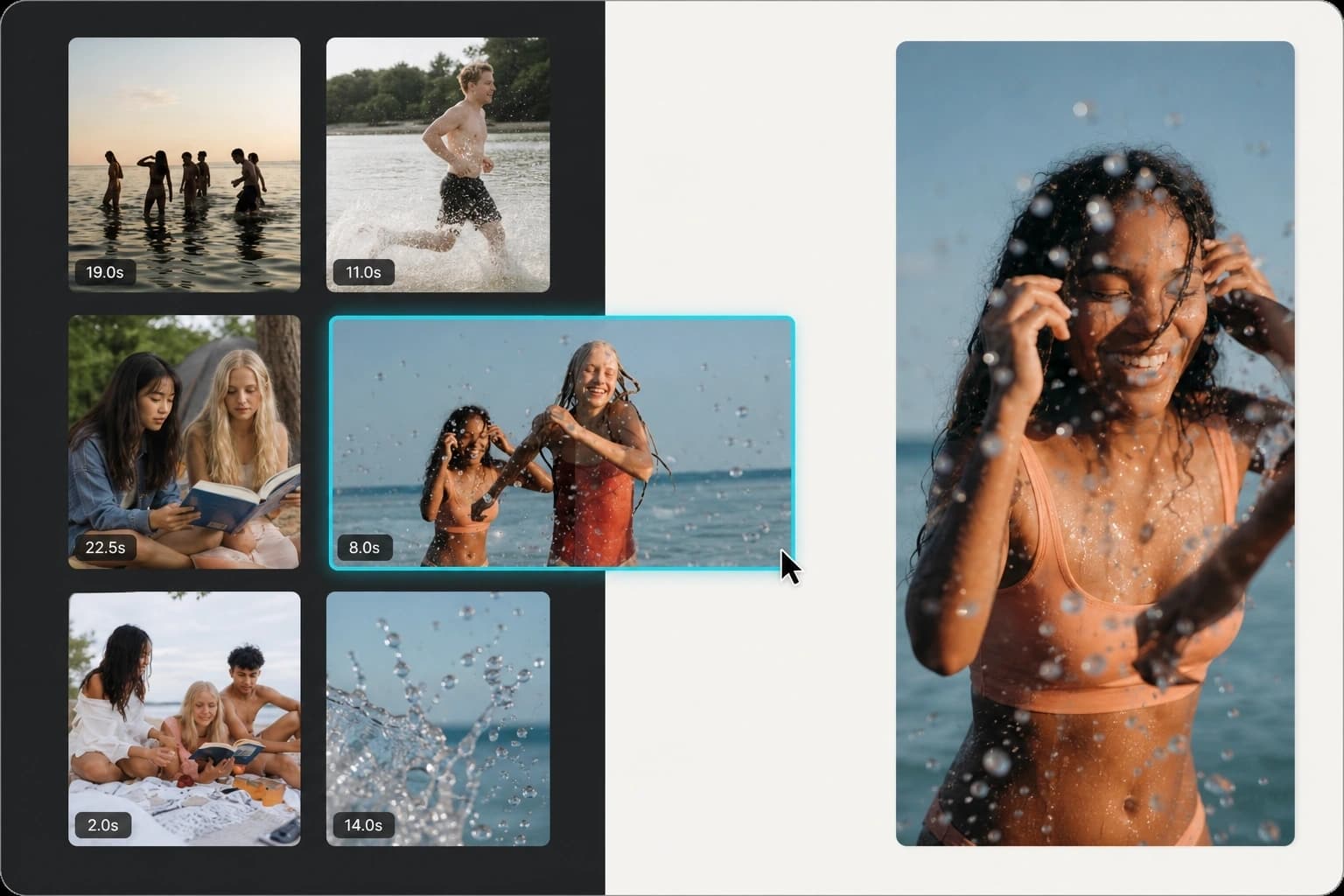
Senzia's AI merge videos tool is a browser video merger that joins clips end to end after it normalizes them. A naive concat video online pass copies the streams and the playhead jumps. Combine videos online here means one canvas, one frame rate, and audio kept in sync. Merge videos online is the same job with two clips or ten. Upload MP4, MOV, or WEBM, drag the order, and export. Join videos online from desktop or combine videos on iPhone in the mobile browser. Unfiltered means the files are not scanned for a reason to refuse the job. Unlimited means there is no clip-count gate on a free merge videos online session. Uncensored compilations of lawful adult, fashion, and sports footage use the same queue. The download is merge videos online without watermark.
How Does Senzia's AI Video Merger Work?
Step 1: Add Two or More Clips
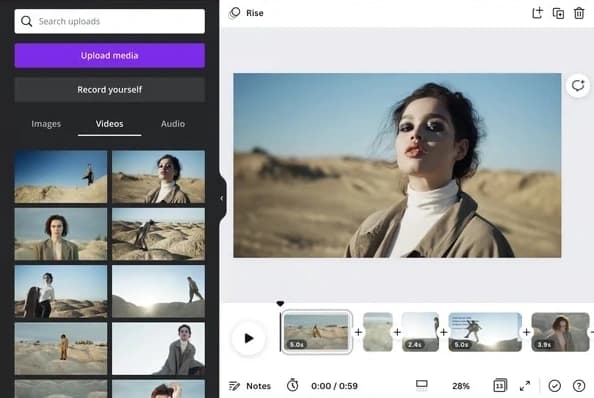
Upload the files you want in the timeline. Merge two videos is the minimum. Combine 2 videos, or add a third and a fourth. MP4 merger is the default output. MOV and WEBM are accepted as inputs. Combine videos on iPhone in Safari the same way. No app install. No account.
Step 2: Set Order, Trims and Optional Audio
Drag clips into the play order. Trim heads and tails so the join sits on the right frame. Combine video with audio if you have a music bed or a voice track to lay under the sequence. Join videos together in the order you set. Unrestricted source mix means different resolutions and orientations can sit in one list.
Step 3: Merge, Preview and Download
Run the join and play the full file. Check the cut points, the audio sync, and the last frame. If a clip is in the wrong place, reorder and run again. Download merge videos online without watermark. A free video joiner online export should be the file you can post, not a marked preview.
What You Can Do with Senzia's AI Merge Videos?
Merge Two Videos Into One File
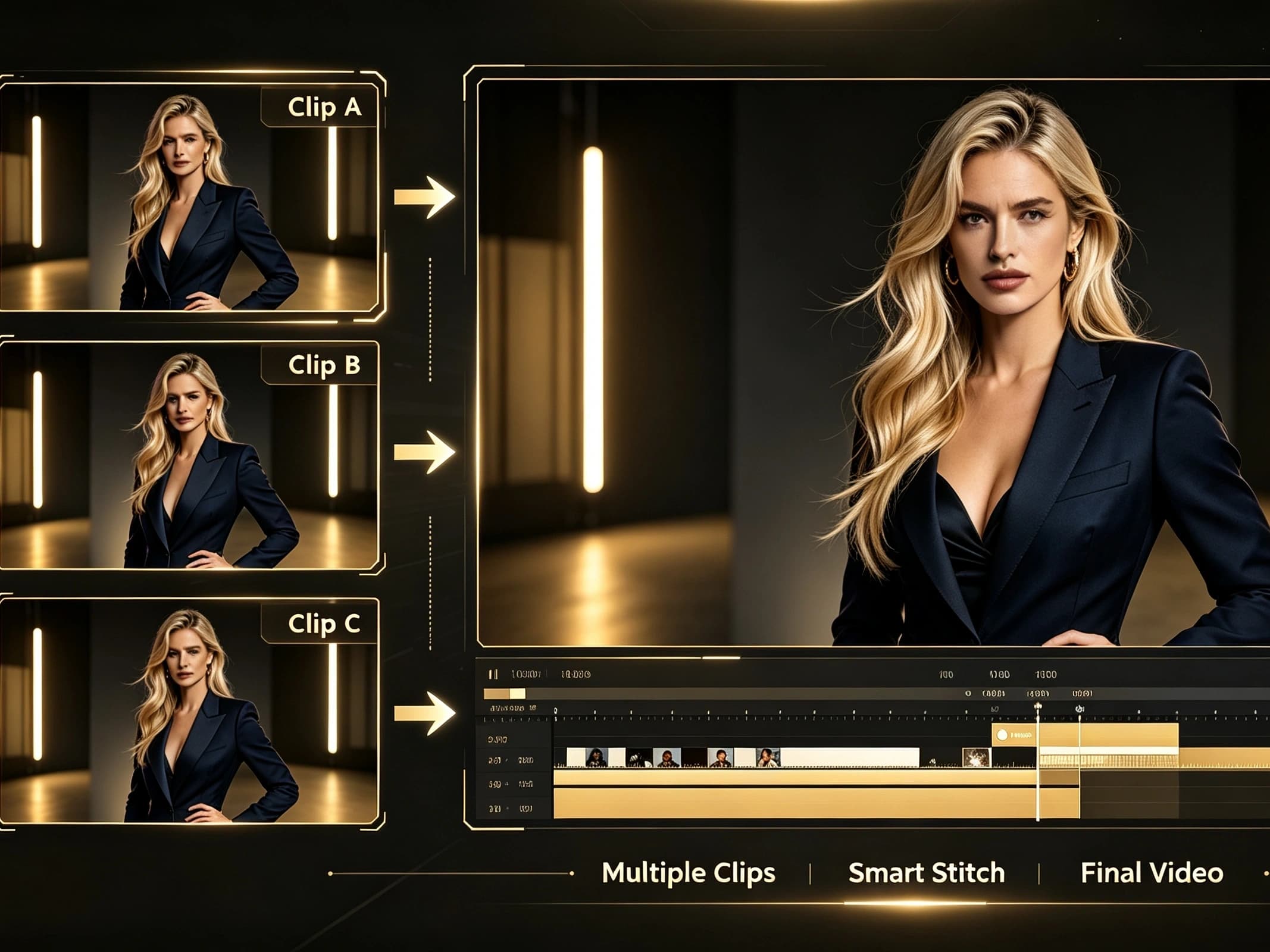
The most common job is two files. Merge two videos when a talking-head take and a b-roll take must play as one. Combine two videos when the second file is a different camera. Join 2 videos and append two videos are the same end-to-end join. Merge 2 videos online if you do not want a desktop editor. The output is one MP4 with one audio timeline. No restrictions on using a vertical clip after a landscape clip: both are scaled to the canvas you pick.
Merge Video Clips Online From Mixed Formats
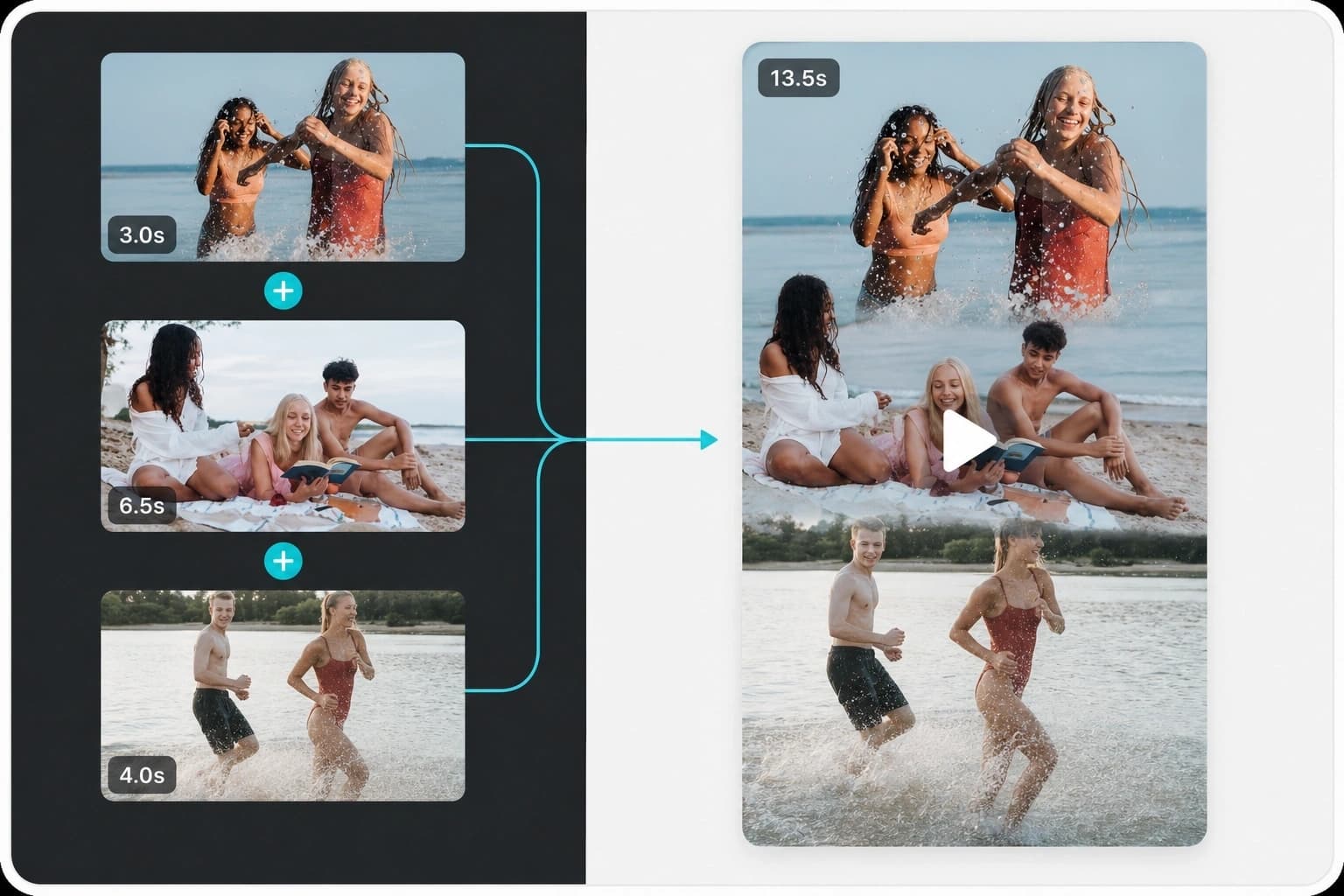
Phone clips, screen recordings, and camera cards rarely match. Merge video clips online after the tool maps them to one size and frame rate. An mp4 merger is useful when the sources are MOV and WEBM. Combine video clips online for a highlight reel: goals, interviews, crowd, then end card. Compile clips online is the same sequence job. Merge 4k videos with 1080p sources by setting the output canvas first. A hard cut is the default. Optional fades sit only on the join, not on the whole file.
Combine Video With Audio or a Music Bed
A silent stitch is not always the deliverable. Combine video with audio when you have a voiceover, a track, or a podcast bed. The video joiner keeps clip audio if you want it, or ducks it under the new track. Merge clip online jobs for ads often need this: picture sequence first, then the approved bed. Connect videos together, then set the audio length to the picture. Volume is per track. The picture order does not change when you swap the bed.
Stitch Videos Together Uncensored, No Watermark
Stitch videos together for vlogs, weddings, sports, travel days, and uncensored video compilation work. Filtered mergers refuse fashion, nightlife, or adult clips before the join starts. Unfiltered merge videos means the queue is not classified. Unlimited clip count means a full-day highlight is not cut at file three. Merge videos on iPhone in the browser when you are off a laptop. The export is merge videos online without watermark. Lawful adult compilations are allowed. Illegal material is refused.
Who is Senzia's AI Video Merger for?

Vlog Editors
A day is many short takes. Combine videos together in shoot order, trim the dead heads, and export one file for the edit or the post.

Wedding Videographers
Ceremony, vows, and reception rarely share one camera setting. A video clip joiner that normalizes those files is faster than a full timeline rebuild.

Sports Highlight Editors
Plays arrive as separate clips. Stitch videos into a reel, add the bed, and keep the join on the whistle, not mid-action.
Why Choose Senzia's AI Video Merger?
Mixed Clips Have to Be Normalized
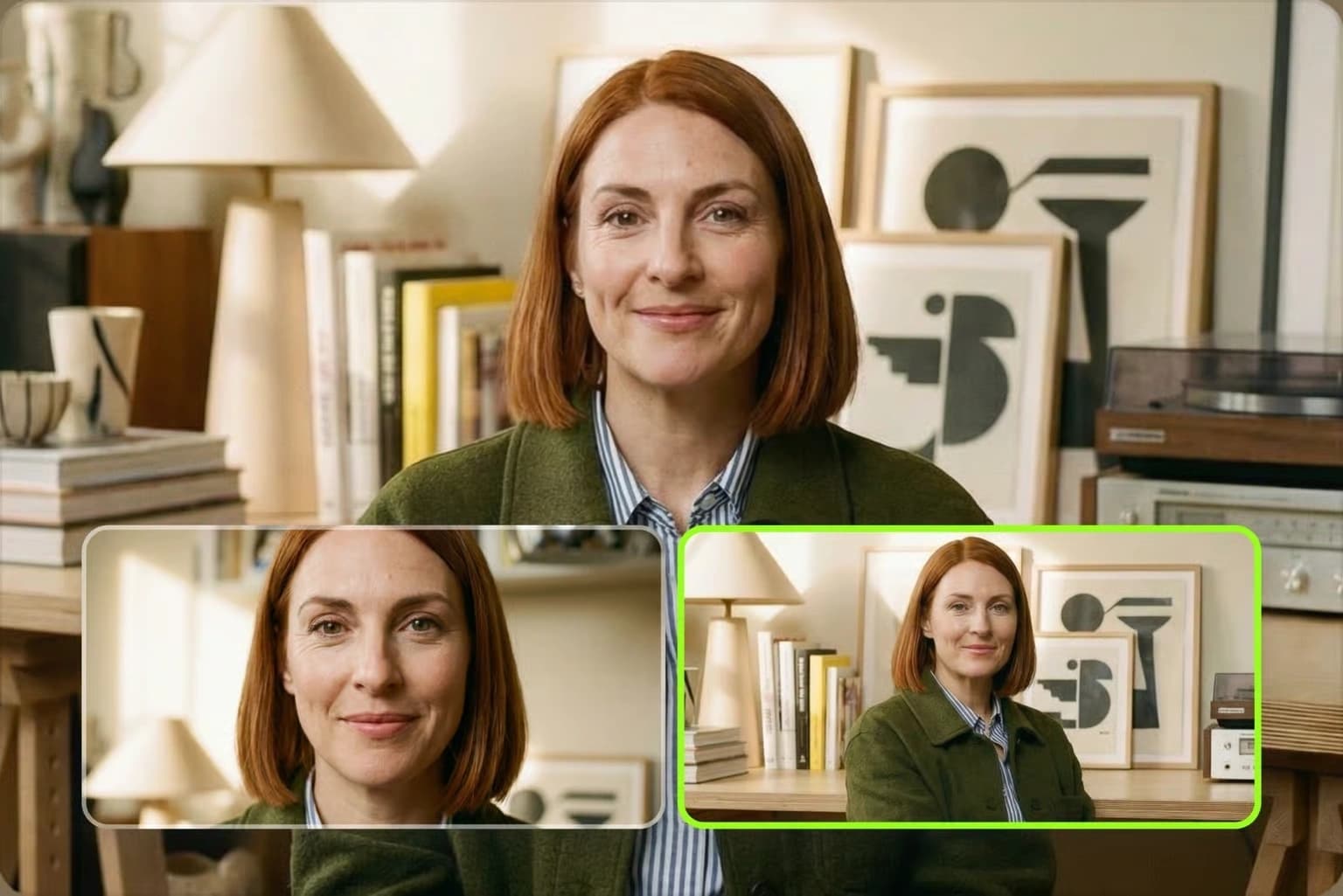
A stream-copy join only works when every file matches. Real jobs do not. Merge vertical and landscape video, 30fps and 60fps, phone and camera, and the playhead will jump unless the tool rebuilds one canvas. Senzia's video merger does that first, then concatenates. Merge to video online is useful only if the result plays as one file on YouTube, iPhone, and ads managers. That is the product test.
This Is a Joiner, Not a Generator
Senzia also generates clips. This page does not. Merge to video means files you already have are placed in order. Online merge two videos, join two videos online, and online video merger for free searches are join jobs. If you need a new 30s take from a still, use the long video generator. If you need one file from many takes, stay here. No restrictions on clip count or source mix on this path.
Unfiltered Queue, Unwatermarked File
Clideo-style free mergers mark the export. Senzia does not. Free online merge video and video combine online free still leave an unmarked MP4. Uncensored queues accept lawful adult and fashion compilations. Unlimited sessions let you rebuild the order after a bad cut. Files stay private. You keep the rights you already had in the source clips. Legal limits remain.