
テキストプロンプトと画像による非検閲のAI写真編集ツール
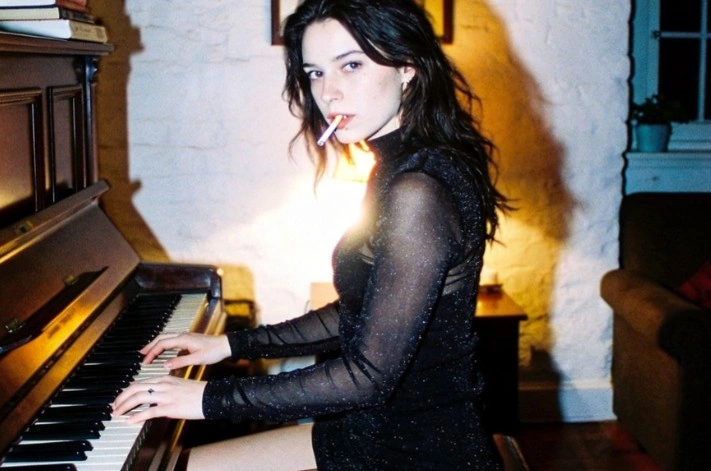
AIが写真に手を加えると、たいてい二つの問題が生じます。モデレーション層は作業が始まる前にアップロードを拒否し、仮にレンダリングされたとしても、肌には蠟のような質感が残り、光の方向も不自然なものになってしまう。Senziaは、ユーザーの素材とその間にフィルターを挟まないAIフォトエディターで、レタッチでは、肌の毛穴の細部や粒子感、陰影の方向を保ちながら処理し、むやみに滑らかにして人工的な仕上がりにすることはありません。ポートレート、ブドワール、およびNSFW向けのAI写真編集作業は、他のどの案件と同様に処理されます。アカウント不要、ダウンロード時の透かしもなく、ブラウザー上で無制限のAI写真編集が無料で利用できます。
センジアのアンセンサードAI写真編集ツールとは何ですか?

Senziaの非検閲AI写真編集ツールは、ゼロから画像を生成するタイプのものではなく、実際に撮影した写真をブラウザー上で補正・加工できるレタッチャーです。その違いが、その挙動のすべてを左右する。カメラの画像には、合成画像には決して存在しない情報が含まれている。特定の性質を帯びたセンサーノイズ、定量的に測定可能な光の方向、レンズ特有の特性、そして滑らかなグラデーションではなく、毛穴や細かい毛を持つ肌などである。ほとんどの自動化ツールはそれらのすべてを捨ててしまうため、生成された結果は目にした瞬間からすぐに人工的な違和感を抱かせ、プロのレタッチャーが依然として手作業で作業を行う理由となっています。ここでは、編集が元のフレームにすでに含まれていた内容と一致するよう再構築されるため、粒状感は一貫したまま、陰影の落ち方も同じになり、顔に対する制約のないAIによる写真加工でも、レンダリングされたような違和感なく、あくまで撮影されたかのような仕上がりになるのです。問題の後半は、アクセスに関するものです。主流のアプリでは、アップロードされた画像をスキャンし、ランジェリー撮影やタトゥーの撮影、ブドワール風の作品などは拒否されるため、ファイルを単に処理してくれるNSFW対応のAI写真編集ツールは、そうした写真家にとってぜいたく品ではなく、仕事が成し遂げられる唯一の手段なのです。ここでの無制限の写真編集では、キーワード入力画面もなければ、画像分類による待ち行列の監視もなく、作業を始める前にアカウントを作成する必要もありません。
センジアの非検閲AI写真編集ツールはどのように機能するのか?
ステップ1:編集する写真をアップロードするか、ベースを生成します
「画像から画像」を選択し、ミラーレスカメラで撮影したフル解像度のJPEGファイルでも、Lightroomから書き出したPNGファイルでも、WEBP形式の画像でも、あるいはスマートフォンで撮った写真でも、撮影直後のファイルをそのままドラッグして読み込んでください。入場時には、一切のスキャンも採点も行われません。対象となるオブジェクトがまだ存在しない場合は、テキストから画像へのモードに切り替え、その描写を入力し、生成された画像を現在作業中のファイルと同じエディターに読み込みます。両方のモードはひとつのタブ内にあり、どちらも最初に登録を求めてくることはありません。
ステップ2:何がどのように変わるべきか、そしてどこまで現実的に留まるべきかを述べる
わかりやすい言葉で修正内容を記し、対象となる部分の名称を明示してください。あごの下の影をやわらげ、左肩のストラップ痕を消し、シーツの色をチャコールグレーのリネンに変え、目をわずかに開けてください。次に、リタッチの程度を設定しましょう。美容広告とドキュメンタリー風ポートレートでは、求められる仕上がりが相反するからです。テクスチャーの保持率を高く設定すると、毛穴やそばかす、はえぎわの細かい毛がしっかり再現されますが、低くすると、よりクリーンで商業向けの仕上がりになります。編集にそのグレードを引き継がせたい場合は、同じセットから参照フレームを追加してください。
ステップ3:100%で確認してから、フルサイズをダウンロードしてください
何らかの処理を確定する前に、必ず実寸ピクセル表示に拡大してください。なぜなら、リタッチの不具合は画面サイズに合わせ表示では隠れていても、100%表示にするとすぐに露呈するからです――頬が蝋のようにテカっていたり、顎ラインに光輪状のハローが生じていたり、補修の境界線で粒子感が急に止まっていたりといった具合です。何かおかしいと思えば、次のメッセージでその旨を伝えれば、パスが現在の状態を引き継いで再実行されます。問題なく動作する場合、透かしもなし、解像度の縮小もなしで、元のサイズのままエクスポートできます。さらに、この無修正のオンラインAI写真編集ツールでは、素材となる画像セットから任意の枚数を選んで処理することが可能です。
Senziaの無修正AI写真編集ソフトで何ができる?
肌の質感を自然に保つ、無修正のAI写真編集
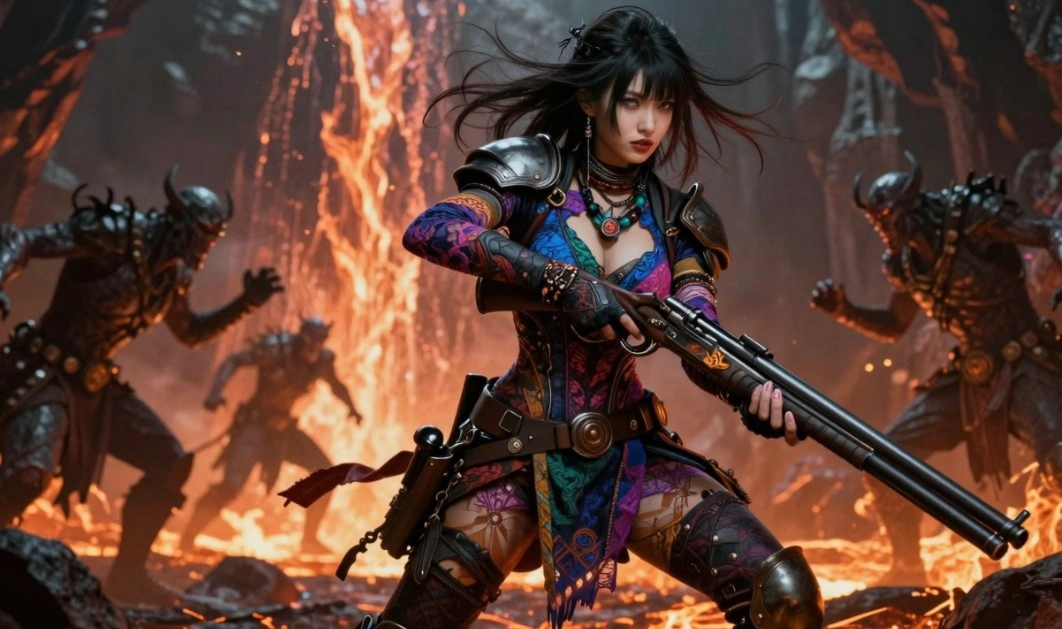
AIによるレタッチの痕跡は、必ず肌に現れます。自動補正機能はテクスチャーをノイズとみなして除去してしまうため、頬はまるで蝋で成形したかのような仕上がりになり、額には毛穴が一切見えなくなってしまう――これこそ、顧客が最も忌避する結果なのです。Senziaは、代わりにテクスチャレベルで補正領域を再構築し、毛穴の構造や細かな体毛、そばかす、そして顔を人間らしく見せる繊細な色調の微細な変化を保ちます。しみの除去、傷跡の目立ちを和らげる処理、そしてうぶ毛の整えが、すべて表面の立体感を損なうことなく行われるため、規制なしのAIによる写真加工でも、印刷された肖像画が受ける厳密な確認に耐えることができます。
フィルター未適用のAI写真編集アプリにおける光のマッチング
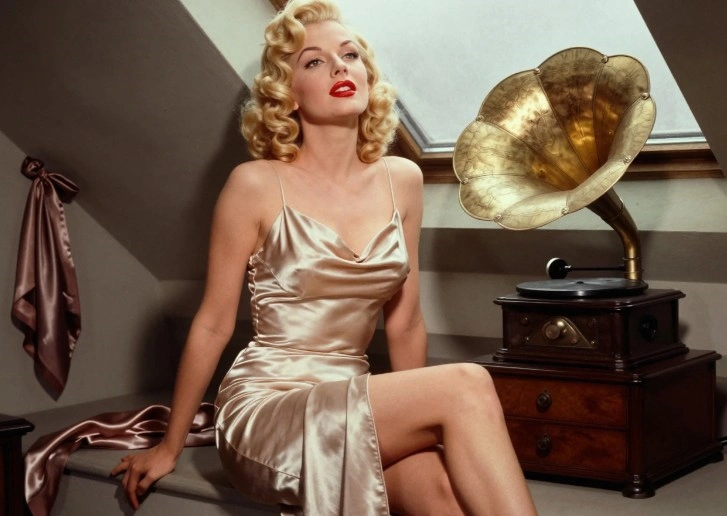
写真に何を加えようと、その被写体はすでに室内に存在していた光の条件に従わなければならず、ここが多くの合成画像が破綻する原因となるのです。左側から照らされた置き換えられた背景が、右側から照らされた被写体の背後に配置されても、誰も騙されませんし、取り除かれた物体の跡には、それを生み出す光源がないまま影だけが残ります。ここでの編集は、ソースフレームに準拠して行われます。方向性、ソフトネス、色温度、およびフェードオフの設定は、何らかの再構築を行う前に元画像から読み取られ、さらにセンサー由来の粒状感も一致させることで、修復箇所が不自然に滑らかで違和感のある部分として浮き上がらないようにしています。その分析こそが、フィルターを一切かけないAI画像編集ツールと、複数のフィルターを重ねた処理を分ける要因なのです。
ヌード撮影やグラマラスな作品向けのNSFW対応AI写真編集ツール
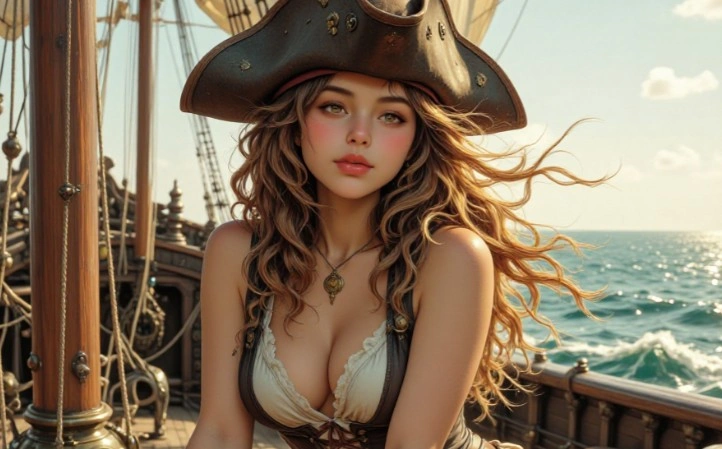
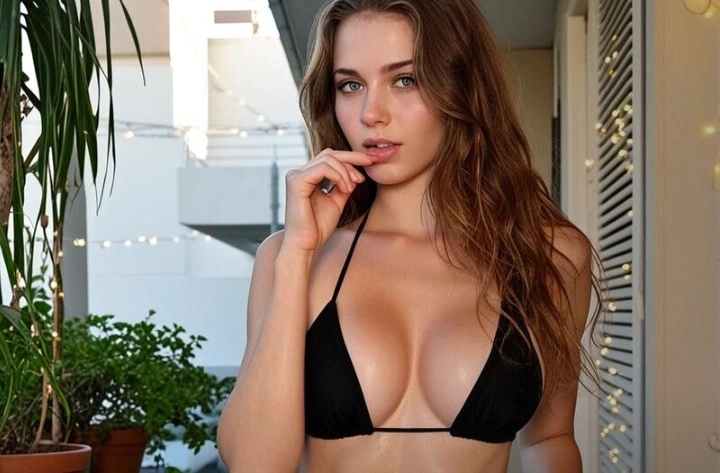
コンテンツ分類ツールは、有料のブドワール撮影依頼と悪意のある行為を区別できず、両者を一律にブロックしてしまうため、その費用は写真家が負担することになります。ランジェリーのカタログ全体やアーティスティックなヌード作品、タトゥーの記録写真でさえ、ポートレート用の顔写真なら平気で修整してしまうツールによって却下されてしまうのです。NSFW対応のAI写真編集ツールとして動作する場合、それらのファイルは他のアップロードと同様に処理キューに投入され、フィルターを適用したモデルがしばしば見せるような、肌部分中心のフレームでリタッチ品質が静かに低下するといった現象も起こりません。同意に基づく成人向けの作品は、気後れや嫌悪感ではなく、法令によって明確に線引きされたうえで、プロフェッショナルな写真撮影と同様に扱われる。
フィルターもスキルも不要なAI写真編集ツール
個人の写真は生成アートとは異なり、したがってプライバシーの問題も一段と鋭敏になる。自らの身体、クライアントの未公開キャンペーン、あるいは家族のアーカイブを、まずメールアドレスを求められるようなプラットフォームに預けることは、容易には取り消せない記録を残すことになる。ここには登録の壁はなく、一切が個人情報と紐づけられることはなく、アップロードされたコンテンツはギャラリーに公開されることも、プロモーション素材として再利用されることもありません。フィルターのないAI画像編集ツールが真に有用となるのは、スクリーニングの不在とログ記録の不在が一致している場合に限られるため、両者は別々に扱うのではなく一体的に扱われるのです。
センジアの無修正AI写真編集ツールは、どんな人に向けたものですか?
ブドワール写真家
モデルのバックエンドが存在しないにもかかわらず、モデレーション層によってセッション全体が拒否されることがある。無料の無制限AI写真編集ツールは、そうした障壁を取り除き、テクスチャー単位でのレタッチによって肌が空気銃加工されたような不自然さを感じさせず、あくまで撮影されたままの質感を保ちます。これこそ、こうしたクライアントが求める仕上がりです。

グラマー・モデル
ポートフォリオの更新は、レタッチャーの処理完了を待つわけにはいきませんし、ほとんどのセルフサービスアプリでは、最も重要なフレームが受け付けられません。無制限のAIフォトエディターで自分の作品集を編集するには、1枚あたり数分で済み、その過程で一切のデータが公開フィードにアップロードされることはありません。
タトゥーアーティスト
新たな作品を記録するということは、肌を撮影することを意味し、肌こそが旗印を左右する要因となる。ポートフォリオ用の写真は、被写体に制限なくAI画像編集ソフトで処理され、粒子感や光の再現が行われることで、インクの色合いや修復後の質感が過剰な彩度に偏ることなく忠実に保たれます。
なぜセンジアの無修正AI写真編集ソフトを選ぶべきなのか?
依然として写真のように見える出力
視聴者は、その理由を説明できるようになるよりもはるかに早く、画像の不自然な補正に気づきます。その手がかりは一貫しており、毛孔のない肌、物体を削除した跡に生じる光輪、修復箇所の縁で急に途切れるような粒子感、そして両眼のキャッチライトが互いに整合していない——こうした兆候が典型的です。それらのいずれも、元のファイルに含まれていた内容を尊重していないという点で失敗です。ソースフレーム固有のテクスチャやノイズ特性、光の挙動を基に編集内容を再構築する手法は、単なる平滑化処理を施すよりも処理速度は遅いものの、プリントサイズでも画質を保てる唯一の方法である。これが、プロの写真家たちがワンクリックのアプリではなく、制約のないAIによる写真編集を選ぶ唯一の理由です。
一切審査されないアップロード
自動分類システムは、契約書や同意書、撮影の目的には一切アクセスせず、画像データの画素情報のみをもとに写真を判定します。その結果、水着のカタログ、芸術的なヌード作品、医療用の記録写真、タトゥーのポートフォリオ、そして寝室撮影の依頼など、合法的なプロフェッショナルな仕事が日々拒まれているのです。対象物に制限のないAI画像編集ツールでは、そのチェックがそもそも行われないため、処理はそのまま進み、本質的な一線がどこにあるのかが明確に示されます。当該規定は道徳的ではなく法的なものであり、未成年者、同意のない画像や本人が特定できる人物を対象とした欺瞞的な画像、およびその他の違法とされる類型については、恒久的に除外されます。
アカウント不要、透かしなし、公開履歴なし
個人写真やクライアントの写真には、生成型アートにはないリスクが伴うため、取り扱いはより厳格でなければなりません。メールアドレスやパスワード、クレジットカード情報を登録しなくてもワークスペースを開いて編集を始められます。そのため、あなたが取り組んだ内容の履歴が蓄積されるプロフィールも作成されません。ファイルは厳重に秘密裏に処理され、ギャラリーに表示されることもなく、サービスの宣伝に利用されることもありません。エクスポート時には、元のフル解像度のまま、画面上に一切透かしは表示されません。このAI写真編集ソフトで無料で作成したすべての画像は、ライセンス付与や公開、販売を含め、すべてお客様の所有物です。