
Google Flow AI Watermark Remover: Lift the Visible Corner
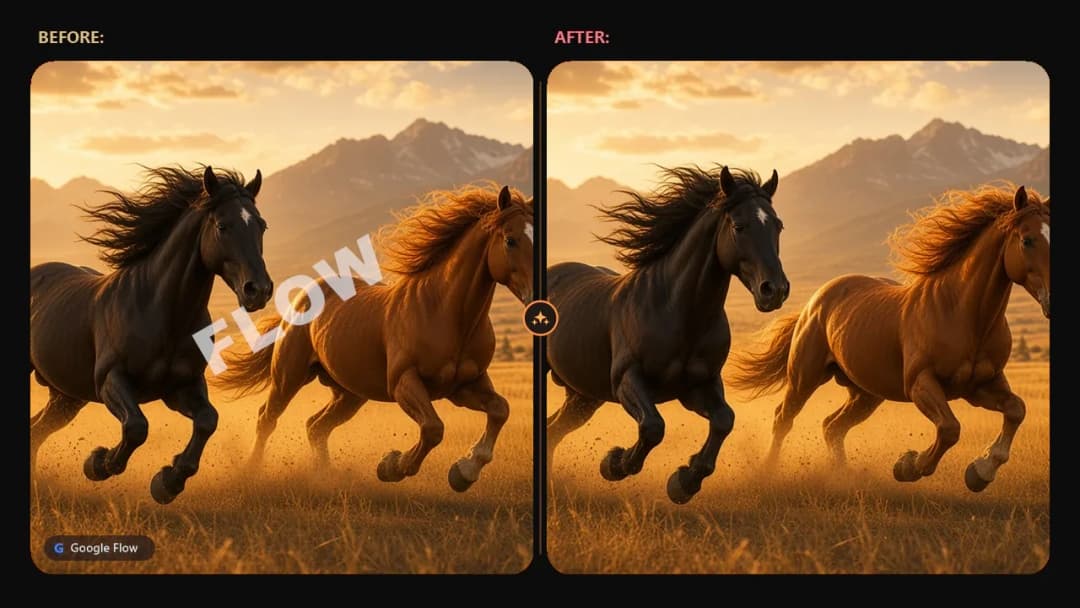
Senzia's Google Flow watermark remover lifts the visible corner mark from Flow video export you already made. Flow AI watermark remover pass matches a Veo word or a Gemini sparkle, then reverses that blend so the picture underneath returns. Remove Flow watermark work leaves the soundtrack in place. Free to start. The file you download is your own cleaned MP4.
What is Senzia's Google Flow Watermark Remover?
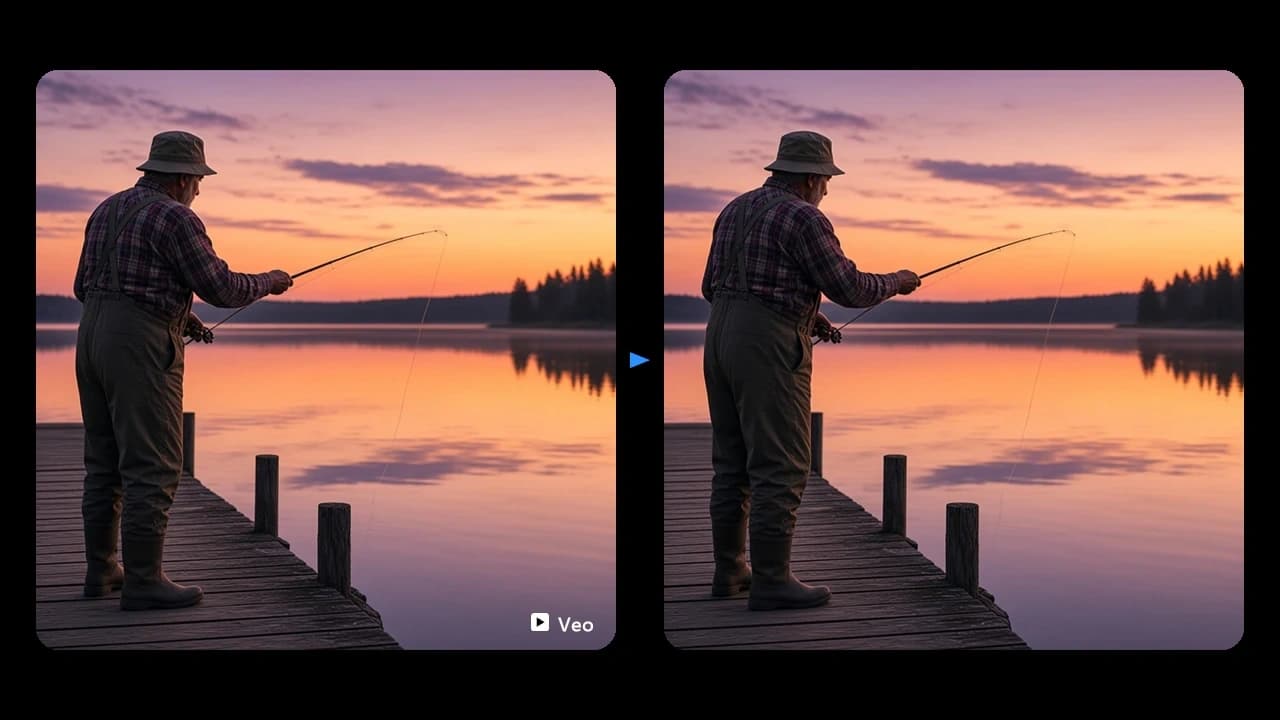
Senzia's Google Flow watermark remover cleans a visible corner mark from a video you already exported. Google Flow is Google's AI video studio. It can render with Veo, build a clip from ingredients or a still, and export landscape or 9:16. Many of those files carry a small visible mark, either a Veo word or a Gemini sparkle, blended into the corner. A Flow AI Watermark Remover pass matches that pattern and reverses the blend across frames, so the picture under the mark returns. The soundtrack is copied through, and the resolution stays with the export. SynthID and C2PA stay in the file. A hard edge under the mark can leave a faint rim, so a second pass tightens that corner. This tool does not generate a Flow video, and it does not pull a clip from a Flow account. You upload an export you own.
How Does Senzia's Google Flow Watermark Remover Work?
Step 1: Upload Your Own Flow Export
Add the MP4 you exported from Google Flow. Flow Watermark Remover online jobs need that saved file. Upload only a clip you generated or are licensed to clean.
Step 2: Confirm the Corner Pattern
Senzia checks the corner for a Veo word or a Gemini sparkle. Flow AI remove watermark work reverses that blend on every frame the mark occupies. Frames outside the corner stay as they were.
Step 3: Scrub the Corner, Then Save
Play the corner at 100 percent. Re-run a leftover rim. Remove watermark Flow AI downloads are your cleaned MP4, with the soundtrack still attached. Free to start.
What You Can Do with Senzia's Google Flow Watermark Remover?
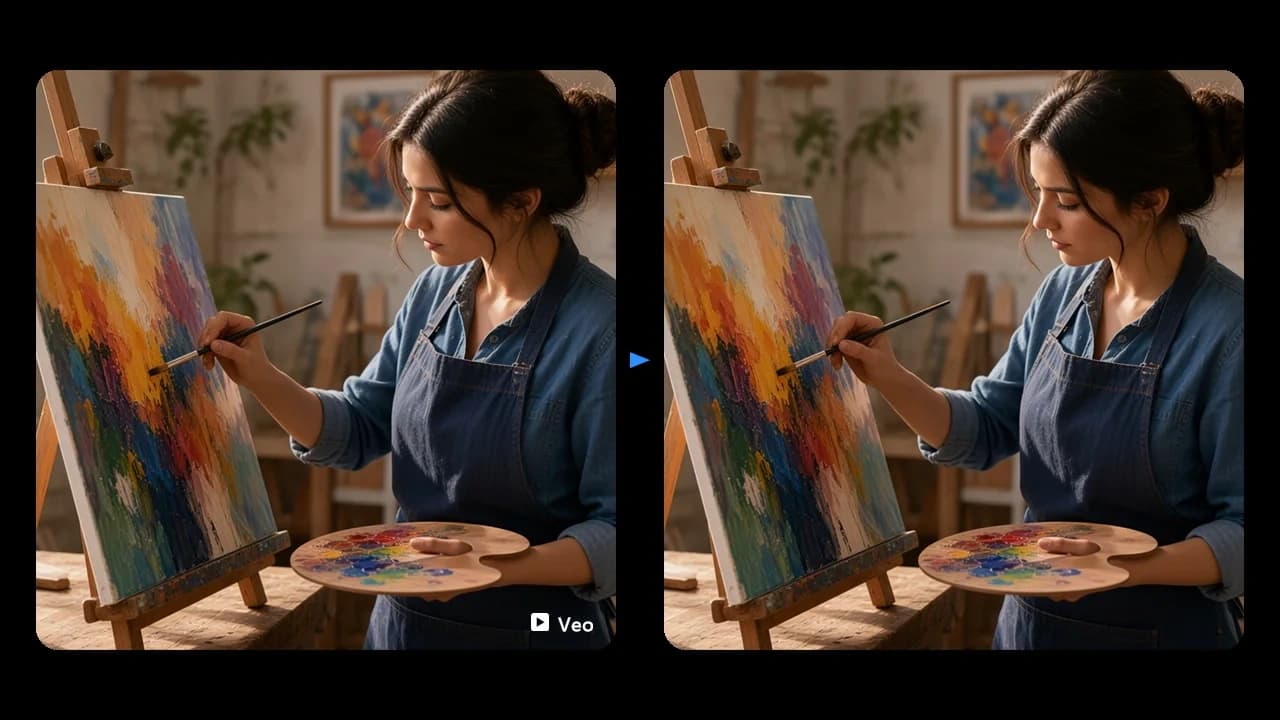
Remove Watermark from a Google Flow Video
A Veo export often carries a small word in the lower corner. Remove watermark from Google Flow video by matching that word and reversing the blend, so the wall or sky behind it returns. A Google Flow AI video watermark remover pass follows the mark if the shot moves. Google Flow video watermark remover results should be checked at full size. The rest of the frame keeps its grade.
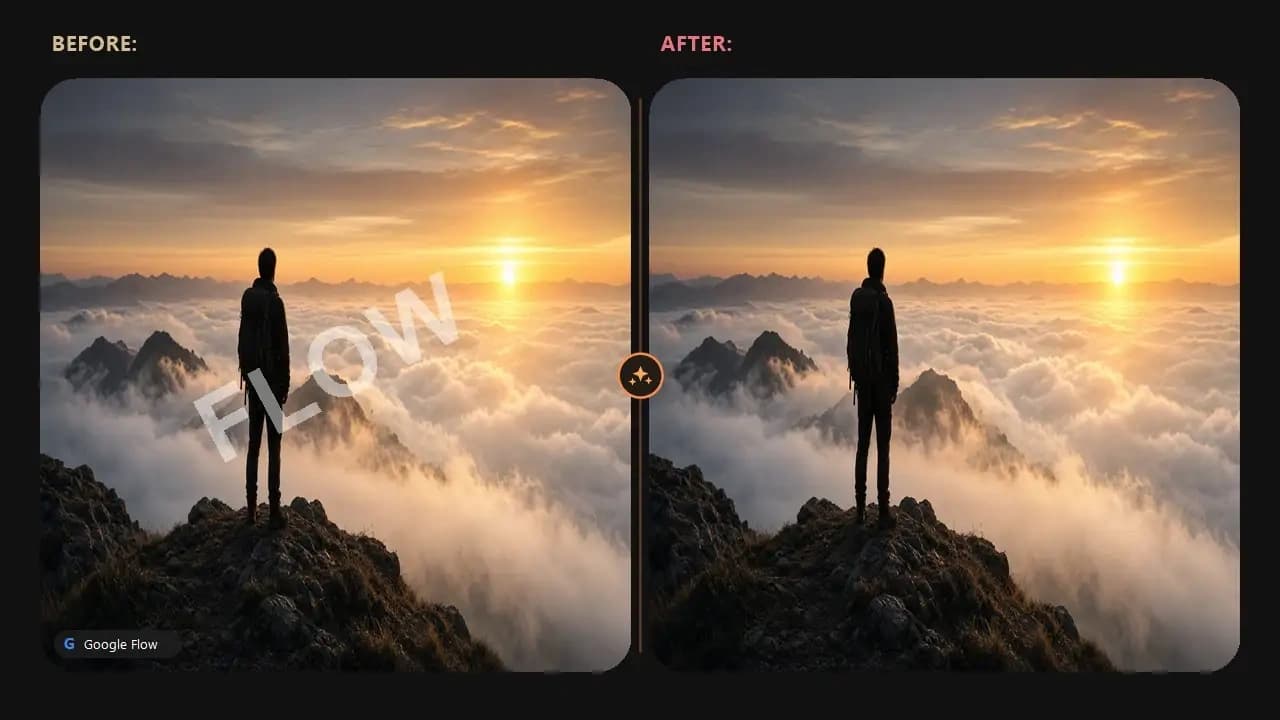
Google Flow AI Logo Remove on the Sparkle
Some Flow exports use a sparkle instead of a word. Flow AI logo remove treats that sparkle as its own pattern. A Google Flow AI logo remover pass unblends those strokes and leaves the picture under them. Google Flow logo remover work is the same job when the badge is the Gemini mark. Flow logo remover checks belong on the corner, not on a brushed box over the whole edge.
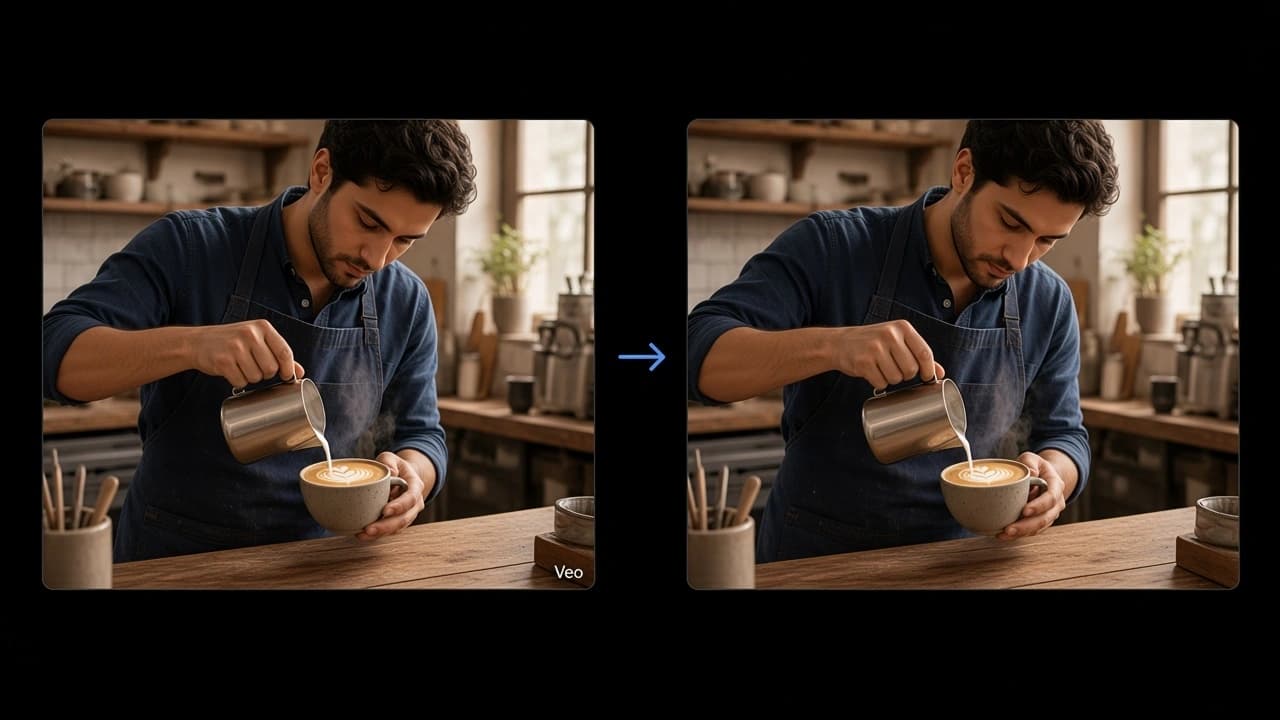
Flow AI Video Watermark Remover for a 9:16 Cut
A vertical Flow export still puts the mark in the corner. A Flow video watermark remover pass keeps the 9:16 frame and lifts only that badge. Flow Watermark Remover from video jobs should leave faces and captions outside the corner untouched. Google Flow remove video watermark playback ought to keep the original timing. The soundtrack stays with the picture.
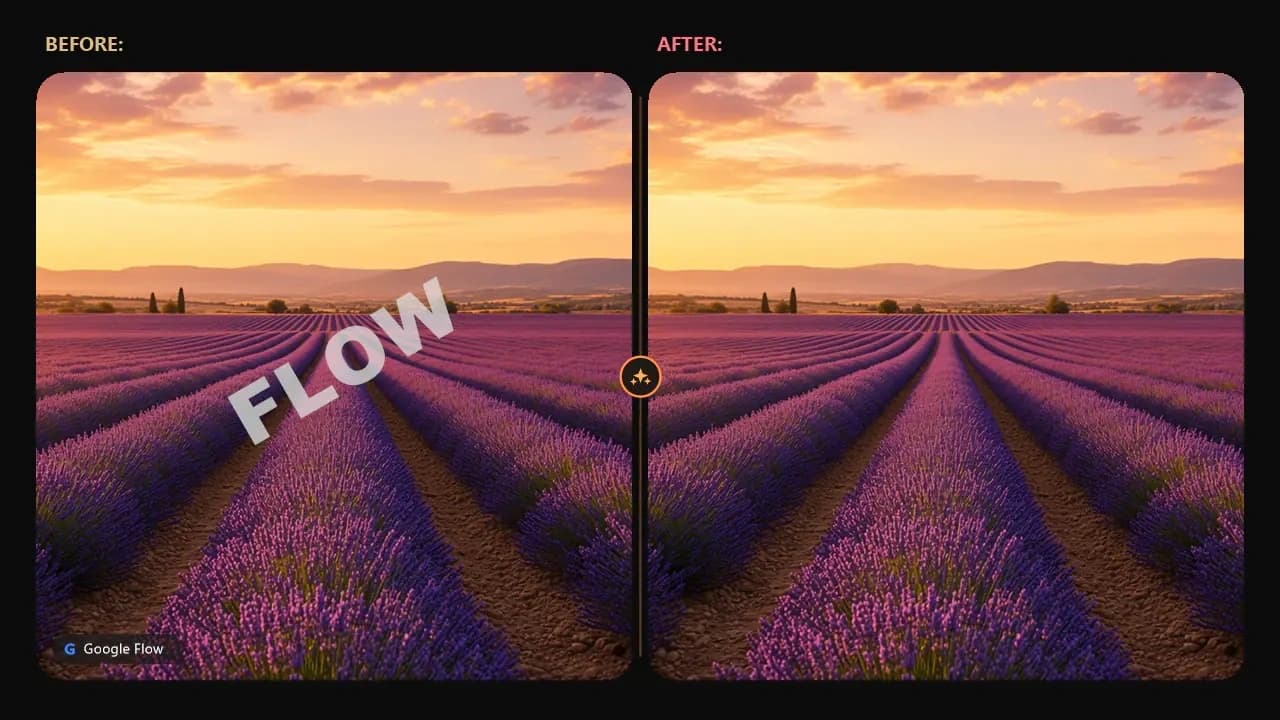
Download Flow Video Without Watermark
You already have the export. Download Flow video without watermark means Senzia returns that same file after the visible mark is lifted. A Flow video downloader without watermark is not a login to Flow and not a pull from someone else's project. Flow AI video downloader without watermark files are the MP4 you upload, saved again without the corner badge. Google Flow video download without watermark keeps the soundtrack.
Who is Senzia's Google Flow Watermark Remover for?
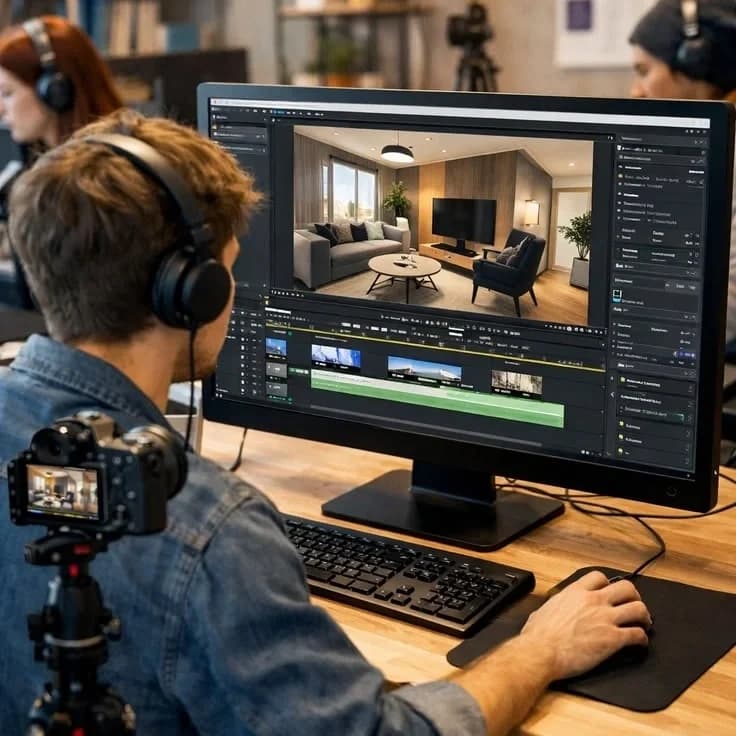
Previz Finishers
A pitch reel should show the shot, not the corner badge. Remove Google Flow watermark on a previz export you rendered.

Spot Editors
A client cut needs the frame clean. Flow AI video logo remover pass lifts the sparkle before the spot is graded.

Reel Exporters
A 9:16 Flow file often carries the mark into the feed crop. Google Flow remove watermark on your own export, then save the MP4.
Why Choose Senzia's Google Flow AI Watermark Remover?
Match the Mark, Then Unblend It
A Veo word and a Gemini sparkle are different patterns. Flow Watermark Remover tools that smear a box over the corner fail a full-size scrub. Senzia reverses the blend for the pattern it finds. A Video Watermark Remover pass aimed at any drifting logo is a broader job. Flow's mark sits in the corner.
Picture, Timing, and Sound Stay
The clean file keeps the export's frame size and timing. Google Flow AI Watermark Remover output brings the soundtrack back with the picture. Flow AI watermark remove work does not rebuild the shot. Flow remove watermark means the corner changes and the scene does not.
Your Export, Private, Visible Mark Only
Free Flow Watermark Remover access lets you start without payment. Google Flow Watermark Remover free sessions still meter long 4K batches. Uploads are not posted to a gallery. Clean a file you own. The visible mark can come off. SynthID stays.