
Senzia is Google Flow AI video generator alternative for text, stills and references. Try prompt-based workflows, compare variations and make clean visuals without logos.
Google Flow AI Video Generator Alternative for Text, Stills and References
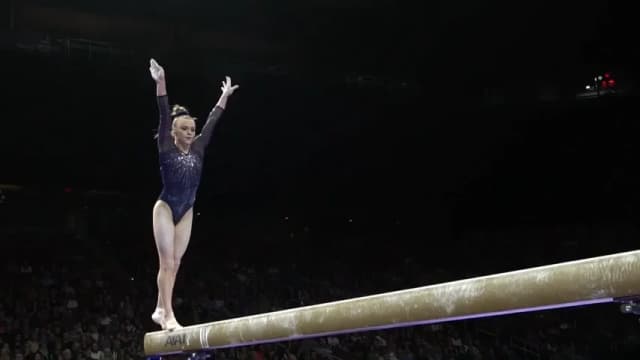
Senzia is Google Flow AI video generator free alternative. Write a scene, start from a still or pin a character, an object and a place, then generate the clip. Google Flow AI video generator search usually wants those three jobs. Free to start. The MP4 leaves without a Senzia corner badge.
What is Google Flow AI Video Generator?

Google Flow AI video generator is an video model workflow for the jobs people open Google Flow to do. Public Flow docs describe text-to-video, frames-to-video and ingredients, also called references: a character, an object, and a setting carried into one clip. Durations in those docs cluster at 4, 6, and 8 seconds, in landscape or vertical. Veo 3.1 also brought sound to reference clips, frame clips and extensions. Senzia covers the same three entries without Flow login. Google Flow AI video generator alternative run asks which entry you are using, then compiles the prompt, the frames, and the named references into one MP4. Flow AI video maker controls set 16:9 or 9:16 and 4, 6, or 8 seconds. This is not Google, not Veo, and not a tool that strips a mark from a Flow download. You generate a new clip. Free to start. Use subjects you have the right to depict.
How Does Google Flow AI Video Generator Alternative Work?
Step 1: Pick Text, a Still or References
Google Flow text to video starts from a written scene. Google Flow image to video starts from a first frame, or a first frame and a last frame. Google Flow reference to video starts from a character, an object, and a place. Upload only stills you own.
Step 2: Set Length, Ratio and the Move
Choose 4, 6, or 8 seconds, then 16:9 or 9:16. Name one camera move and one action. A Flow AI image to video generator pass should agree with the still, not fight it.
Step 3: Generate, Compare and Save
Render two takes and keep the one whose ending matches the opening. Flow AI video generator online free exports are MP4s. Free to start, and the lane stays in the session for a revision.
What You Can Do with Google Flow AI Video Generator Alternative?
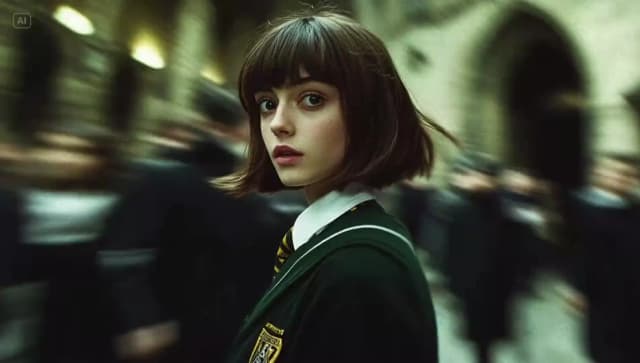
Cinematic Prompt-to-Video Scene from Text
A written scene still needs a camera and an ending. A cinematic prompt-to-video scene names the subject, one move, the light, and the last frame. Google Flow AI video generator alternative prompts for this lane stay on a single action. Google Flow AI video results are easier to judge when the prompt does not stack three moods. Flow video AI free trials can start from that one paragraph.
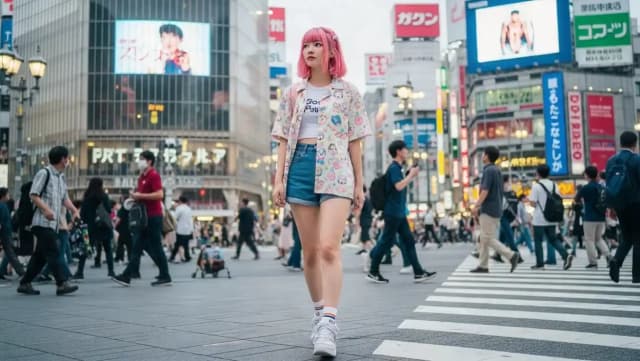
Image-to-Video Storyboard Concept
A board is a still that should move, not a new drawing. An image-to-video storyboard concept locks the opening frame and writes only the action between that frame and the end. Google Flow image to video on Senzia can also take a last frame when the shot must land on a specific picture. Google Flow free video generator takes of this lane should still show the same person.
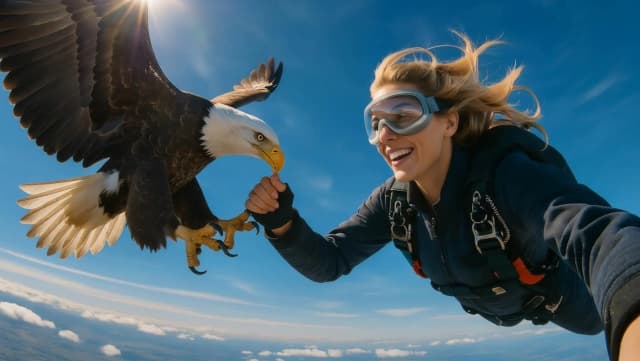
Google Flow AI Reference to Video Alternative
Ingredients are how Flow keeps a face, a prop, and a street in one shot. Google Flow reference to video on Senzia asks you to name each still: who it is, what it is, and where it belongs. The prompt should use those names. A mismatched line, such as a new outfit the reference does not show, is the usual reason the clip drifts. Flow AI video creator runs of this lane work best at 8 seconds.
Social Ad Video Prompts in 9:16
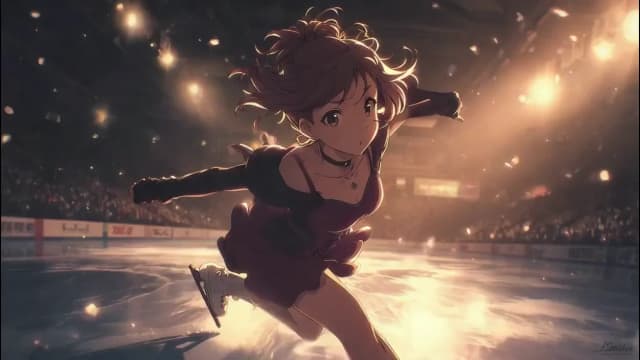
A product spot needs the object readable in the first second. A social ad video prompt puts the product in frame, names one motion, and ends on the pack. Google Flow AI video generator free cuts for a feed use 9:16 and 6 seconds. Google Flow alternative free exports from Senzia do not add a Senzia badge. Review the clip before you publish it.
Who is Google Flow AI Video Generator for?

Scene Planners
You need a moving scene before a shoot. A Google Flow AI video generator alternative gives you a 6-second test from a paragraph.

Board Artists
The frame already exists. Google Flow image to video should move that frame instead of replacing the face.
Ad Clip Leads
The product has to stay recognizable. A social ad video prompt plus a reference still is the lane for that test.
Why Choose Google Flow AI Video Generator Alternative?
Three Entries, One Clip
Text, frames, and references are separate starts because they fail in different ways. A Google Flow AI video generator alternative keeps them as three lanes and compiles one MP4. Google Flow AI free access to a test clip does not require a Flow account.
Lengths and Ratios You Can Name
Pick 4, 6, or 8 seconds, then 16:9 or 9:16, before you generate. That matches the ranges published for Flow's Veo paths. A Google Flow free video generator take is easier to compare when both versions share the same length.
Free to Start, No Senzia Badge
Google Flow AI video generator free without watermark, as a search, means a file you can post. Senzia's export does not add a Senzia corner mark. Flow AI free unlimited is not this offer. Free to start. Long 4K batches are still metered. This lane does not remove a watermark from a Google download.