8 Best Magic Hour Alternatives for AI Video Generation in 2026

If you want to create story-driven content built around scripts, with consistent characters, voiceovers, subtitles, and music, Magic Hour is worth trying. I particularly like its workflow for long-form content, but I find it relatively less flexible when it comes to realistic video clips, product ads, AI avatars, and fast-paced short-form videos. To explore these use cases, I tested eight alternative tools. Here are the ones I would actually use.
Best magic hour Alternatives in 2026
Senzia is an all-in-one AI creative suite with an extensive range of tools, covering text-to-video, senzia image to video AI, AI photo editing, AI image generation, AI video extension, AI motion control, AI face swap, and commercial content creation workflows. For more specific needs, VEED.IO is ideal for online video editing, subtitle generation, and video translation. GoEnhance AI is suited for transforming videos into anime, cartoon, and other artistic styles, while Runway is ideal for making targeted edits to existing videos through prompts.
8 Best magic hour Alternatives At a Glance
|
Tool |
Best For |
Why Choose It |
|
Senzia |
All-in-One AI Creative Workflows |
Multiple models, flexible pricing, and versatile creative tools. |
|
VEED.IO |
Online Video Editing and AI Subtitles |
Easy editing, subtitles, and video translation. |
|
HeyGen |
AI Avatars and Multilingual Videos |
Realistic avatars, voice generation, and lip sync. |
|
GoEnhance AI |
Video Transformation and Anime Styles |
Anime effects, video transformation, and face swap. |
|
Runway |
Prompt-Based Video Editing |
AI-powered object, background, and lighting edits. |
|
BasedLabs AI |
Casual AI Video and Face Swap |
Quick video creation and face-swapping tools. |
|
Dzine AI |
AI Image Editing and Character Consistency |
Character consistency and advanced image editing. |
|
EaseMate AI |
AI Video Enhancement and Editing |
Video upscaling, frame interpolation, and object removal. |
Magic Hour addresses a clear need with its wide range of features. It integrates AI video generation, image generation, face swapping, and image enhancement, allowing users to meet various creative needs without switching between multiple platforms.
However, the platform has some limitations in terms of product refinement and iteration. Some users report inconsistent generation quality, including out-of-sync lip movements, subtitle errors, inconsistent character appearances, and visual artifacts. Its limited fine-grained editing capabilities may also require users to generate content multiple times before achieving satisfactory results.
Pricing is another concern, as some users find the credit cost per generation too high. Customer support also receives mixed reviews, with some users reporting slow response times and delays in resolving their issues.
senzia —Best Overall magic hour Alternative
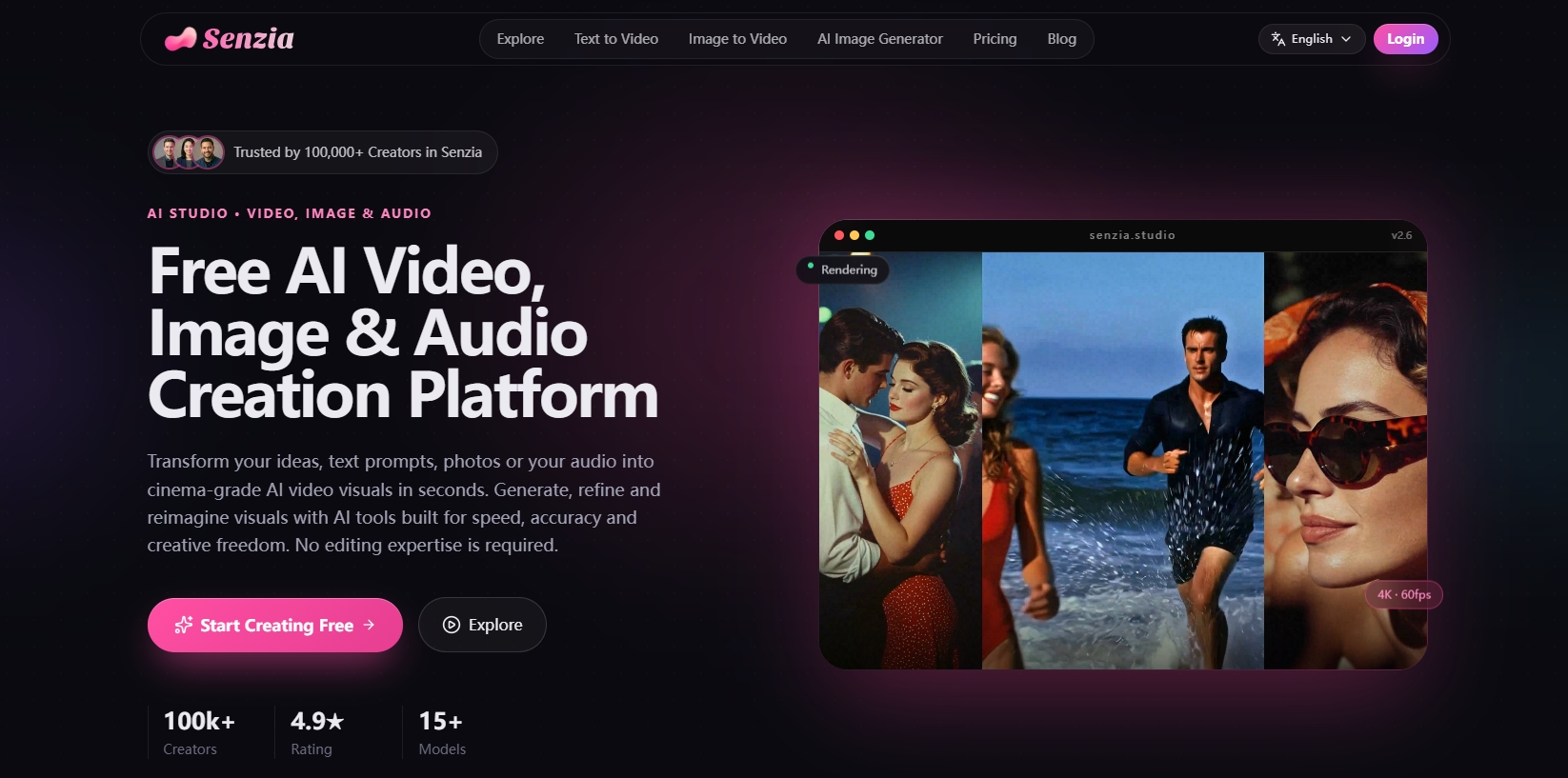
Senzia is an all-in-one AI creative suite with an extensive range of tools, covering text to video, senzia image to video ai, AI photo editing, AI image generation, AI video extension, AI motion control, AI face swap, and commercial content creation workflows. I can turn a script or product image into ready-to-use ads, UGC-style videos, and product showcase videos. It also supports creative applications such as filmmaking and trending Tiny Desk-style AI videos. Overall, Senzia works well for both individual creators and commercial content production.
When it comes to output quality, I also looked at the AI models powering Senzia. For users familiar with AI models, Senzia keeps up with the latest releases, allowing you to test models such as Grok Image, Wan 3.0, Nano Banana 2, and Seedance 2.5 on a single platform. Pricing is another factor worth considering for two reasons. First, unlike platforms that rely entirely on subscriptions, Senzia offers multiple ways to earn free credits, as well as one-time credit packages. Second, the actual cost per generation matters more than the advertised package price. Some AI tools offer seemingly cheap one-time credit purchases, but the credits run out quickly—sometimes not even enough to generate a character with all four limbs intact. In other words, they may be used up much faster than expected.
To see how much value the credits offer, I tested Senzia's popular Senzia image to video feature with one of its commonly used models. Its entry-level $9.90 package provides enough credits for approximately 20 generations. With additional free credits from daily check-ins and other activities, users can also explore senzia image to video ai free generation options before purchasing a credit package.
With senzia, you can start with an idea, a script, or a single image and build a complete, production-ready video. You don't need to switch between multiple platforms, and in many workflows, you may not even need additional editing.
Pros
-
Multiple AI models in one place: It integrates a variety of video and image generation models into a unified workflow, making it easier to explore different models without switching platforms.
-
Flexible Pricing: Senzia offers multiple ways to earn free credits, along with one-time credit packages that don't require a recurring subscription.
-
Responsive customer support: The support team responds to user feedback and offers practical assistance when generation results fall short of expectations.
Cons
-
Not specialized for long-form storytelling: If your primary goal is to create a single 30-minute animated story, a platform specifically designed for long-form storytelling may be a better fit.
Best For
Senzia is best suited to creators and marketers who want to turn ideas, scripts, products, and images into different types of AI-generated content. Its combination of video, image, and audio tools makes it a practical option for users who prefer an integrated creative workflow over switching between multiple platforms.
VEED.IO—Best for Online Video Editing and AI Subtitles
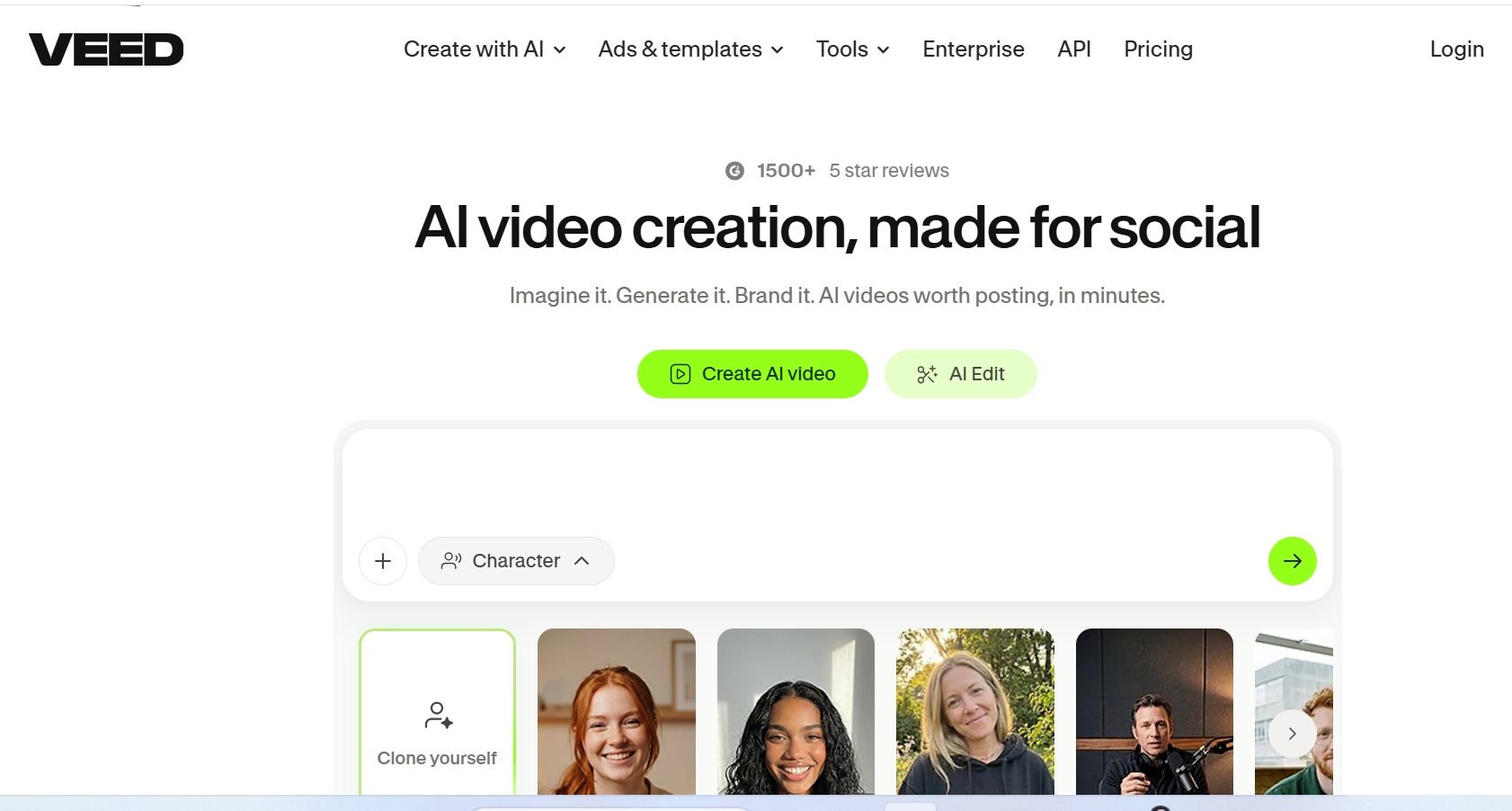
VEED.IO is an online video editing platform that combines AI-powered subtitles, video translation, audio cleanup, screen recording, and editing tools in one browser-based workspace. If you are comparing image to video ai tools, VEED.IO is more focused on polishing and preparing video assets after generation. Its biggest advantage is its intuitive interface and practical editing workflow, allowing creators and marketers to quickly produce polished videos without professional editing skills.
Unlike Magic Hour, which focuses on a broad range of AI creative tools, VEED.IO puts video editing and post-production at the center of its platform. However, some users report frequent bugs, browser lag, slow rendering, and occasional project-saving issues. Its AI credit limits and subscription policies have also drawn criticism, particularly among users who need to generate videos frequently.
Pros:
-
Easy-to-use interface with a beginner-friendly editing workflow.
-
Strong AI subtitle generation, editing, and translation capabilities.
-
Useful audio cleanup, screen recording, and video resizing tools.
-
Convenient for creating social media videos and branded content.
Cons:
-
Frequent bugs, buffering, and occasional crashes during editing.
-
Slow rendering and export issues, especially with larger projects.
-
AI credit limits can make frequent generation expensive.
-
Advanced editing capabilities are less flexible than professional desktop software.
Best For
Content creators, social media managers, educators, and marketers who need an easy-to-use online video editor with AI-powered subtitles and post-production tools.
HeyGen — Best for AI Avatars and Multilingual Video Creation

HeyGen is a better alternative when you need realistic AI presenters and multilingual video content. It serves a different purpose from image to video ai generators, with its main focus on presenter-led videos. It focuses on AI avatars, digital twins, voice generation, lip sync, and video translation, making it particularly suitable for sales enablement, employee onboarding, product announcements, corporate training, and international marketing.
Unlike Magic Hour, which focuses on offering a wide range of creative tools in an all-in-one platform, HeyGen puts the presenter at the center of the video. Users can create talking-head videos without cameras or repeated filming, making it easier to produce consistent content across different languages and markets. However, its avatar-focused approach is less suitable for fictional characters, cinematic storytelling, or complex animated scenes. Some users also report inconsistent generation quality, slow rendering, and high credit consumption, especially when multiple revisions are needed.
Pros:
-
Realistic AI avatars and digital-twin workflows for presenter-led videos.
-
Strong multilingual translation and lip-sync capabilities.
-
Saves time and production costs by reducing the need for filming and reshoots.
-
Useful for scalable corporate training, sales, and marketing content.
Cons:
-
Less suitable for cinematic storytelling, fictional casts, and complex animated scenes.
-
Credit consumption can be high, particularly when regenerating or editing videos.
-
Generation quality and rendering speed can be inconsistent.
-
Some users report frustrations with customer support and billing experiences.
Best For
Businesses, educators, sales teams, and creators who need realistic AI presenters, multilingual videos, and scalable talking-head content.
GoEnhance AI—Best for Video Transformation and Anime-Style Videos
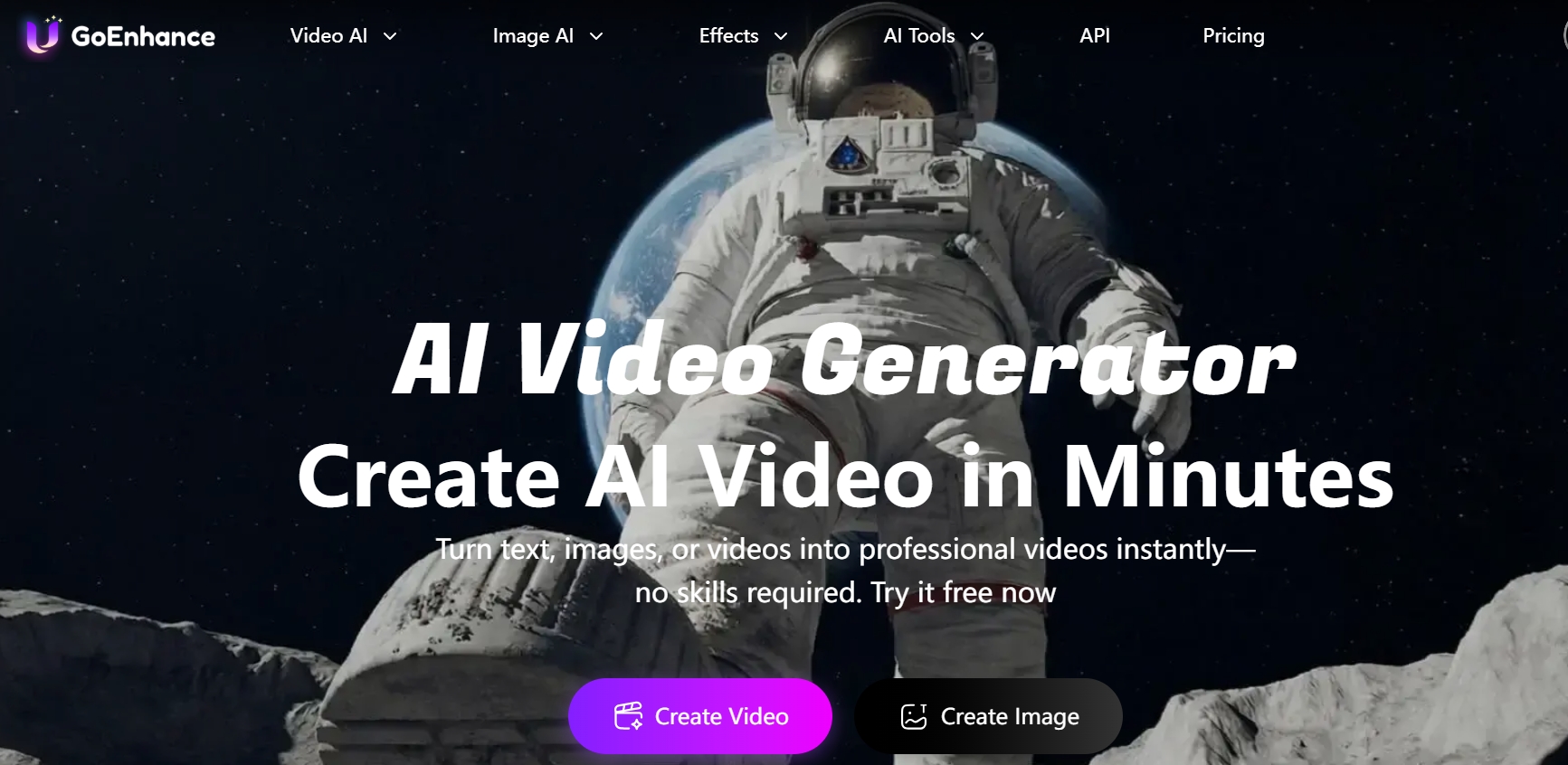
GoEnhance AI is a strong option for users who want to transform existing footage into stylized AI videos. For people exploring image to video ai, its image-based creation options offer another route into stylized video production. Its video-to-video feature is particularly useful for converting ordinary footage into anime, cartoon, and other artistic styles.
Unlike Magic Hour, which focuses on providing a broad range of AI creative tools in an all-in-one platform, GoEnhance AI places greater emphasis on AI video generation and style transformation. Users can turn existing footage into visually different styles or create short videos from images and text. However, its output quality can vary, with some users reporting shaky movements, blurry details, and inconsistent results. Token consumption can also add up with repeated generations, while its limited post-production capabilities may require users to rely on external editing software.
Pros:
-
A diverse set of AI creative tools, including text-to-video, image-to-video, video-to-video, image generation, face swap, and lip sync.
-
Strong video-to-video capabilities for transforming footage into anime, cartoon, and other artistic styles.
-
Multiple AI models available through a single platform.
-
A relatively intuitive interface that makes it accessible to beginners and content creators.
Cons:
-
Video generation quality can be inconsistent, with occasional shaky movements, blurry details, and visual artifacts.
-
Token consumption can become costly when generating longer videos or making repeated attempts.
-
Limited built-in post-production tools; Users may need external software for trimming, merging, and other editing tasks.
-
Its refund policy is relatively restrictive, so users should review the terms before purchasing.
Best For
Content creators, social media marketers, and AI video enthusiasts who want to transform existing footage into anime-style videos, experiment with visual effects, and access multiple AI generation tools in one platform.
Runway - Best for Prompt-Based Short-Sequence Changes

Runway is useful when a short sequence needs a targeted generative change. It can also be considered alongside image to video ai tools when a project needs more precise edits to existing footage. Its tools can alter a backdrop, relight a scene, add or remove an object, restyle footage or extend a shot, making it well suited to visual fixes that would otherwise require a reshoot or a more involved effects workflow.
An editor can upload an existing clip, describe the required video to video transformation, review the generated result and continue refining the selected shot. Video background removal is also useful when the location needs to change while the subject and performance stay intact.
Runway's current product direction emphasizes model-driven creation and shot-level editing. It fits best as a specialist tool within a broader production workflow when the final project still needs long-form assembly, detailed audio work or track-level finishing.
Pros:
-
Makes targeted prompt-led changes.
-
Handles relighting and object edits.
-
Previews frames before video generation.
Cons:
-
High credit consumption, especially when generating videos repeatedly or making revisions.
-
Inconsistent prompt adherence, with occasional visual artifacts and unnatural movements.
-
Some users report slow rendering, poor customer support, and difficulties obtaining refunds.
Best For: Video editors, filmmakers, and content creators who need to make targeted changes to existing footage, such as replacing backgrounds, adjusting lighting, removing objects, or extending shots without reshooting.
BasedLabs AI: Best For Casual AI Video And Face Swap Tools
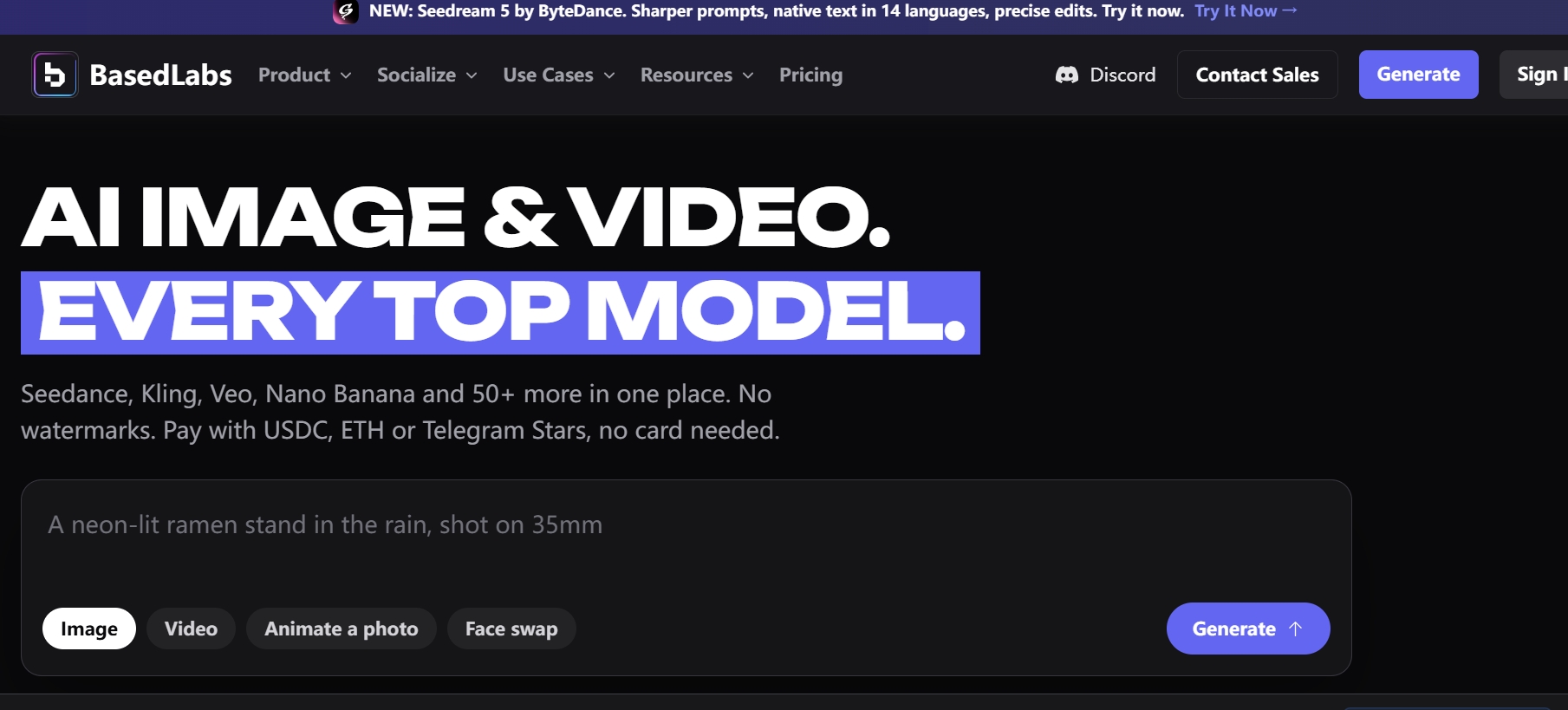
BasedLabs AI is a closer magic hour alternative for users who want simple AI video tools without a heavy production workflow. Users comparing image to video ai options may also consider it for quick creative experiments.
BasedLabs AI is more casual. It is useful for quick AI images, short videos, face swaps, and creator experiments when the goal is fast output rather than detailed editing control.
I would use BasedLabs AI for memes, profile-style videos, quick face swaps tests, and simple social clips. It is not the most advanced option here, but it is easy to understand.
Pros:
-
Casual creative tools: Good for fast AI videos and image experiments.
-
Face swap use cases: Useful for quick social or entertainment content.
-
Simple workflow: Easier for users who do not need a full editor.
Cons:
-
Limited production depth: Not ideal for polished brand or campaign videos.
-
Output may need review: Fast experiments do not always become final assets.
Best For: Casual creators, meme makers, and users testing simple AI video ideas.
Dzine AI — Best for AI Image Editing and Character Consistency
Magic Hour offers a wide range of AI generation features, but one of its main pain points is inconsistent output quality, particularly when it comes to maintaining character consistency in longer videos.
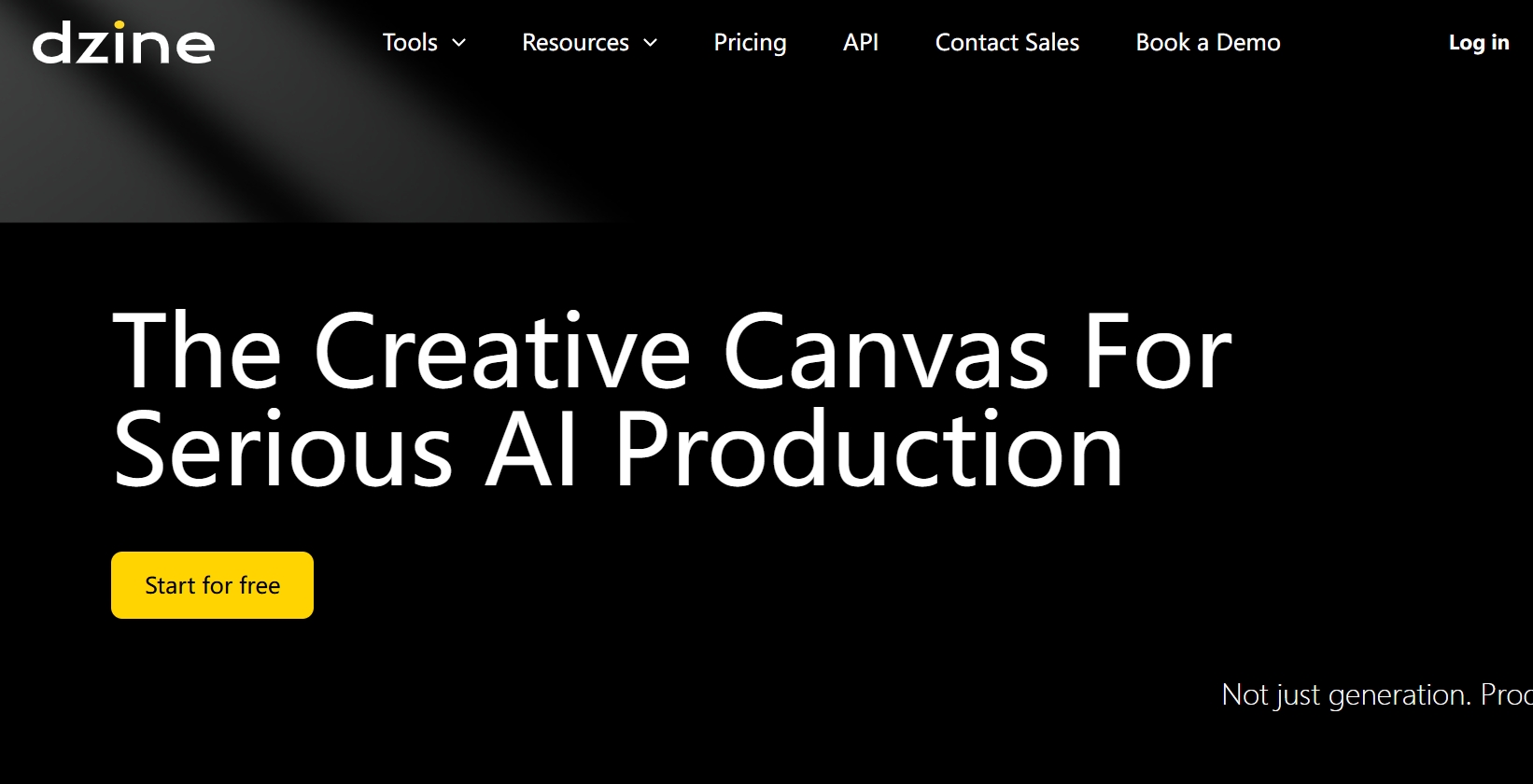
For users who want greater control over visual design, Dzine AI is a strong Magic Hour alternative. It is worth considering in a broader image to video ai workflow when visual consistency and image refinement matter. Its character and style consistency features make it useful for creating cohesive visual content. It combines AI image and video generation with tools such as style transfer, face swap, inpainting, and background editing.
Compared with Magic Hour's all-in-one approach, Dzine AI is better suited to design-focused projects, such as character creation, marketing visuals, and stylized content. However, its generation quality and credit consumption can sometimes be inconsistent.
Pros:
-
Character and Style Consistency: Allows users to save and reuse characters and visual styles across different creative projects.
-
Advanced Image Editing: Offers tools such as AI Eraser, object insertion, Generative Expand, and hand repair to refine generated images.
Cons:
-
Inconsistent Generation Results: Some users report poor prompt adherence, inconsistent characters, and inaccurate video movements.
-
High Credit Consumption and Slow Generation: Repeated attempts and failed generations can consume credits, while some users report long generation times.
-
Subscription and Billing Issues: Some users report unexpected auto-renewals, difficulties canceling subscriptions, and dissatisfaction with policies on unused credits.
Best For: Digital artists, content creators, and creative teams who want to access multiple AI image and video models, maintain character and style consistency.
EaseMate AI—Best for AI Video Enhancement and Editing
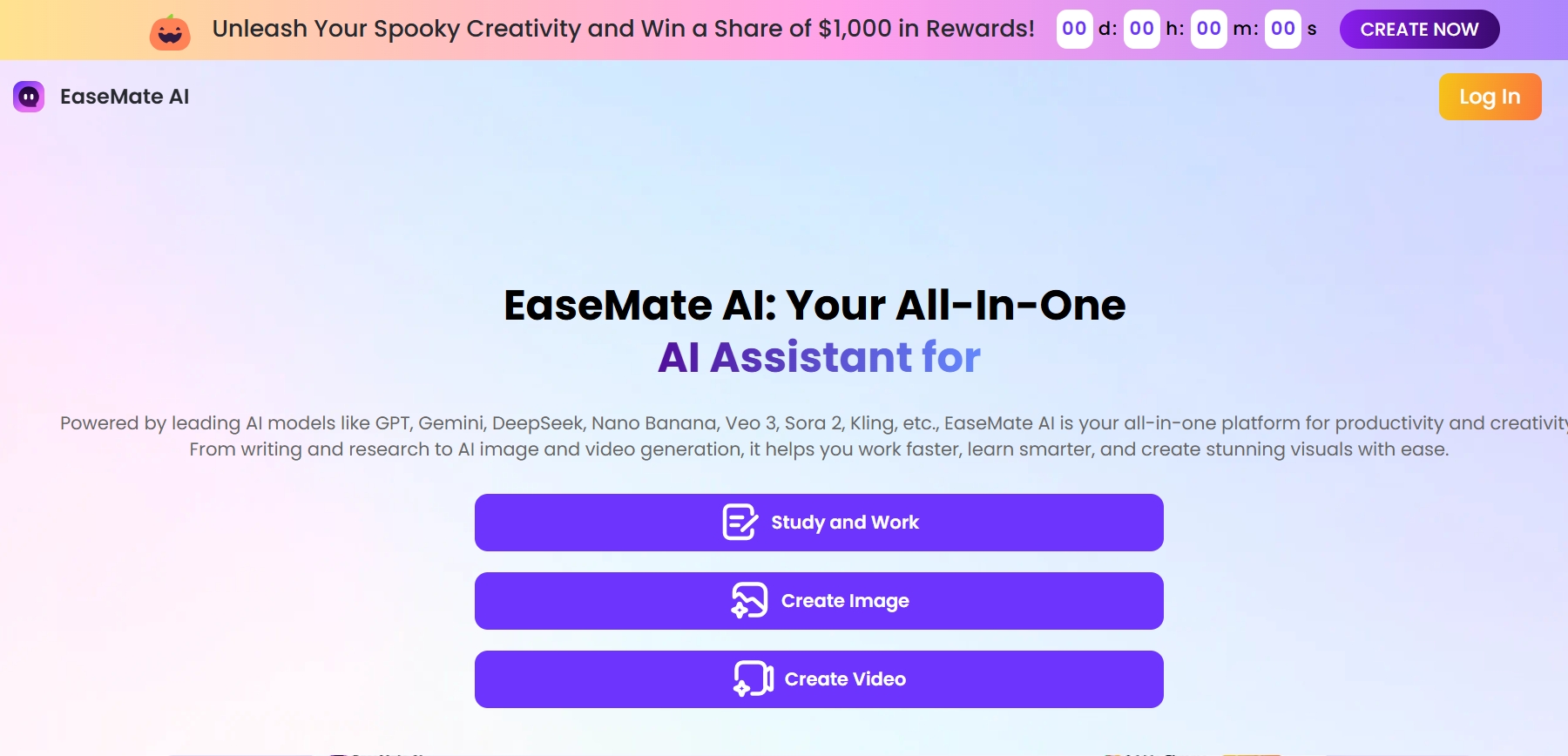
EaseMate AI is a Magic Hour alternative I would recommend when you already have video footage and want to improve its visual quality. It complements image to video ai creation by helping polish footage before publishing.
Unlike Magic Hour, which focuses on offering a broad range of AI creative tools in an all-in-one platform, EaseMate AI works more like a practical video enhancement toolkit. It specializes in resolution upscaling, frame interpolation, object removal, video restoration, and smoother playback.
I would use EaseMate AI to enhance old footage, low-resolution videos, product launch videos, social media clips, and any content that needs a visual quality boost before publishing.
Pros
-
AI Video Enhancement: Upscales low-resolution footage to HD or 4K while improving sharpness, reducing noise, and correcting colors.
-
Versatile Video Editing Tools: Offers video upscaling, object removal, background changes, and video extension in one platform.
Cons
-
Inconsistent AI Results: Some users report inconsistent outputs and poor prompt adherence when using its AI generation tools.
-
Credit Consumption Concerns: Credit costs vary across tools, and failed generations may still consume credits.
-
Subscription Management Issues: Some users report difficulties with subscription cancellation, unexpected renewals, and credit-related disputes.
Best For: Content creators, marketers, and individuals who want to enhance existing footage, improve video quality, or make AI-powered edits without using complex desktop software.
How I Evaluated These Magic Hour Alternatives
I didn't evaluate these tools based solely on generic AI video feature lists. Instead, I compared them based on the practical needs of users looking for a Magic Hour alternative. The main question was whether each tool could shorten the workflow from an initial idea to a usable finished video.
I focused on the following criteria:
-
Story and Script Handling: Can the tool understand scripts, video presentations, or existing image and video assets?
-
Pricing: Does it offer one-time purchases or subscriptions? Is there a free trial before payment? Are the credit costs per generation reasonable?
-
Scene Quality and Consistency: Are the visuals coherent and natural? Can recurring characters, products, or presenters maintain a consistent appearance and identity?
-
Post-Generation Control: Can users modify scenes, change voiceovers, adjust timelines, or replace assets without starting from scratch?
-
Workflow Completeness: Does the tool include audio, subtitles, editing, and export features, or does it only generate raw video clips?
How I'd Choose The Right magic hour Alternative
If you want a single platform that can take you from an initial idea to a finished video, Senzia is a strong starting point. It combines AI video generation, image editing, video extension, motion control, face swap, and AI music generation. This makes it suitable for creating ads, UGC-style videos, product showcases, and other commercial or creative content.
If you already have video footage and mainly need post-production tools such as editing, subtitle generation, and video translation, VEED.IO is worth considering. If you want to transform ordinary footage into anime, cartoon, or other artistic styles, GoEnhance AI is a better fit. Meanwhile, Runway is ideal for users who need to make targeted changes to existing videos through prompts, such as replacing backgrounds, adjusting lighting, adding or removing objects, or extending video clips.
If your videos require realistic AI presenters, multilingual voiceovers, or lip-sync capabilities, HeyGen is a more suitable choice. For users who want to quickly create short videos, experiment with AI image generation, or try face swap effects, BasedLabs AI offers a relatively lightweight creative experience.
If you prioritize image editing, character consistency, and visual style control, Dzine AI is a good option, particularly for character design, marketing visuals, and stylized content. If you already have video footage and want to upscale its resolution, improve visual quality, restore old clips, or make motion smoother, EaseMate AI is a practical tool worth considering.
My Personal Take
If I need a video workflow that can support a wide range of storytelling formats, Senzia would be my first choice. It can turn ideas, scripts, images, or URLs into structured, ready-to-publish videos. Its generation and editing tools also give me greater creative flexibility, helping me create realistic scenes, product videos, cinematic storytelling content, and social media assets.
For narrative projects with recurring characters and automatically planned scenes, I would still choose Magic Hour. Its specialized workflow offers clear advantages for this type of content. However, when projects expand to include advertising, product videos, shot-level refinements, or short-form content, Senzia is clearly the more valuable platform in the long run.
Best Magic Hour Alternative for AI Video Workflows: Senzia
If you need a platform that can handle a wide range of video production tasks, Senzia is one of the strongest alternatives to MagicLight. Senzia offers a flexible, multi-model AI creative experience with a one-time credit package pricing model. In contrast, Magic Hour positions itself as an all-in-one AI creative platform with monthly and annual subscriptions. Its entry-level plan starts at $150 and includes 12,000 credits. Generating a 5-second video costs 120 credits, meaning that 400 credits would cover only approximately 3.3 videos. By comparison, Senzia's entry-level one-time package includes 400 credits, with each video costing just 20 credits, allowing users to generate up to 20 videos. The difference in video generation capacity is significant. For creators who want to explore different AI models without being tied to a long-term subscription, Senzia is an appealing choice.
Senzia's capabilities extend beyond cinematic storytelling and storyboard creation. It also supports realistic text-to-video, image to video ai generator free options, and video-to-video generation, as well as AI face swap, motion control, and image and video editing. With Senzia, you can turn ideas, scripts, images, or URLs into structured, publish-ready videos, sometimes without the need for additional post-production.
The platform integrates multiple models, including Grok Image, Wan 3.0, Nano Banana 2, and Seedance 2.5, allowing you to experiment with different options and choose the most suitable generation approach for each project. With its extensive range of features, Senzia is an ideal all-in-one choice for creators, marketers, sales professionals, and teams—especially those who don't want to limit every project to a single storytelling format.
Final Verdict
If your projects involve long-form animated stories with recurring characters, Magic Hour is a sensible choice. However, if your workflow also includes advertising, AI avatars, realistic video clips, editing, or product showcases, Senzia is the strongest all-around alternative.
For more specialized workflows, you can also consider VEED.IO, HeyGen, GoEnhance AI, Runway, BasedLabs AI, Dzine AI, and EaseMate AI. We recommend testing these tools with your actual project requirements and evaluating how much additional post-production work is needed before the final content is ready to publish.
FAQ
What Is a Free AI Image to Video Generator?
A free AI image to video generator turns static images into short video clips using AI. Senzia image to video lets users animate images with text prompts. If you're looking for image to video ai free tools, check their free credits and generation limits.
Which Free AI Image to Video Generator Is Best?
The best tool depends on your needs and budget. Senzia image to video offers image-based video creation alongside other AI tools, with image to video ai free options available through free credits. You can also try VEED.IO for editing, HeyGen for AI avatars, and GoEnhance AI for video transformation.
Can a Free AI Image to Video Generator Support Both Image and Video Creation?
Yes. Senzia supports AI image generation and Senzia image to video in one platform. Some alternatives offer different workflows: BasedLabs AI for quick creation. Dzine AI for image editing. Check their free plans and image to video ai free limits before choosing.
Can Videos Made with a Free AI Image to Video Generator Be Used Commercially?
It depends on the platform's terms, model licenses, and source-image rights. Before using Senzia image to video results commercially, check its usage policy. The same applies to image to video ai free tools.