
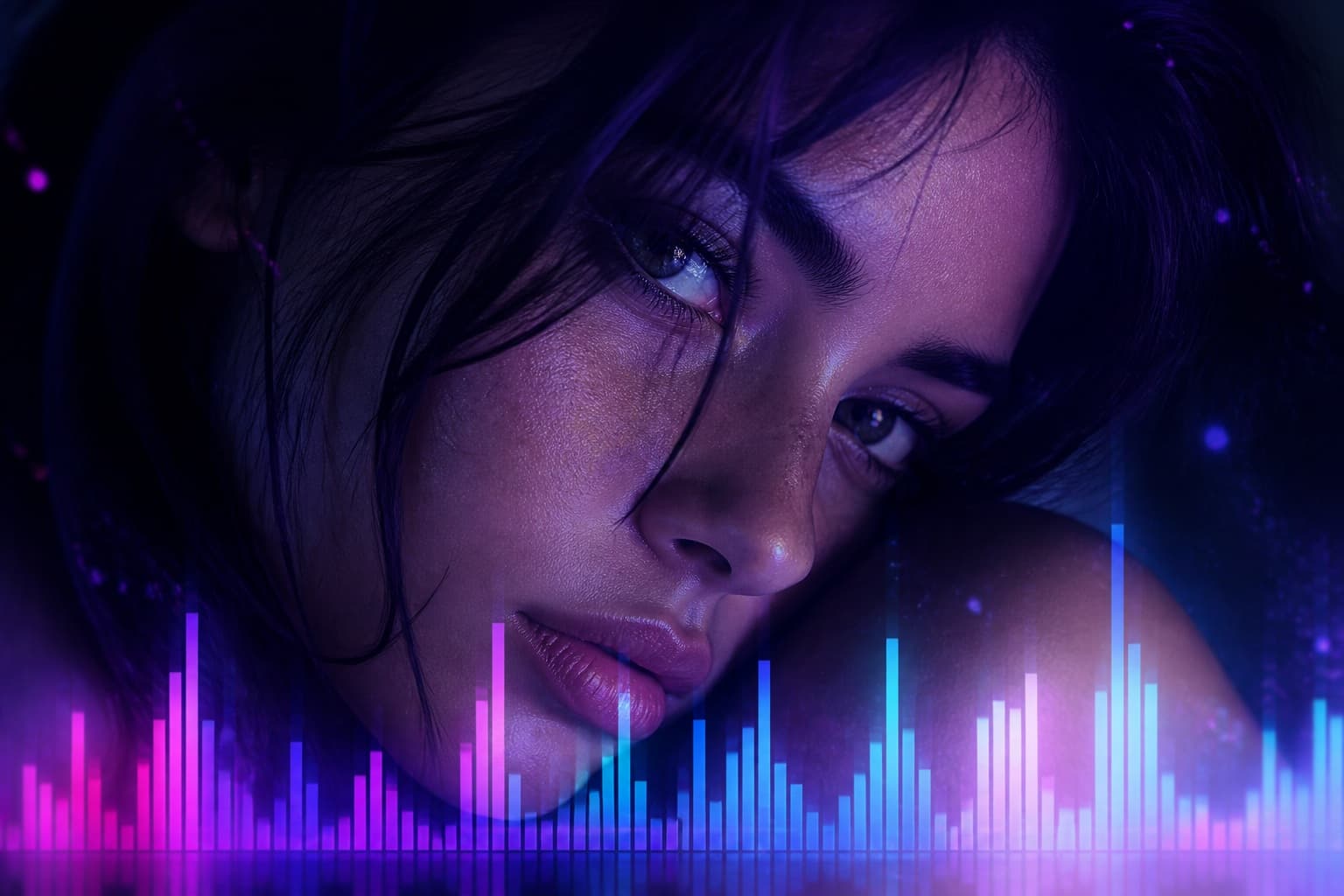
Singer portrait
Audio
Please sign in to generate
AI Music Video Generator Online Free
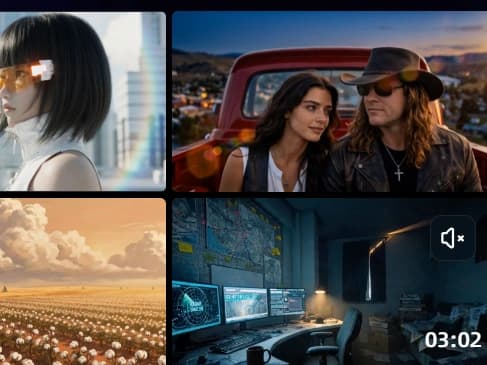
AI music video generator keeps the song and builds the picture. Pick Singing MV, Story MV or Photo MV. Upload MP3, WAV, OGG, or M4A up to 50MB and eight minutes. An ai music video maker in Singing mode needs one clear upper-body portrait. Create ai music video output as an unmarked MP4. Free to start.
What is Senzia's AI Music Video Generator?
Senzia's AI music video generator is a browser tool that turns an existing track into a finished clip. The music generator page invents audio. The cover page swaps a singer. This page needs a file you already have and builds picture around it. An ai music video generator free session starts when you pick one of three modes. Singing Video takes a clear upper-body portrait of a single person plus the song, then maps mouth shapes to the vocal. Story Music Video accepts MP3, WAV, OGG, or M4A up to 50MB and eight minutes, plus zero to nine reference stills, and lets you edit each song scene in plain text. Photo Music Video accepts JPEG, JPG, PNG, or WEBP up to 20MB with the same audio limits, then holds those stills on a timeline and can print a Song name on the frame. A music video ai generator that ignores section changes will cut on a fixed clock instead of the track. An ai music video generator from lyrics path is the Story brief: you write what each verse should show, not a new composition. Rights in the source song and in every face still apply. Downloads carry no watermark.
How Does Senzia's AI Music Video Generator Work?
Step 1: Choose a Mode and Upload Files
A music video generator AI job starts with the track, not a blank prompt. Pick Singing, Story, or Photo. Audio is MP3, WAV, OGG, or M4A, max 50MB, up to eight minutes. Singing needs one clear upper-body portrait of a single person. Story may add zero to nine stills. Photo accepts JPEG, JPG, PNG, or WEBP up to 20MB.
Step 2: Direct Scenes, Stills or the Portrait
On this ai music video generator online canvas, Singing needs no extra brief if the portrait is clean. Story lets you edit each song scene in text. Photo lets you type a Song name that prints on the stills. Do not describe a new composition here.
Step 3: Generate, Preview and Download
Preview the cut against the song. If a Story shot misses the chorus, rewrite that scene and run again. Download an unmarked MP4. Free to start. A free ai music video generator from mp3 export is the full mix plus picture, not a marked preview.
What You Can Do with Senzia's AI Music Video Generator?
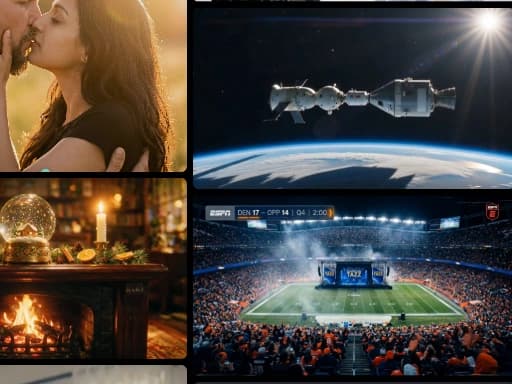
Singing Portrait as AI video generator from music
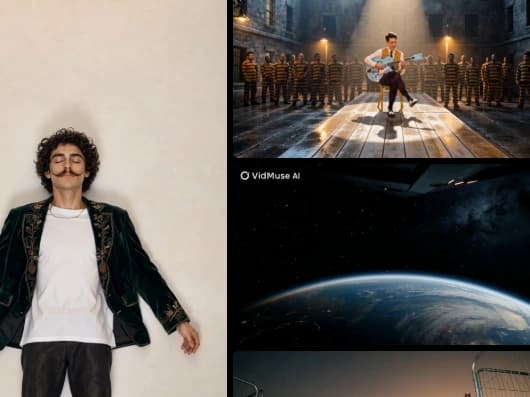
Singing Video is the ai video generator from music path when the face is the show. Upload one clear upper-body close-up of a single person and the track. Group shots, sunglasses, and side profiles fail the mouth map. The model locks the head, then writes lip shapes to the vocal, not to a speech TTS clock. Keep the same person you have the right to show. Export is a performance clip, not a new song and not a voice swap.
Story Scenes via AI Music Video Generator
Story Music Video is how you ai generate music video shots that change with the song. Upload MP3, WAV, OGG, or M4A, max 50MB, up to eight minutes. Add zero to nine reference images if you need a face, a room, or a wardrobe to hold. Then write the scene list in plain text: verse on a night street, chorus on a stage, bridge in a car. The timeline follows song sections, not a fixed four-second grid. Rights in the uploaded mp3 still apply.
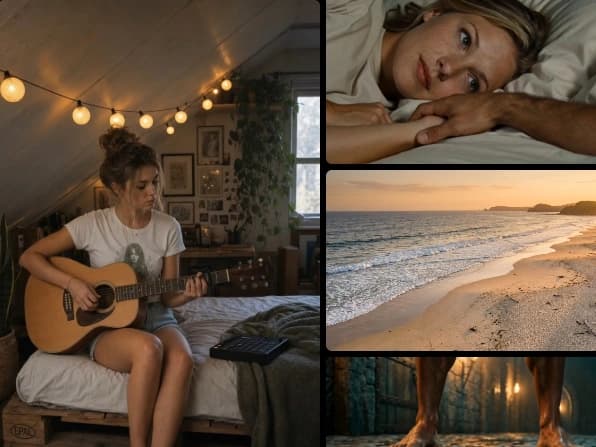
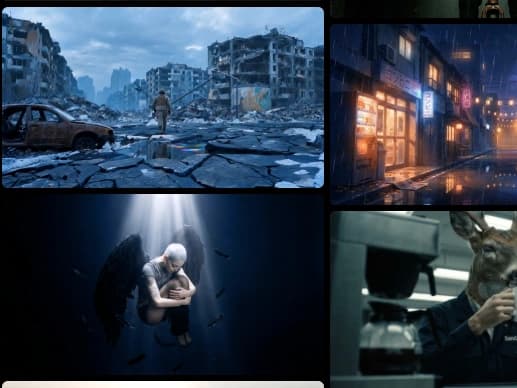
Photo Stills as AI music video creator
Photo Music Video is the ai music video creator path when you already have stills and do not want generated faces. Upload JPEG, JPG, PNG, or WEBP files up to 20MB, then the same audio limits as Story: 50MB and eight minutes. The model holds those frames on the timeline and can print a Song name on the picture. Motion is Ken Burns style, not a new performance. Use this when a singing portrait would invent a mouth you do not want.
Clean Export free AI music video generator without watermark
A free AI music video generator without watermark export is the default on Senzia. First-session files are unmarked MP4s. A free ai music video generator no credits start does not ask you to buy a pack before the first preview. Login walls that stamp a logo are a different product. Best ai music video generator here means the mode match: singing for one face, story for directed scenes, photo for stills. You still need rights in the song and in every person shown.
Who is Senzia's AI Music Video Generator for?
Music Visualizers
A track needs a clip before a playlist add. A best free ai music video generator session in Story or Photo mode ships that clip without a crew.
Band Managers
Release night often has audio and no shoot. Singing Video uses one cleared portrait. Story Video covers the rest of an eight-minute mix.
Release Designers
Stills and a Song name are enough for a photo music video. The title sits on the frame so the clip can travel without a caption field.
Why Choose Senzia's AI Music Video Generator?
The Track Is the Timeline
A clip that ignores verse and chorus is a slideshow with noise. Senzia reads the song first, then places Singing performance, Story cuts, or Photo holds on those sections. That is the test for music to video quality. If the chorus does not get a new picture, the cut failed.
Three Modes, One Job Each
Singing is a lip sync music video from one portrait. Story is a story music video with scene text and up to nine references. Photo is a stills reel with an optional Song name. Tools that force every track through one avatar look miss two of those jobs. Pick the mode that matches the files you have.
Unmarked, Rights Stay With You
It is a free ai music video generator session with no watermark. You keep the MP4. You still need rights in the source song and a release for every face. Uploads stay private. Unfiltered processing does not mean unlawful sources are allowed.