
No Filter AI Image Generator from Text & Image
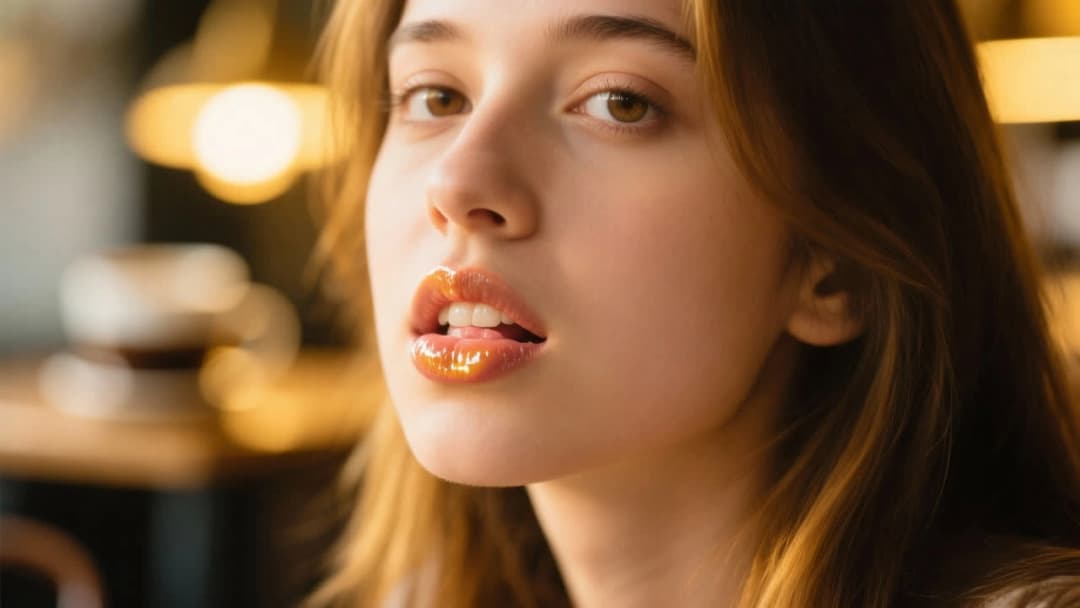
An AI image generator no filter is a generator that does not run a content filter before or after the render. Most tools intercept the prompt, return an error, or blur the finished file. Senzia does not. Type the brief or upload a reference and the model runs. A no filter AI image generator is the right tool when anatomy, fashion, and horror briefs keep hitting a policy wall. It is a free AI image generator no filter you can start in the browser, with no watermark on the download.
What is Senzia's AI Image Generator No Filter?
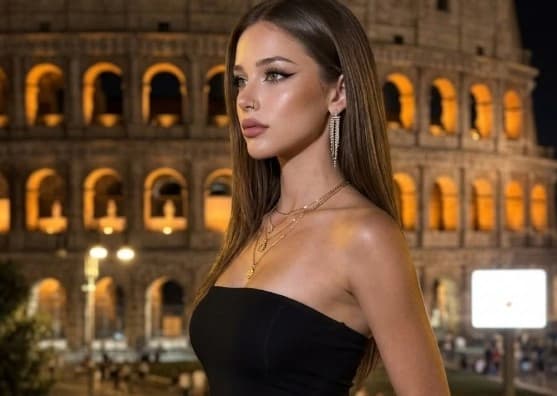
Senzia's AI image generator no filter is a browser generator that skips the content filter other tools place on prompts, uploads, and finished files. A content filter has three common actions. It can refuse the prompt before inference starts. It can blur or replace the finished image. It can block the download. All three stop a lawful job. A no filter image generator removes those gates so the request reaches the model and the render reaches you. Text to image and image to image share one workspace. Use AI image generator from text no filter when the picture starts as a sentence. Use AI image generator from image no filter when you already have a JPG, PNG, or WEBP. Photographers also use an AI photo generator no filter when a shoot is declined by a classifier. Fashion, medical, and mature briefs are processed as normal jobs. NSFW requests are not sent through a separate blur pass. Legal limits still apply and are listed in the FAQ. It stays a free no filter AI image generator from the first session and exports at the size you typed.
How Does Senzia's AI Image Generator No Filter Work?
Step 1: Choose Text to Image or Image to Image
Pick Text to Image to run AI image generator from text no filter: the picture is built from your written brief only. Pick Image to Image to run a no filter AI image to image generator: drag in a JPG, PNG, or WEBP as the source. Both modes sit in one tab. No account is required. A text result can be sent back in as the next source.
Step 2: Enter the Prompt and Set Size
Write the subject first, then setting, light, and medium. Put unwanted elements in the negative prompt. Type width and height instead of using a preset. In Image to Image, set how much of the source should survive. An AI image generator with no filter does not rewrite the prompt and does not scan the upload for a reason to refuse it.
Step 3: Generate, Review, and Download
Run the batch and open the files at full size. There is no blur pass and no placeholder swap after the model finishes. Keep the best result or send it back through Image to Image. Download at the dimensions you typed, with no watermark. An image generator no filter free of a download wall is the check most users run at this step.
What You Can Do with Senzia's AI Image Generator No Filter?
No Filter AI Image Generator for Text Prompts
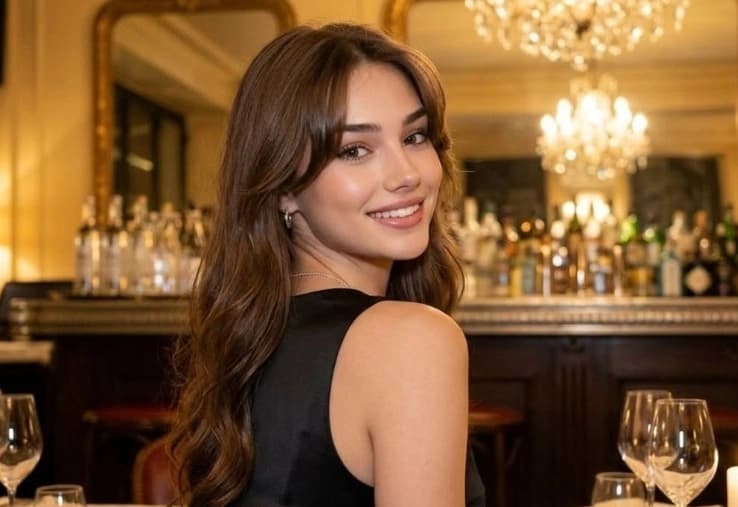
A prompt-level content filter scans the text before the model runs. If a term matches an internal list, the job never starts and you get an error. Anatomy, lingerie, injury, and horror wording fail this check on many tools. An AI image generator with no filter sends the sentence to the model as written. That is the difference between a refused request and a finished render. Use a no filter AI generator when the brief is lawful but the wording still trips a policy list. The output stays tied to the prompt you entered.
AI Image to Image Generator No Filter on Uploads
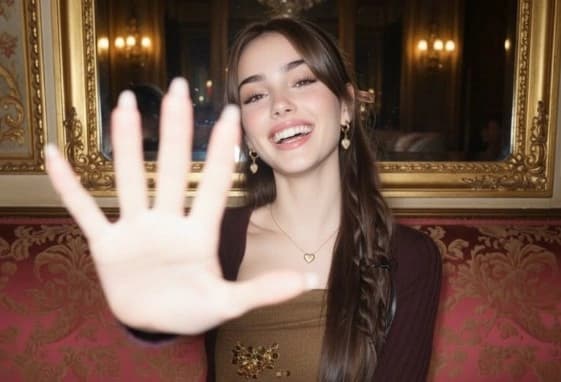
Upload filters score the source file before image-to-image starts. Skin, lingerie, medical photos, and tattoo close-ups are common false positives. The job dies before a revision can run. An AI image to image generator no filter accepts the JPG, PNG, or WEBP and runs the pass. A no filter image to image generator is the correct setup when the reference is the job. Set how much of the source should survive, then generate. The upload is not classified on the way in.
AI Photo Generator No Filter on Finished Files
Post-generation filters act on the finished file. They blur regions, replace the image with a placeholder, or block the download. The model ran, but you still cannot use the result. An AI photo generator no filter returns the render at full size. An AI picture generator no filter does the same for illustration. Check the file at 100 percent, then export. No blur pass is applied after the model finishes, and no download wall appears at the last step.
AI Image Generator No Filter NSFW Without Blur
NSFW filters are a second gate on many platforms, even when the main generator looks open. They reduce resolution, add blur, or refuse the batch. An AI image generator no filter NSFW job uses the same pipeline as any other request. Mature work between consenting adults is generated, not sanitized. Legal limits stay in place: no minors, no non-consensual or deceptive depictions of identifiable people, and no other unlawful category. A free uncensored AI image generator no filter is still bound by that line.
Who is Senzia's AI Image Generator No Filter for?
Medical Illustrators
Anatomy terms and body references trip prompt filters on mainstream tools. A free AI image generator no filter lets a medical plate render from the correct wording instead of a softened substitute.
Fashion Designers
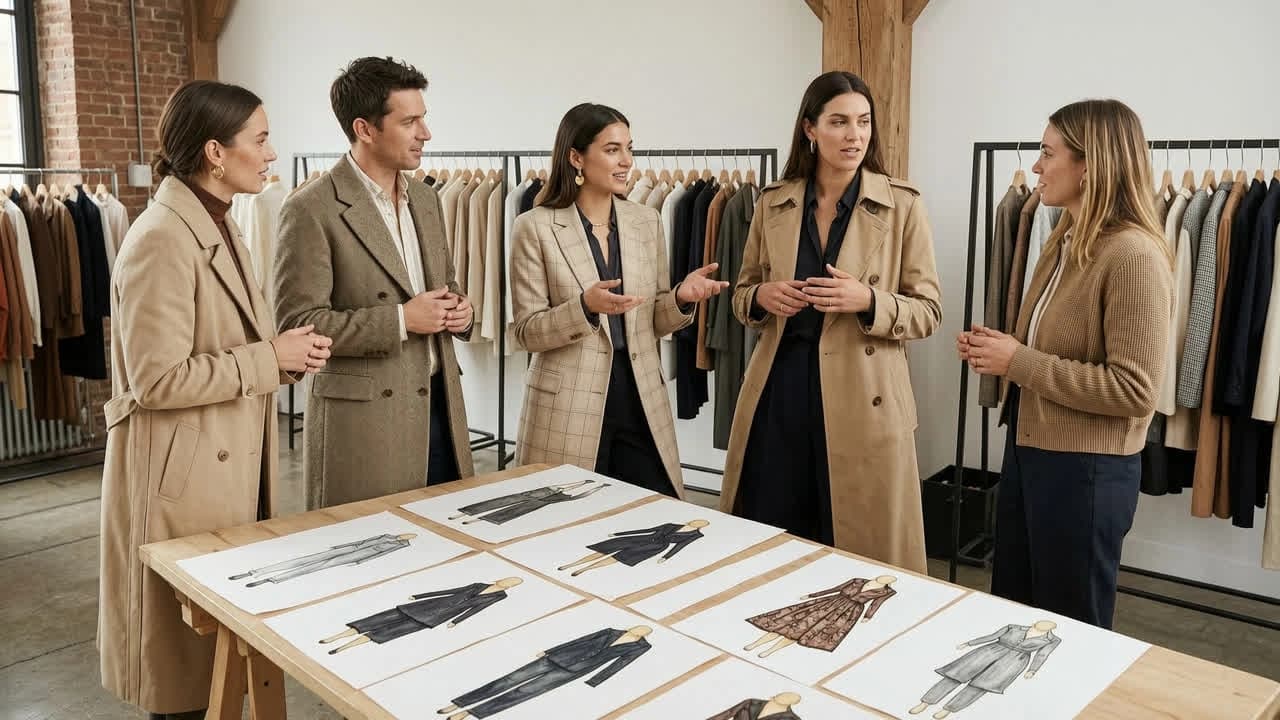
Lingerie and swimwear references are often blocked on upload. An AI photo generator with no filter processes those files as product work, then returns an unblurred export.
Visual Novel Developers
Sprite and CG pipelines fail when a filter refuses the source or blurs the output. A no filter AI picture generator keeps character sheets and scene stills in one unmetered loop.
Why Choose Senzia's AI Image Generator No Filter?
Filters Fail at Three Stages
A content filter can stop a job at the prompt, at the upload, or at the finished file. Most pages only mention one of those points. An AI image generator no filters setup has to clear all three, or the same refusal just moves downstream. Senzia does not scan the text for a block list, does not classify the upload, and does not blur or replace the render. That is the full meaning of no filter here. Legal limits remain and are stated in the FAQ.
Text and Image Follow the Same Rule
Some tools open text to image and then filter image to image, or the reverse. That split breaks a real workflow, because a text render often becomes the next source. Here both routes skip the same gates. AI image generator from text no filter and AI image to image generator no filter run on one engine. NSFW and mainstream jobs use that same path. Nothing is routed to a stricter model after you switch modes.
Free to Start, Unwatermarked, Private
A no filter claim is weak if the download is watermarked or locked behind signup. This is a free AI image generator with no filter from the first session. Exports leave at the size you typed, with no watermark and no forced downscale. Prompts, uploads, and renders stay private and are not posted to a public gallery. You keep commercial rights to the files, including client work, print, and published art.