
AI Image Filters & AI Video Effects Generator Free Online
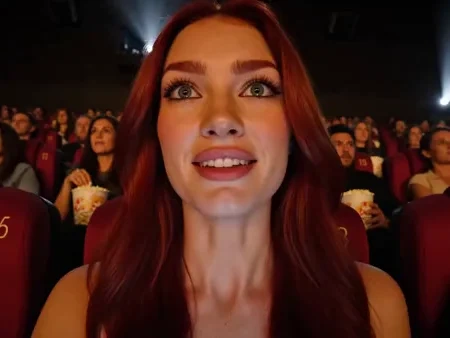
Find popular trends without searching across a dozen tools in Senzia's growing library of AI effects. Open Tiny Desk AI, Diwali, Fancy Cafe, or trending AI effect generator, add the photo each card asks for, and make the result on its own page.
What is Senzia's AI Effects?
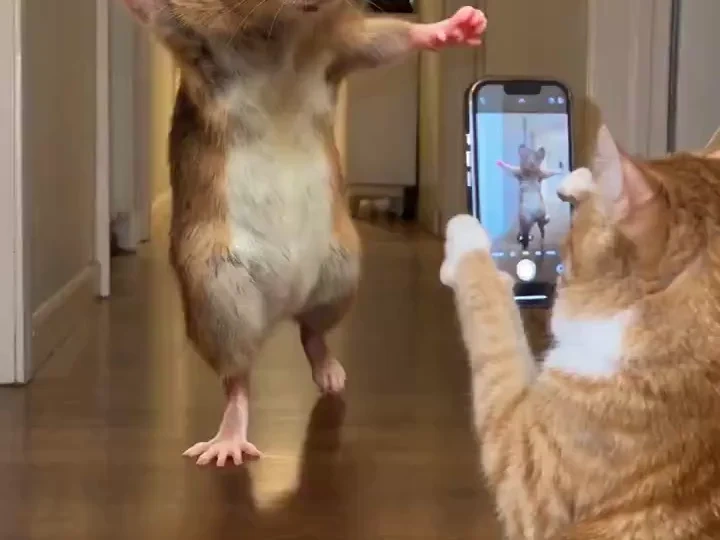
Senzia groups AI effects into a changing collection of photo filters, video templates, transitions, and prompt-led trends, rather than one preset that does every job. Each AI effect explains its required photo, shows the expected result, and opens the matching creator, helping social creators, meme makers, and portrait editors choose before uploading. Browse AI effect prompts online for a custom scene or open an AI image filter when a ready-made visual style fits better.
How Does Senzia's AI Effects Generator Work?
Step 1: Choose an Effect
Scan the cards by trend, result, and input before choosing one. AI fun effects sit beside cinematic and seasonal looks, so the preview tells you what each one makes.
Step 2: Follow Its Input
Open the effect card, then follow the input shown on its full page. Some AI effect prompts need a photo plus a line, while templates may ask for several clear faces.
Step 3: Generate and Check
Add only photos you may use, then generate and inspect the result. An AI effect editor still needs you to check faces, hands, objects, and transitions before saving.
What You Can Do with Senzia's AI Effects?
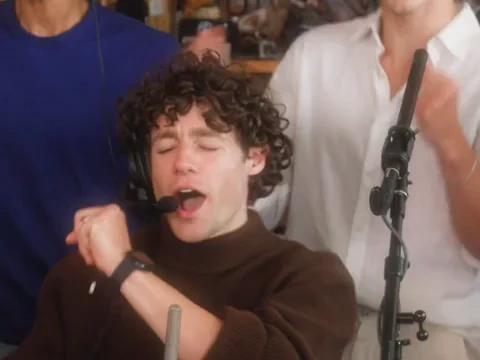
Turn Your Photos Into a Tiny Desk Concert
Among AI fun effects, Tiny Desk AI lets a portrait or a group of friends take the stage with the compact concert setup already built into the template. Use the page as an AI video filter when the people should change but the recognizable performance format should stay. The finished entry belongs with AI video effects online because you can preview the moving result before deciding whether to share it.
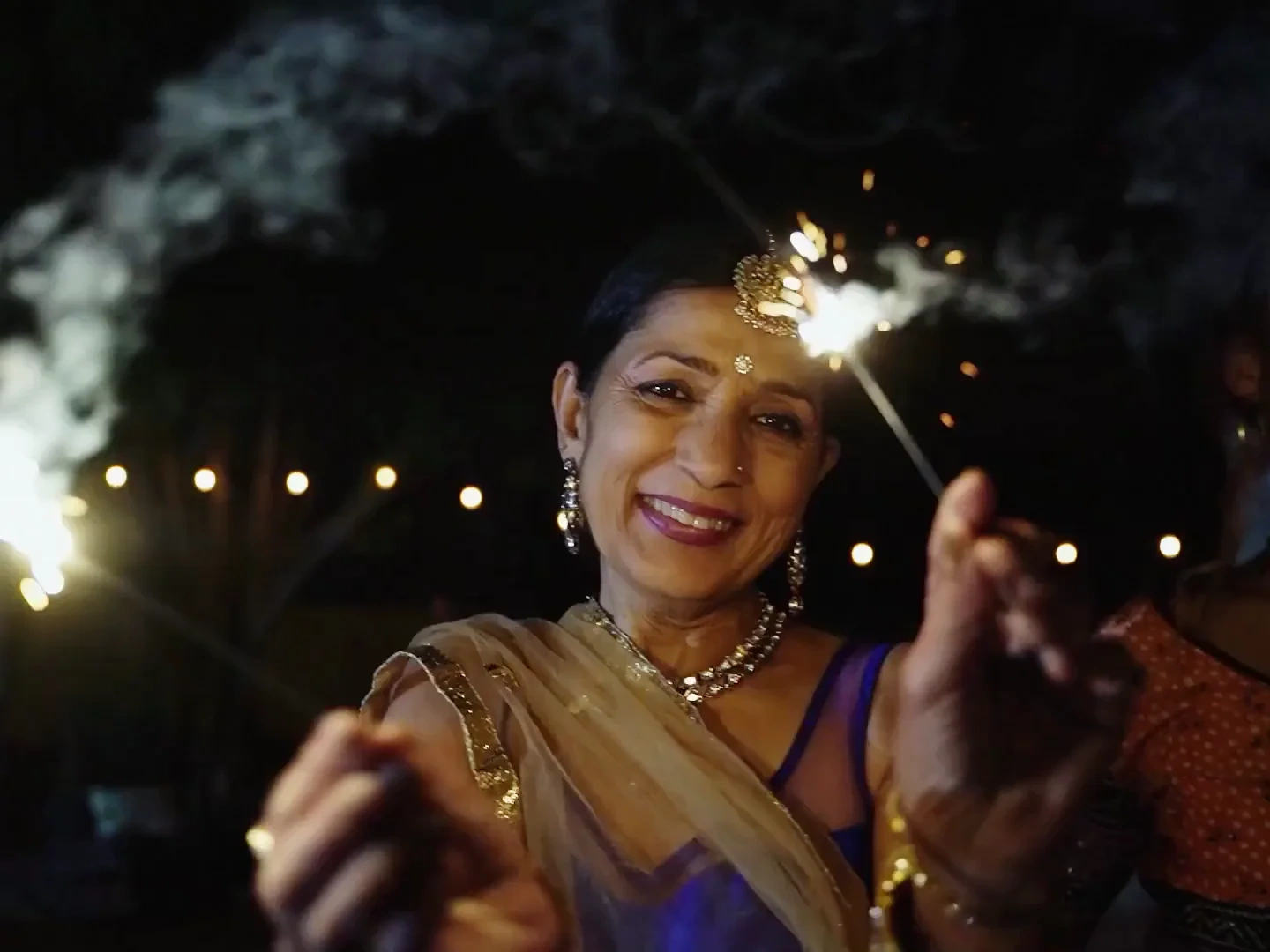
Turn a Diwali Portrait Into a Festive Post
A seasonal AI effect photo can become a diya-lit portrait, a Bullet bike reel, or a fireworks reveal through the whole Diwali collection. Start with AI photo effects when you want a saree, kurta, rangoli, or sparkler portrait made from your upload. Switch to photo effect AI for a moving prompt when the outfit should twirl, the night sky should open, or the parked bike scene should come alive at night.
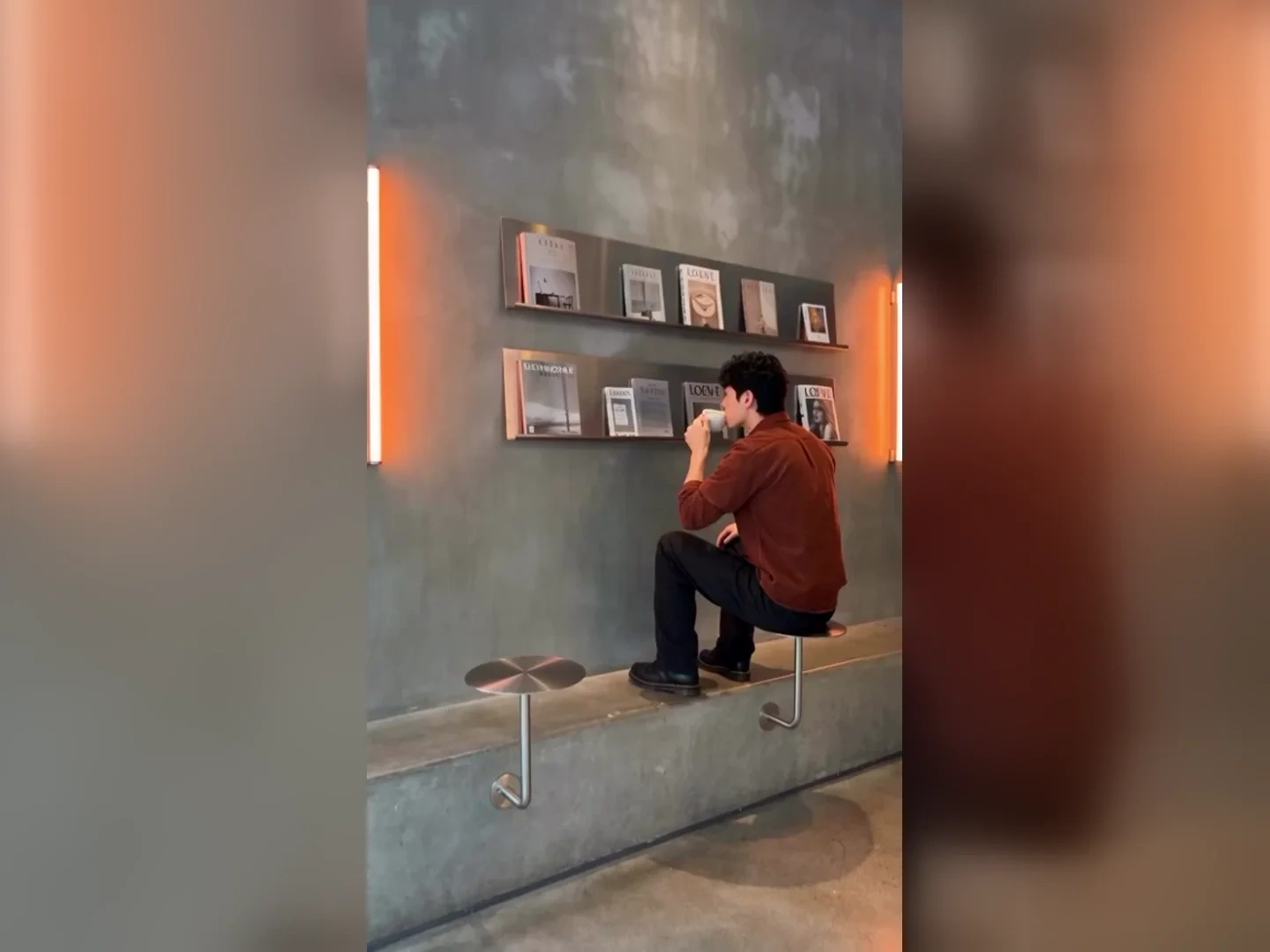
Turn Friends Into a Fancy Cafe Meme
Among AI funy effects, the POV First Time in a Fancy Cafe AI page turns one or two photos into the awkward table-and-chair mix-up. The template works as an AI effect creator because the comic timing and cafe setup are supplied before your own people are cast. That makes it one of the AI video effects built for a recognizable joke, rather than an open prompt that leaves every beat undecided right away.
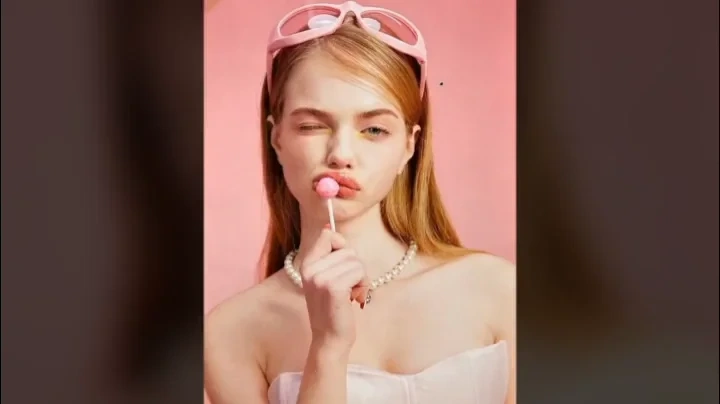
Turn a Portrait Into the Next Trend
New AI image effects can move a portrait into an underwater look, doodle overlay, vintage style, storm clip, or squishy scene as fresh cards arrive. Choose an AI picture filter for a still transformation when a specific style matters more than any motion. The library places AI video transitions beside still looks, so you can compare both paths while every destination page states what is available now.
Who is Senzia's AI Effects for?
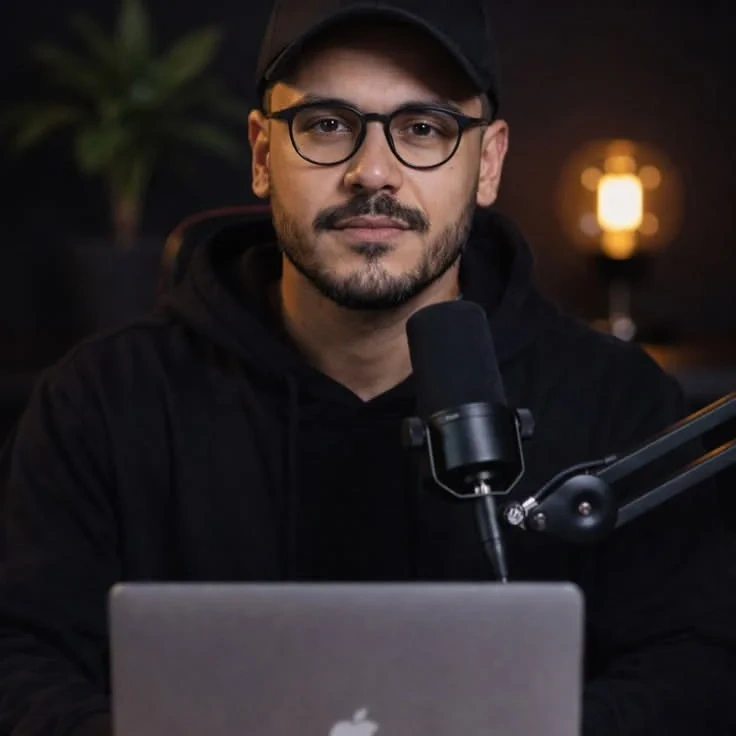
Social media creators
A social media creator needs the new format before a trend becomes old news. The AI effect maker brings current video jokes, seasonal templates, and visual styles into one place.
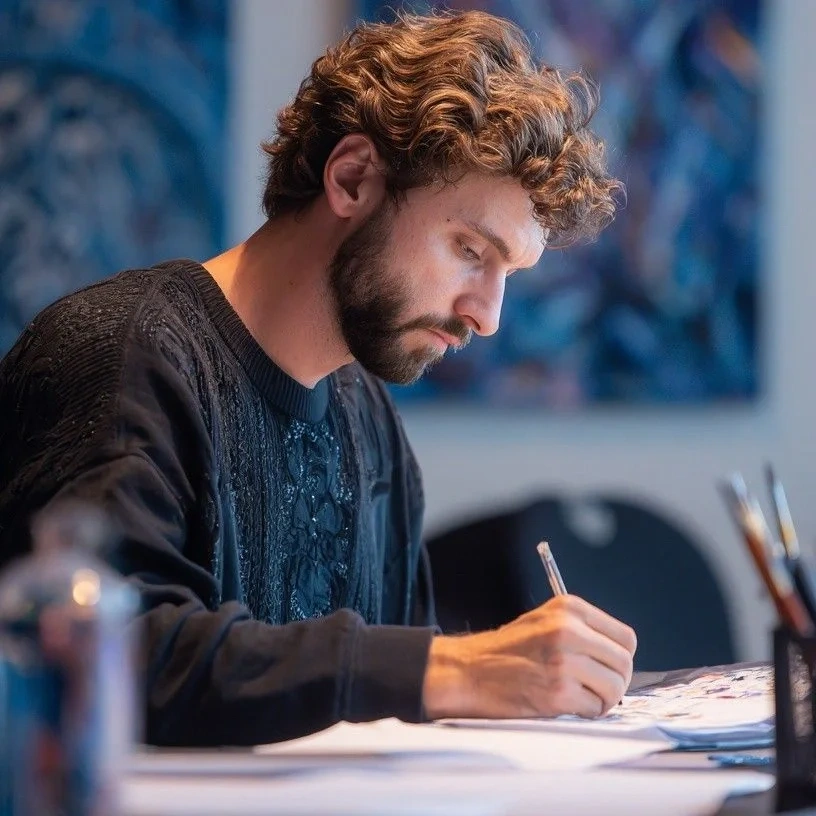
Meme makers
A meme maker wants a familiar setup but needs friends to fill out the cast. An AI video filter opens the template that controls the scene while their own photos supply the faces.
Portrait editors
A portrait editor wants a quick style test before committing to a full manual edit. An AI photo filter opens a ready-made look with a preview of the result it is meant to create.
Why Choose Senzia's AI Effects?
A Known Result Before You Start
A broad generator can leave you guessing which words produce the trend you saw. Senzia pairs AI effect prompts copy options with named templates and previews, so you begin from a known result.
Photo and Video Trends Together
Separate directories make you choose between photos and videos before you see the best ideas. This hub places an AI effect photo beside moving trends, so the result you want decides your path.
Try the Effect Before Finishing
A free start lets you try a real effect card before choosing any plan. Eligible plans provide a clean download, and a caption or final crop can wait until the chosen effect has fully finished.